
Credits, Discounts and Coupons
Measure enables management of credits, discounts and promotions with a high degree of flexibility. These levers can be used to increase customer satisfaction and boost sales.
Credits
Measure allows you to provide credits to your customers that they can use towards future purchases. These credits can be given as a reward for loyalty or as compensation for issues or mistakes. These can be easily managed and tracked through the Measure dashboard.
Credits can be issued in terms of amounts that can be used by an expiration date or units of a particular item that is billed on an invoice. Credits can also be conferred through product pricing plans that a customer may purchase.
Credits can be conferred at a customer level and also at a subscription level, and they have different implications.
Customer-Level Credits
Unit credits or amount credits can be applied at a customer level. Unit credits are always applied pre-tax, and amount credits at the customer level are applied post-tax.
Subscription-Level Credits
Unit credits or amount credits can be scoped at the subscription-level as well. This ensures that credits only apply to that subscription. These credits (both unit and amount) are applied pre-tax.
If there are multiple credits on a customer-level or subscription-level, credits that have an expiration date always take preference in the application order. Otherwise, the oldest created credit gets used up first. Also, unit credits are always consumed first before amount credits in general.
Discounts
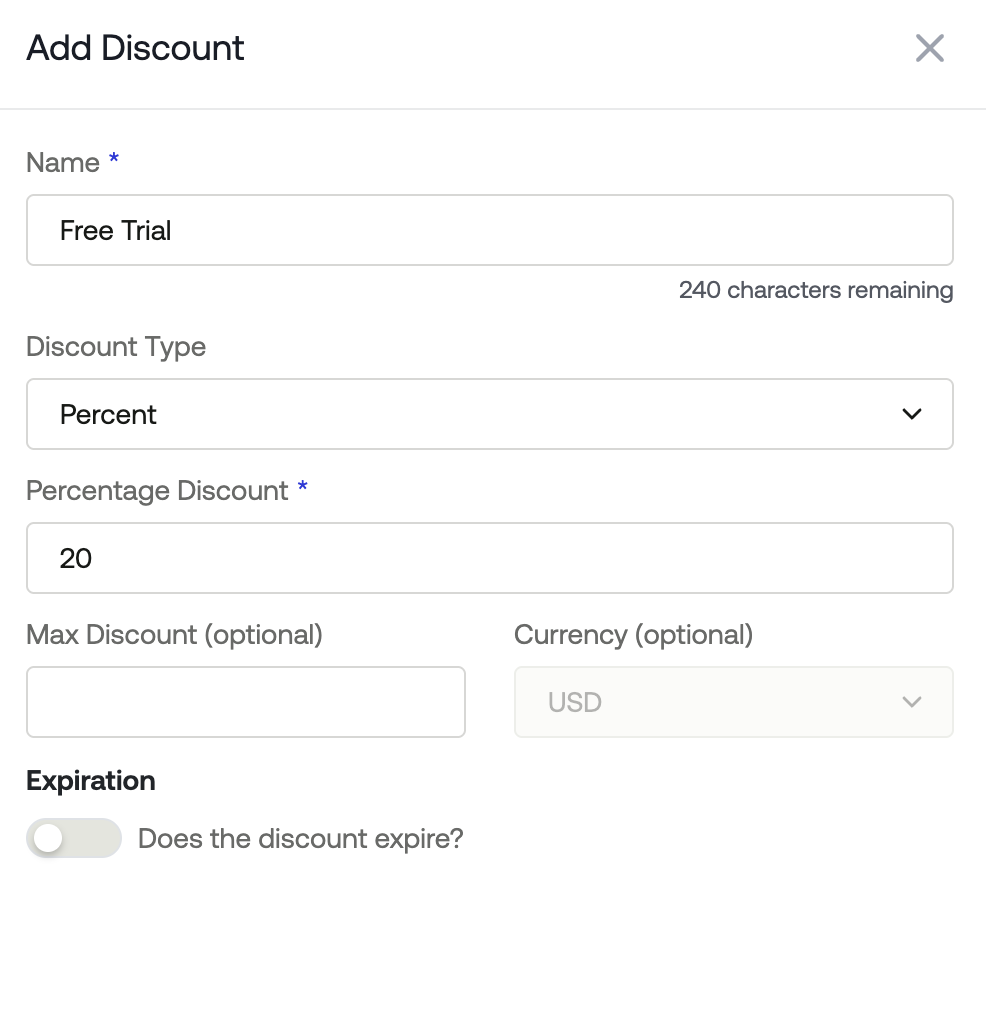
Measure enables you to create customized discounts based on specific products, plans, or even item prices that are used to bill usage on an invoice. These discounts can be percentage-based or amount-based, with or without an expiration date. These discounts can be auto-created on contract or subscription creation as well.
When filling out a discount, you can fill out the following options:
Name
Discount Type
Amount
Percentage
Discount Amount
Currency
Expiration
Coupons and Promo Codes
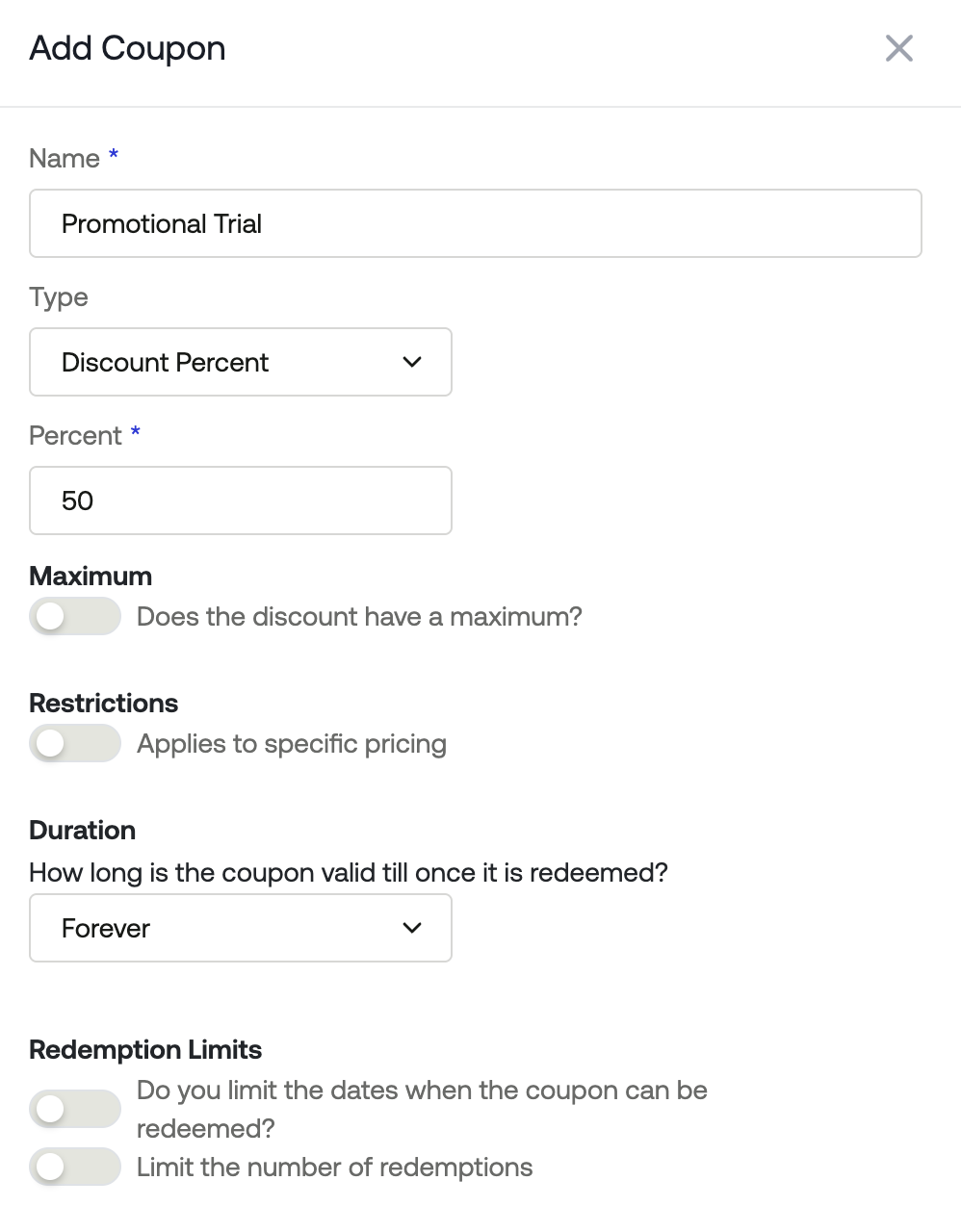
Measure enables you to create coupons and run promotional campaigns that can help you attract and retain customers. Coupons and promo codes can be used flexibly to create either credits or discounts for customers. These can be scoped to specific products, plans, billable items or item pricing. These can also be automatically enabled on payment links for smooth checkout experiences.
When filling out a coupon, you can fill out the following options:
Name
Type
Discount Percent
Discount Amount
Credit Units
Maximum - The most money or percentage value the coupon can reduce, even if the calculated discount would be higher. Example: “20% off, up to $50.” (If the order is $400, 20% would be $80, but the maximum caps the discount at $50.)
Restrictions - Apply this coupon to specific pricing
Duration - How long is the coupon valid once it is redeemed?
Redemption Limits
Do you limit the dates when the coupon can be redeemed?
Limit the number of redemptions
When to use a Discount vs a Coupon?
Discounts: Automatic, persistent price reductions applied to products, plans, or usage. Best for ongoing incentives or contract-level pricing adjustments.
Coupons: Optional promotional incentives that can create discounts or credits. Best for marketing campaigns, time-limited promotions, or controlled redemption scenarios.