How to Create a Coupon
Coupons are great for running promotional campaigns offering rewards for users. They can be easily applied upon contract and subscription creation.
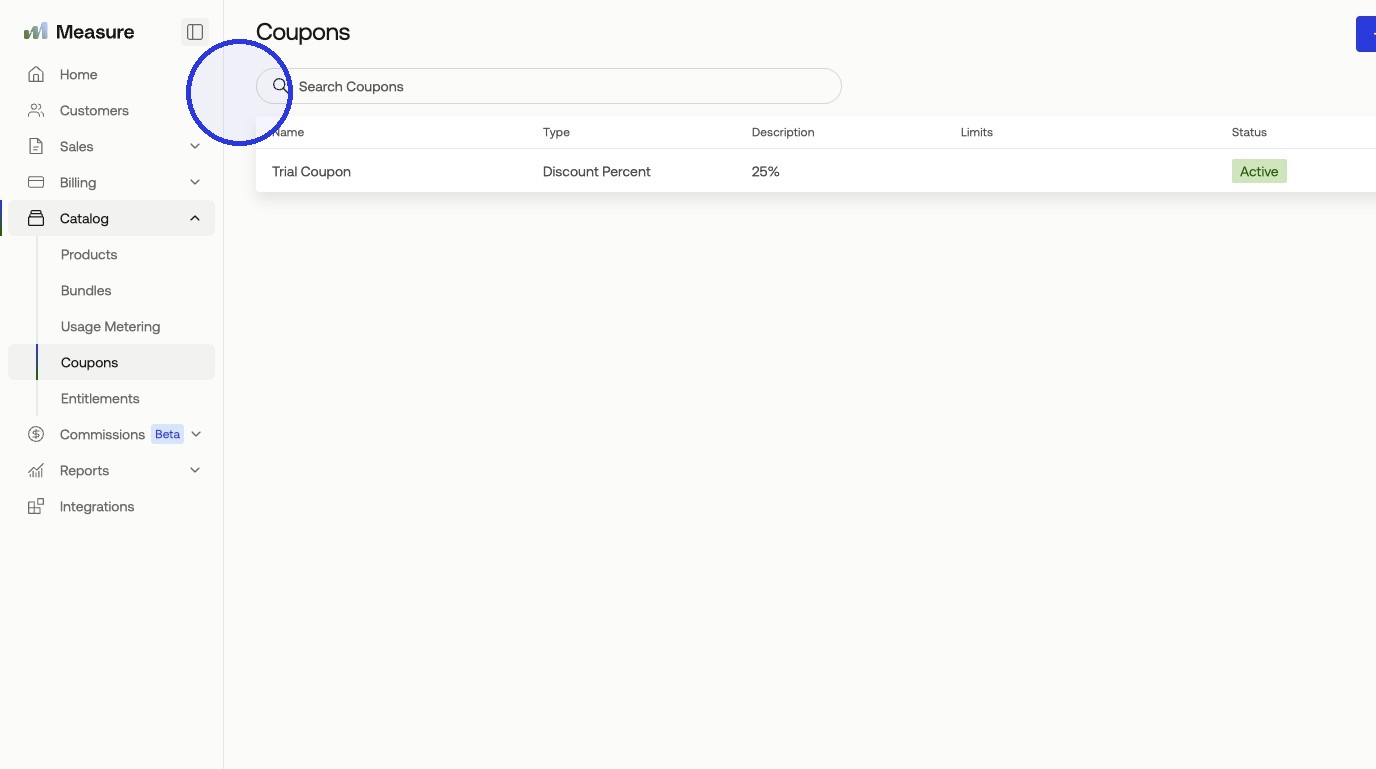
1. Click Catalog > Coupons
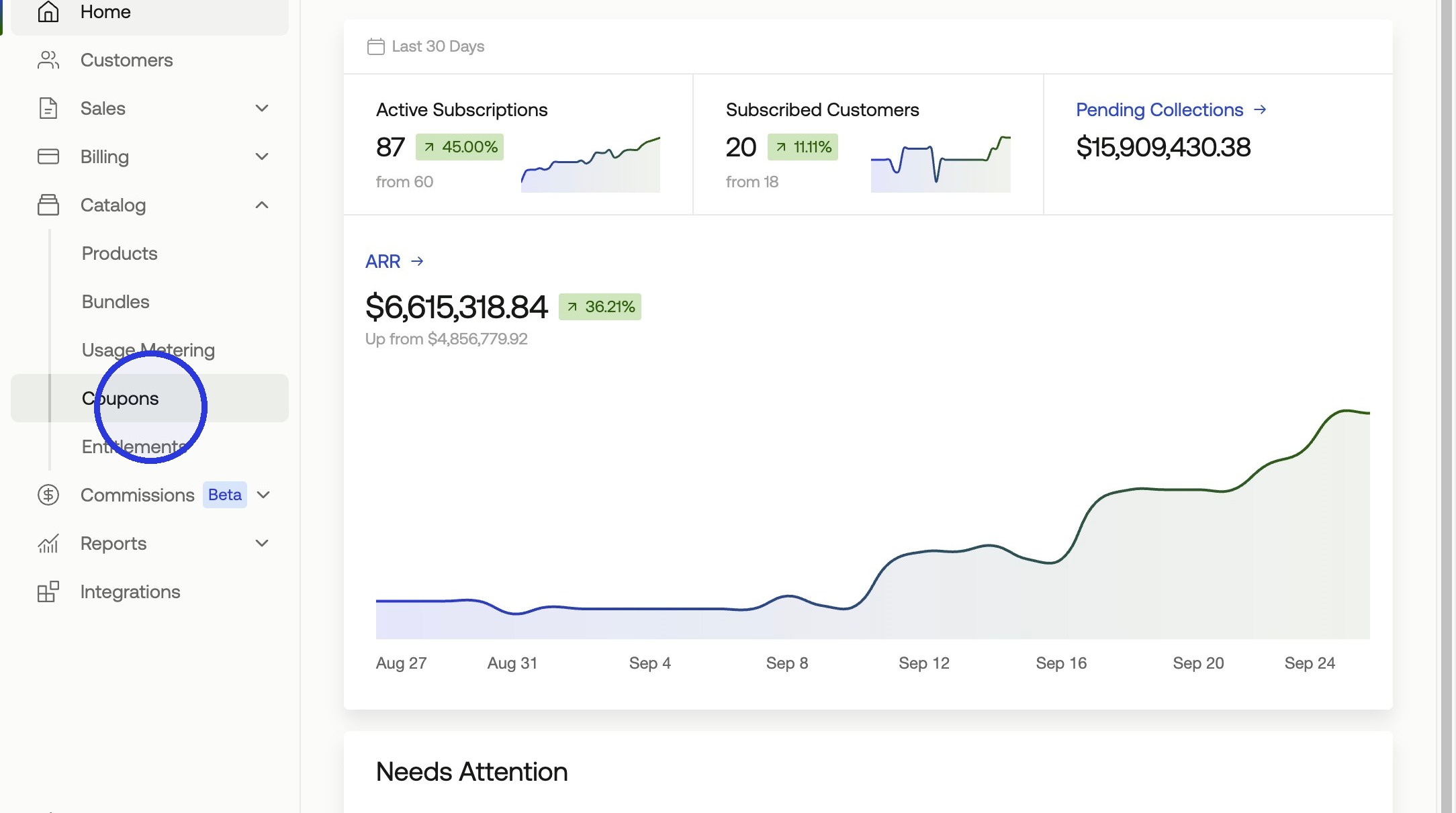
2. Click + Create Coupon > Add Coupon
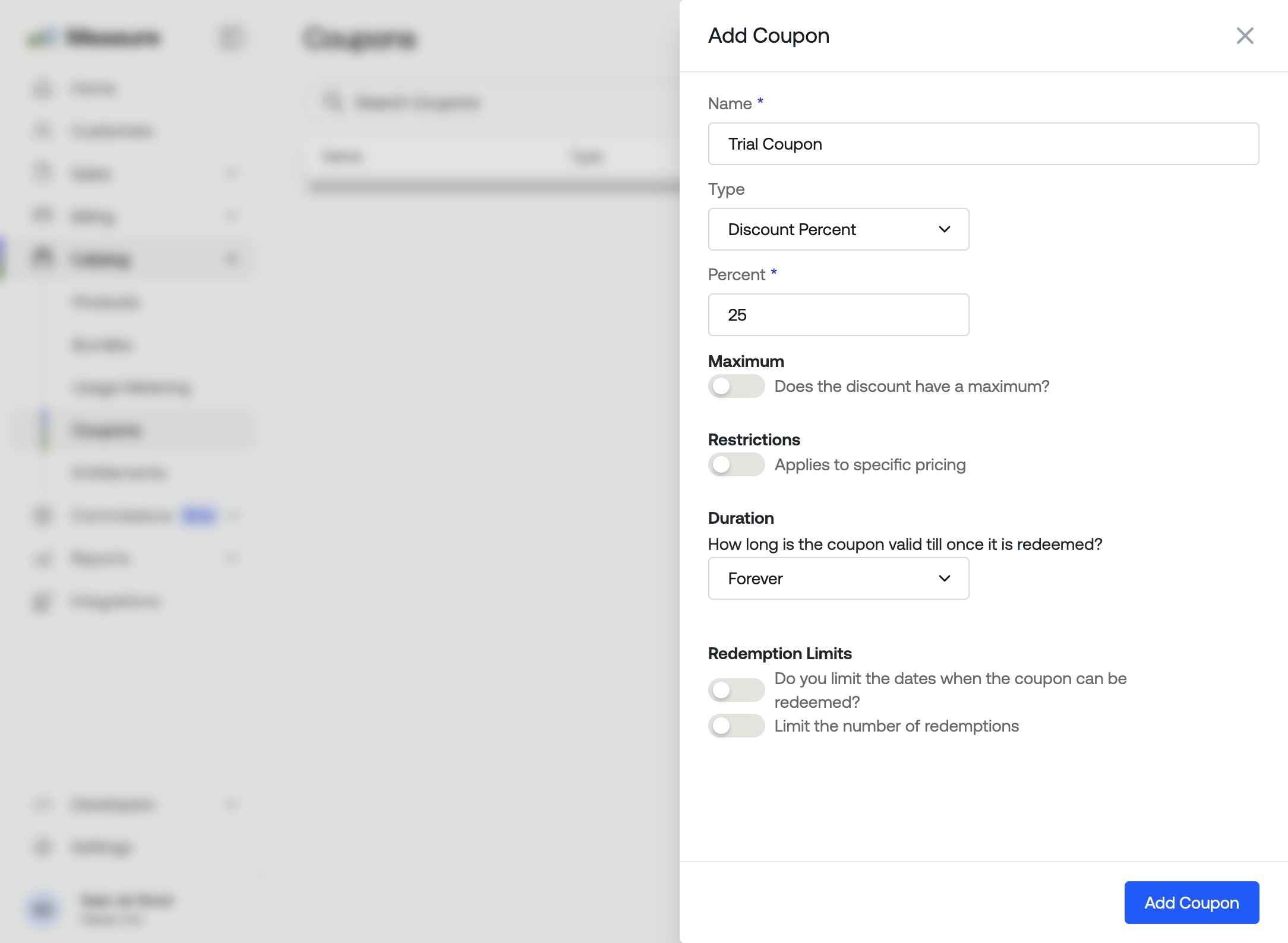
Fill in the coupon details in the panel that appears:
Name: The internal name for the coupon.
Type: Choose Percent or Amount to set whether the discount is a percentage or a fixed value.
Maximum: Optionally cap the discount at a maximum dollar amount.
Restrictions: Optionally limit the coupon to apply only to specific pricing.
Duration: Set how long the coupon remains valid after it is redeemed. Choose Forever to apply it indefinitely.
Redemption Limits: Optionally restrict the coupon to a date range or a maximum number of redemptions.
Your coupon will be present and can be applied to any contract or subscription upon creation.