
Data Import
Measure also allows you to import Customer and Event data from other sources, like CRMs. To import data into Measure, your upload must be in CSV format.
Depending on the amount of data being imported, the import may take some time to complete. You will be notified via email once the import is complete.
Import Results
Once the import is complete, you can see the results listed on the import page.
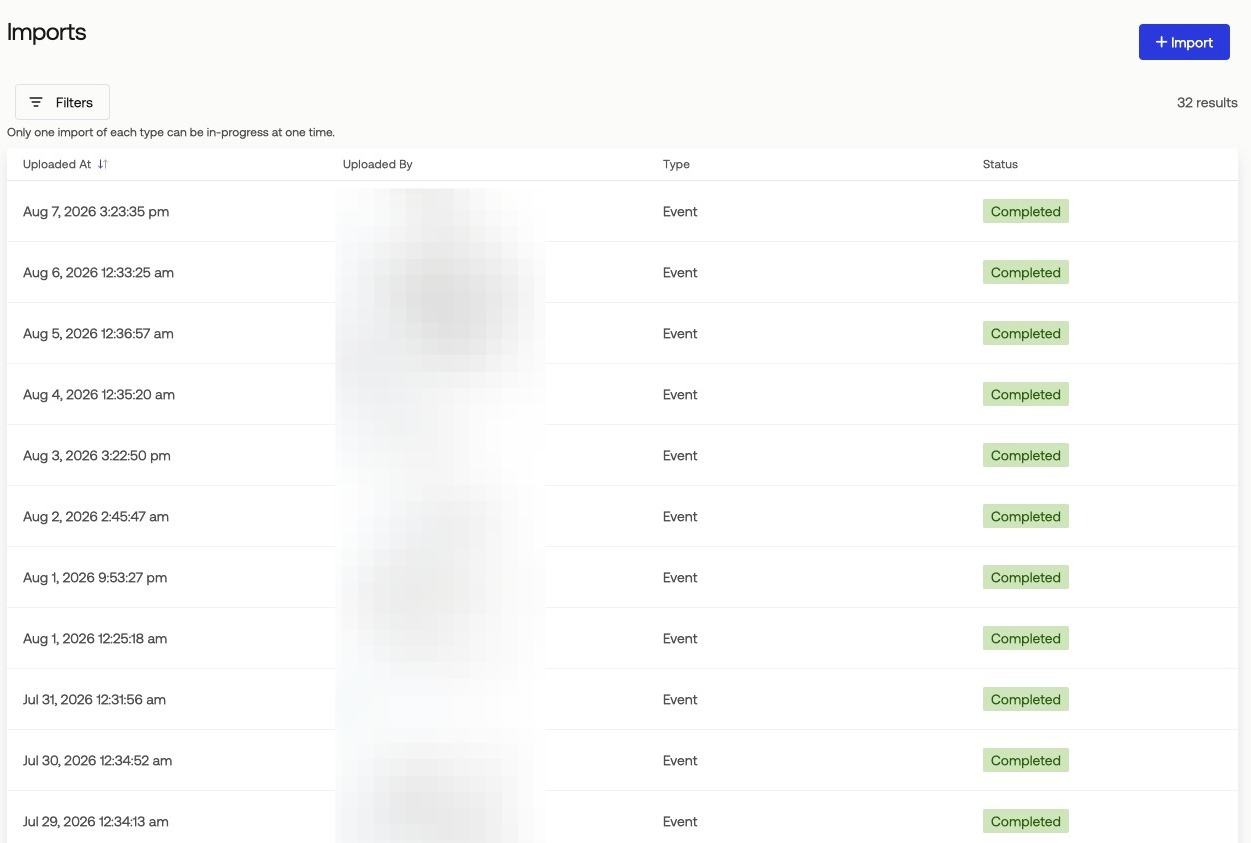
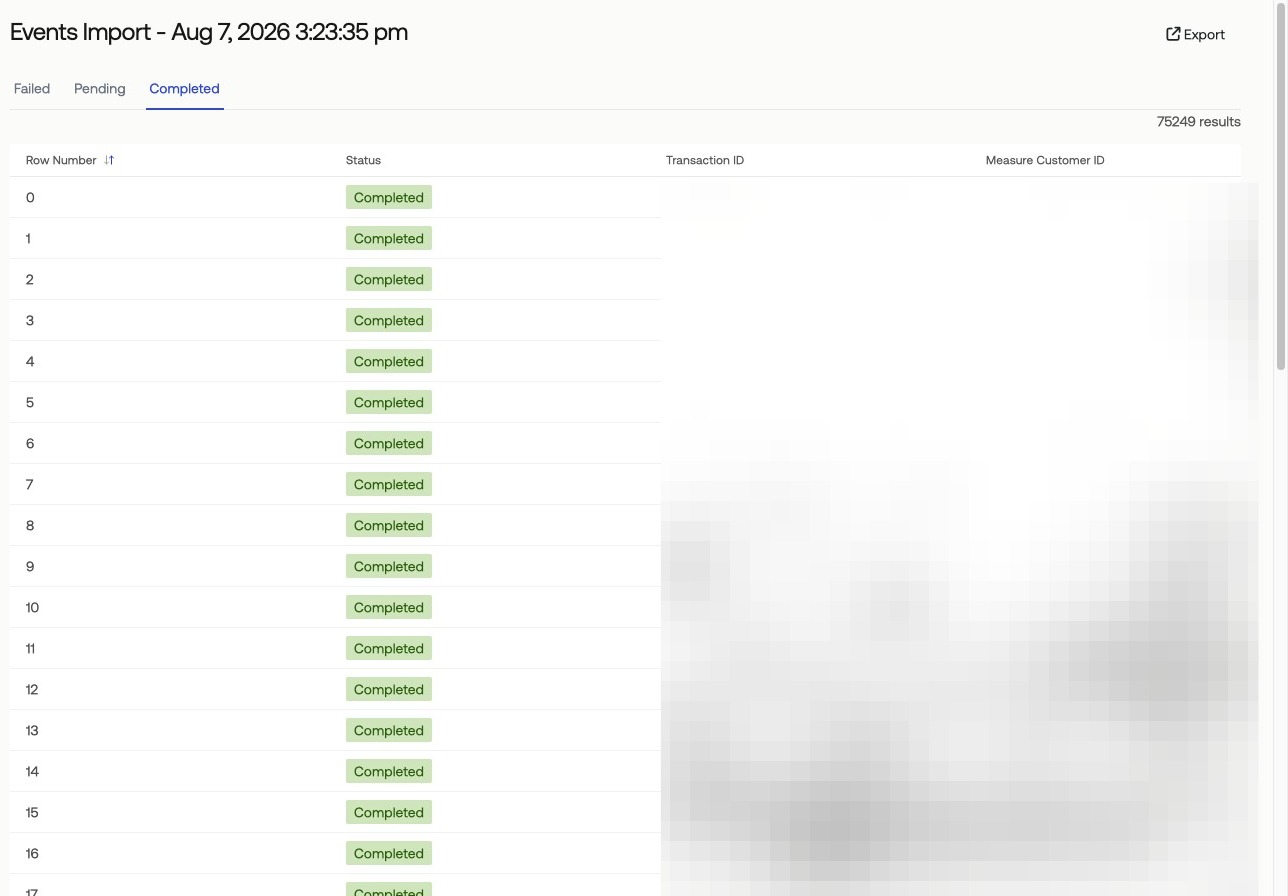
Click on an import to see the line items of results to view which rows have been completed successfully, which are pending and which have failed.
Addressing Import Failures
If some rows have failed, review the reason for the failure under the “Error” column.
You can fix the data in either the original import file (keeping only the failures) or in the exported results.
Re-upload the data after addressing the errors.