
How to Import Customers by File
Edited
Learn how to import your customers into Measure. Look into our integrations (Stripe, CRM) if you would like an automated pull and sync of your customers into Measure.
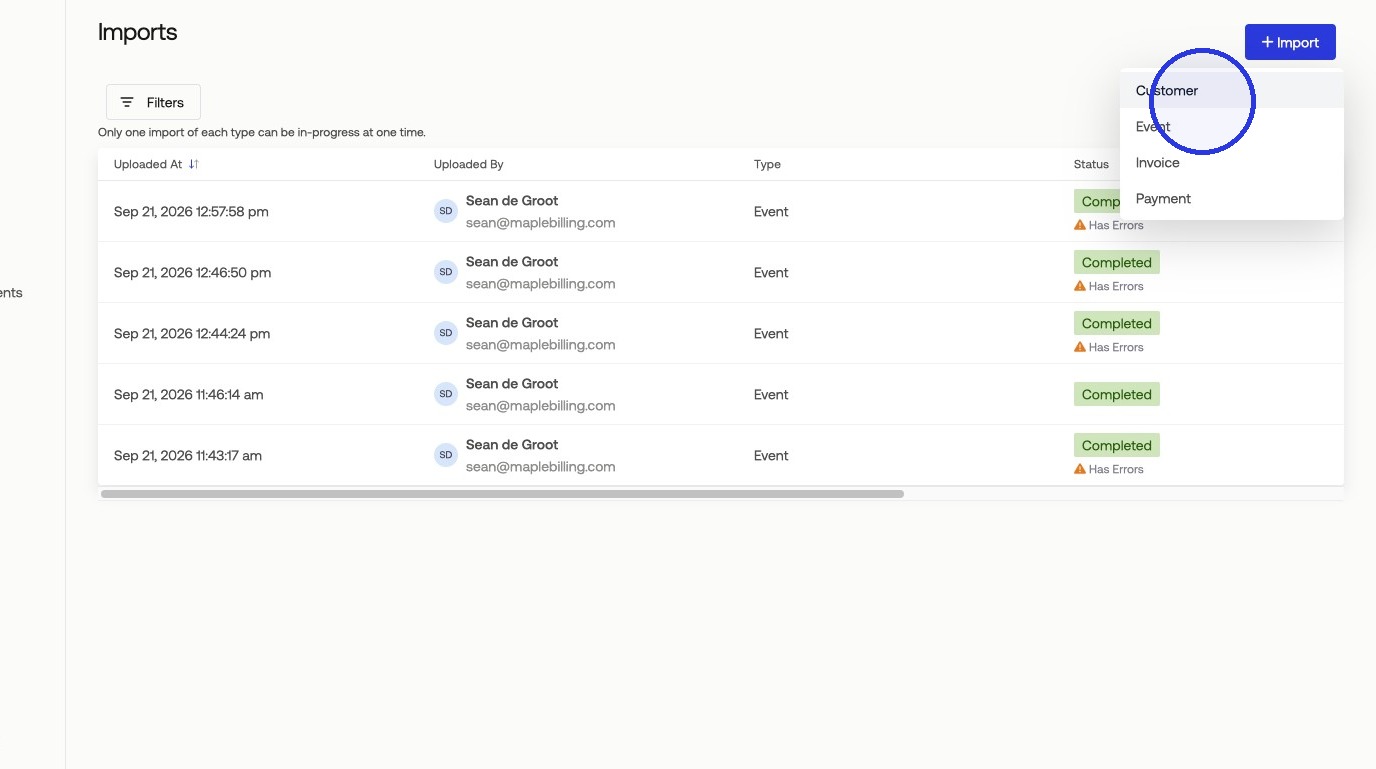
1. Click Settings > Imports > + Import (Customers)
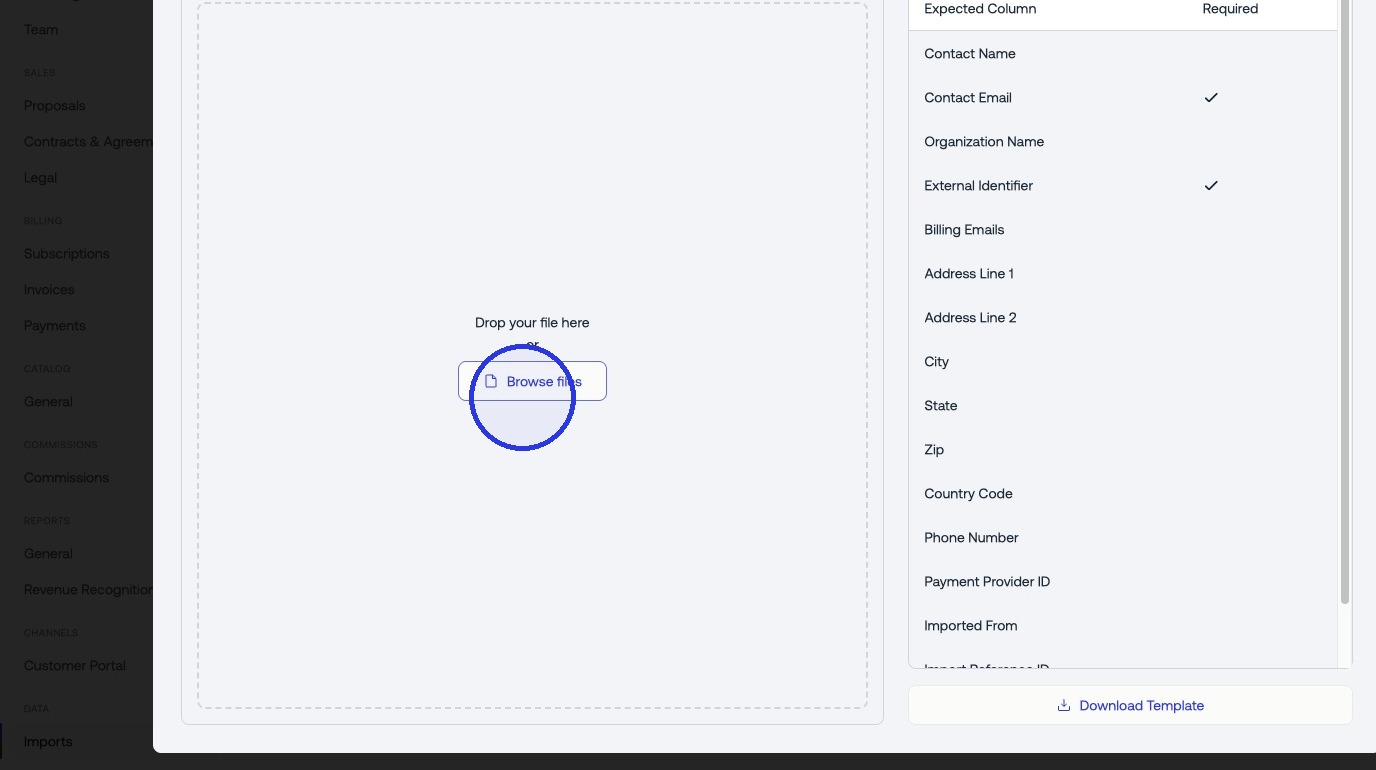
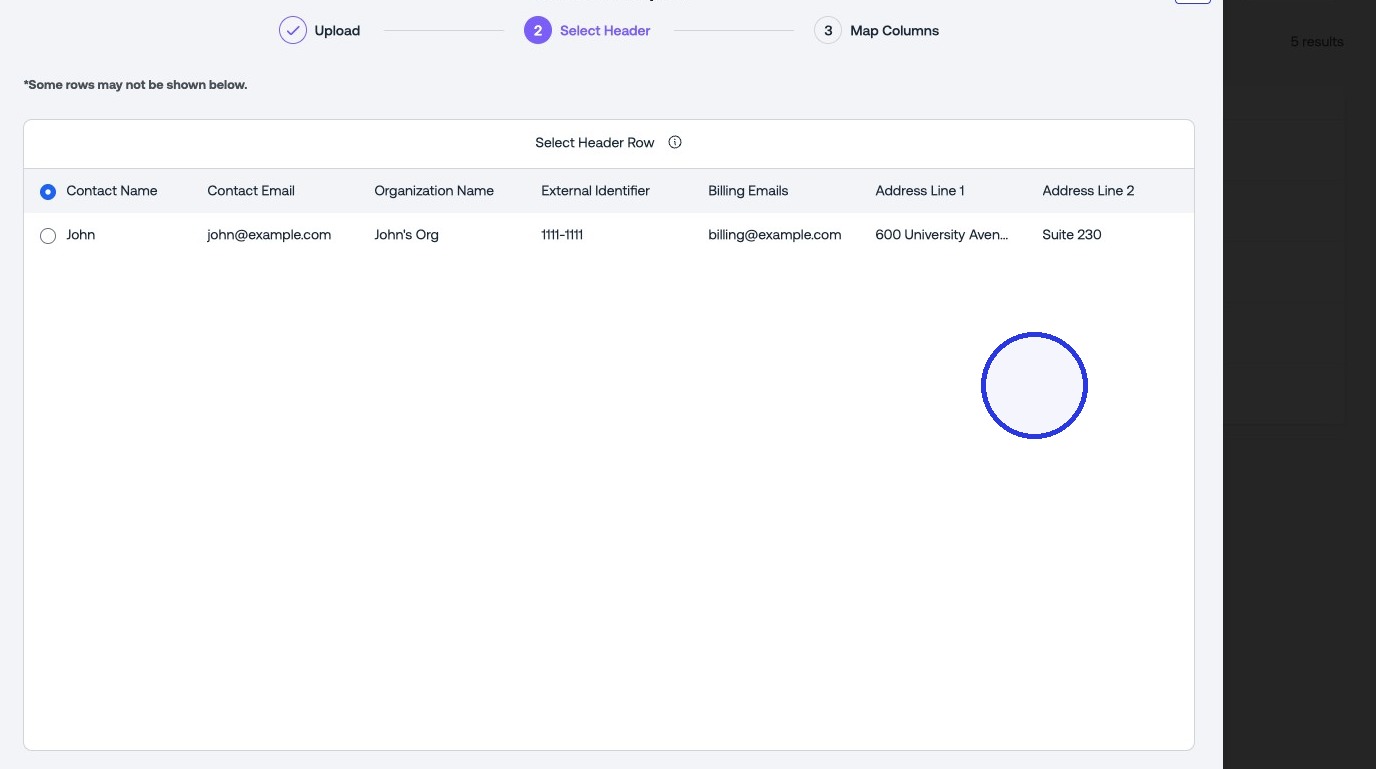
2. Upload your CSV with customer data
Supported file types: XLSX, CSV.
Contact Email and External Identifier are required fields. Address is recommended for tax calculations. Billing emails are added as cc recipients on invoices.
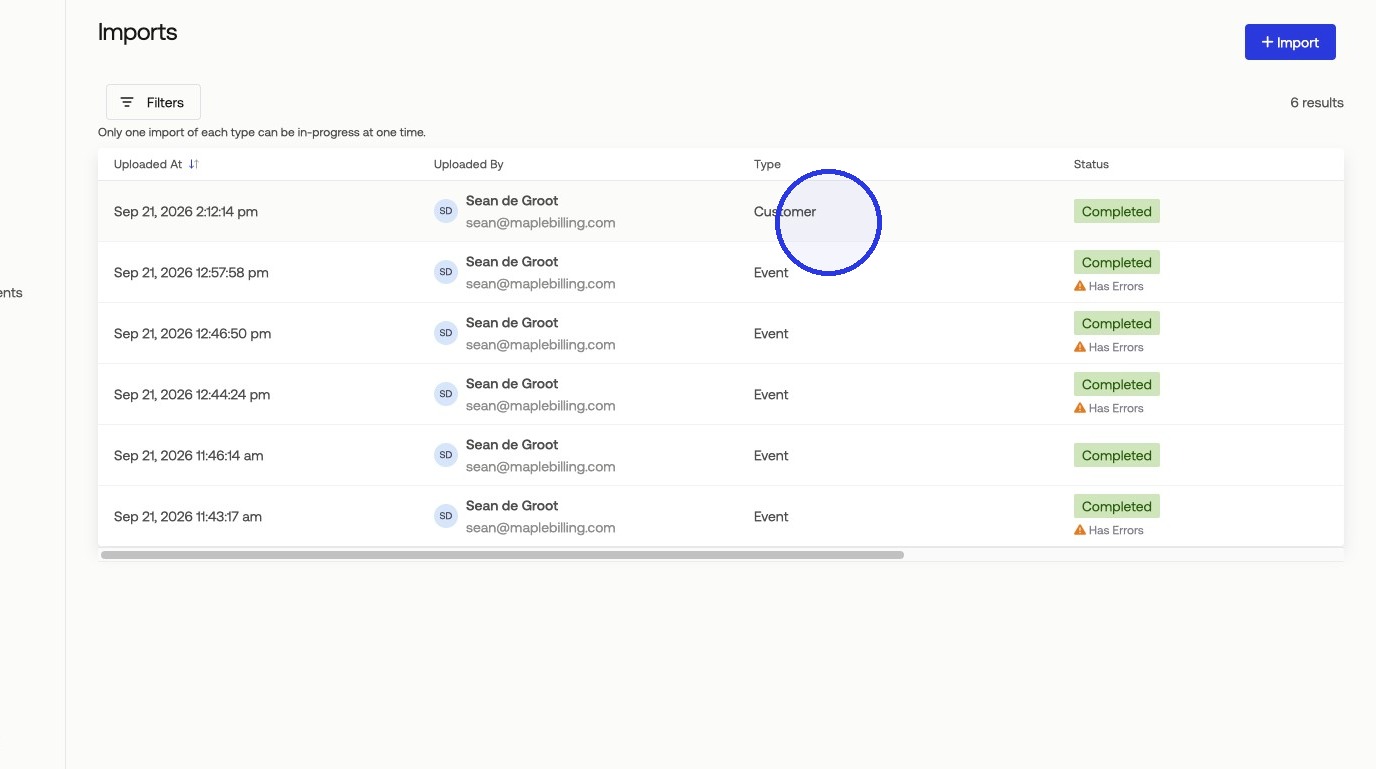
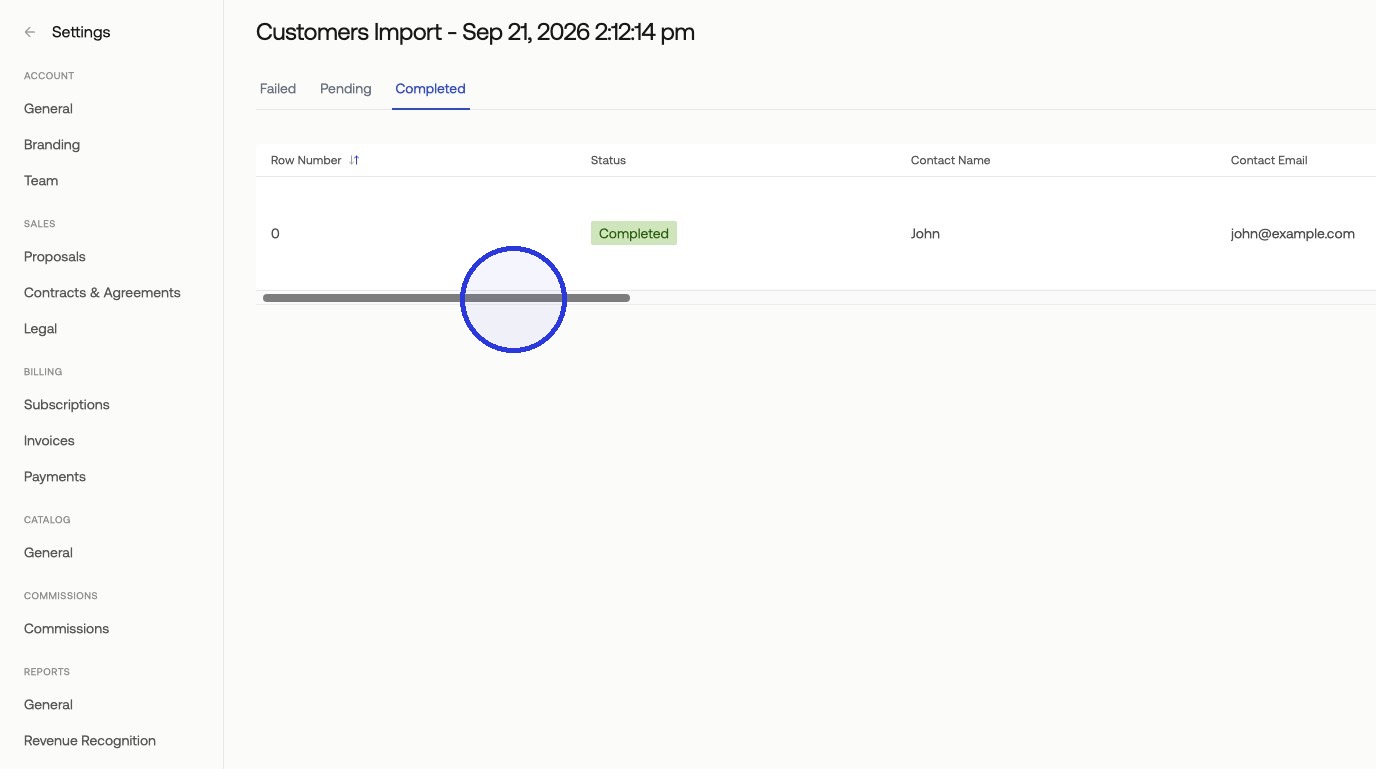
Tip: Review Completed/Failed Rows
Errors in the import file can be reviewed in the import details. Before re-importing failed rows, remove all successfully imported customers from the import file.
Was this article helpful?
Sorry about that! Care to tell us more?