
How to Assign an Account Owner to a Customer
Edited
Customers can be assigned to specific owners, such as the Sales Representative or Account Executive who owns that customer relationship.
Assigning an owner helps you track who owns each customer relationship.
In some cases, it can also affect sales commission payouts. See Sales Commissions documentation for more details.
1. Click the Pencil Icon beside Owner > Select Owner > Click "Update"
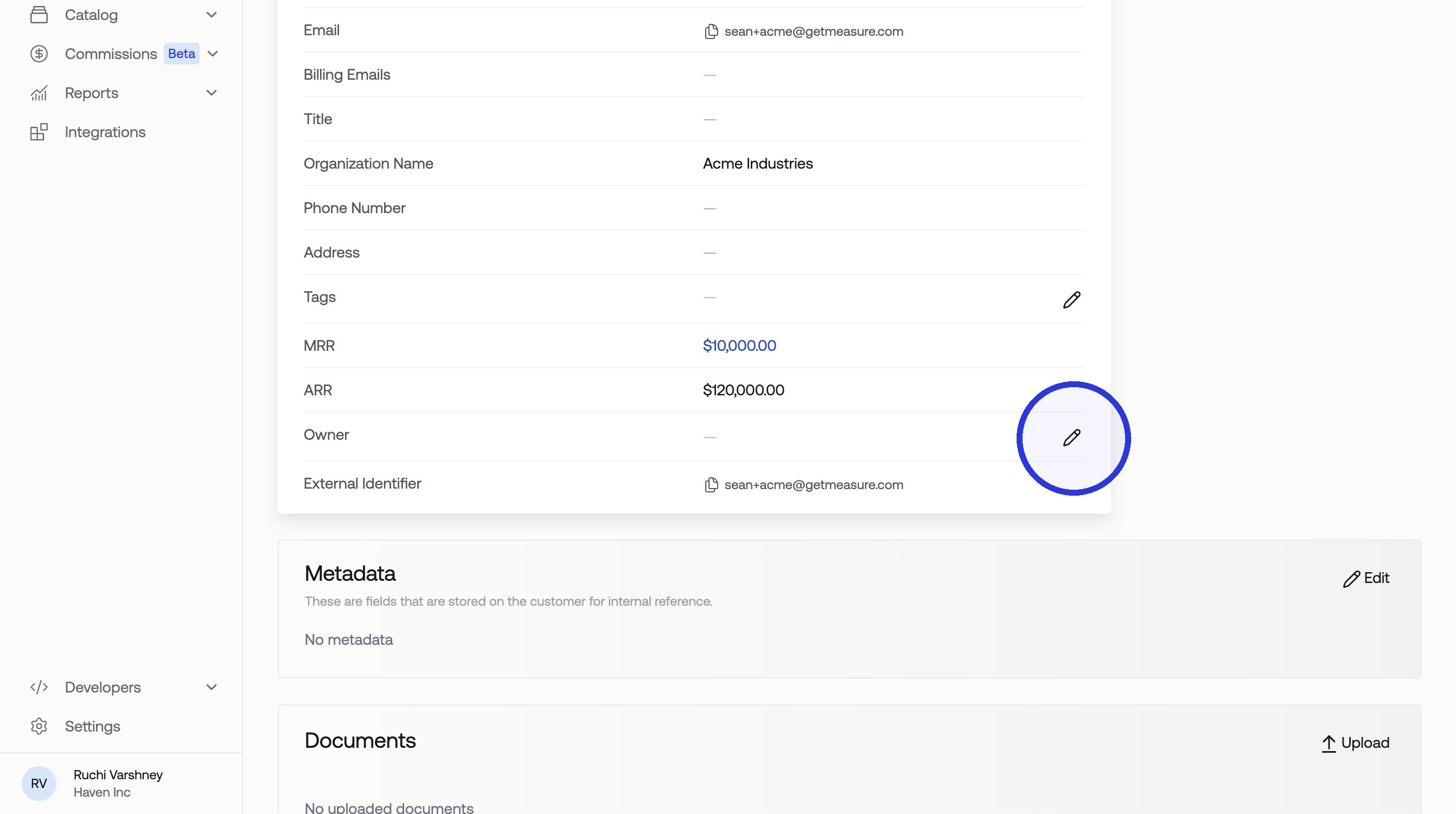
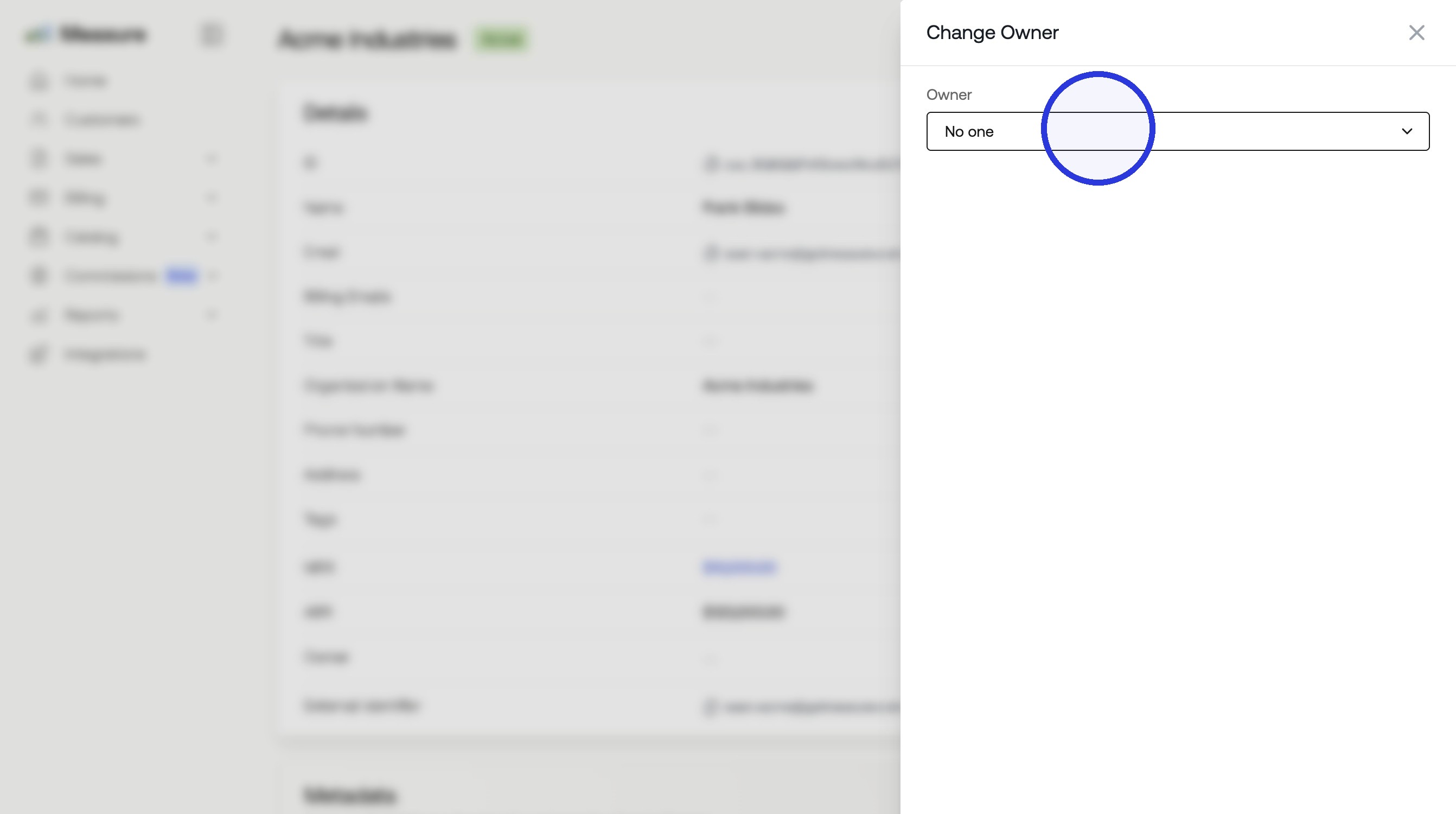
2. Click the Owner Dropdown
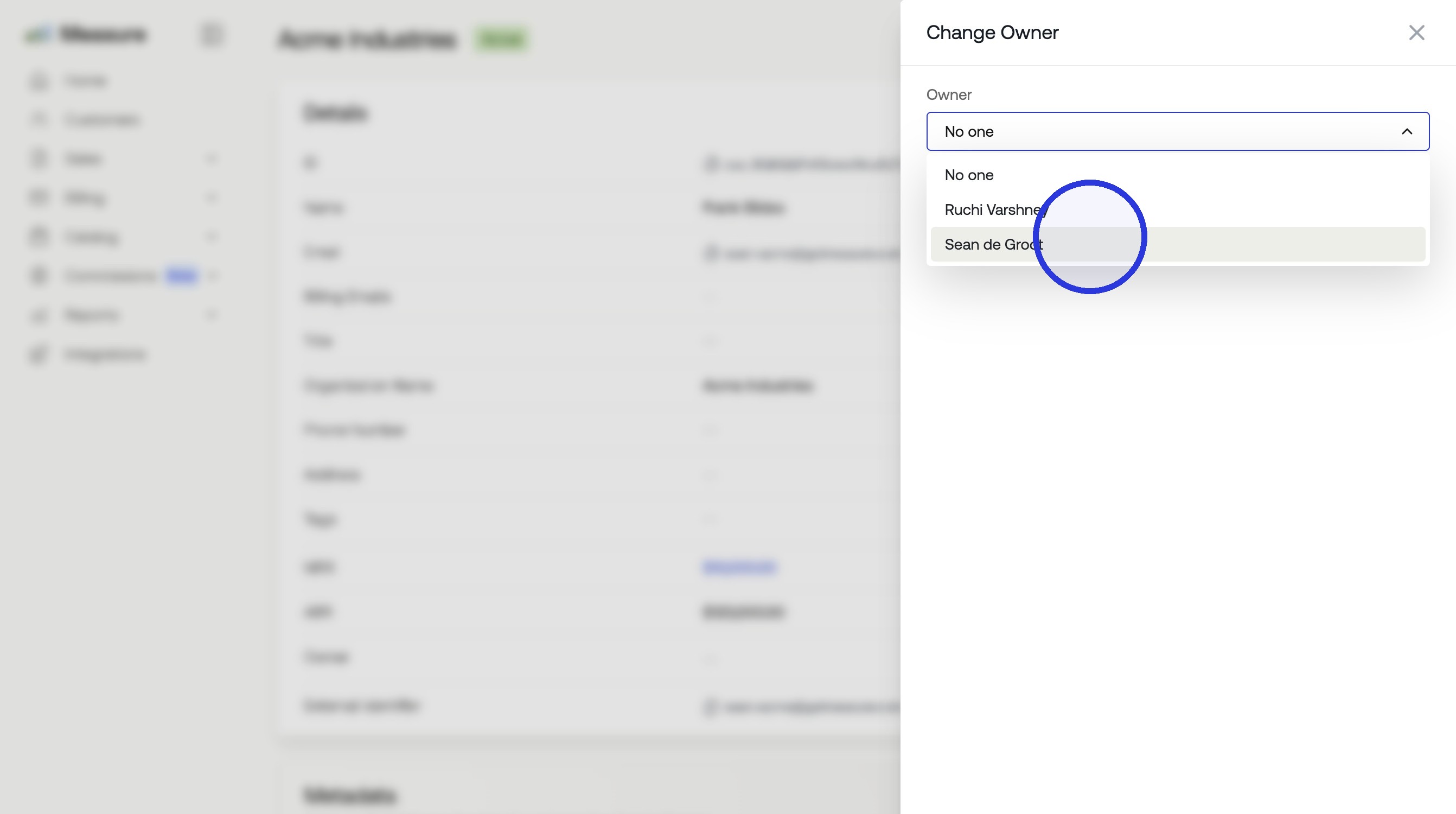
3. Click the Team Member who is the Customer Owner
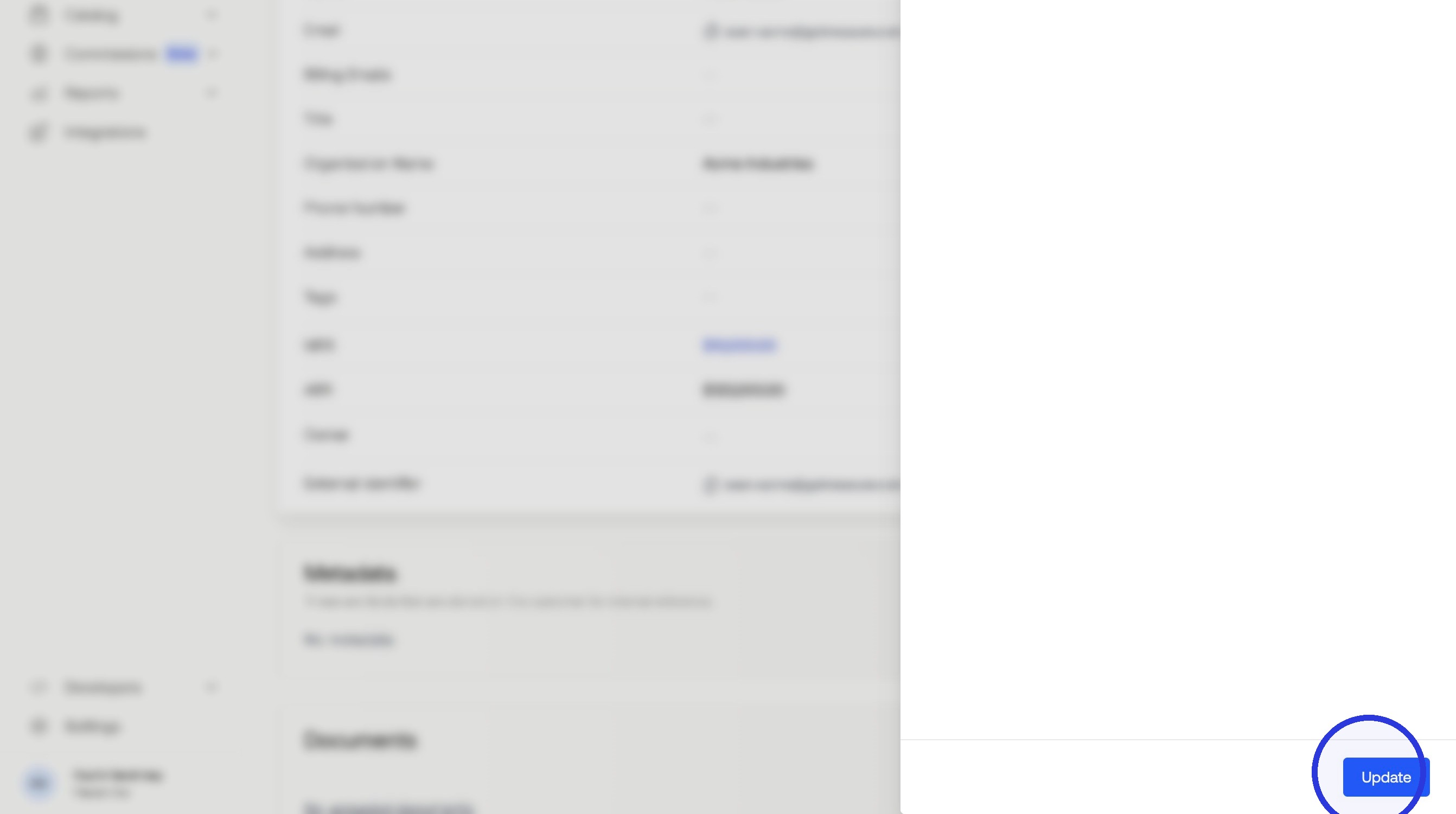
4. Click "Update"
Was this article helpful?
Sorry about that! Care to tell us more?