
Plaid Integration Overview and Setup
Plaid connects your bank account to Measure, enabling Bank Reconciliation to match incoming wire transfers, ACH payments, and checks to outstanding invoices.
Key Capabilities
Automatic transaction sync: Bank transactions are pulled daily, keeping your payment data current.
Multi-account support: Connect multiple bank accounts and manage reconciliation across all of them.
Matching suggestions: Measure suggests invoice matches based on amount, reference numbers, and customer name.
See Bank Reconciliation for details on matching payments to invoices.
Bank Coverage
Plaid supports thousands of financial institutions across the US and Canada:
Major national banks
Regional and community banks
Credit unions
Online banks and neobanks
Security
Read-only access: Measure cannot initiate transactions or modify your accounts.
No credential storage: Authentication happens directly with your bank via Plaid.
SOC 2 Type II certified: Bank-level encryption for all data.
1. Install the Plaid Integration
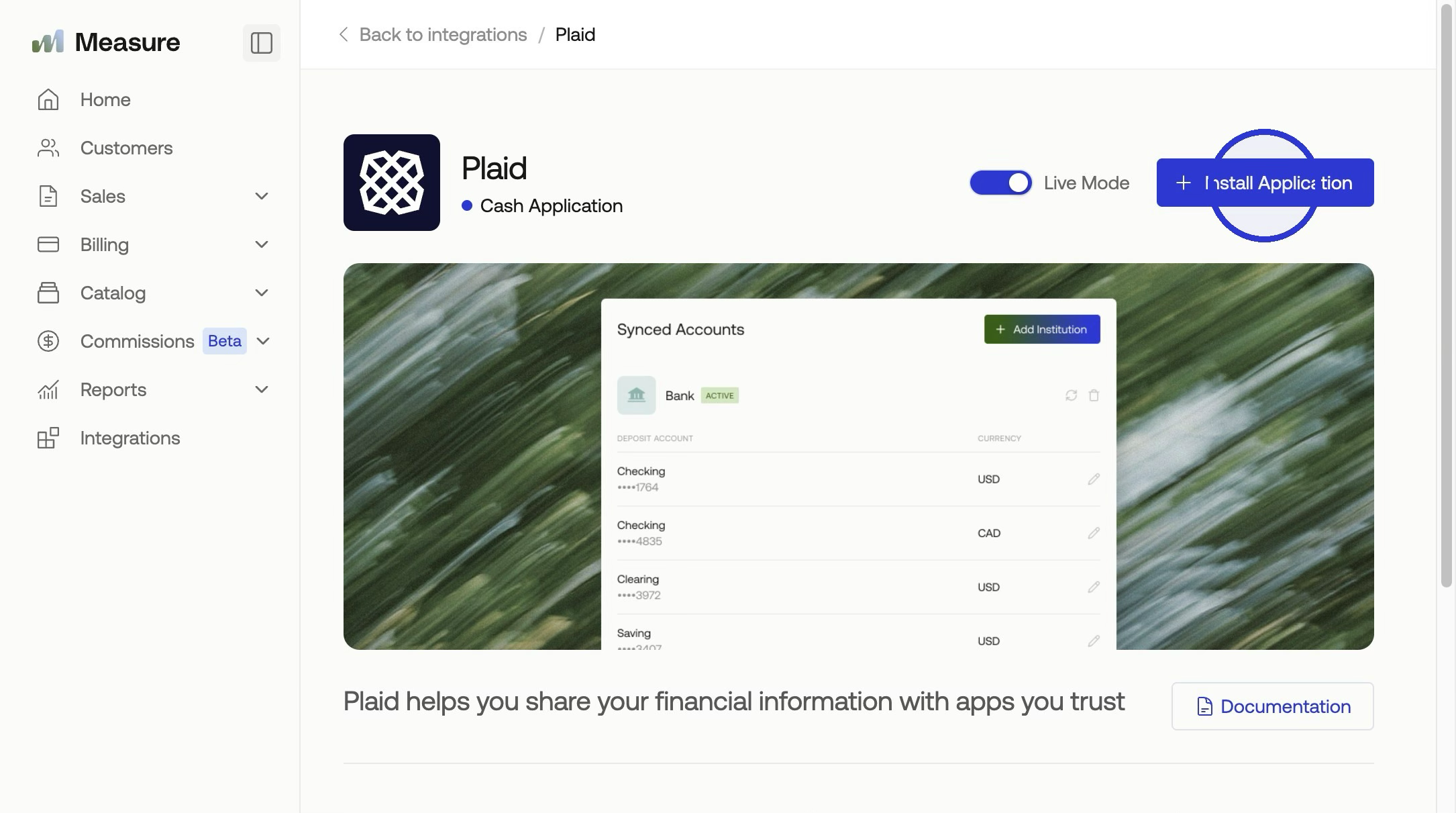
Navigate to Integrations in the left-side navigation. Find the Plaid integration and click Install, then confirm by clicking Install Application in the modal. Once installed, click Add Institution to begin connecting your bank account.
2. Connect Your Bank Account(s)
Next, you will want to click + Add Institution to connect your bank accounts.
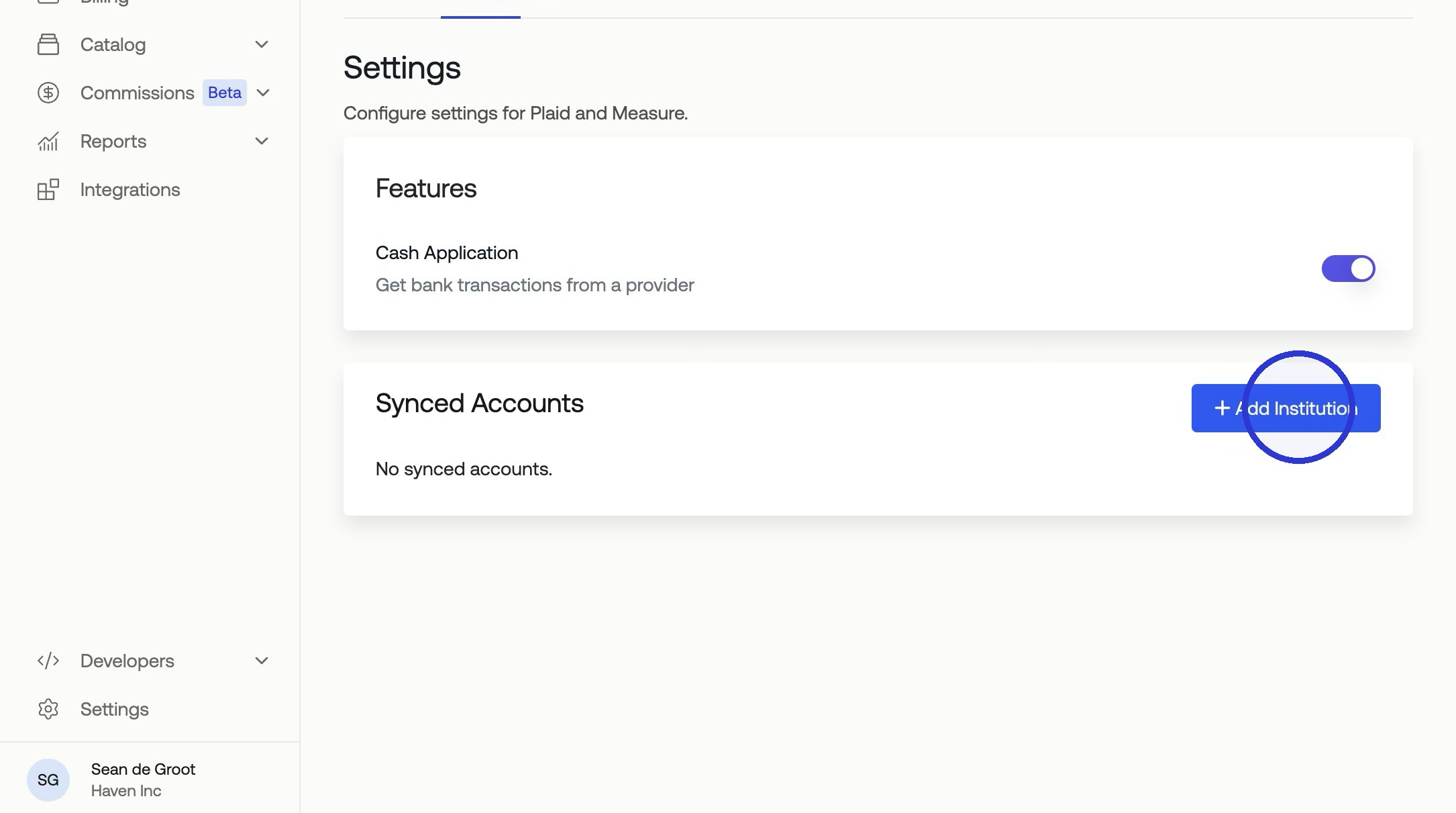
In the Plaid connection window, search for and select your financial institution (e.g., Chase), then click Continue to login. Enter your banking credentials to sign in.
Once authenticated, you'll see a list of all available accounts at your institution. Select the account(s) you want to connect for reconciliation and click Continue. You can choose checking accounts, savings accounts, or credit card accounts depending on what you need to reconcile.
Learn more about matching transactions outside of Measure to invoices here in Cash Application.