
How to Create Pricing Phases
Edited
Pricing phases allow you to create contracts and subscriptions with pricing that changes at predefined intervals. This ensures that each phase has a consistent duration, making it ideal for multi-year contracts with phased pricing adjustments.
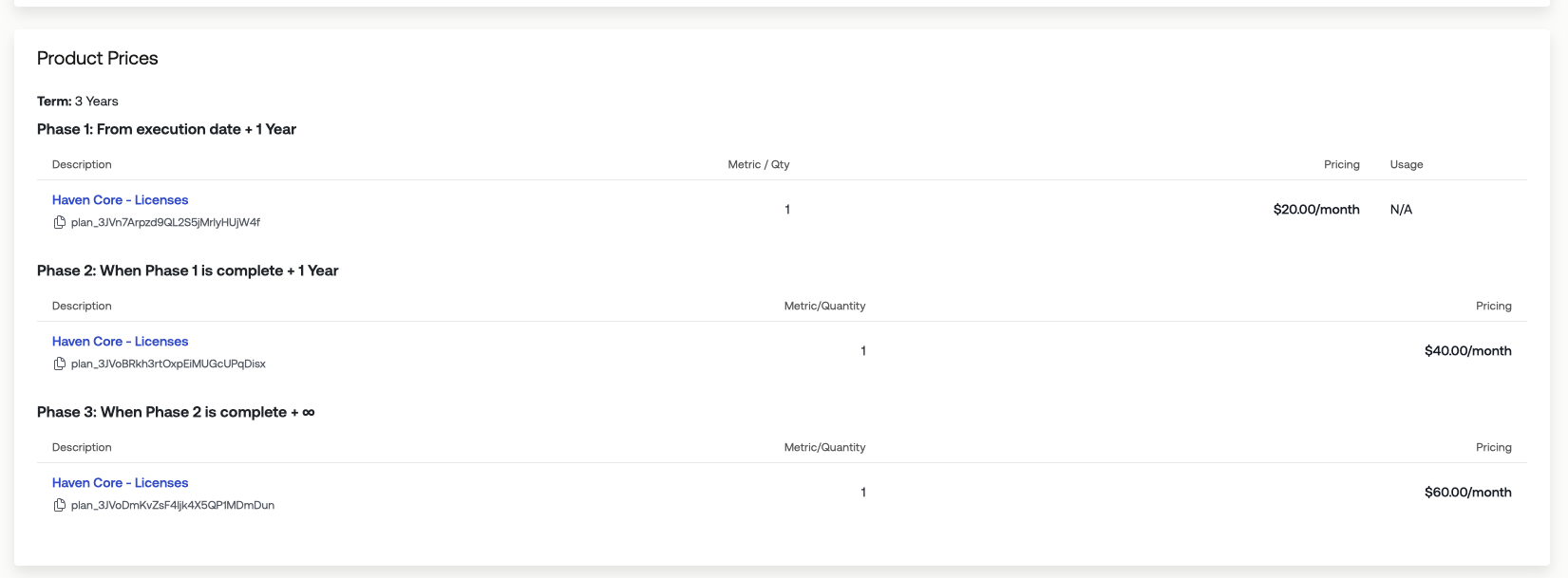
In our example, we will be creating a three-year contract where the price per license changes each year:
Year 1: $20 per license per month
Year 2: $40 per license per month
Year 3: $60 per license per month
1. On Contract Creation or Subscription Creation > Click "Add Product Pricing"
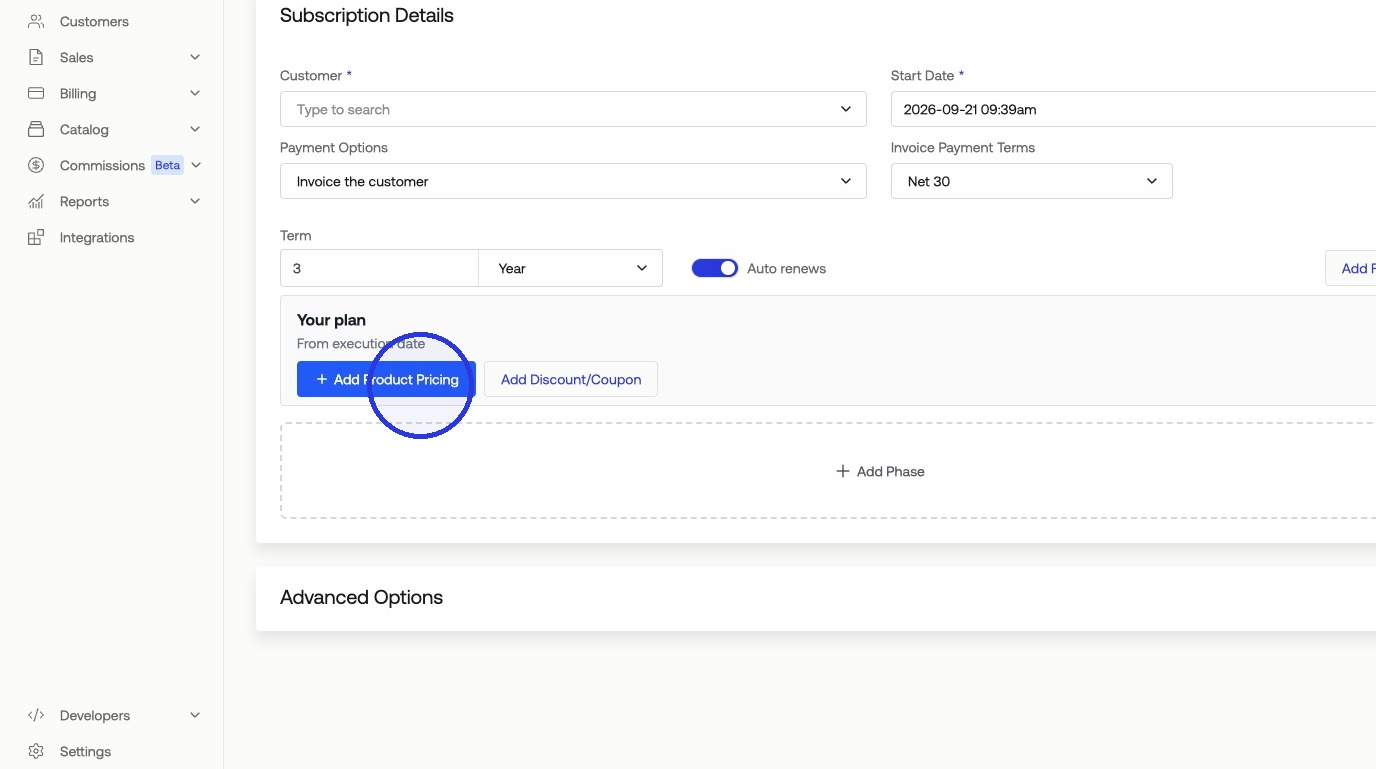
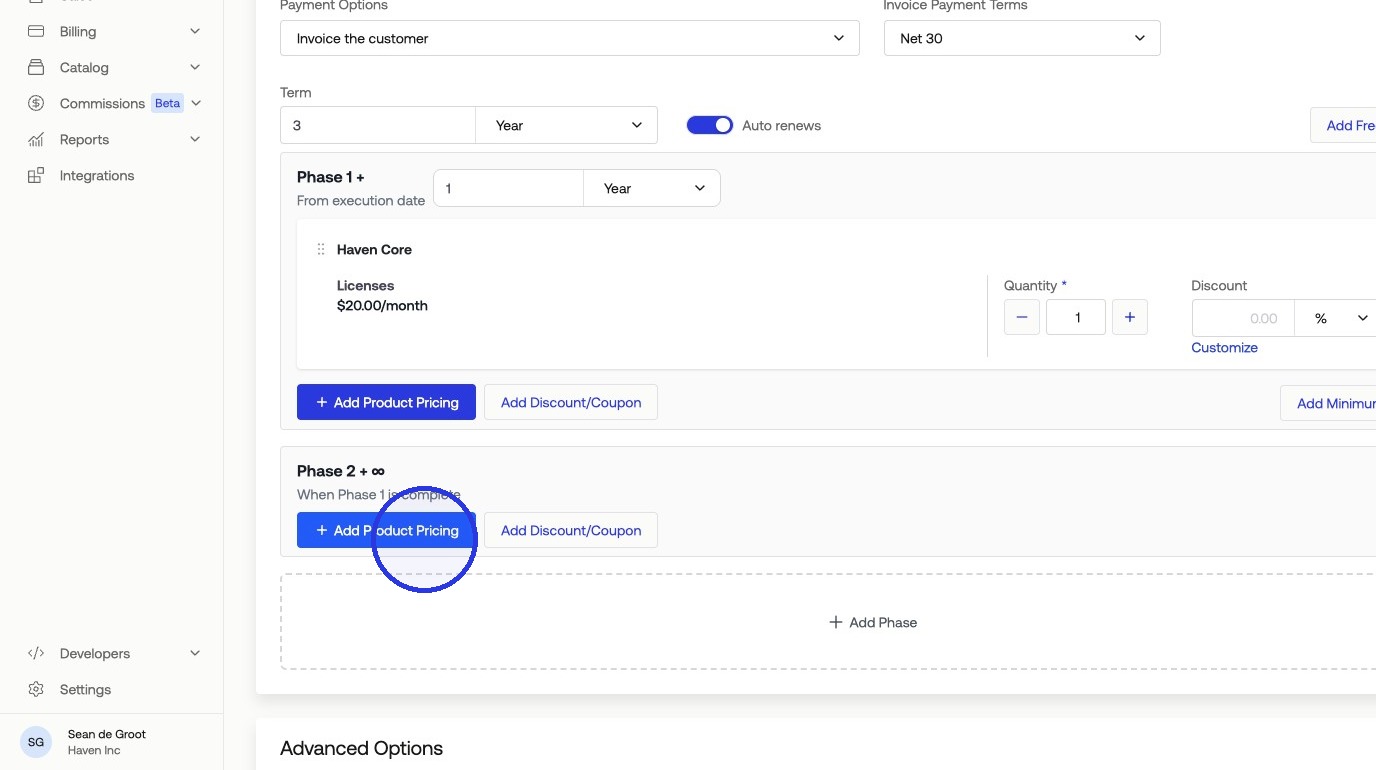
2. Select your First Year's Pricing > Click "Add Phase" with its phase length to start our second phase
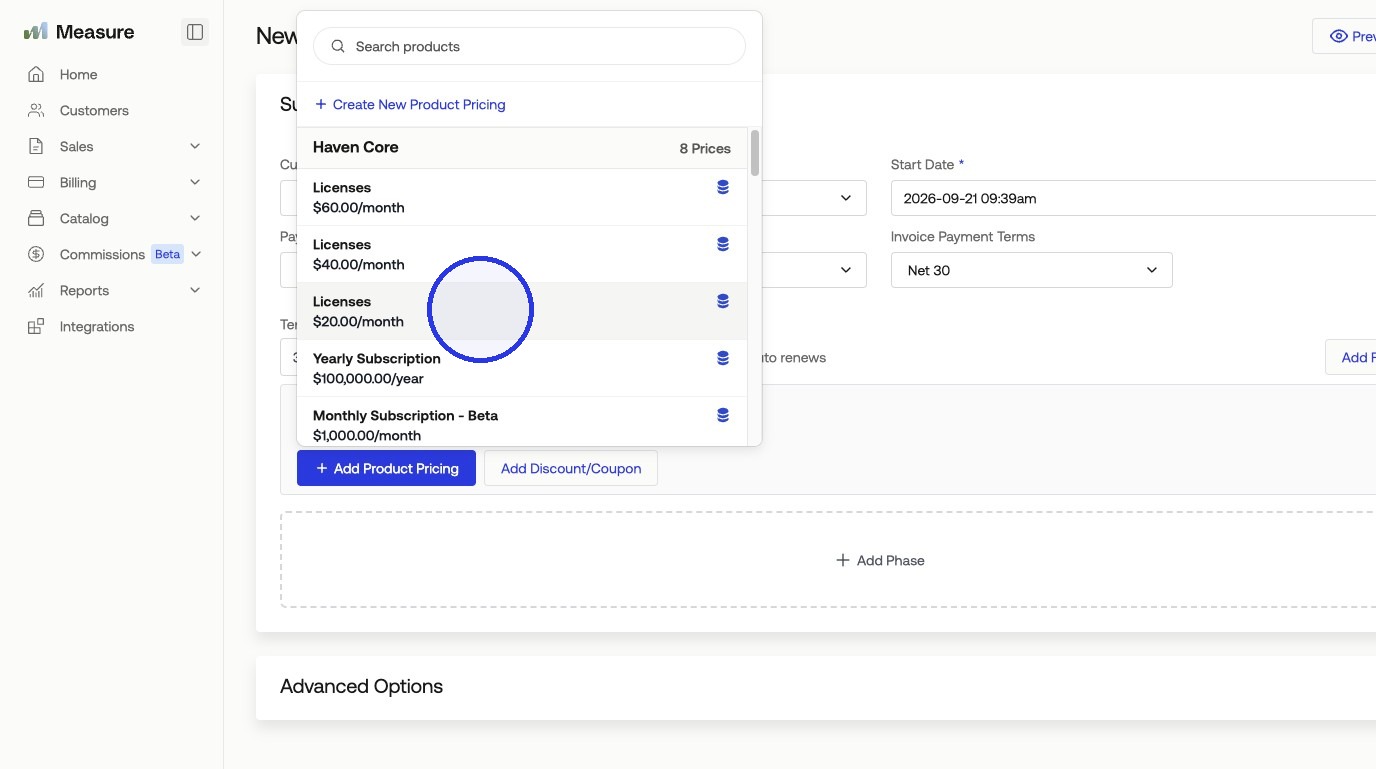
4. Select your Second Year's Pricing > Click "Add Phase" with its phase length for our third phase > select your Third Year's Pricing
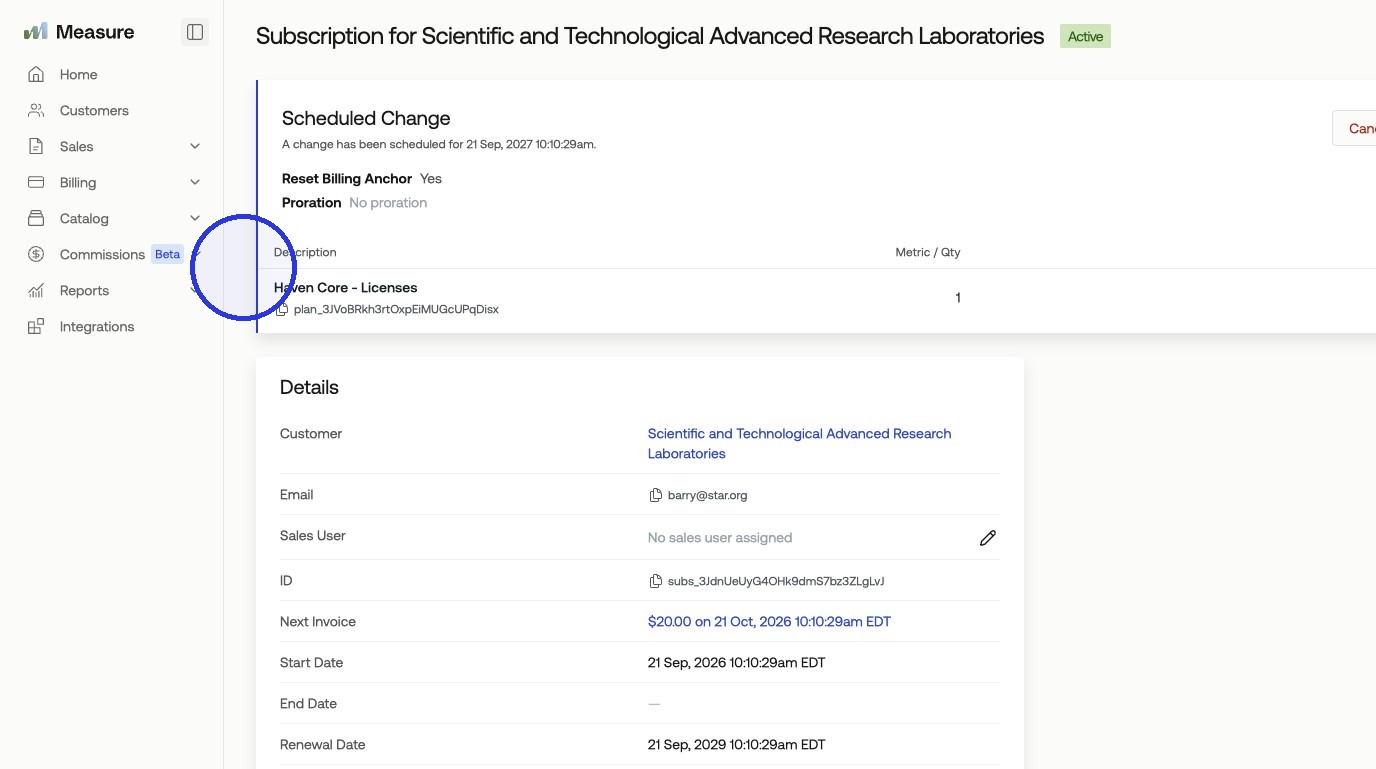
Once set up, your three-year subscription will run through three phases, each with its own pricing for that year. While the subscription is active, you can preview the current phase along with the upcoming phases.
Was this article helpful?
Sorry about that! Care to tell us more?