
How to Create an Entitlement
Edited
Entitlements are an easy way to track what features are available for specific products, plans, and subscriptions. They are not tied to any billing metrics and are purely for feature access and tracking purposes.
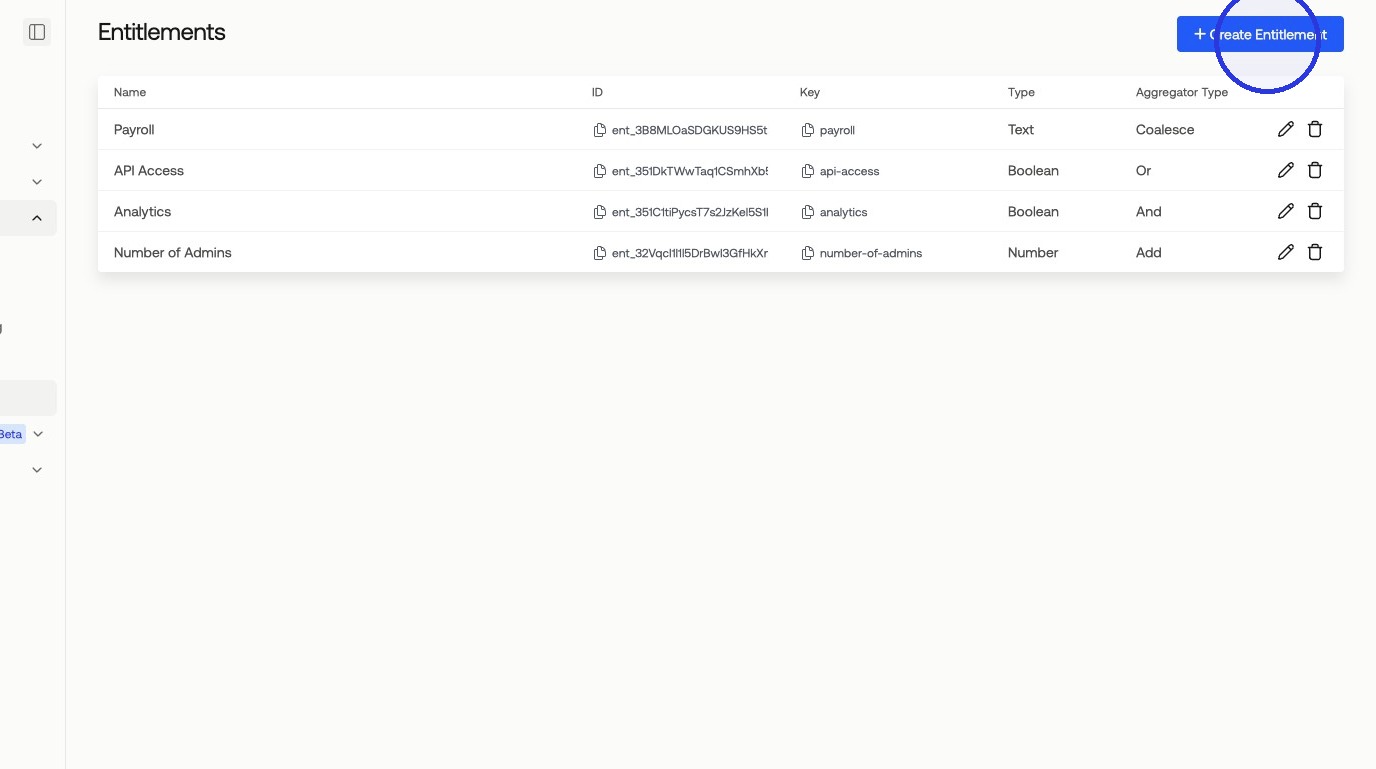
1. Navigate to Catalog > Products and click "Create Entitlement"
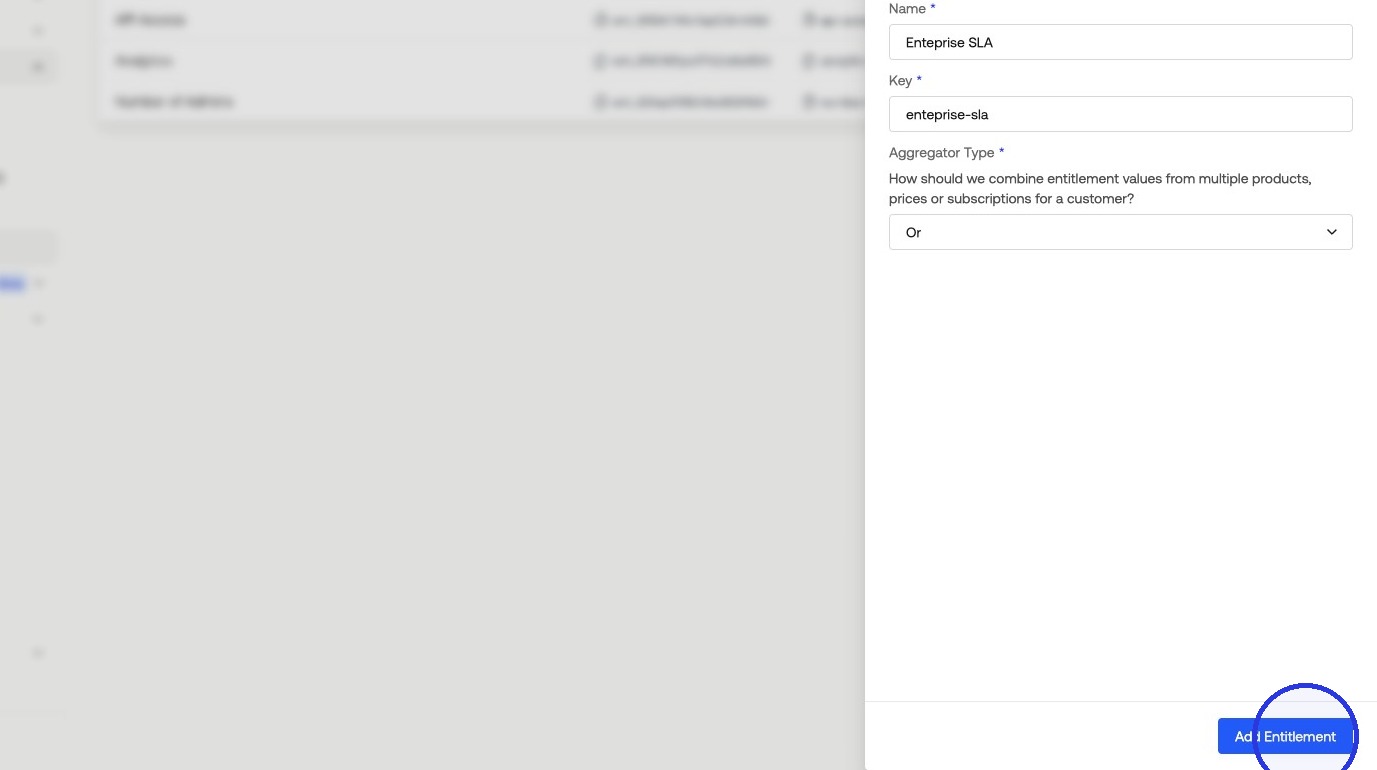
2. Fill in the Entitlement Details
Configure the following fields:
Type — Boolean, Number, Text, Choice, or Multi-Choice.
Name — A descriptive name for the entitlement.
Aggregator Type — Or, And, or Coalesce.
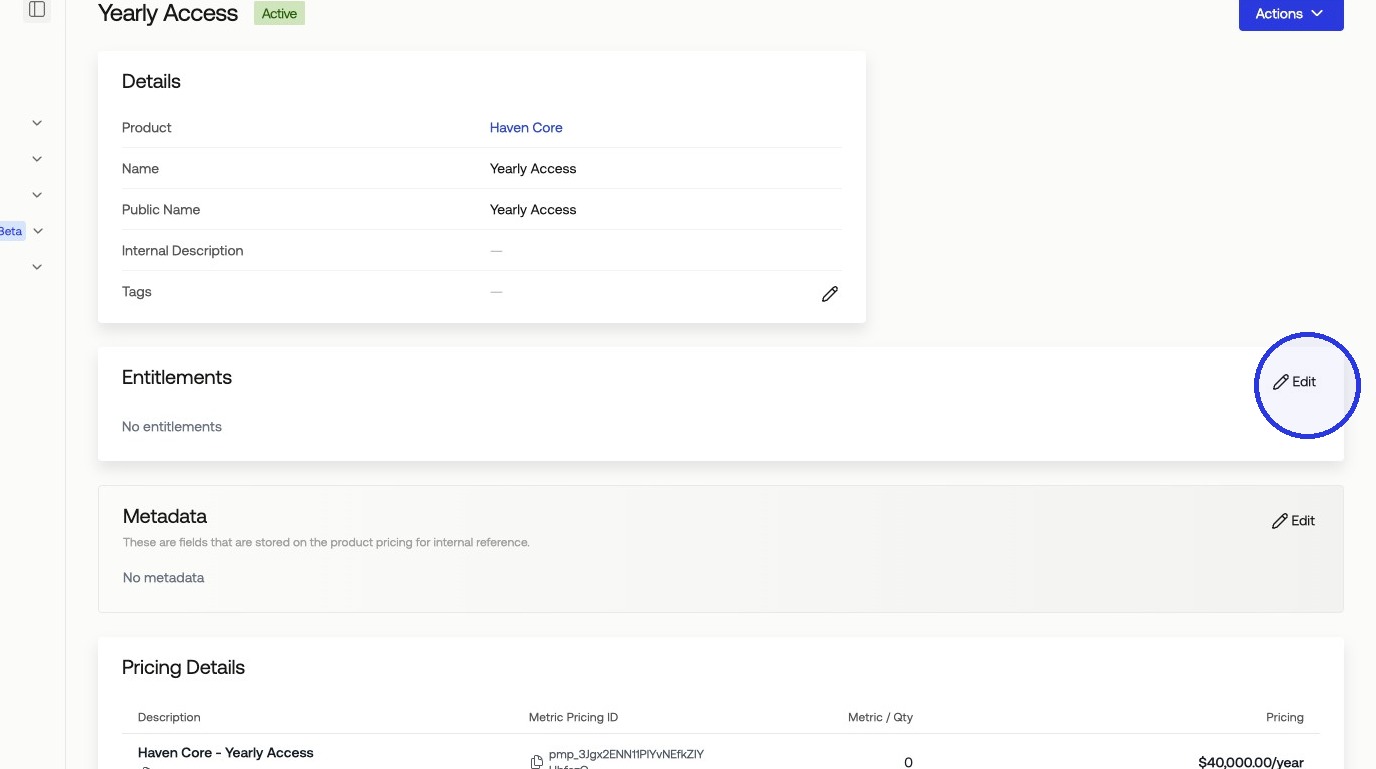
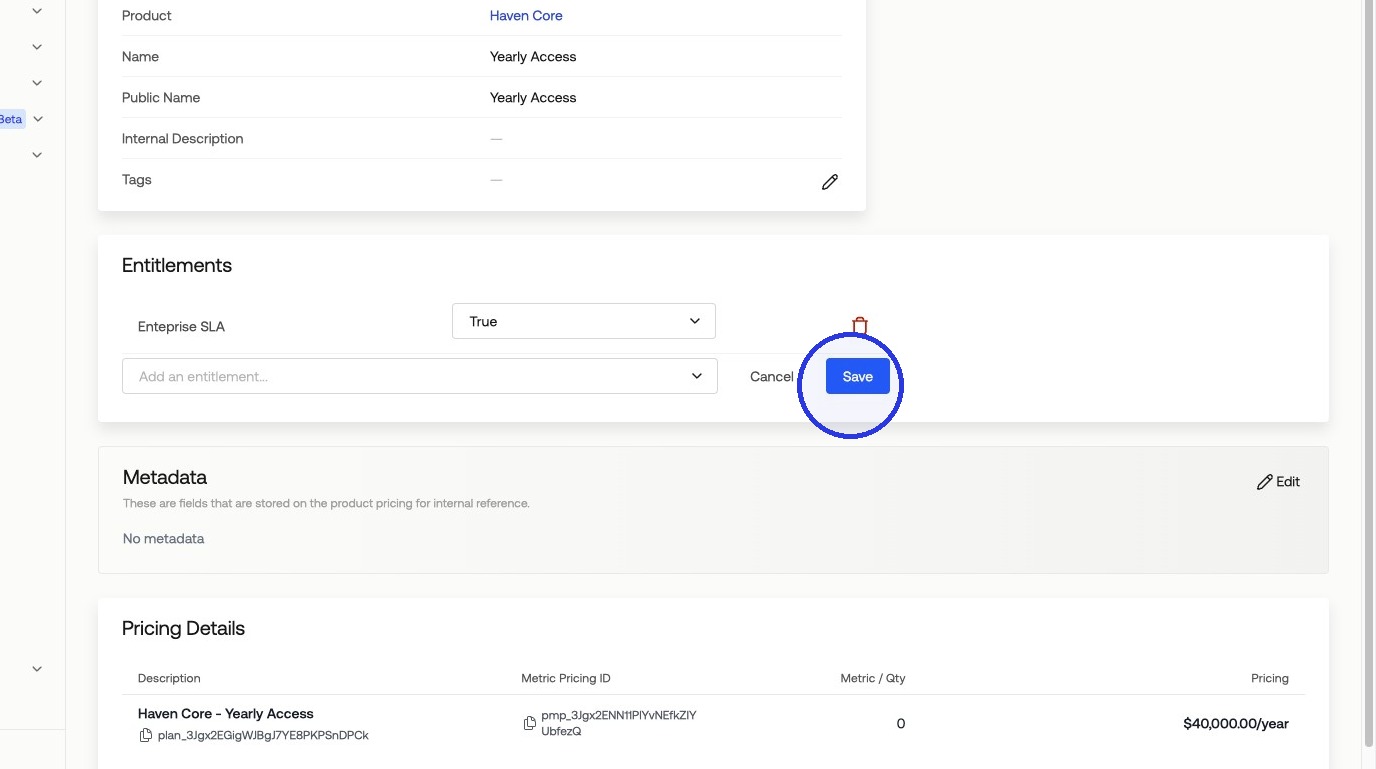
3. Add the Entitlement to a Product, Pricing, or Subscription
Entitlements can be added to the:
Product Level
Product Pricing Level (inherited by Product Level)
Subscription Level (inherited by Product and Product Pricing Level)
Entitlement Inheritance
When added at the product level, all product pricing under that product inherits the entitlement, as do any subscriptions using that product or product pricing.
Was this article helpful?
Sorry about that! Care to tell us more?