
How to Create a Product
Edited
Products in Measure are where all your pricing information is defined and managed.
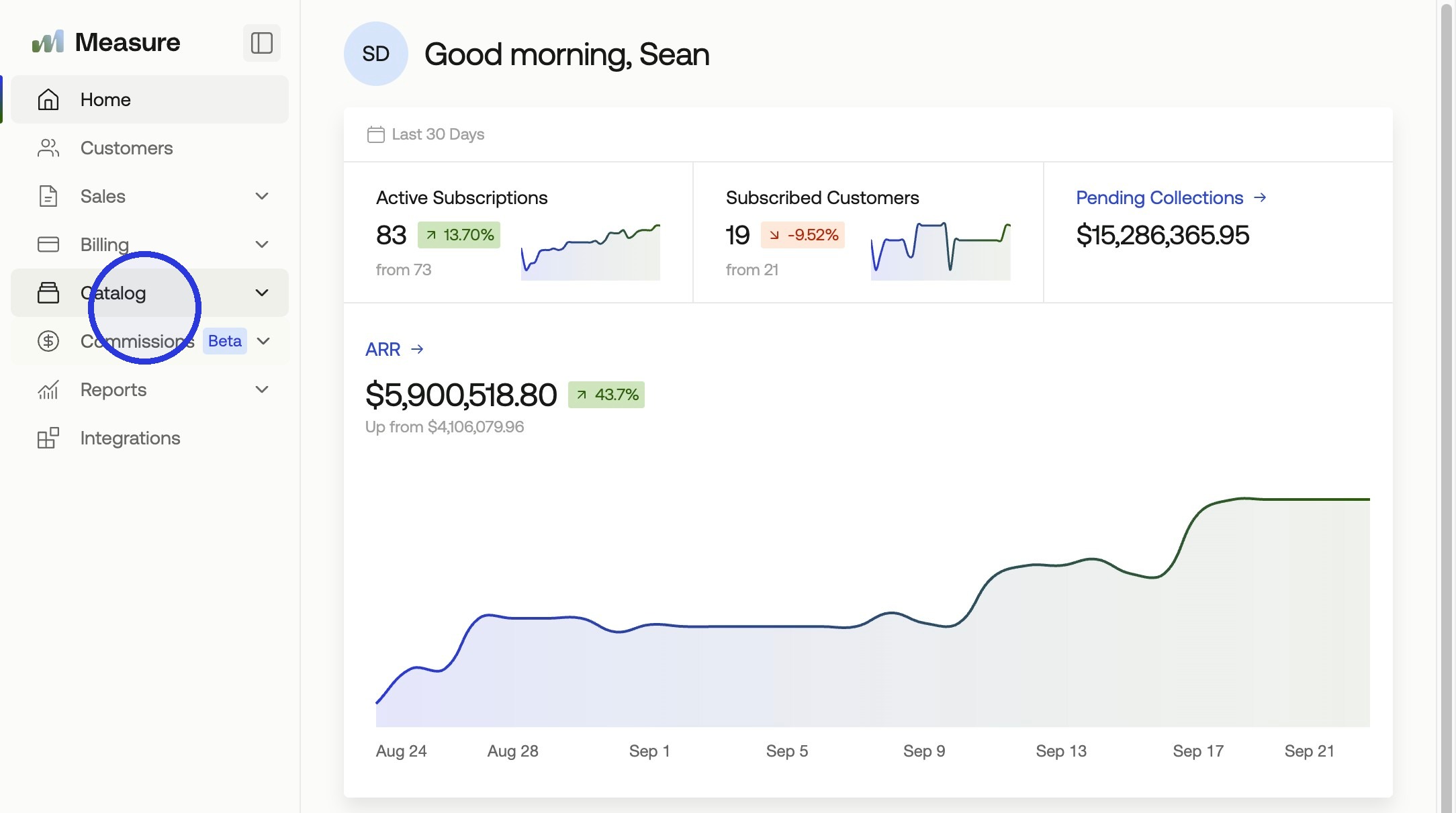
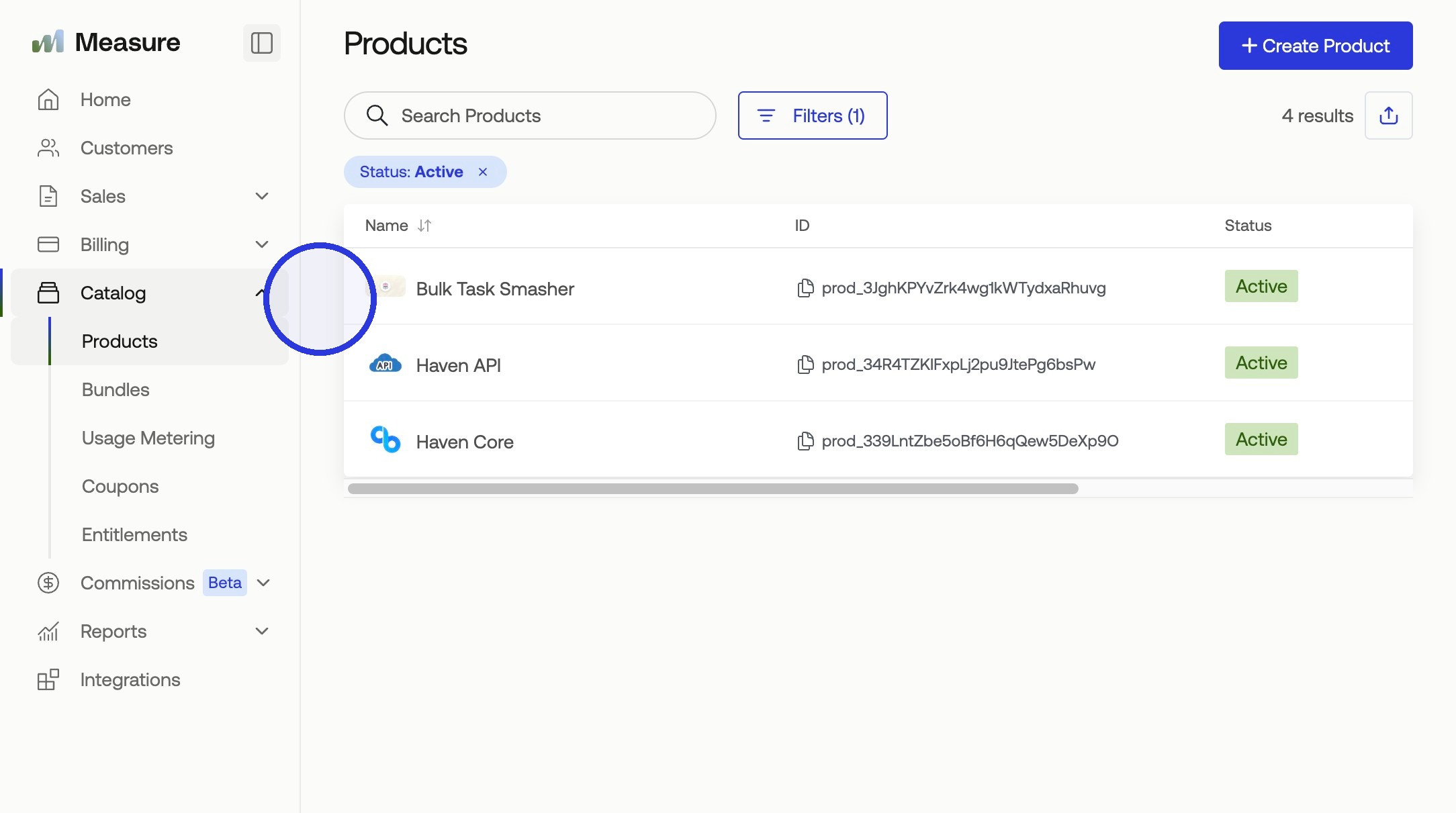
1. Click Catalog
In the left navigation, click Catalog.
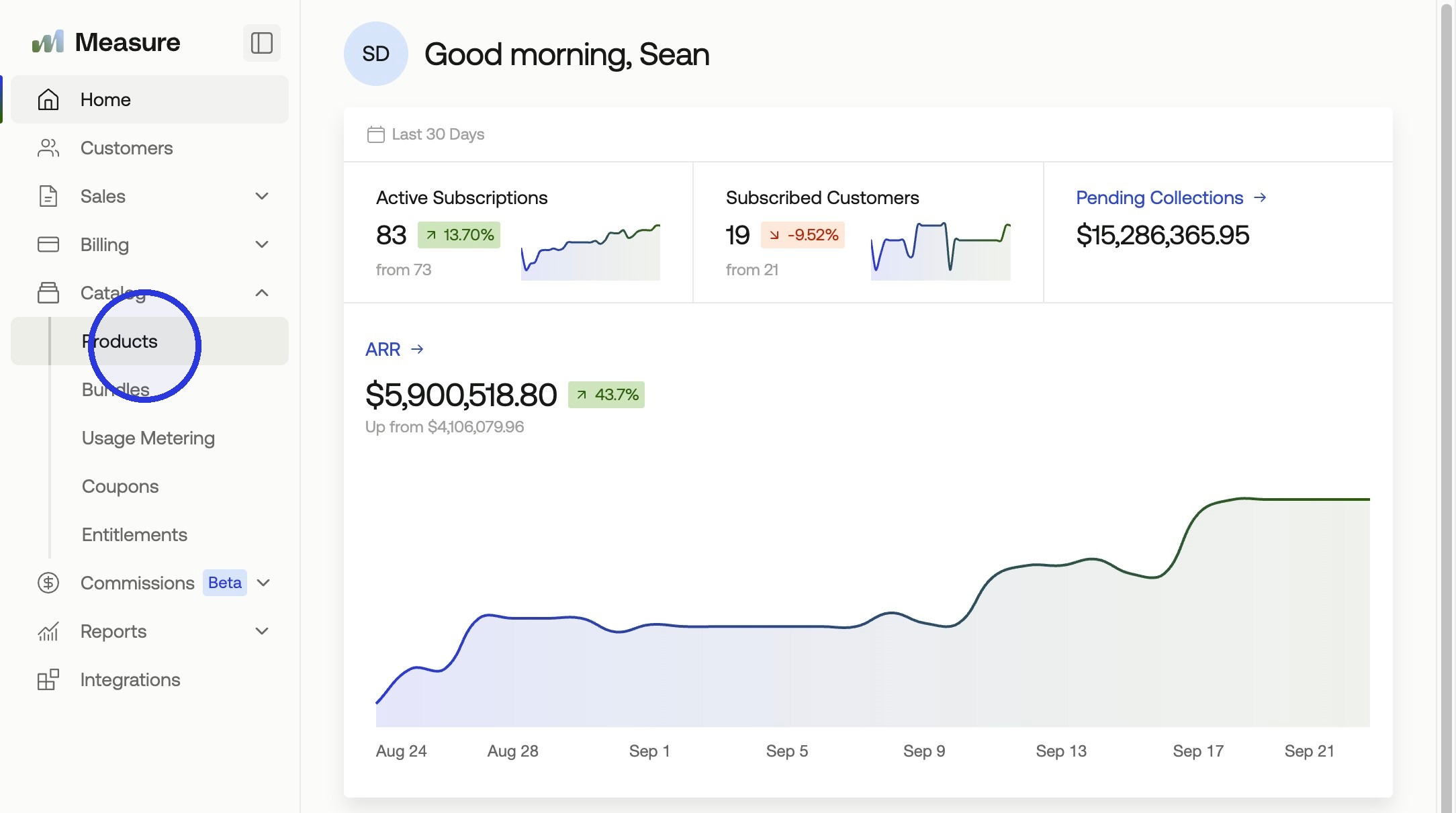
2. Go to Products and Click + Create Product
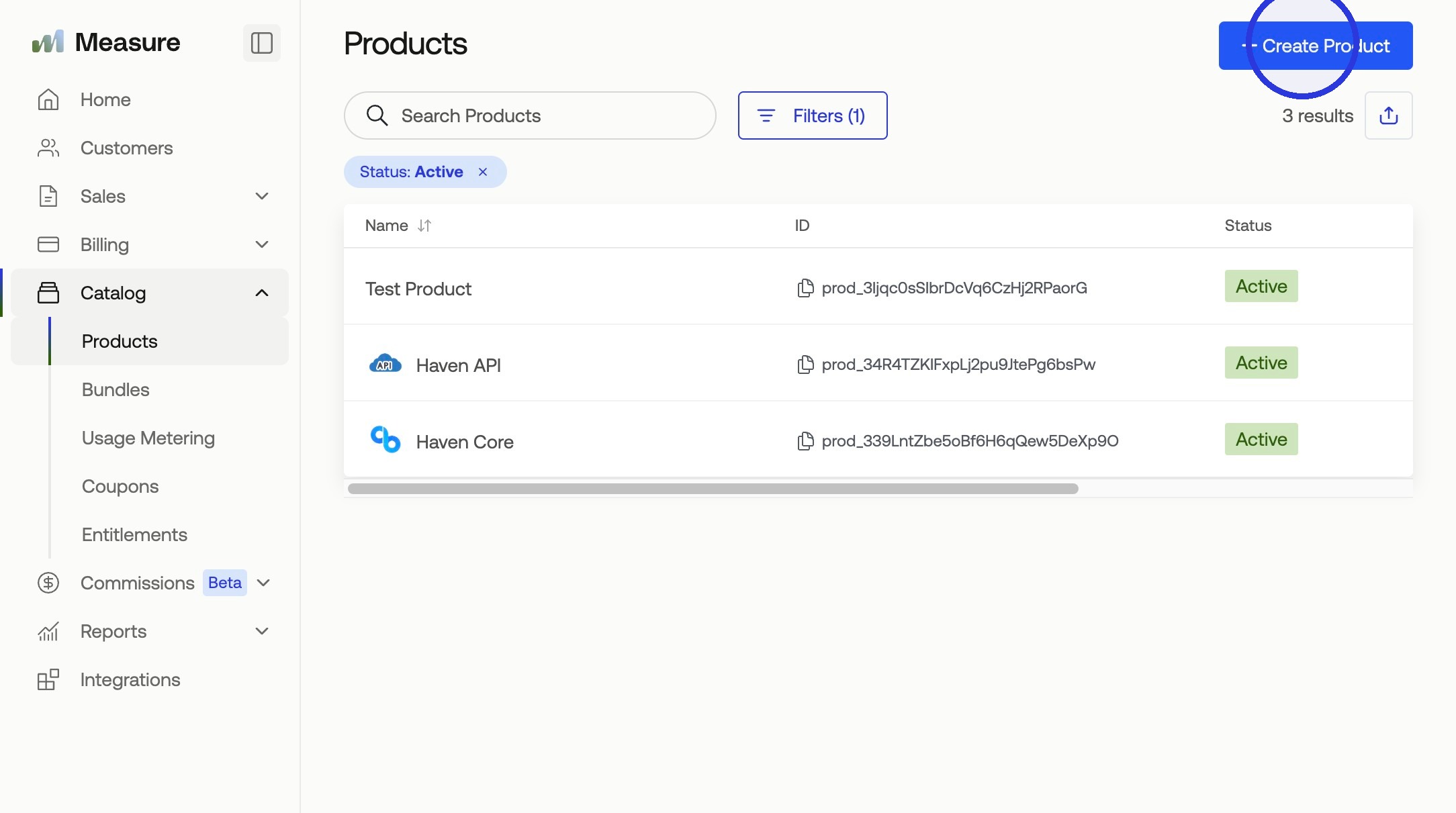
Select Products, then click + Create Product.
3. Click Create Product
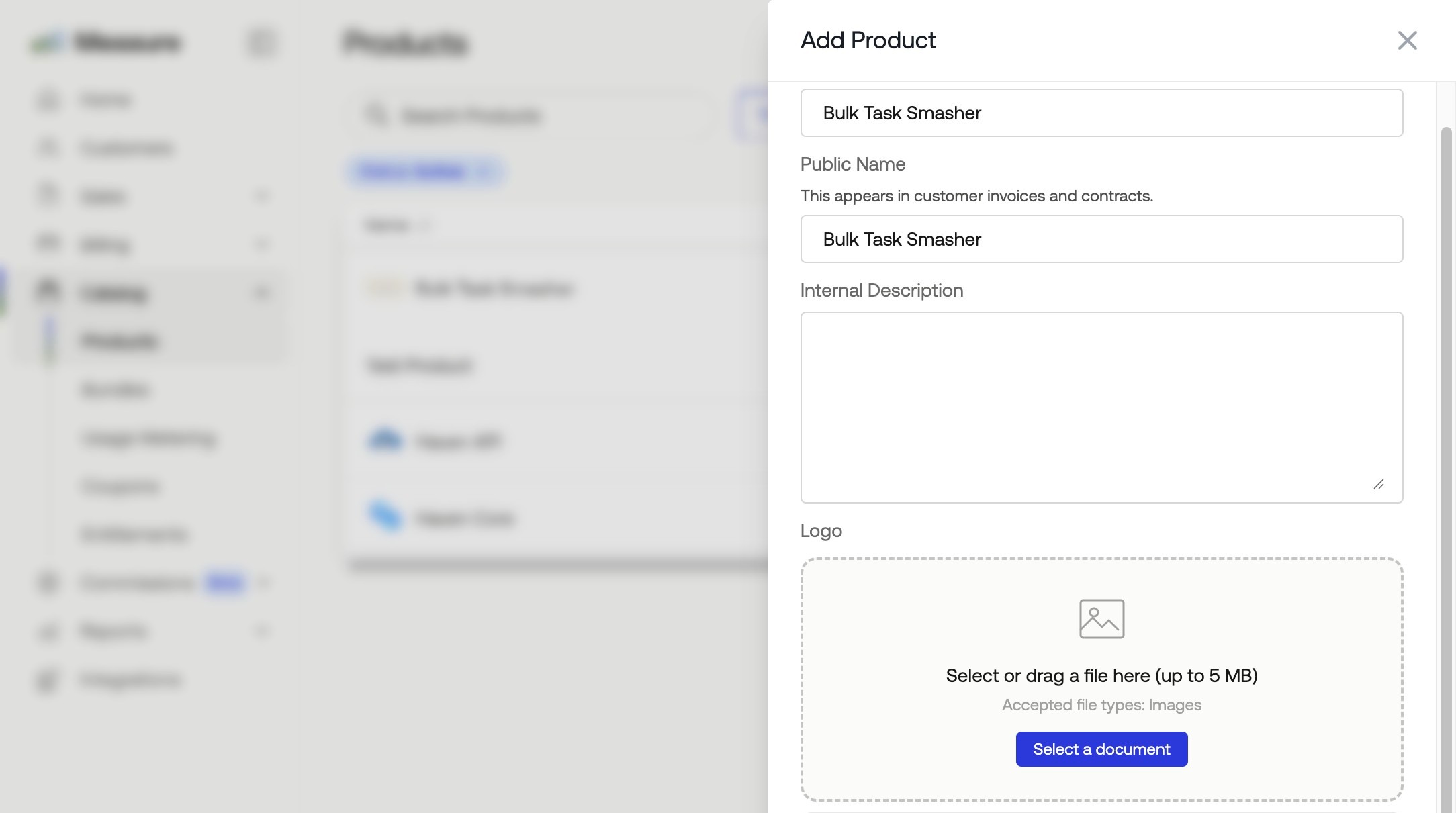
4. Fill in the product information
Enter the following details:
Product Name
Public Name. This appears on customer invoices and contracts when the internal name differs.
Internal Description (optional)
Logo (optional)
GL Code (optional)
Your product is saved to the catalog. From here, you can add product pricing.
Was this article helpful?
Sorry about that! Care to tell us more?