
How to Customize Notifications per Customer
Edited
Measure allows you to configure distinct notification, invoice reminder and payment retry settings per customer.
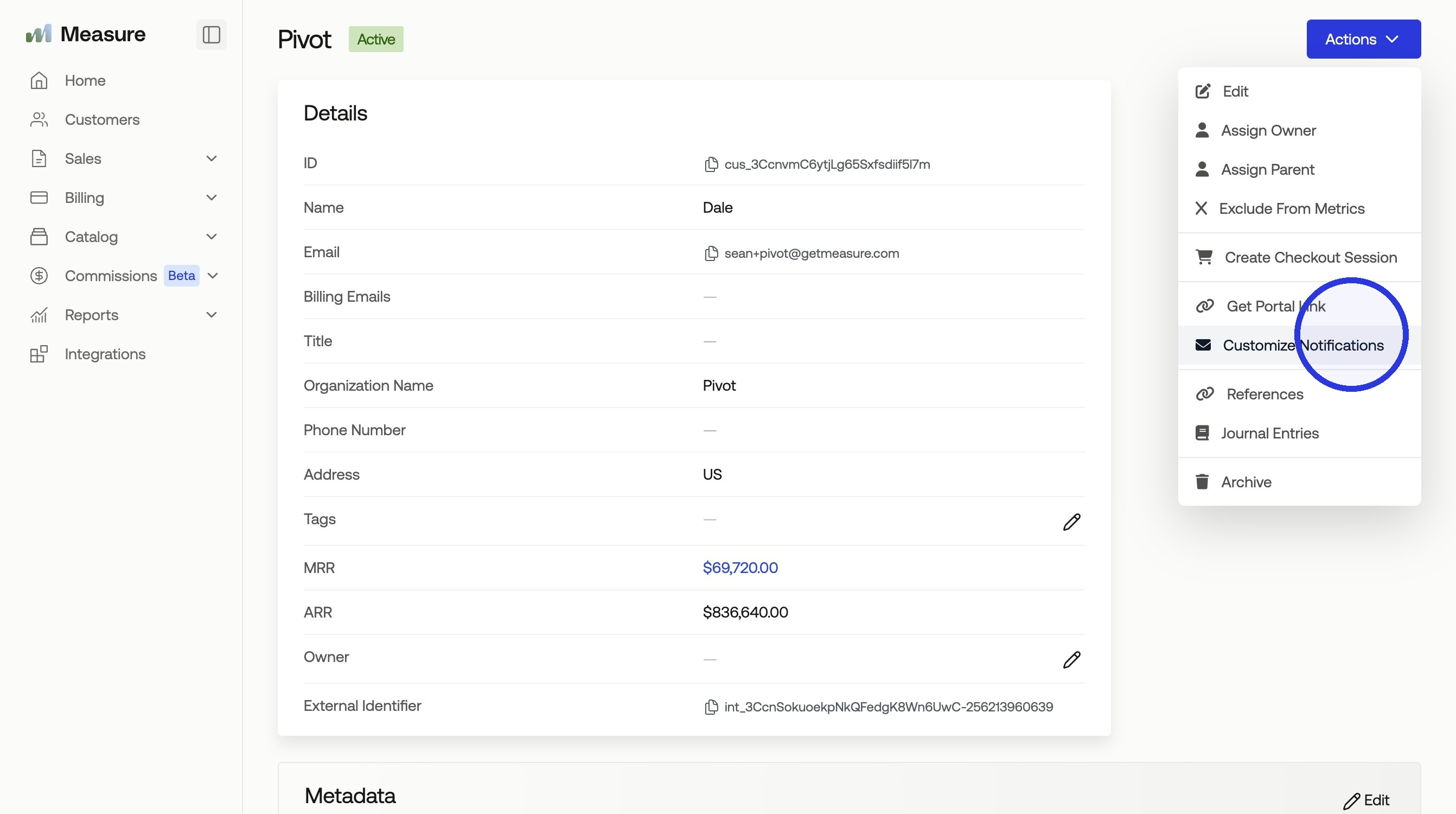
1. Navigate to the Customer and Click "Actions" > "Customize Notifications"
2. Customize Notifications
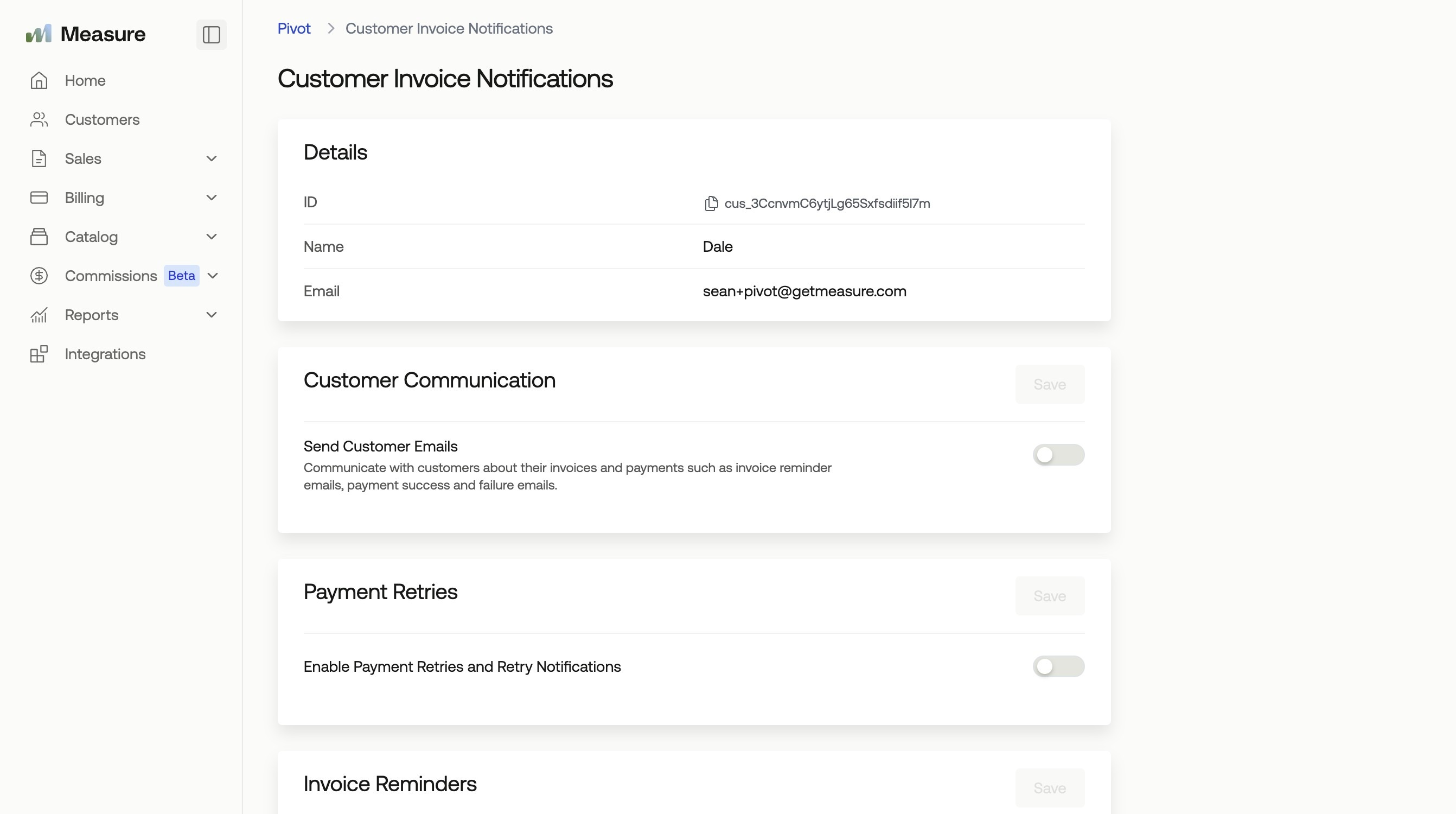
You will find similar settings here to your global invoice settings (found in Settings > Invoices > Notifications). These settings will only apply to the specific customer in question.
Invoice Email Settings
Payment Retries
Invoice Reminders
Card Expiry Reminders
Learn more Notification Options below:
Refer to How to Configure and Send Invoice Reminders to learn more about global invoice reminder settings.
Refer to How to Configure and Send Credit Card Expiry Notifications to learn more about credit card expiry notifications.
Was this article helpful?
Sorry about that! Care to tell us more?