
How to Assign a Parent
Edited
Measure supports hierarchical billing by allowing you to link child customer accounts to a single parent account for centralized invoicing.
Tip: Before you start, ensure that both the child and parent customers have Measure customer profiles created.
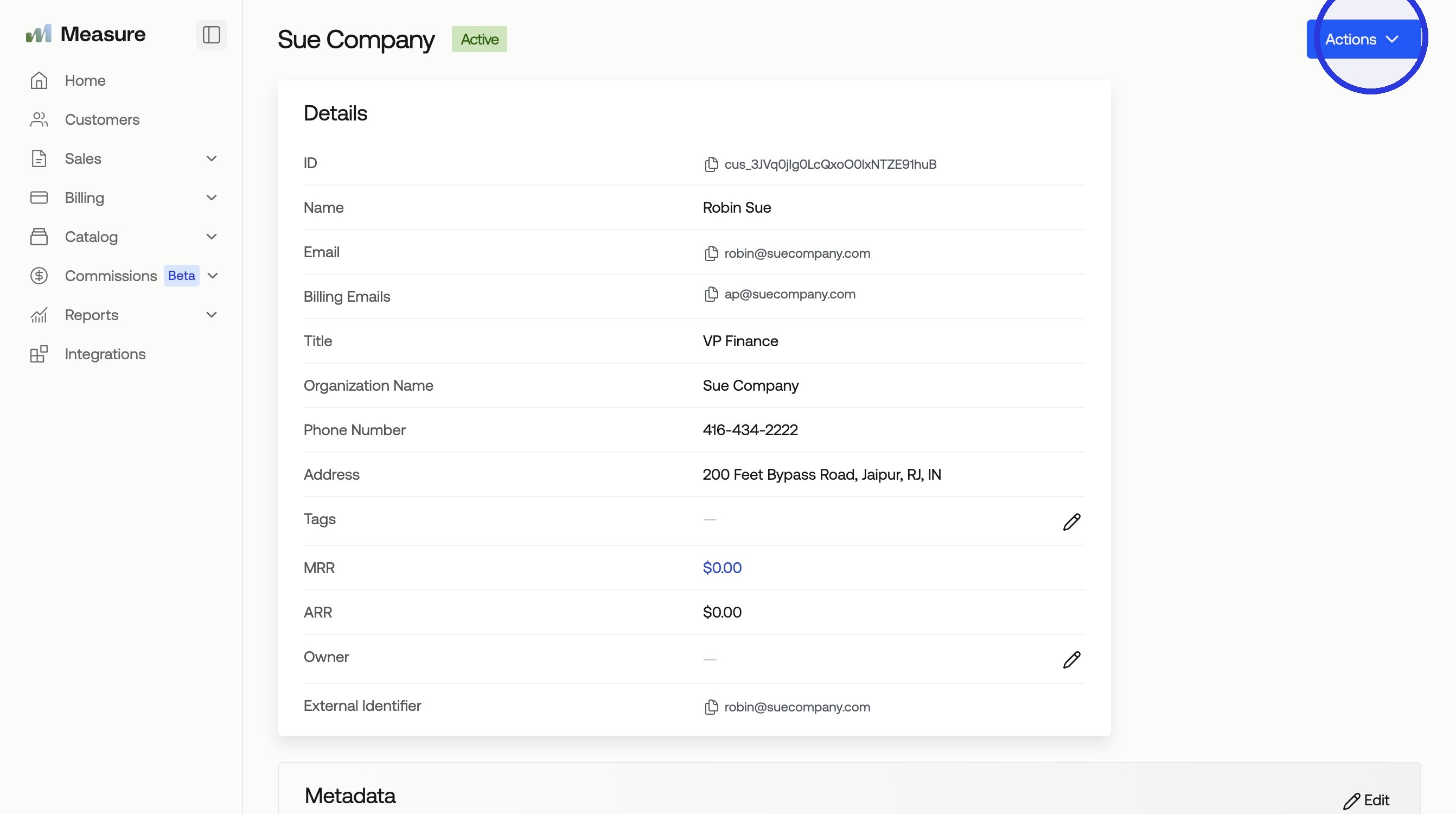
1. Select the "Child" Customer > Click "Actions"
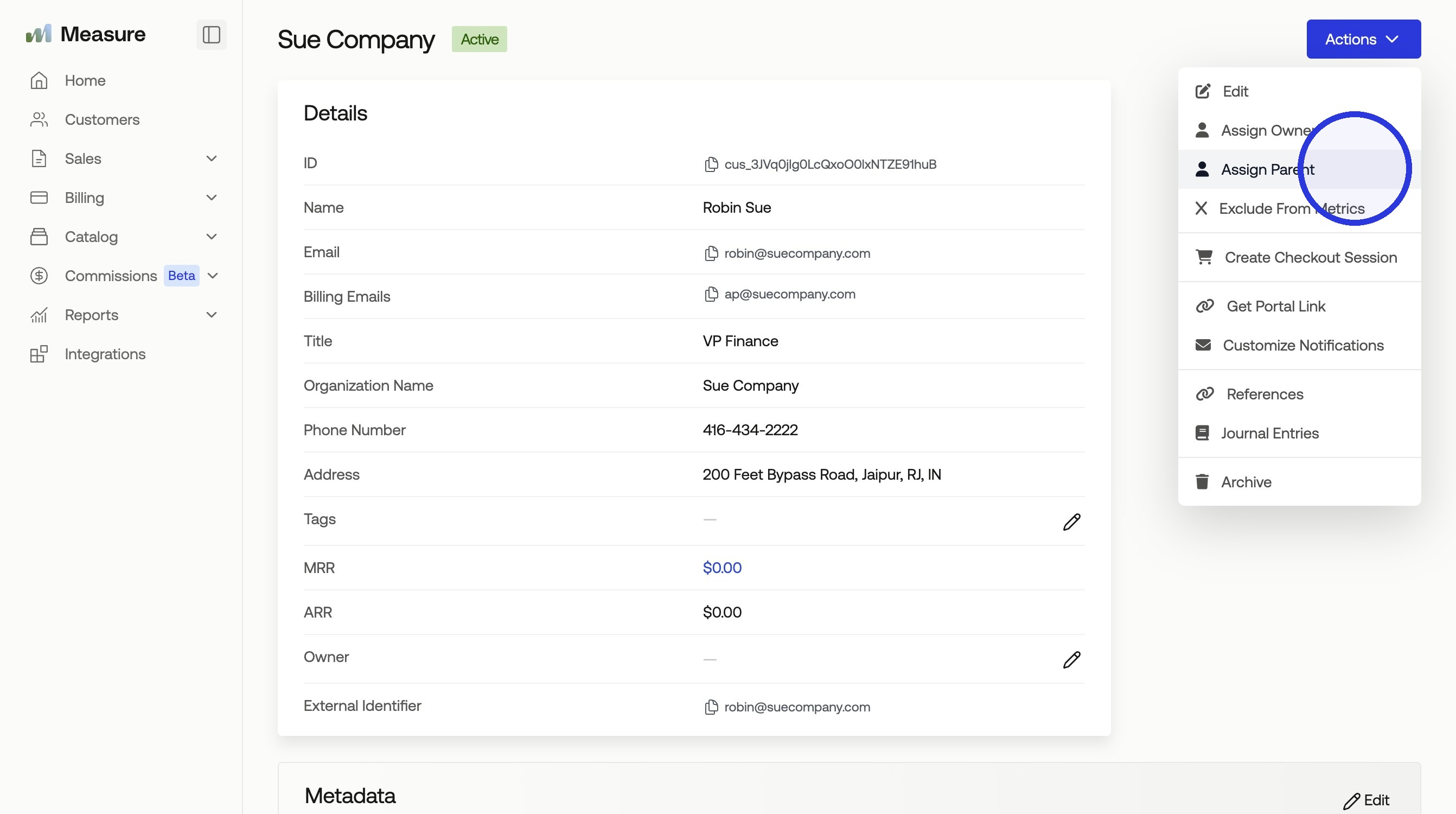
2. Click "Assign Parent"
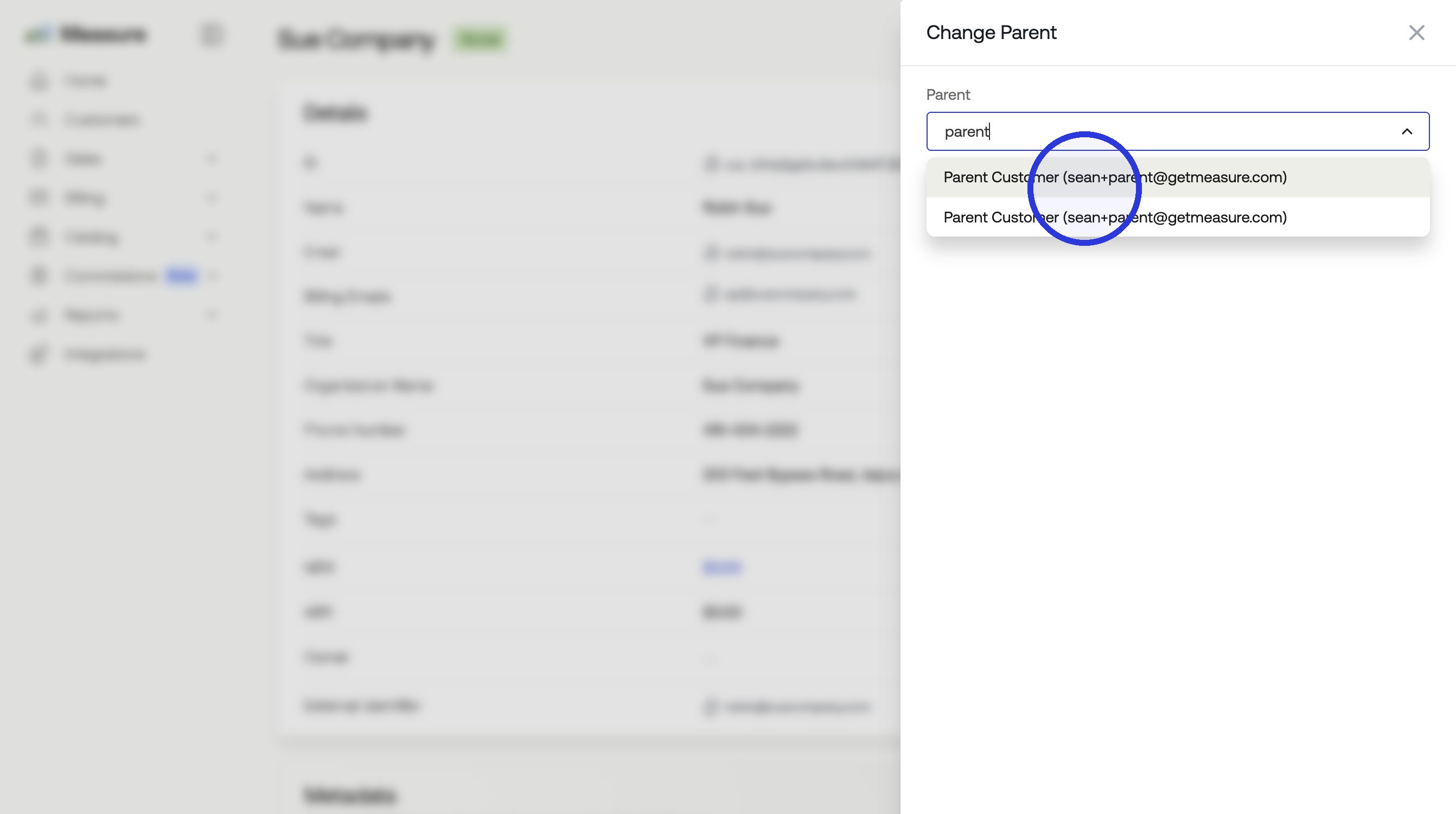
3. Select the Parent Customer
Search and select the customer you want to assign as the parent and click "Update".
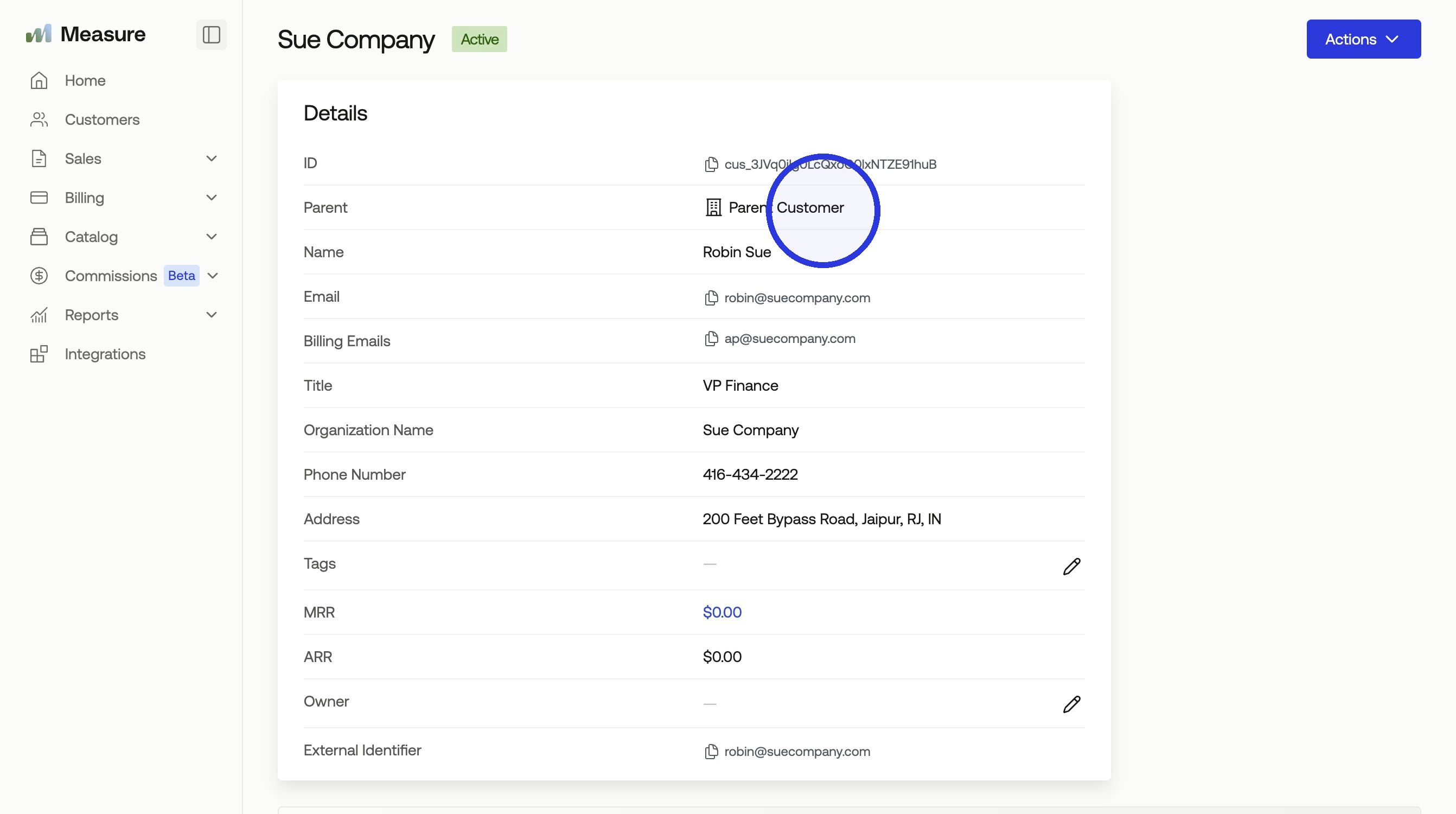
You will now see the parent customer listed under the child customer profile details. Click the parent customer to view their profile.
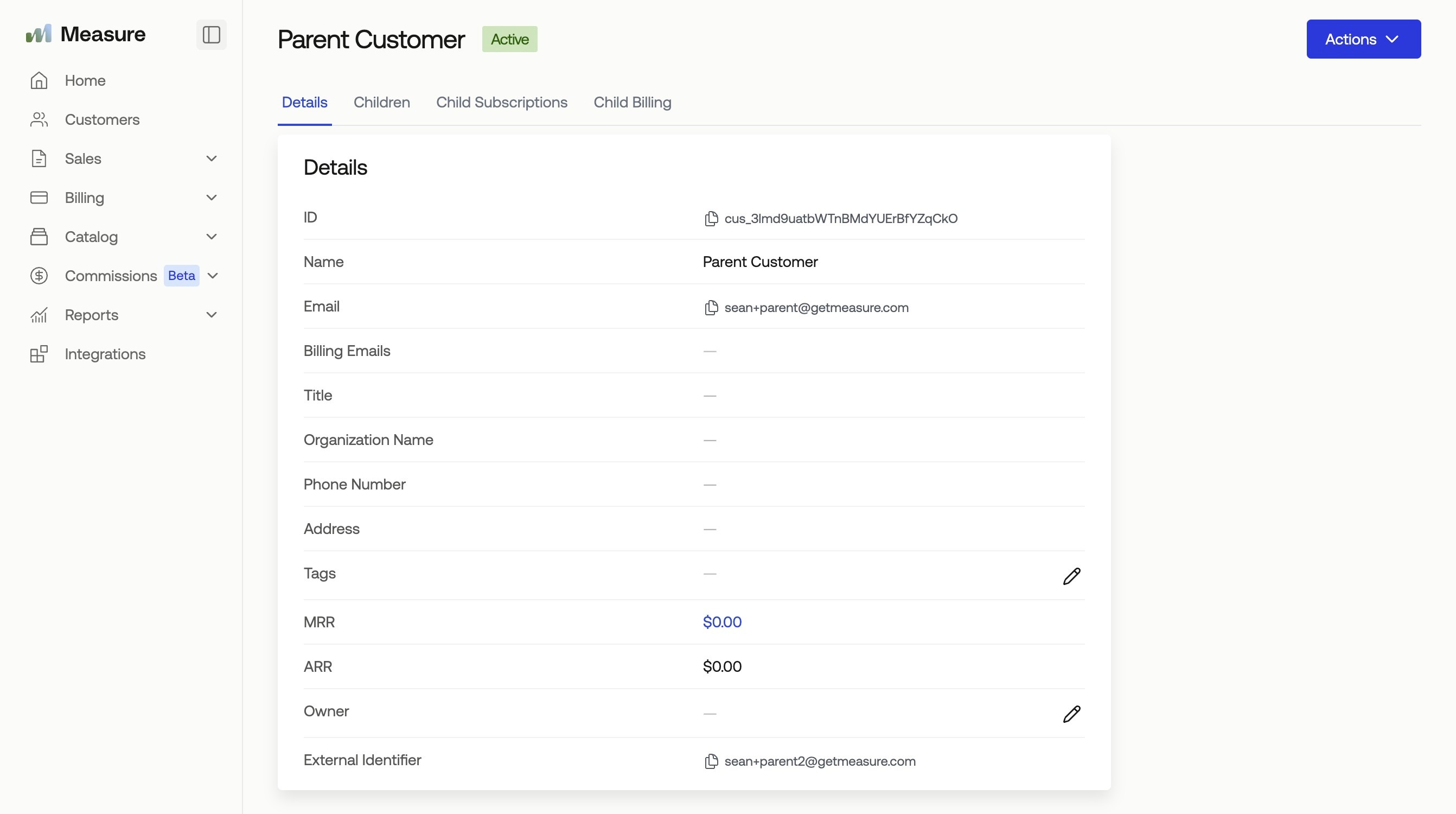
Additionally, the Parent's customer details page will now list all attached child customer accounts, and will show all invoices and active subscriptions for the children.
Was this article helpful?
Sorry about that! Care to tell us more?