
How to Create and Assign Tags to a Customer
Edited
Measure allows you to create custom tags for customers, which can be used to trigger automated actions and segment your metrics for deeper insights.
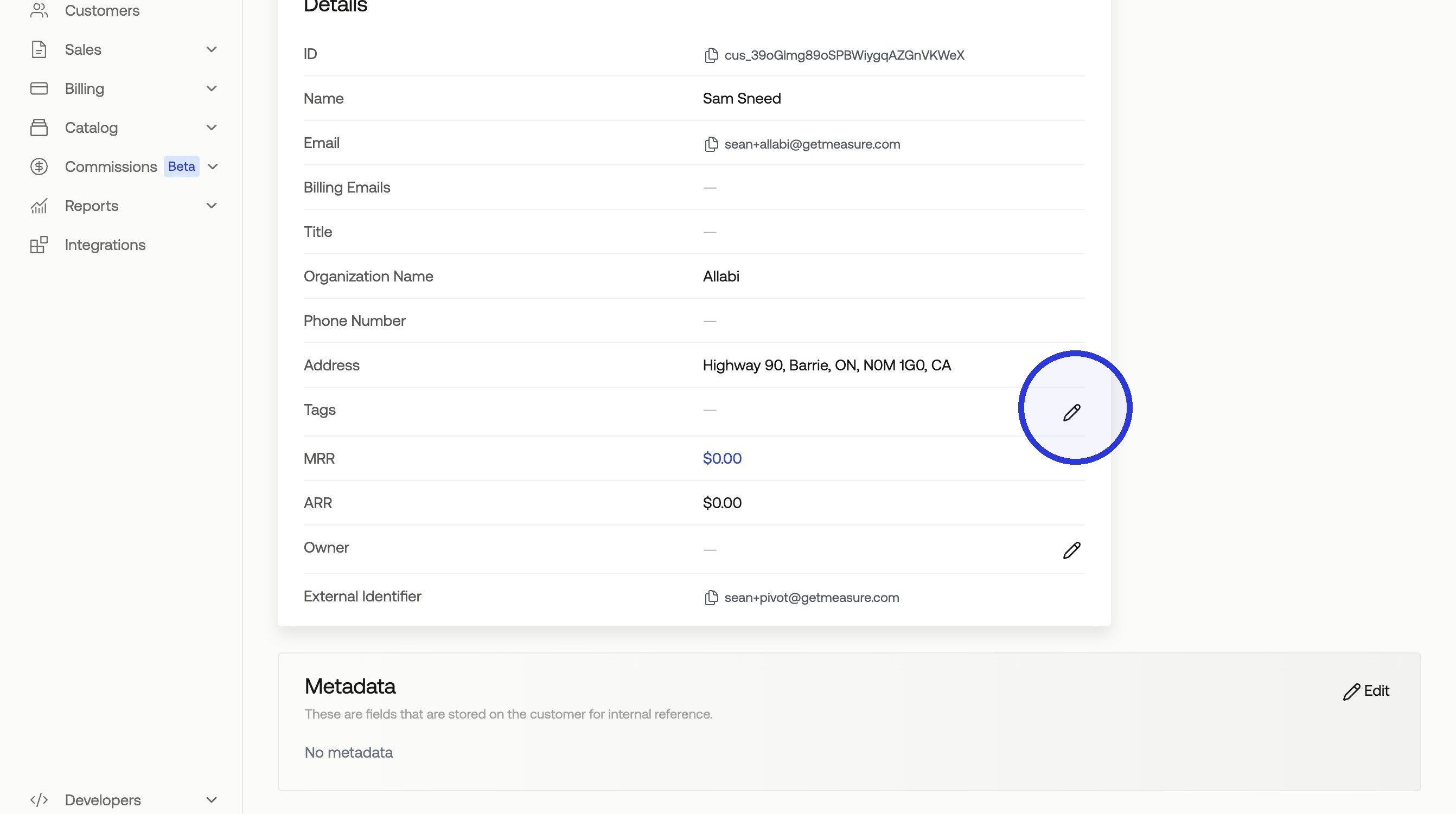
1. Click Customers > Select Customer > Click Pencil Icon
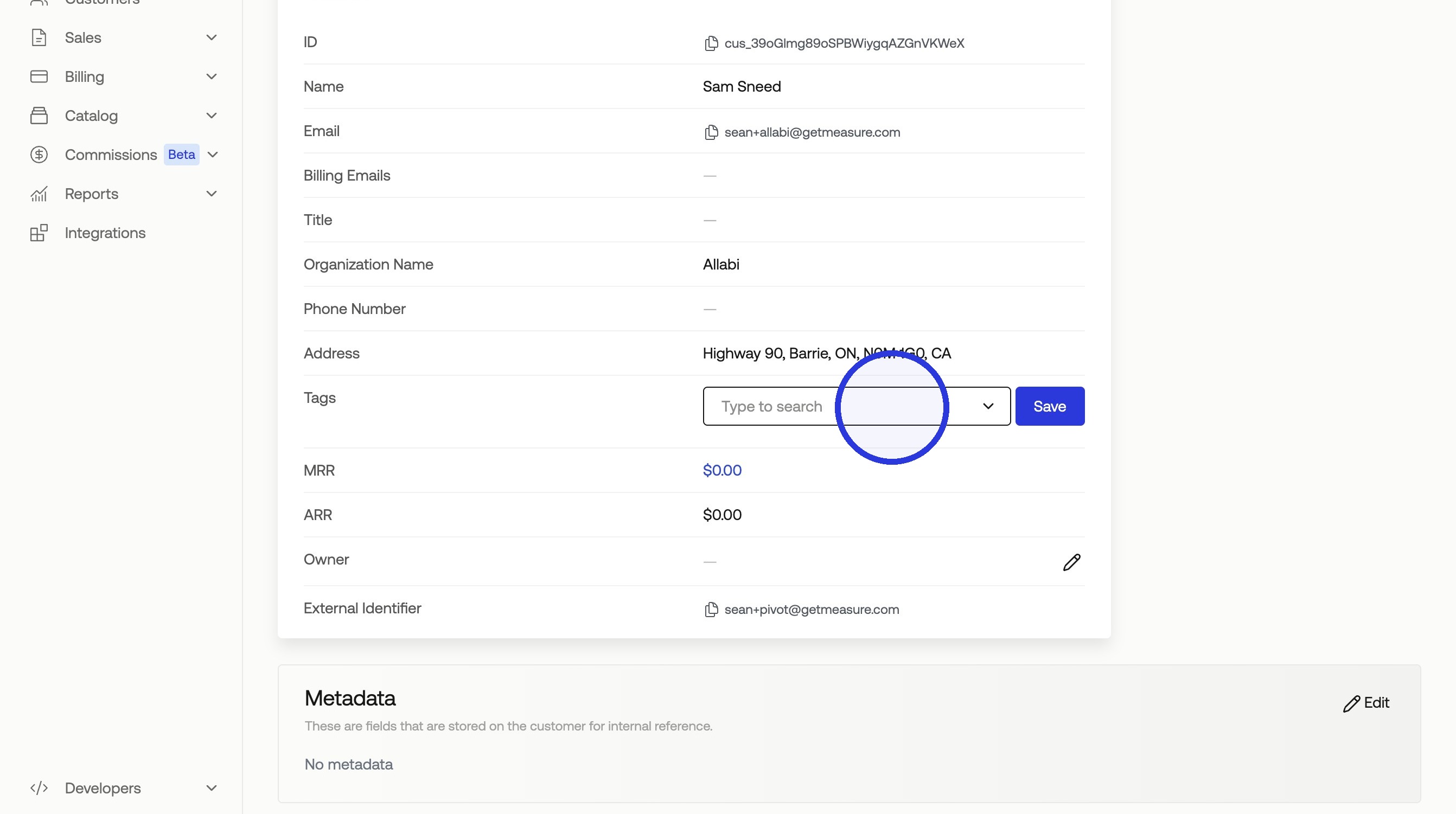
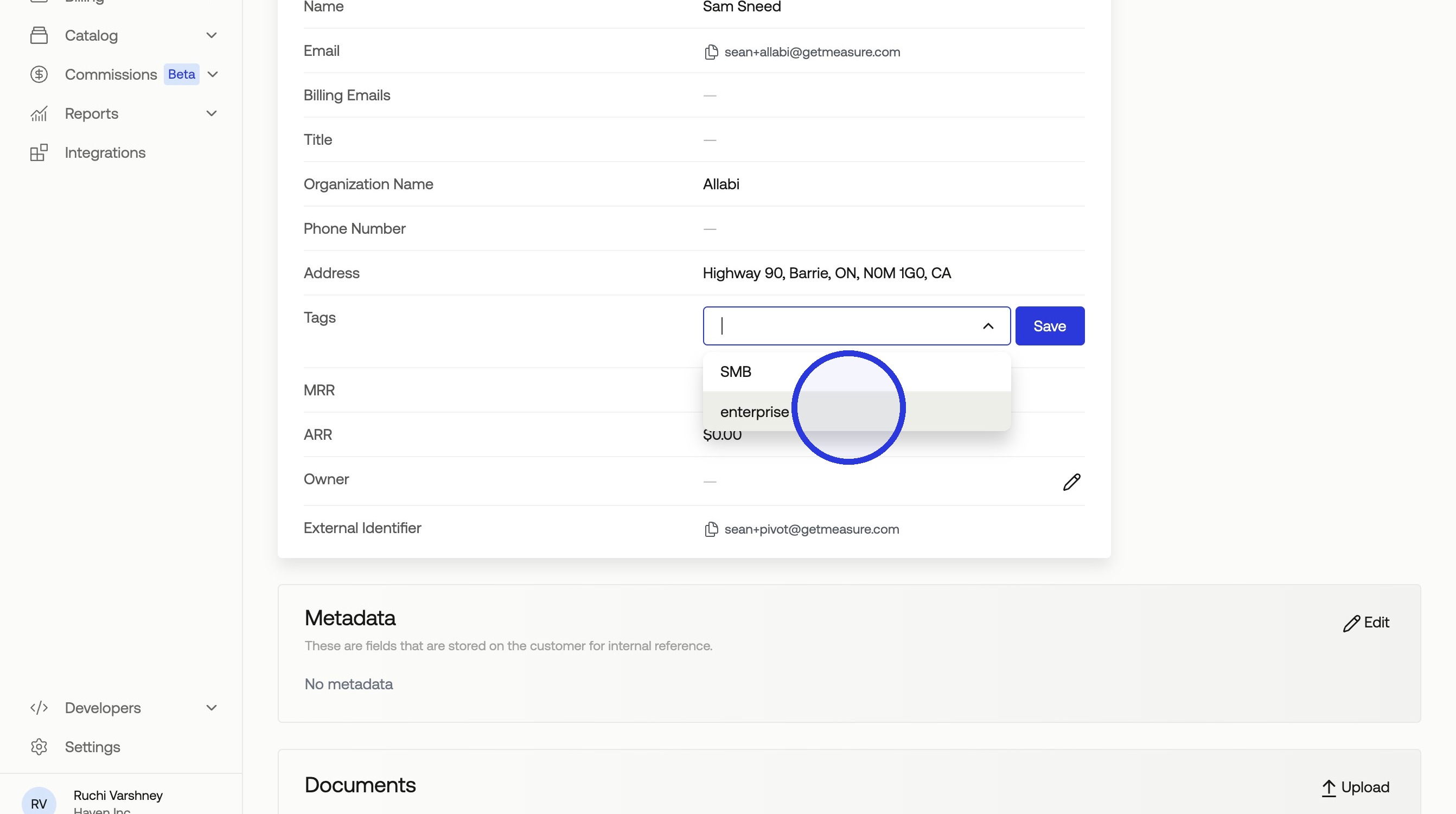
2. Add a Tag
You can use an existing tag or start typing to add more tags in place.
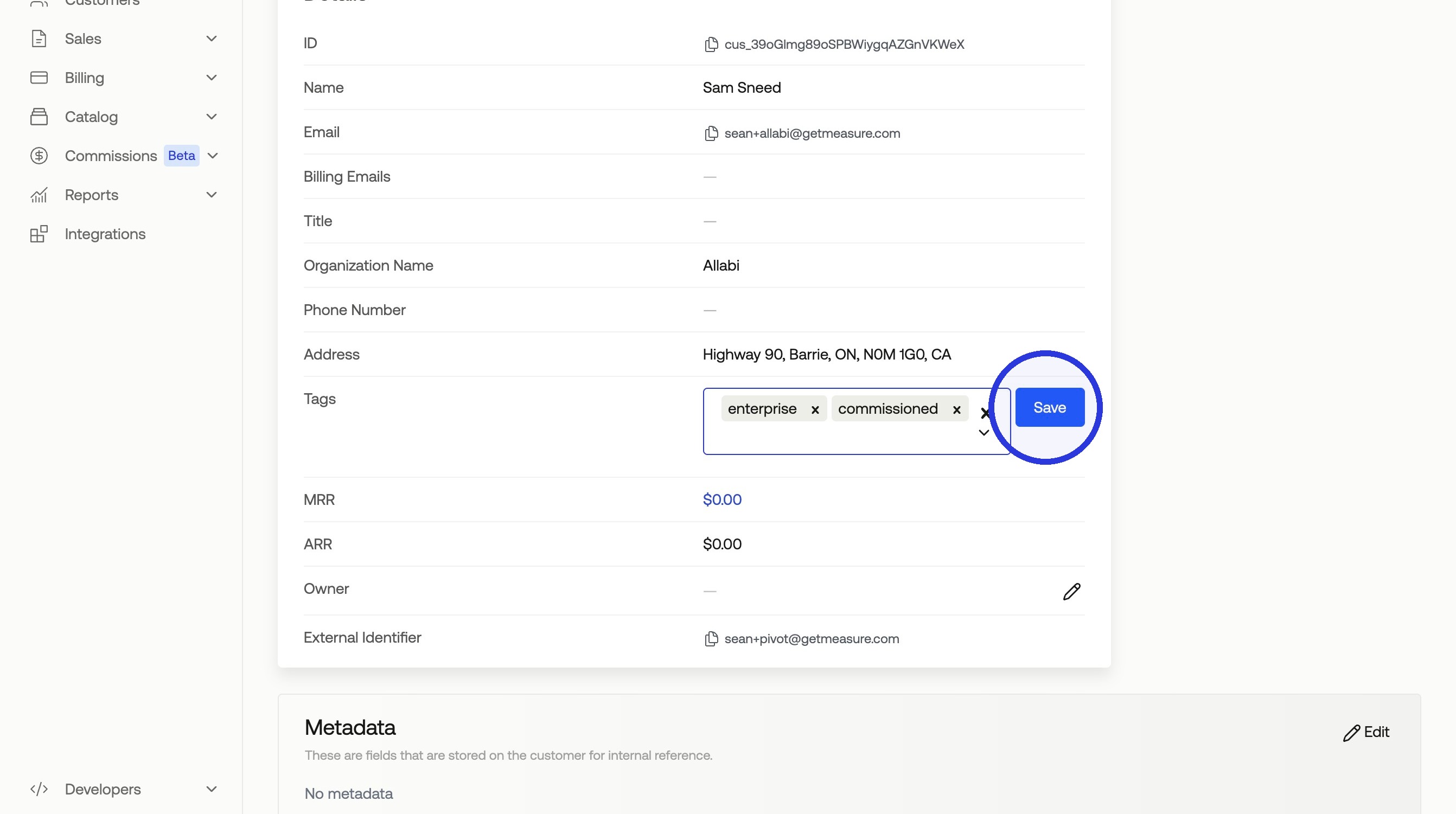
3. Click "Save"
Was this article helpful?
Sorry about that! Care to tell us more?