
How to Manually Create a Customer
Edited
Add a customer manually to Measure by entering their contact details, organization details, and address. This is the fastest way to create a single customer record without using the API or a CRM import.
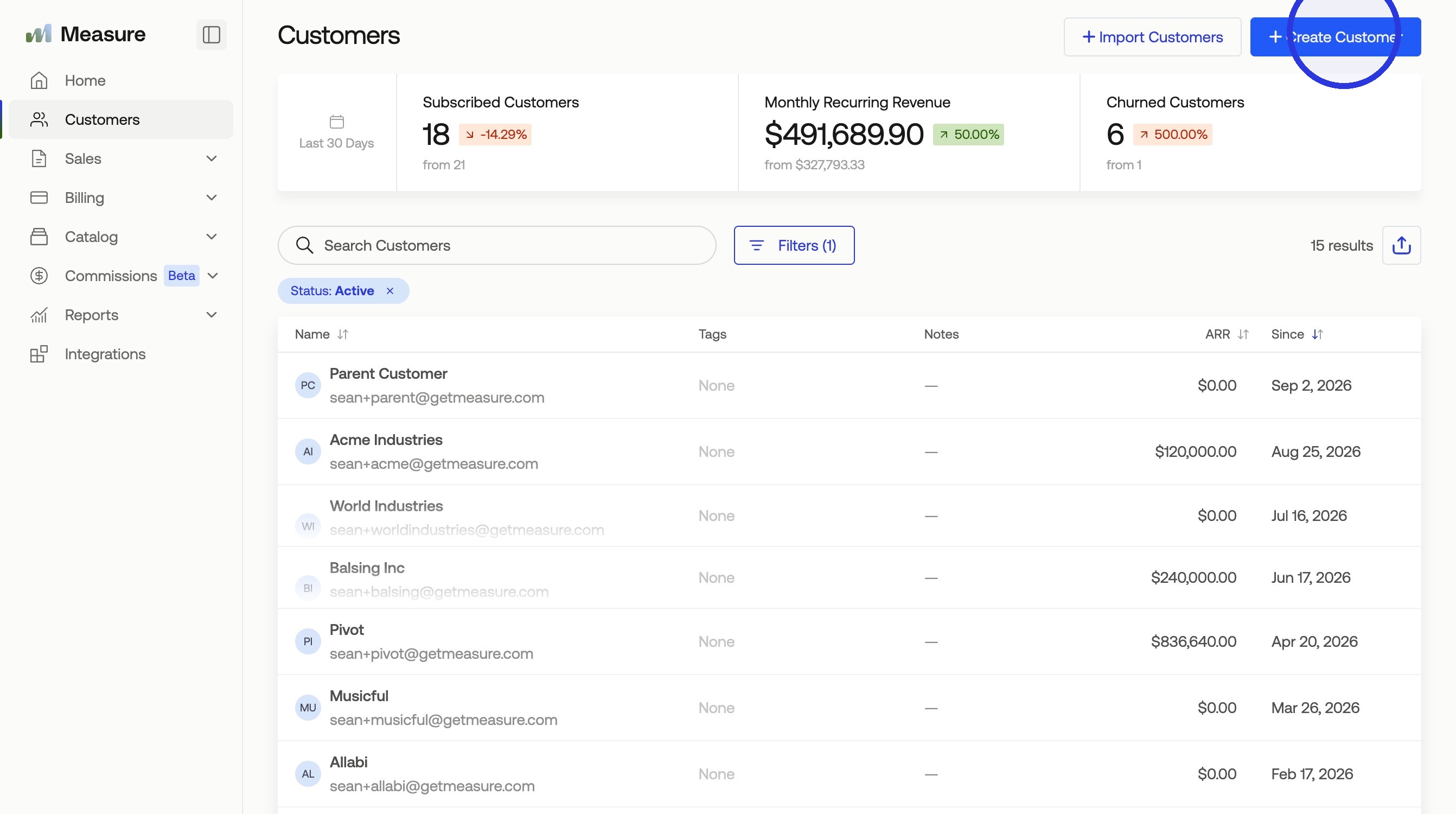
1. Click "Create Customer"
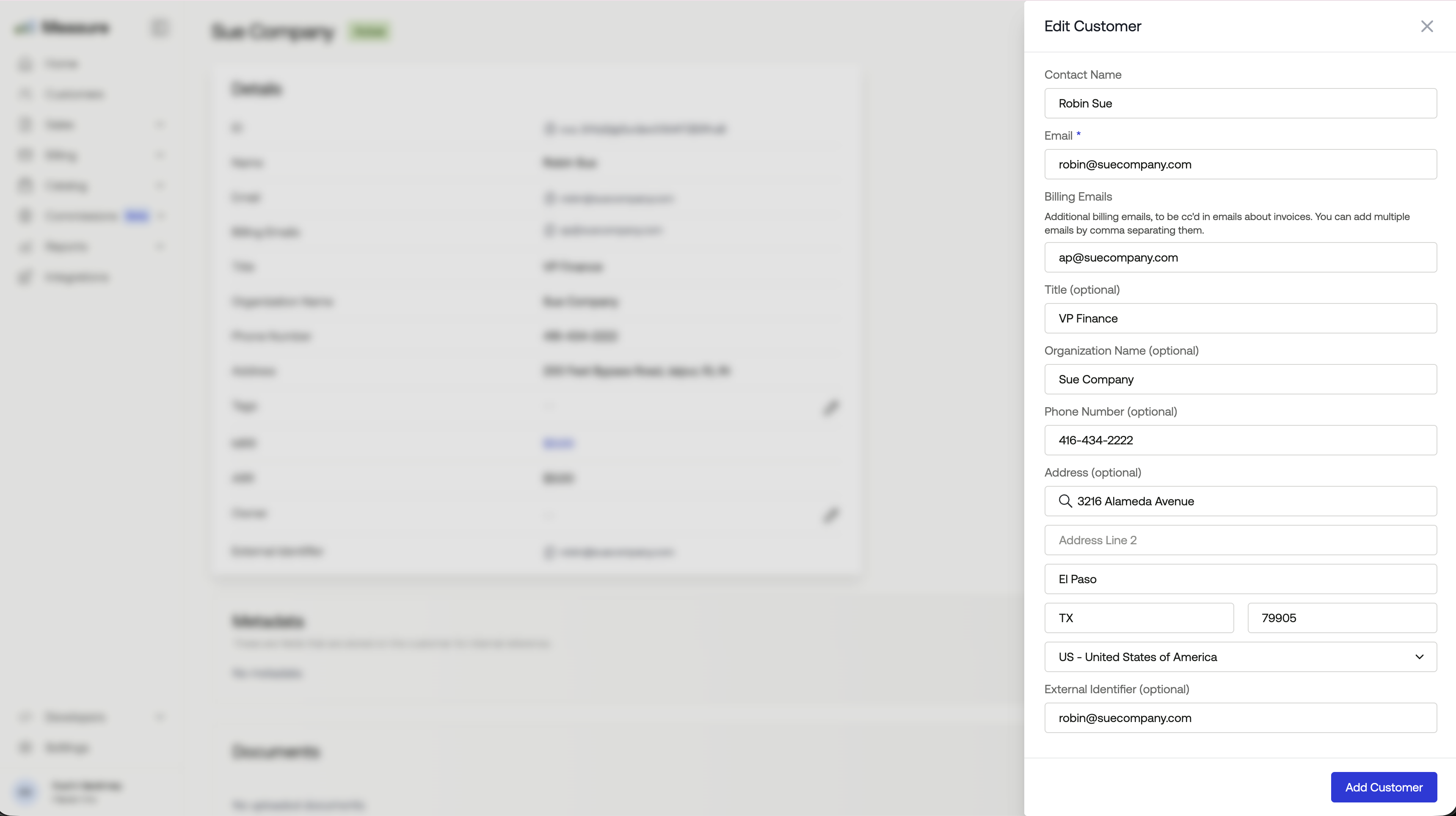
2. Fill in Your Customer Details
Email is a required field. Address is recommended, since Measure uses it to calculate tax on invoices. Assigning an organization name is optional, but it makes the customer easier to find later.
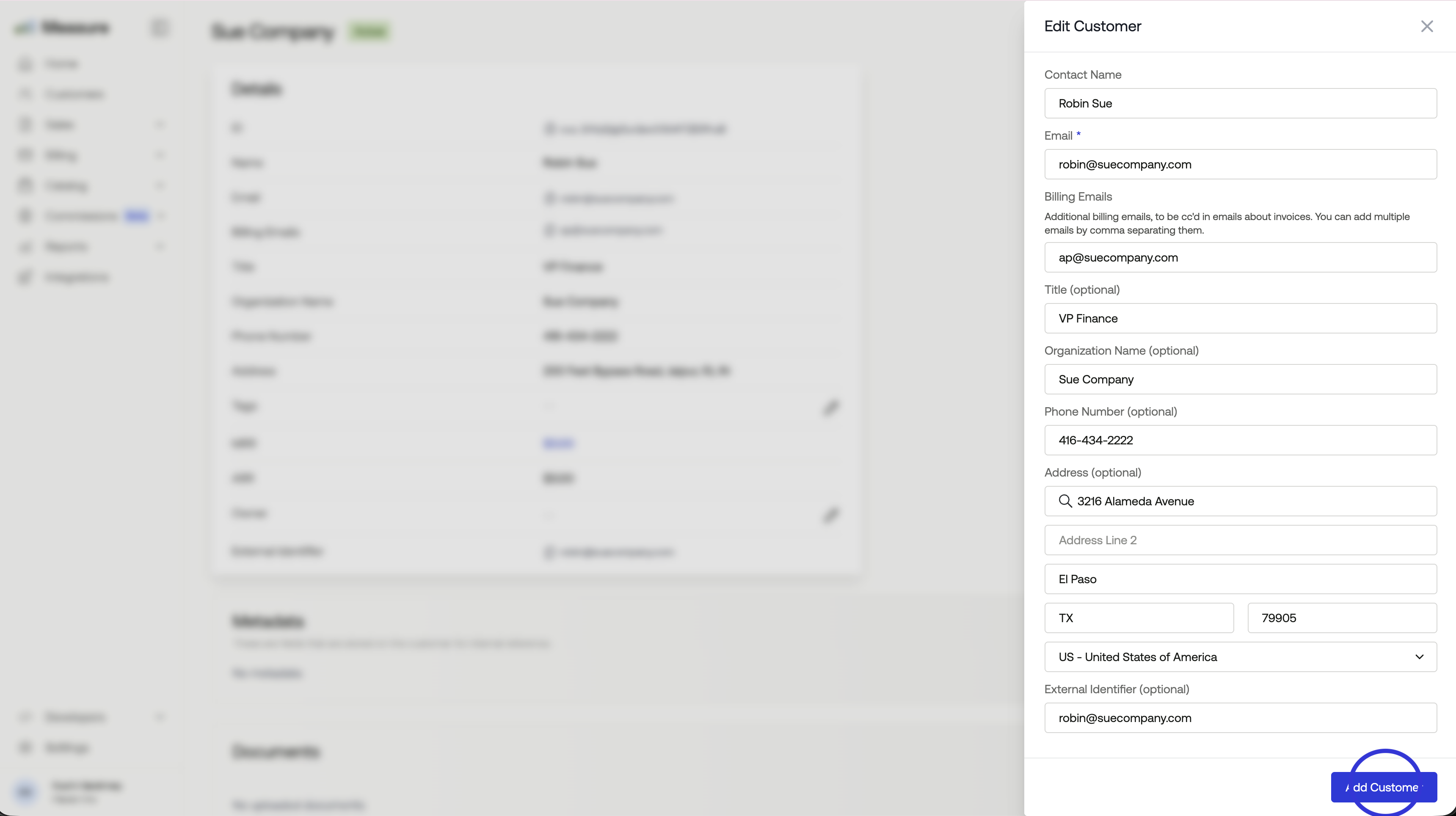
3. Click "Add Customer"
Was this article helpful?
Sorry about that! Care to tell us more?