Subscription Workflows and Statuses
Subscriptions are the foundation of recurring billing. They connect a customer to one or more product pricing plans that are billed on a set cadence. Each subscription must include at least one recurring price, though one-time charges can also be added at creation.
Subscription Creation
There are two ways to create subscriptions:
Via contract execution - A contract with recurring pricing automatically converts into a subscription once executed, establishing an ongoing billing schedule. The first invoice will be generated and sent depending on the contract start date and if there is at least one item that is billed at the start of the period.
Manually - Subscriptions may also be created without a signed contract, with flexible start dates that can be set in the past or future.
Subscription Statuses
Subscriptions have the following statuses throughout their lifecycle.
Active- Subscription is currently mid-cycle.Paused- Subscription has been paused mid-cycle for a certain duration, with invoices either being "Keep as draft" or "Void invoices".
Cancelled- The Measure user manually cancels subscription; invoices will not continue to be sent per the payment schedule.Trial Till X Date- the subscription has free trial days, in which billing will start at the X date.Ended- Subscription term has been completed and has effectively ended.
Subscription Renewals
When a contract and its corresponding subscription, or subscription, is set to auto-renew, there is no action on your end to set up the renewal. If there is no renewal, you have two options,
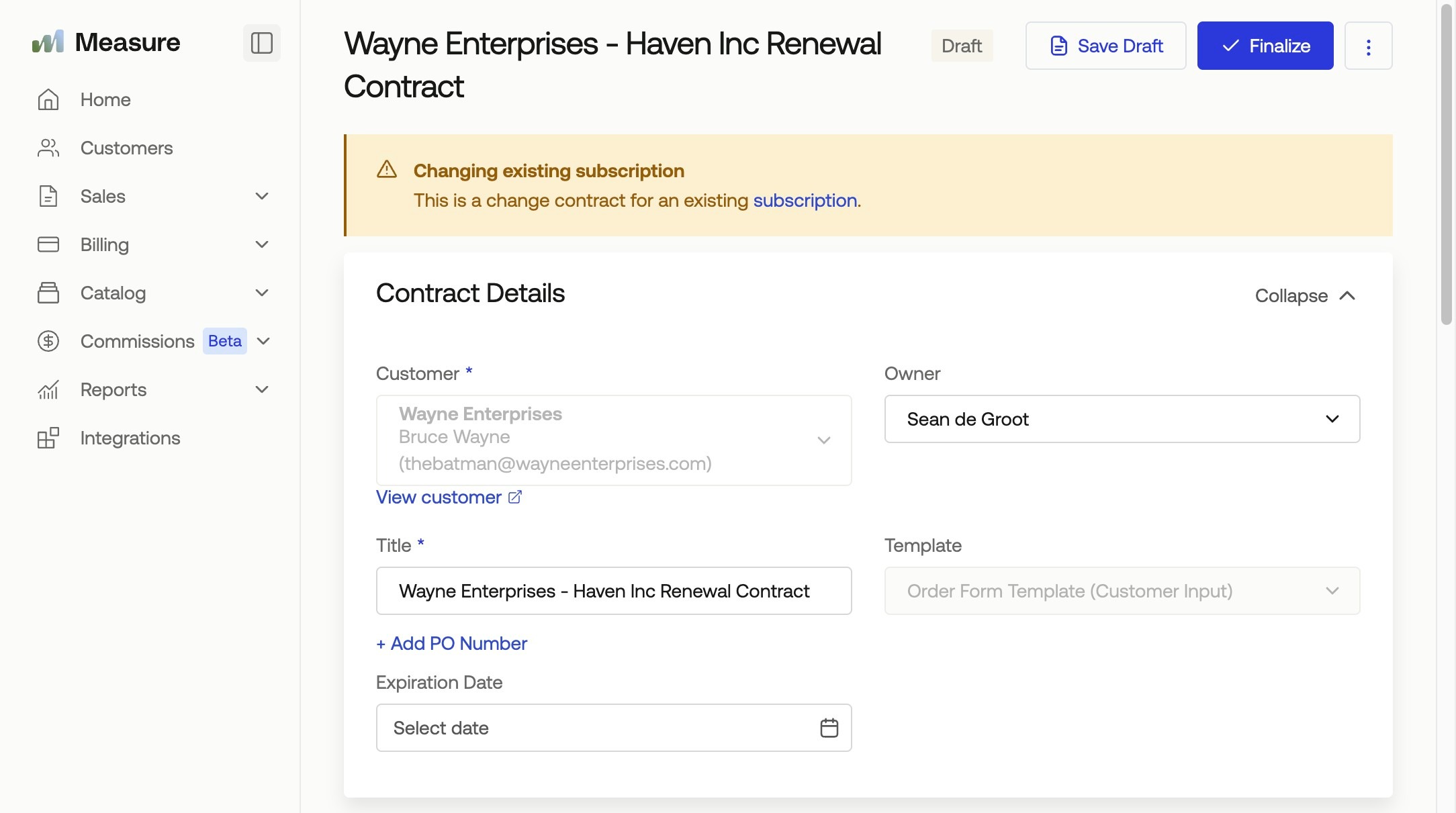
Start Change Contract (Need written consent)
Change Subscription
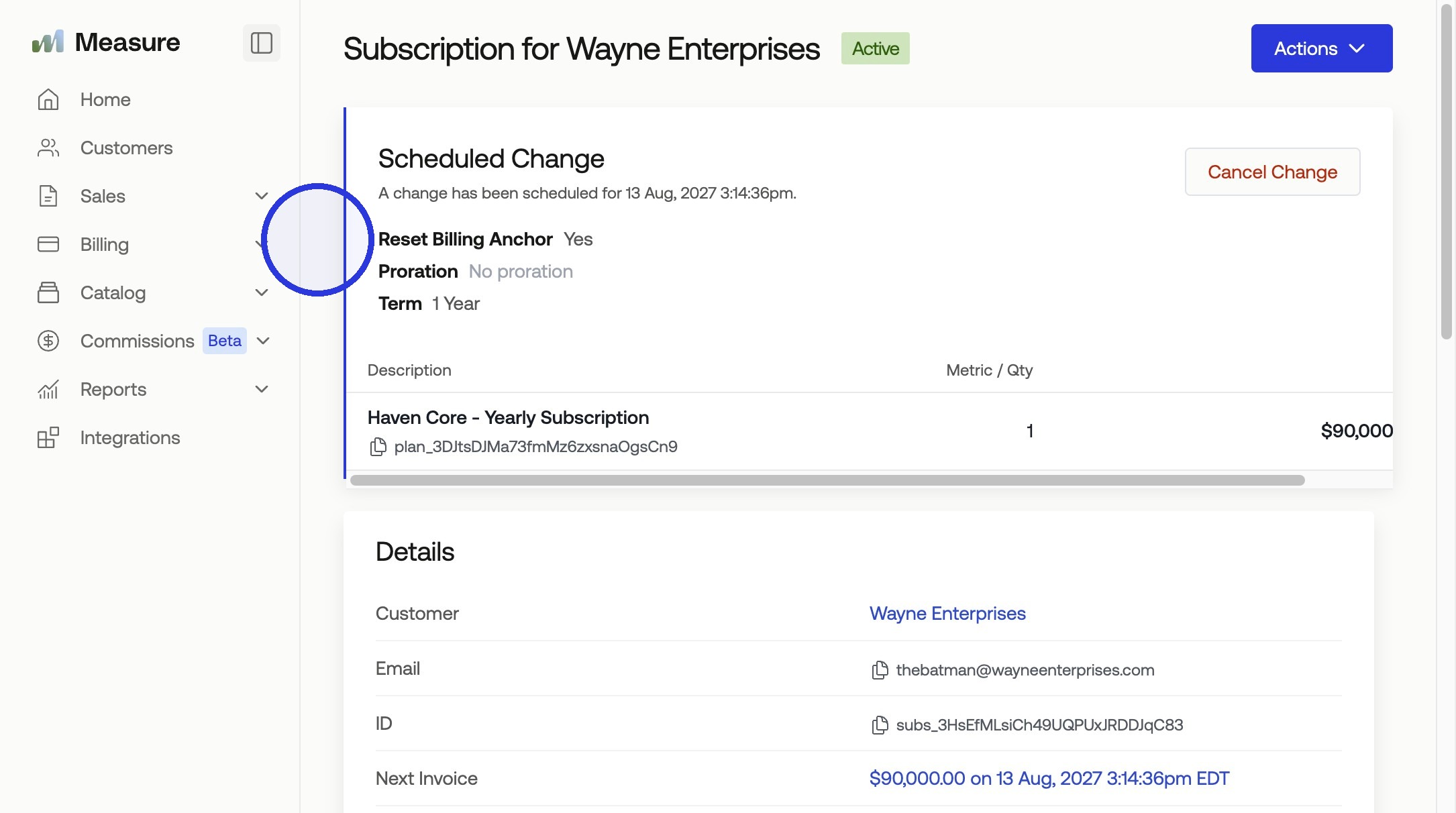
Both can include upgrades or downgrades in the change. Once signed, it will be a new renewal contract in Measure from the original, in which the subscription will have a pending change upon renewal.
Start Change Contract:
Contract has been signed and Executed, scheduled to change at Renewal:
Renewal Reminders
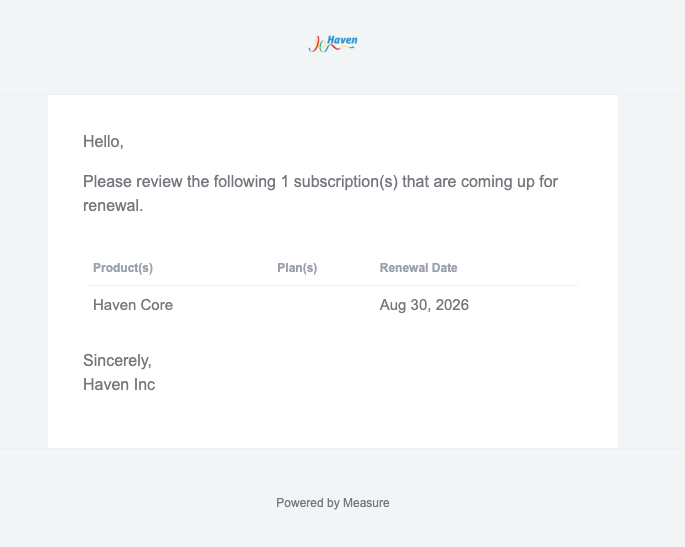
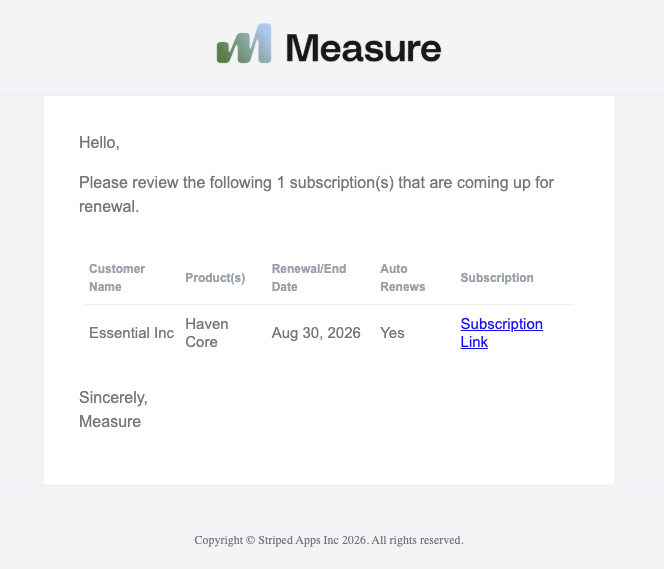
Renewal reminder emails can be configured to ensure that you are tracking your renewals automatically and are starting the renewal process with your customers in time. You can notify both your team and the customer of upcoming renewals under Settings > Subscriptions > Renewals.
Admin communications:
Customer communications: