
How to Create and Send a One-time Invoice
Edited
One-time invoices are for getting payment for previous billing cycles or billing issues.
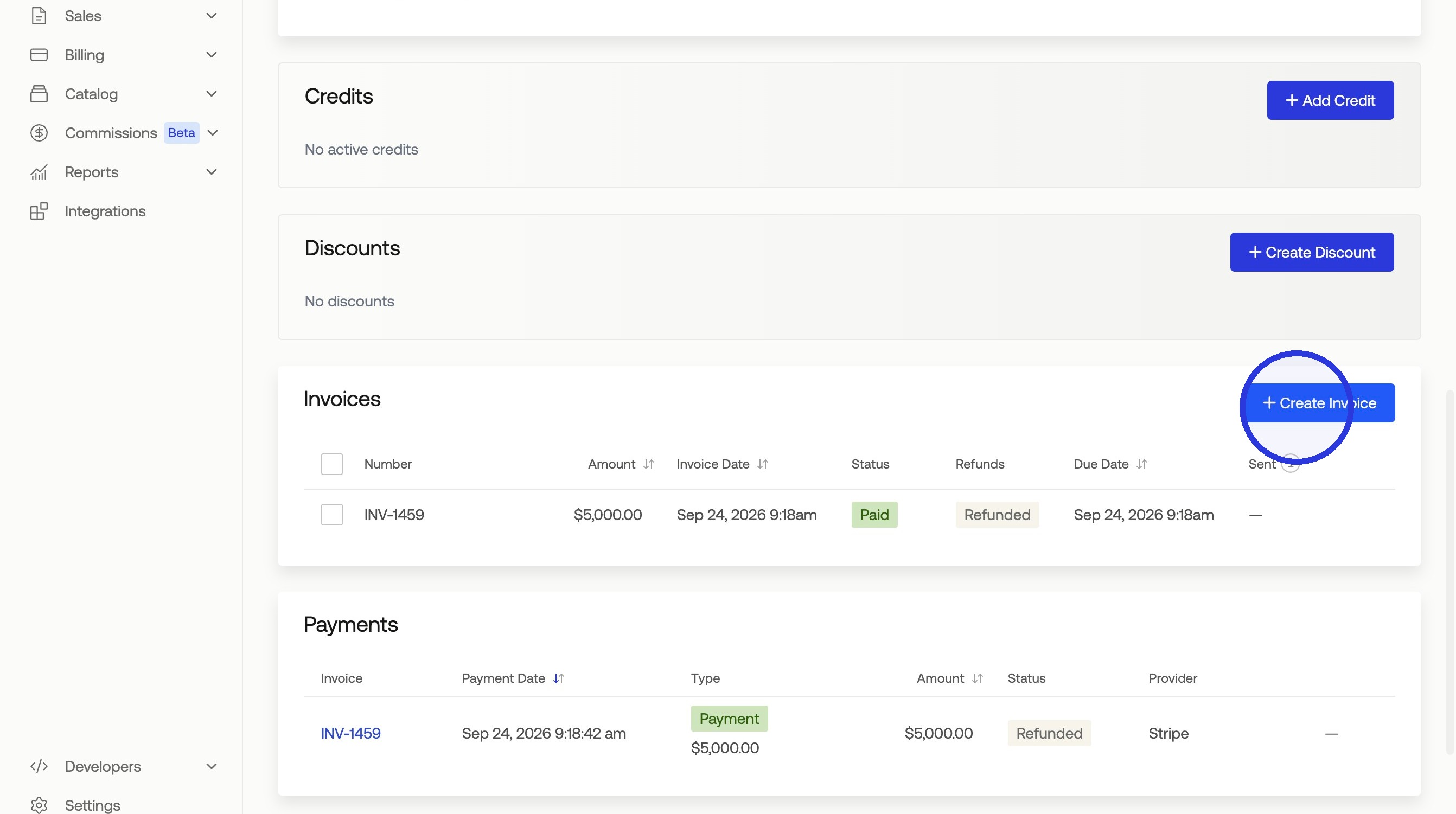
1. Click Customers > Select Customer > "+ Create Invoice"
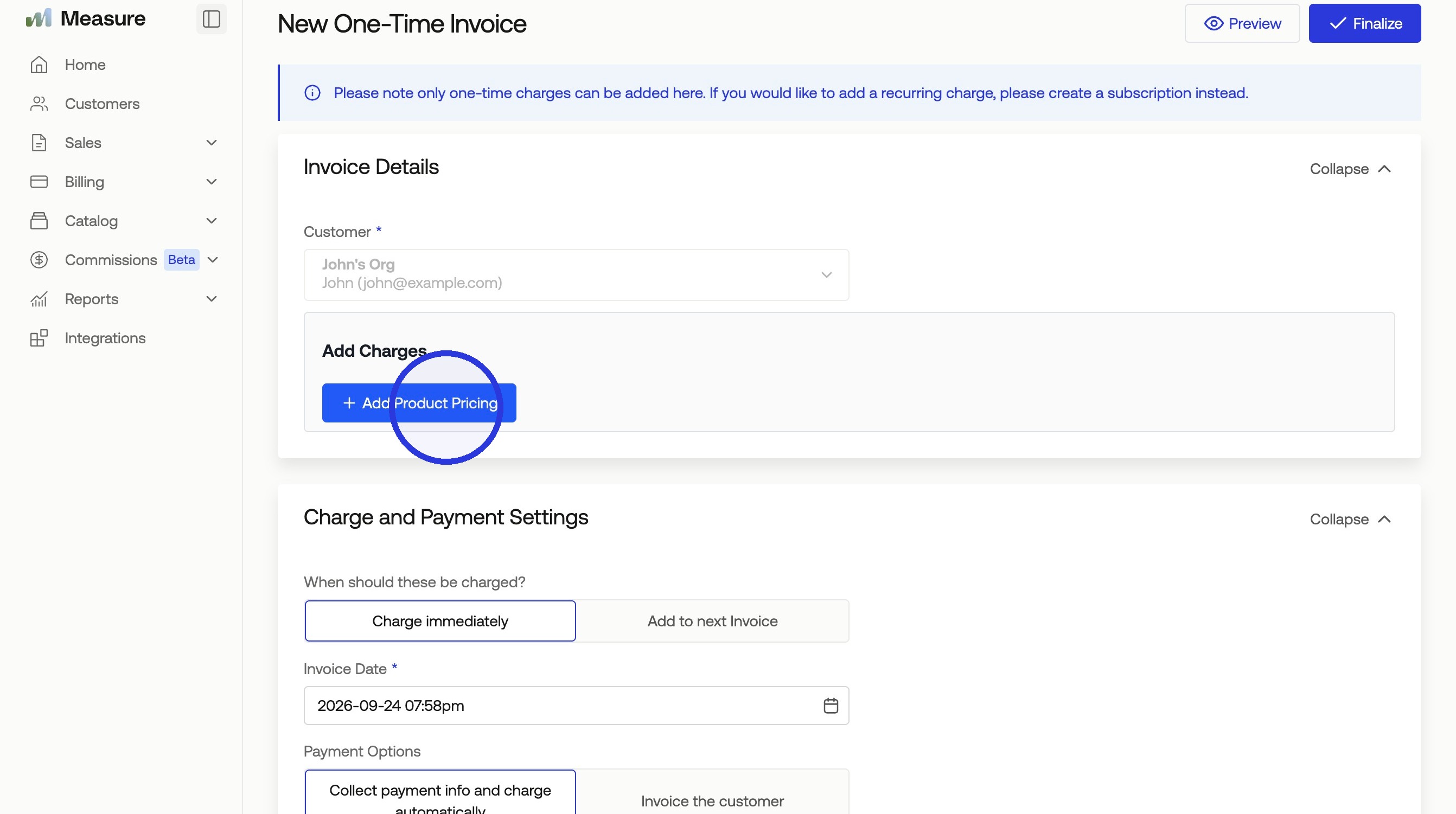
2. Click "Add Product Pricing"
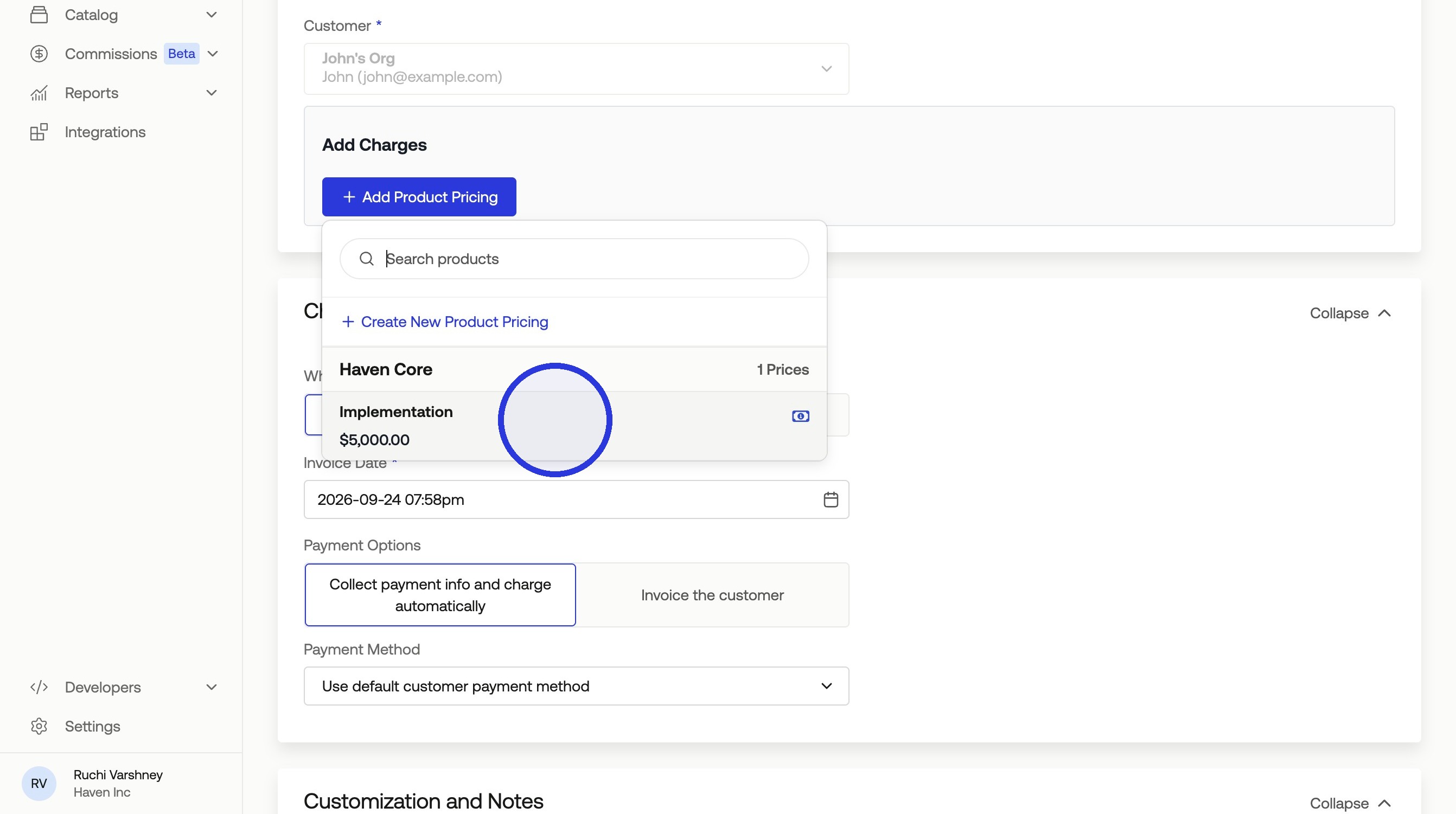
3. Select your Product Pricing
Pricing needs to be one-time pricing and not recurring.
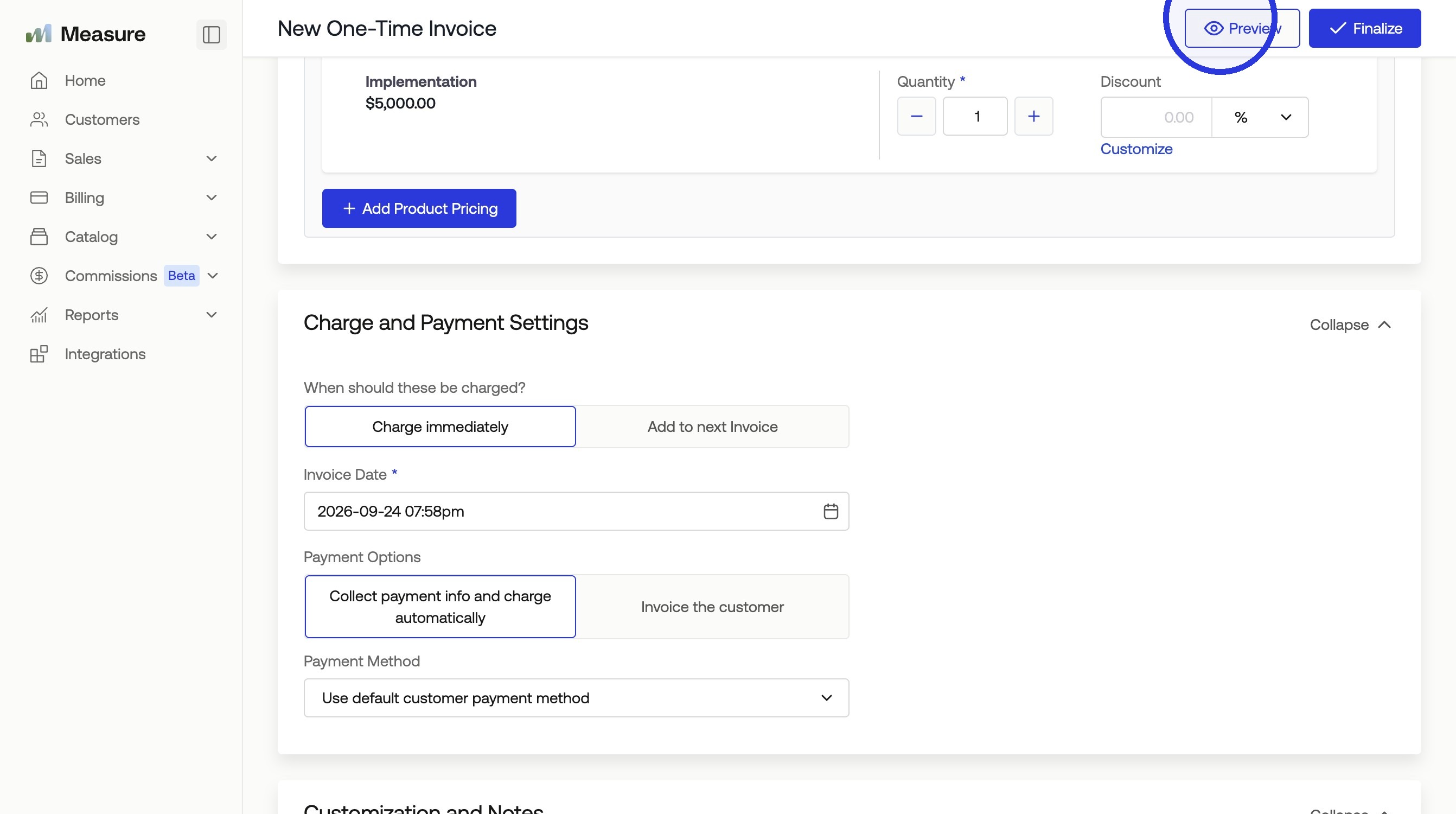
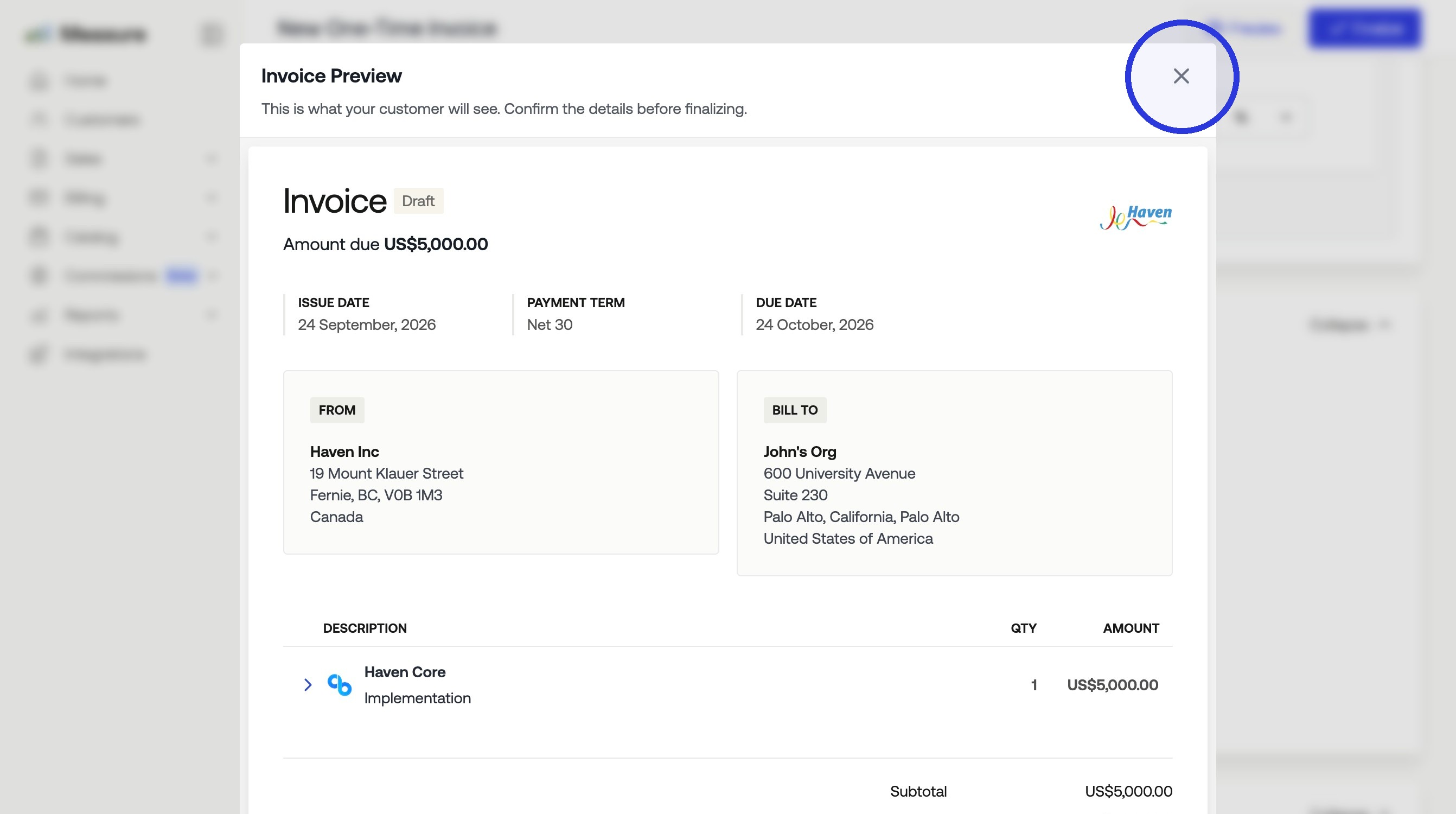
4. Click "Preview"
5. Close the Invoice Preview
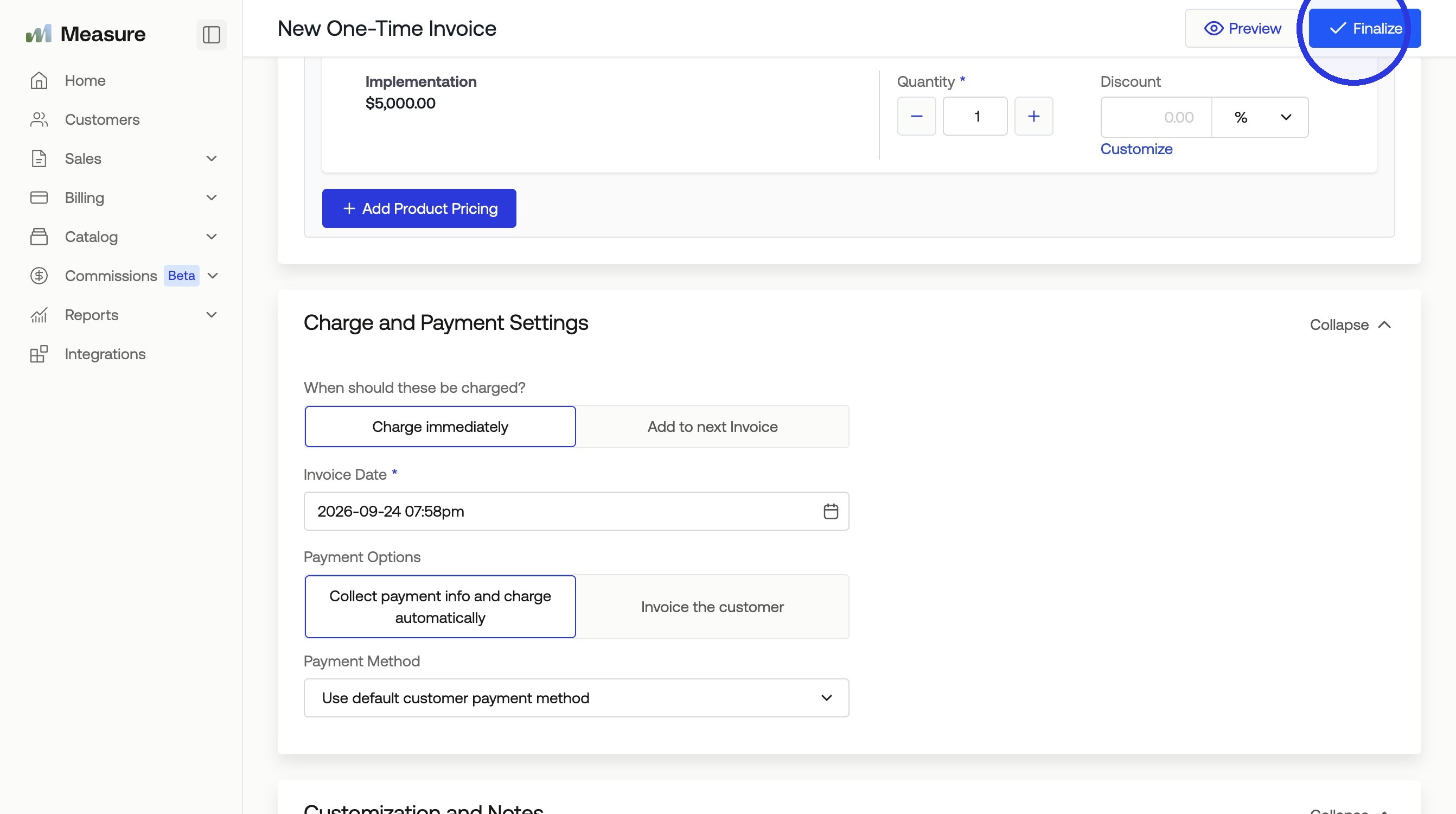
6. Click "Finalize"
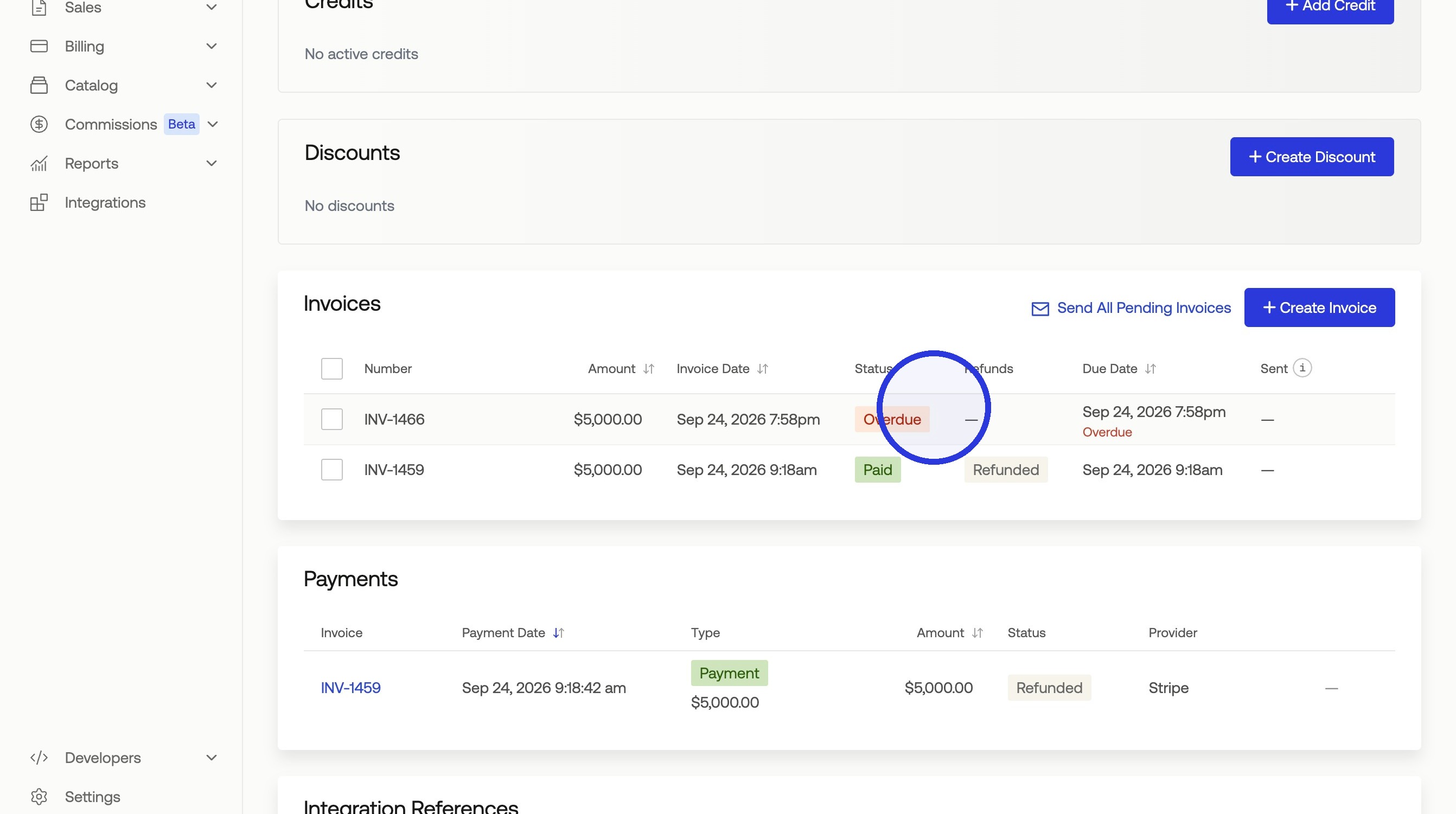
7. Click the Invoice Status > Select "Share"
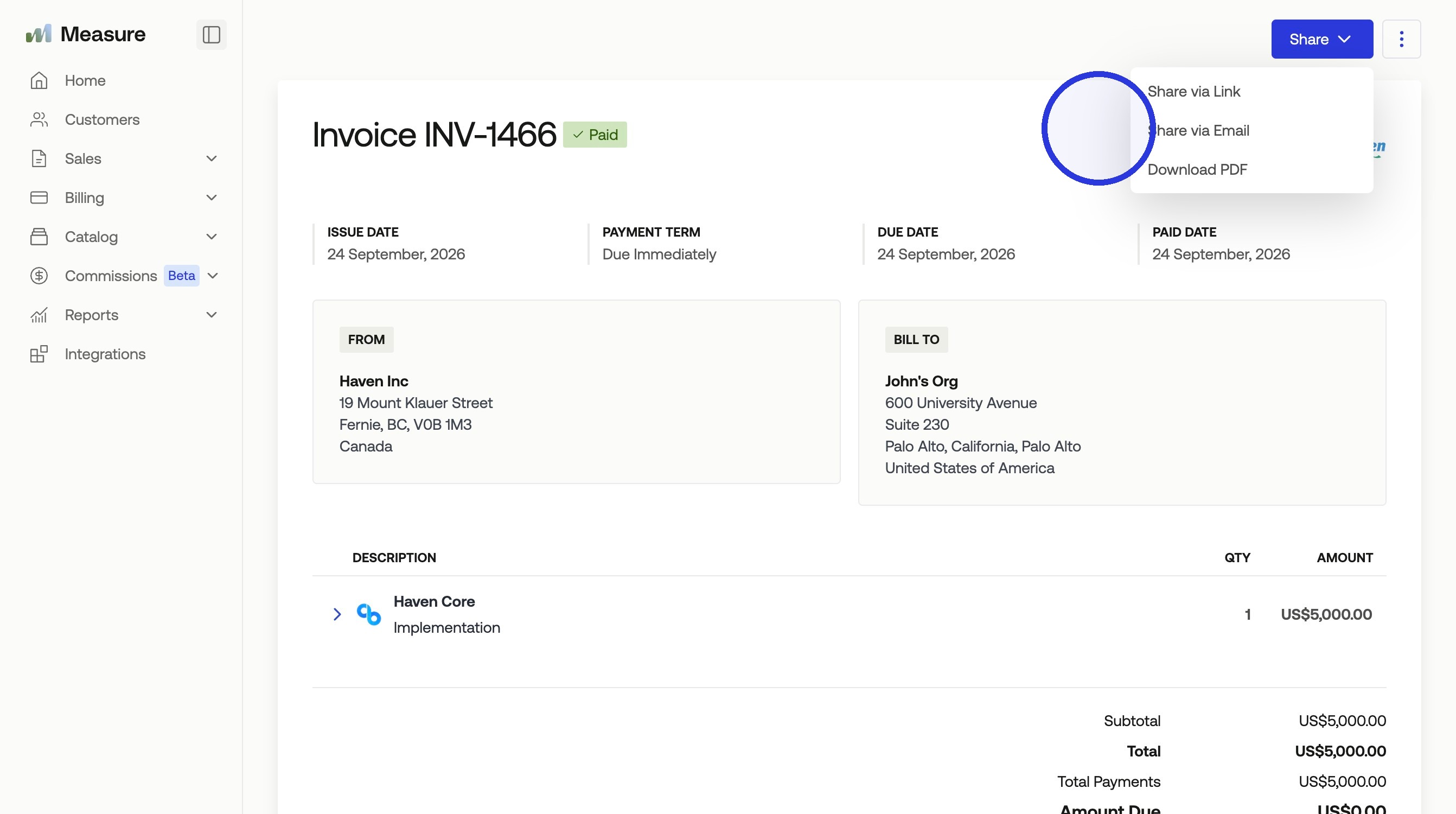
8. Click "Share"
Was this article helpful?
Sorry about that! Care to tell us more?