Payments
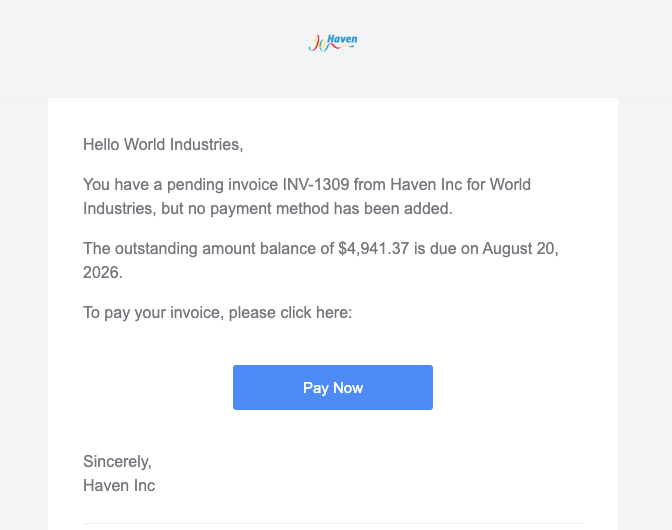
Payments in Measure can be accessed from the left menu by going to Billing > Payments.
The page lists all your payments with high-level aggregations over the last 30 days. You can also filter payments by: Status, Currency, Provider Type, Transaction Type, and Payment amount. You can also choose to show or hide Stripe Connect transactions.
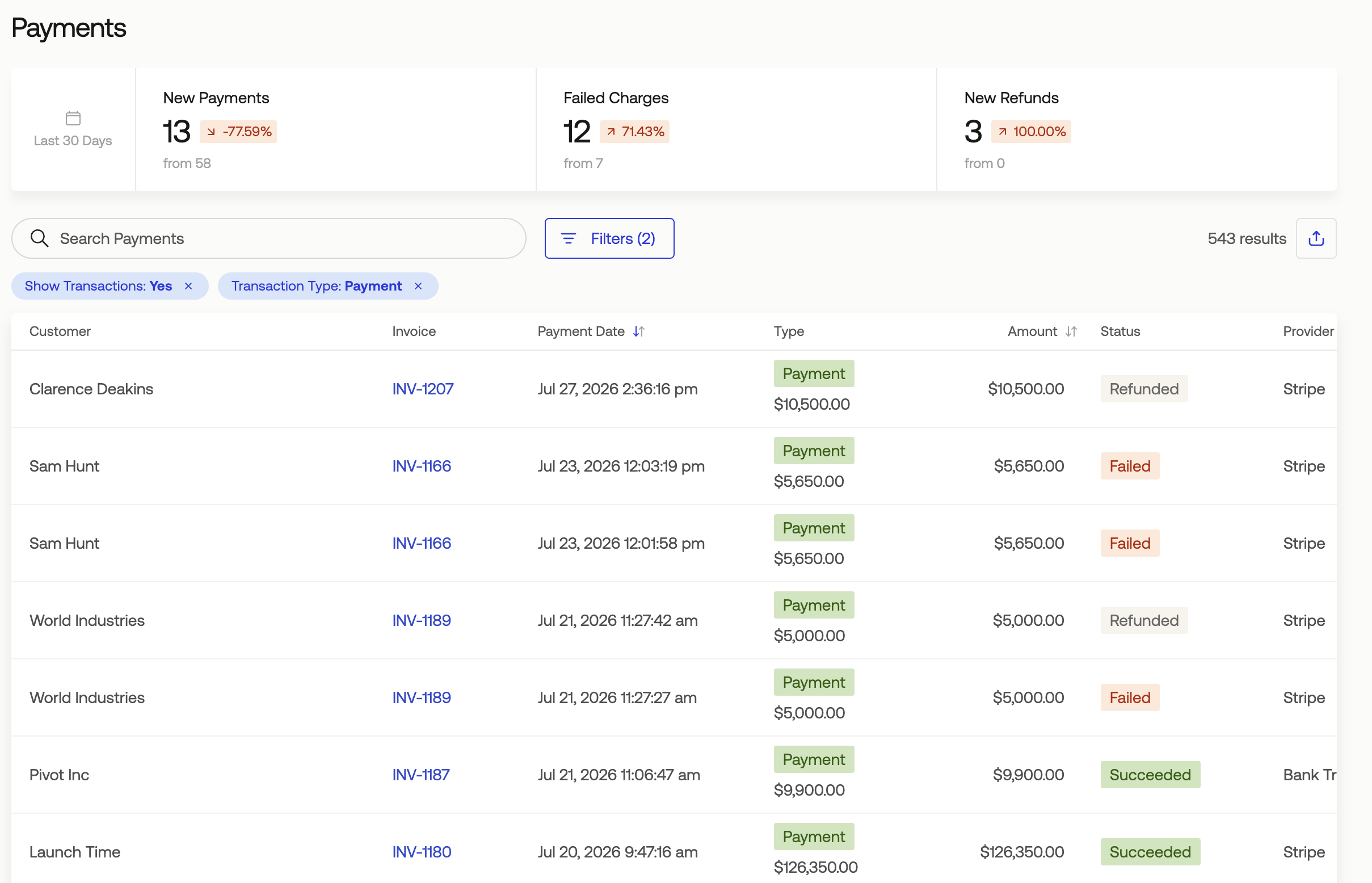
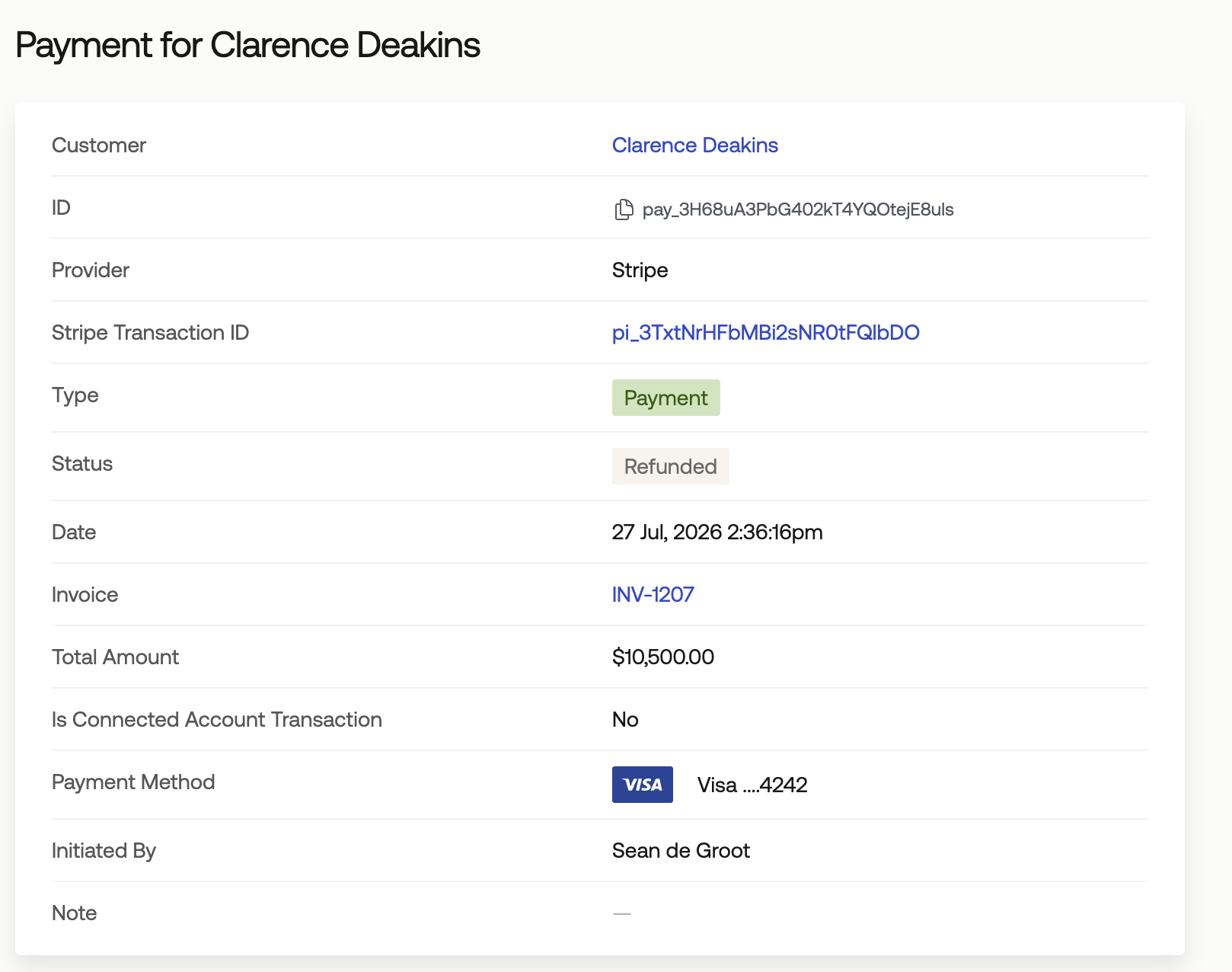
Clicking on an item in the list will show you the details of that payment.
Getting Paid Using Measure
There are two main ways of “getting paid” using Measure.
Receiving Payments using Payment Providers
Receiving Manual Payments
Receiving Payments using Payment Providers
Measure integrates with third-party payment providers for payments and refunds. Payment transactions are automatically associated with the invoice and trigger the appropriate state changes for the invoice. Measure currently supports many payment provider integrations.
Receiving Manual Payments
If you are collecting payments from an external source, such as wires, ACH or checks, Measure lets you manually mark invoices as paid for accounting purposes. To manually mark an invoice as paid,
Payment Success and Payment Failure Emails
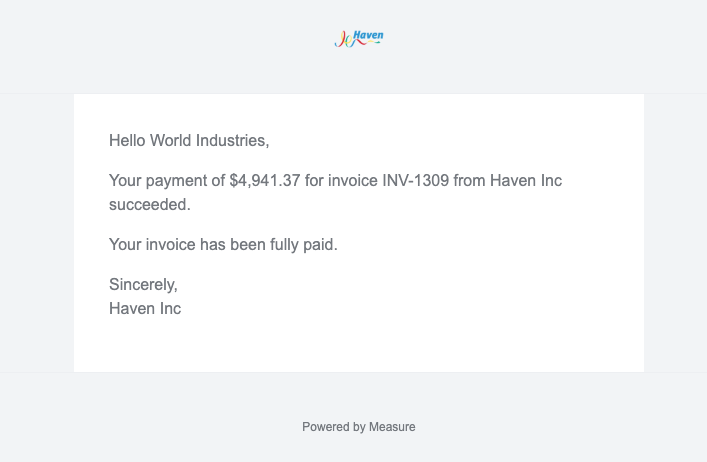
Measure sends out emails when a successful payment is received or a payment fails. Most payments fail due to not having a payment method on file, or due to credit card limits configured in your Stripe. These messages will show in the payment itself, which can be viewed in the logs under the affiliated invoice. These can be configured under Settings > Invoices > Notifications.
Payment Success communications:
Payment Failure communications:
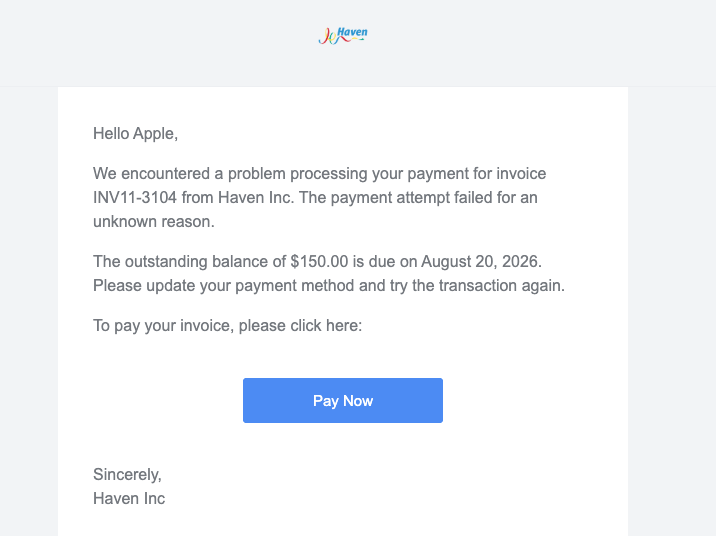
Payment Method Missing (Charging automatically, no payment method on file; this gets sent by default without any setting configuration):