Sphere Integration Overview and Setup
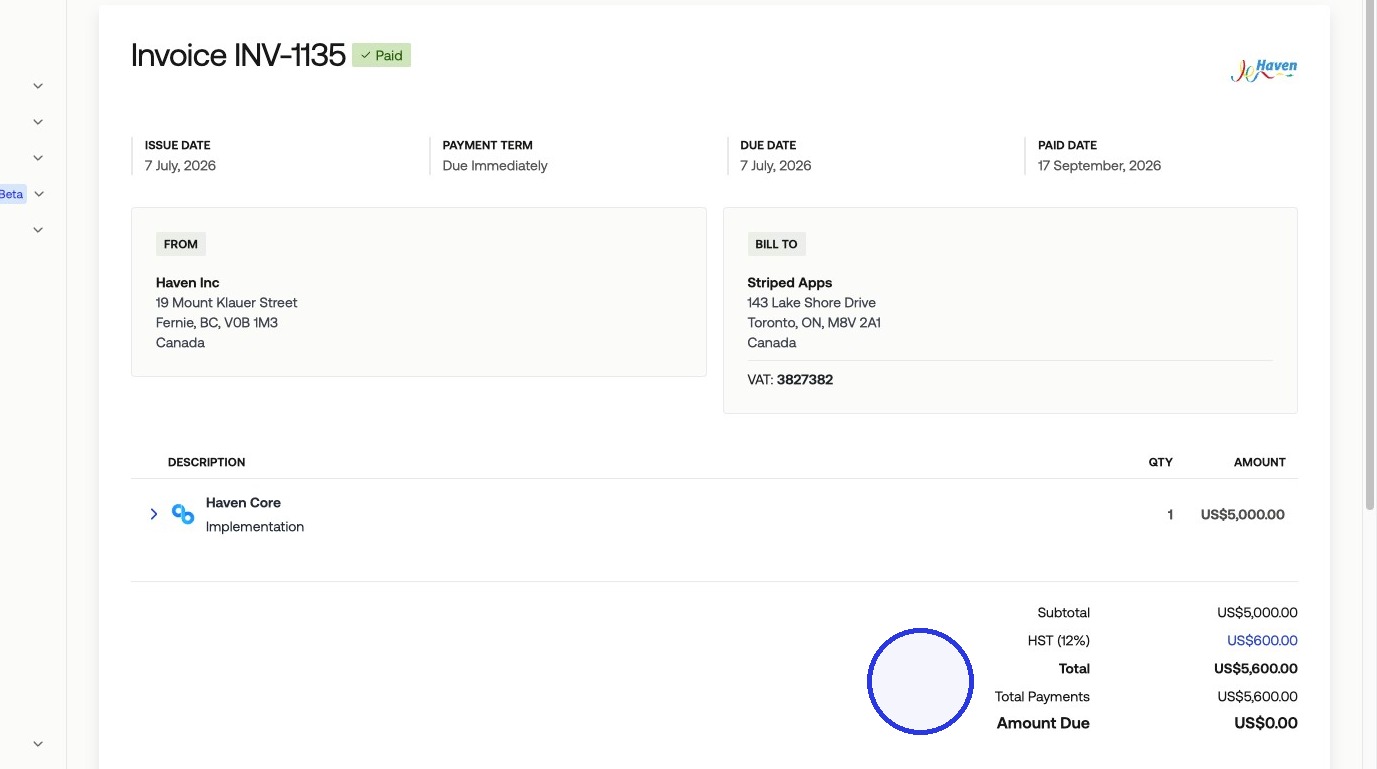
Sphere is a tax compliance platform that calculates and applies tax on your invoices automatically. When connected to Measure, Sphere applies the correct tax rate based on each product's tax category and your customer's jurisdiction, and only collects tax in states and provinces where your company is registered.
How Sphere Works
Sphere calculates tax rates automatically based on two inputs: the product's tax category and the customer's billing jurisdiction. You map your Measure products to the corresponding products configured in Sphere, and Sphere handles the rate calculation.
Once products are mapped and the customer you are billing has an address on file, every invoice line item using those products will include the correct tax amount.
1. Connect Sphere
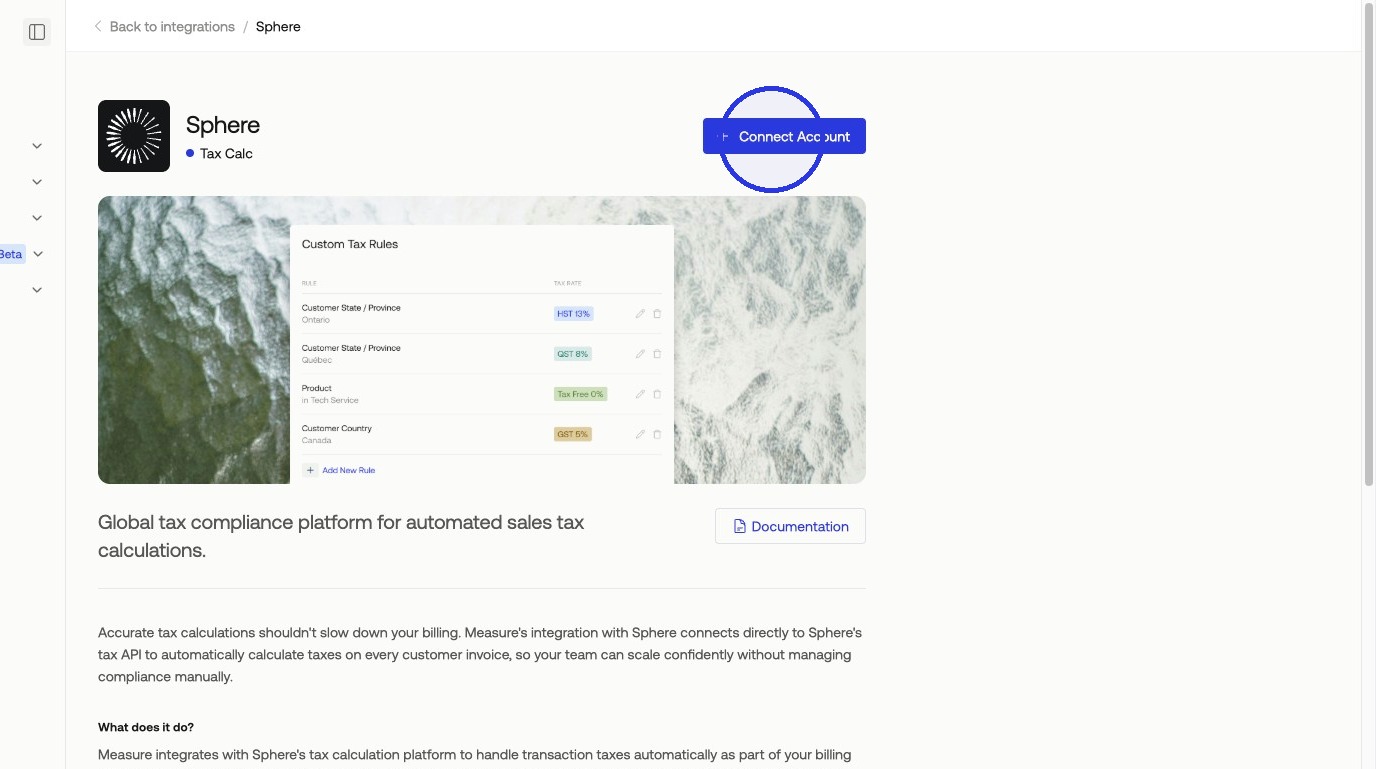
In Measure, navigate to Integrations and select Sphere > Connect Account.
2. Get Started in Sphere
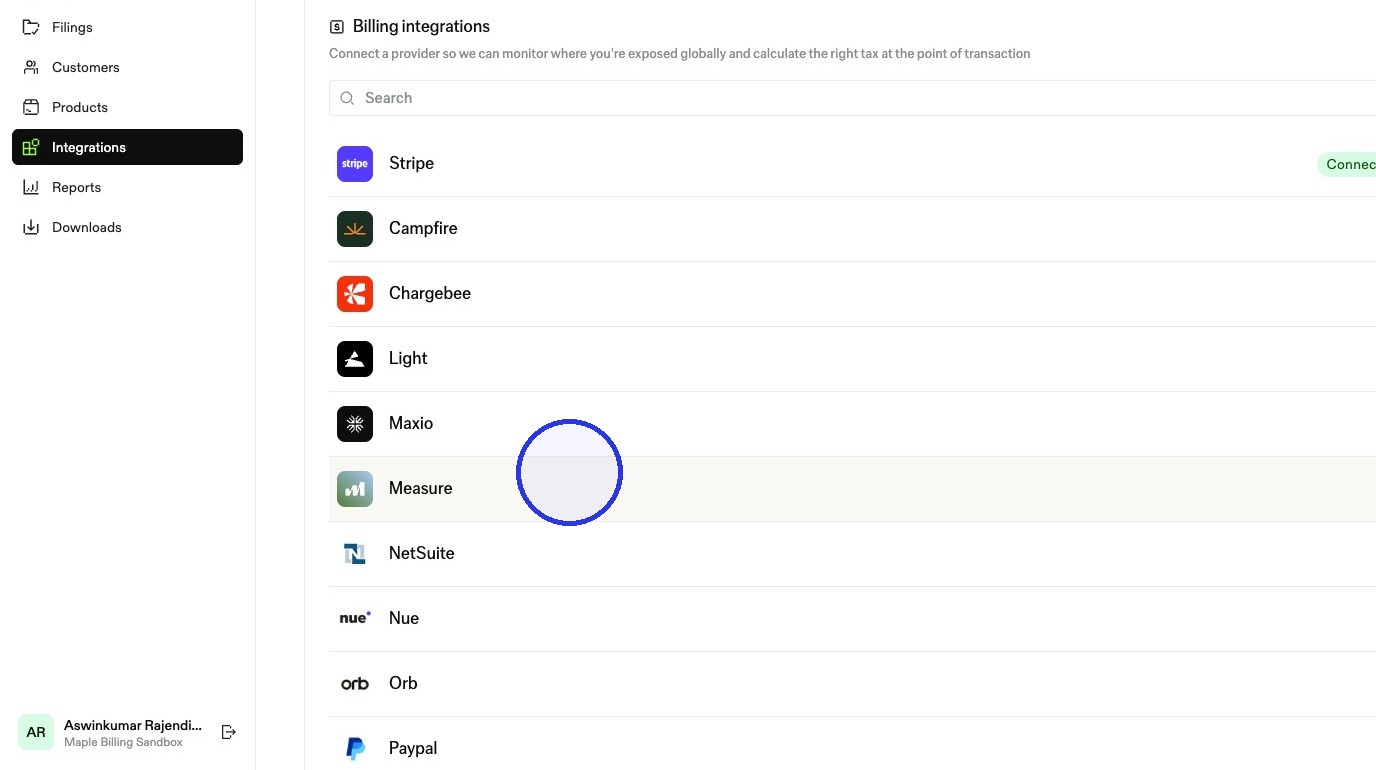
In your Sphere account, go to Integrations > Measure > Get Started.
3. Copy Your Credentials from Measure
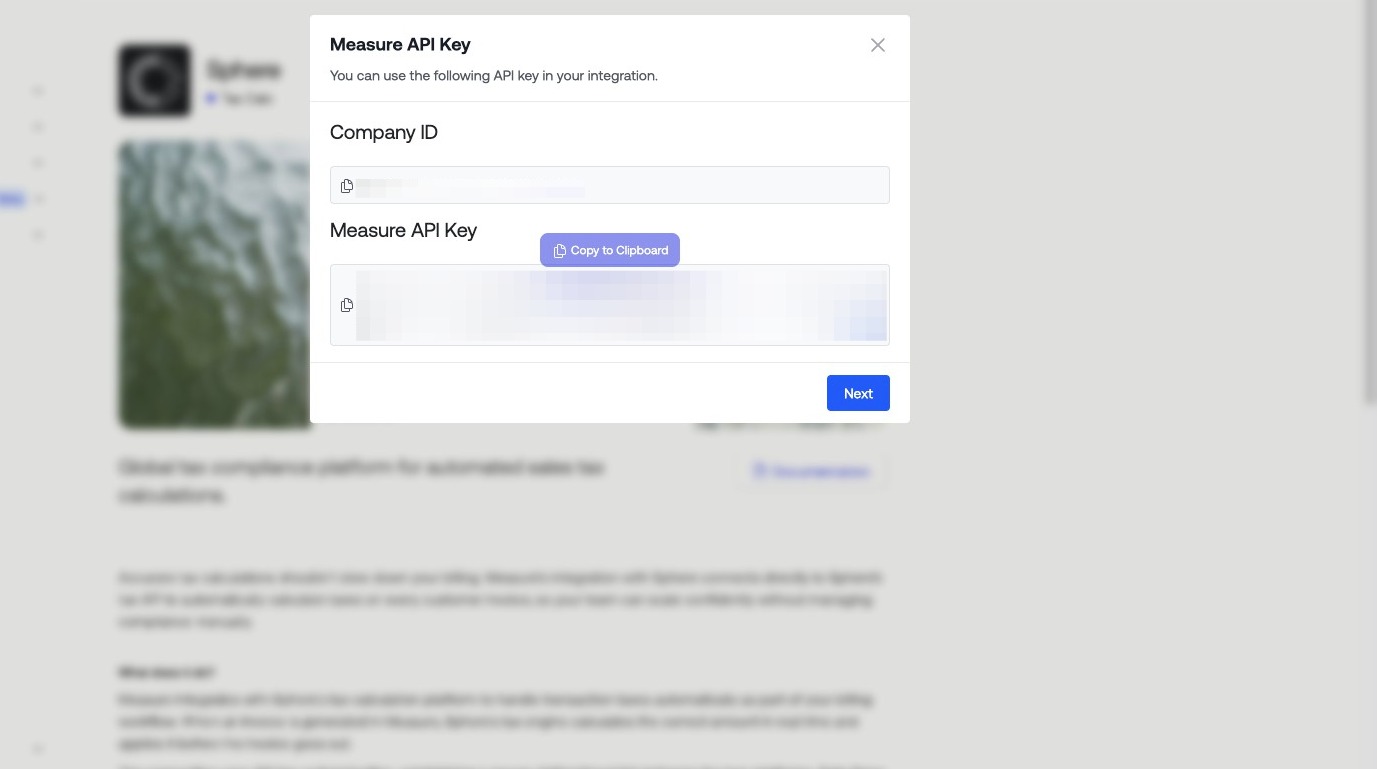
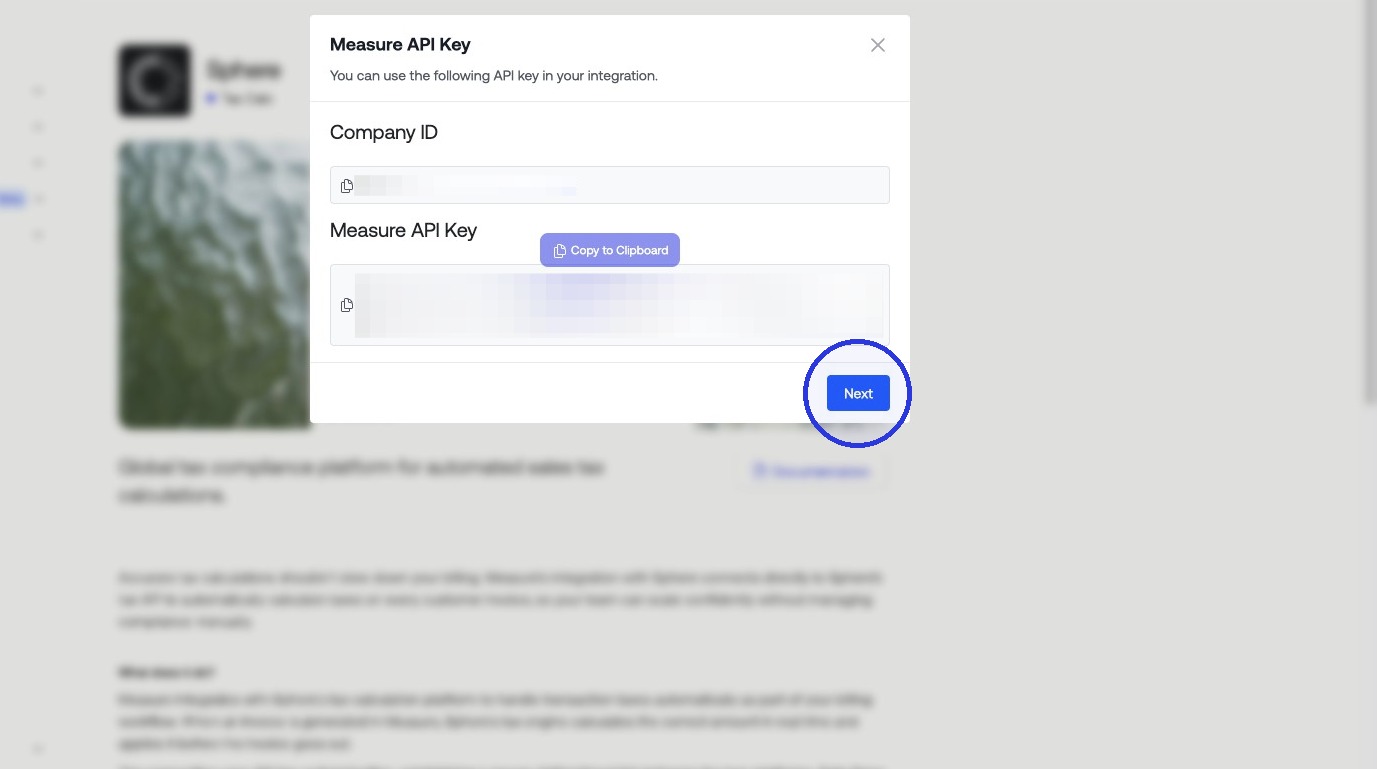
Back in Measure, copy the Company ID and Measure API Key shown on the Sphere integration page. Keep this tab open.
4. Paste Credentials into Sphere
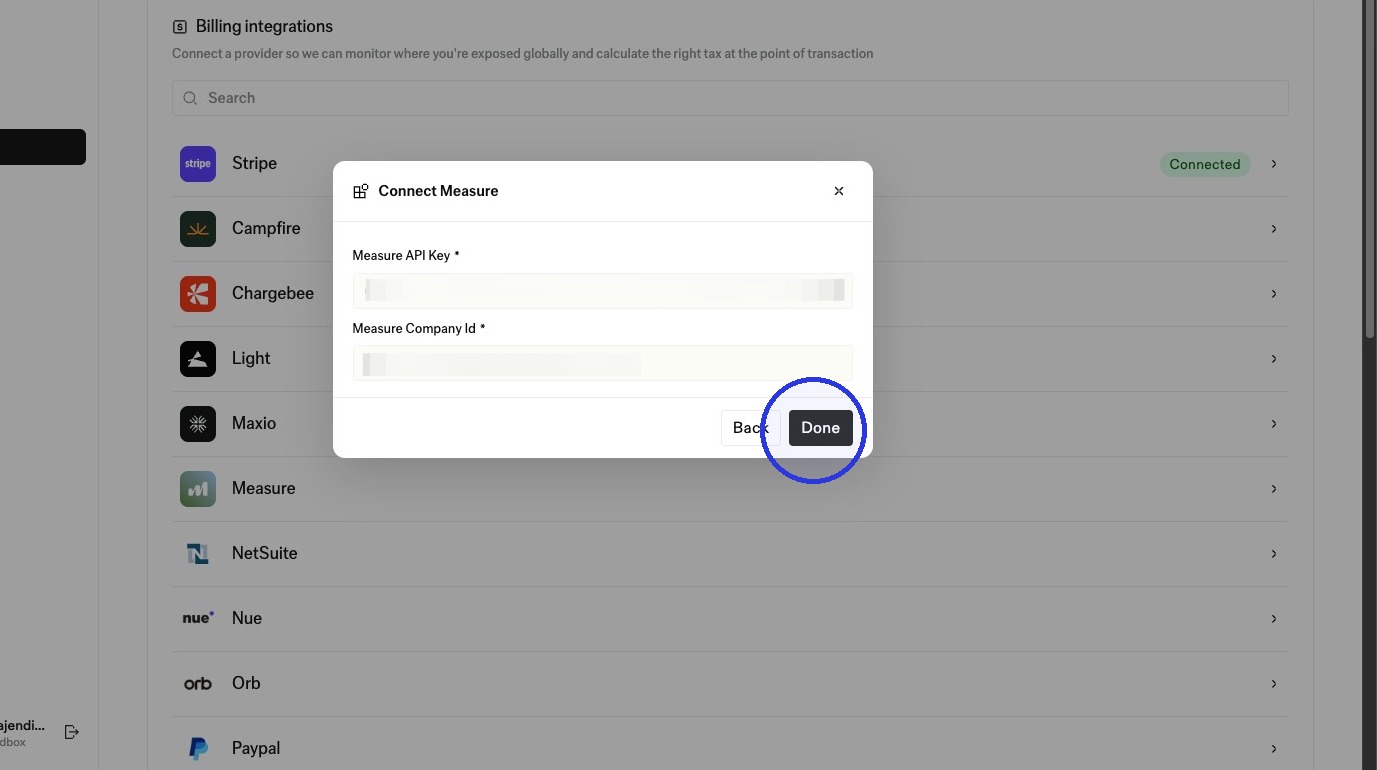
In Sphere, paste the Company ID and Measure API Key into the corresponding fields. Click Next.
5. Generate a Sphere API Key
Sphere will prompt you to generate an API Key to allow Measure to access your account. Click Generate and copy the key.
6. Paste Sphere API Key into Measure
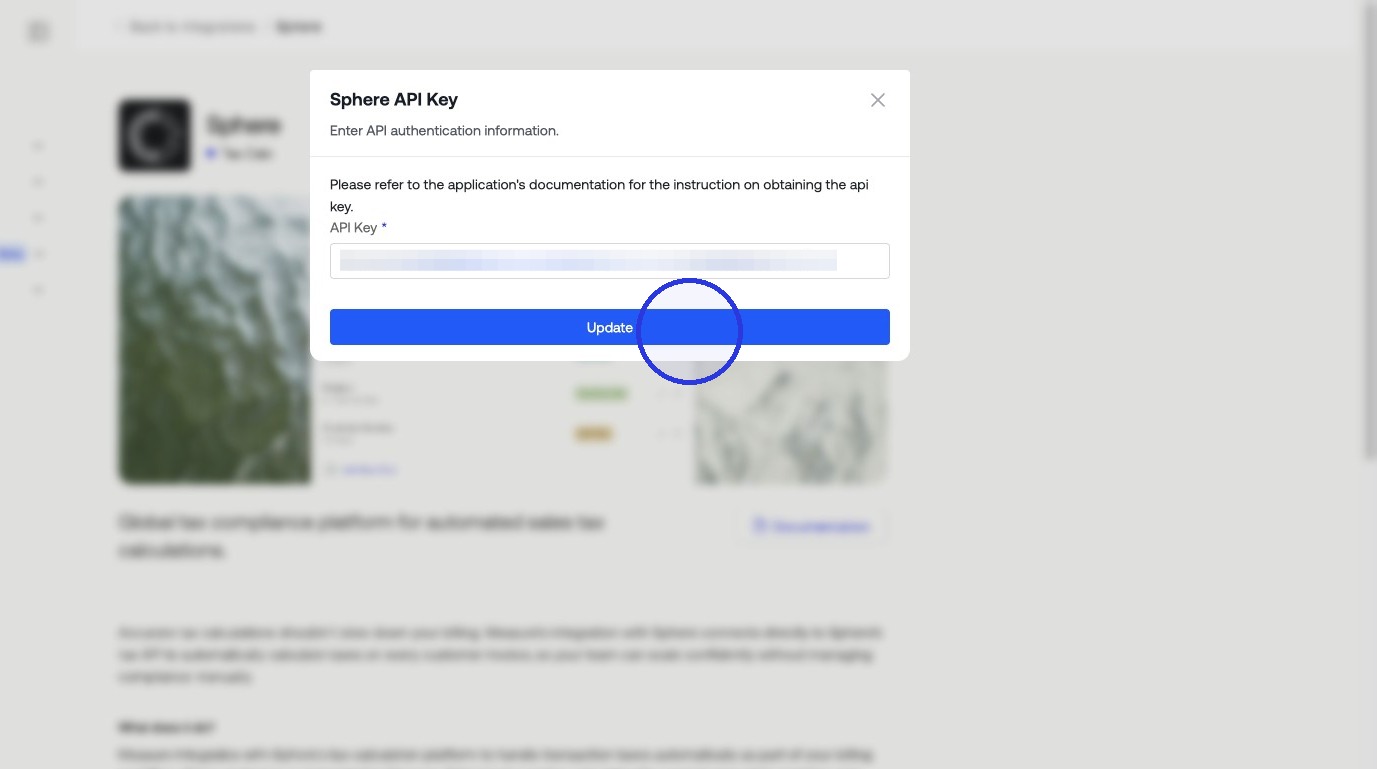
Return to Measure and paste the Sphere API Key into the corresponding field. Click Update.
7. Enable Tax Calculation
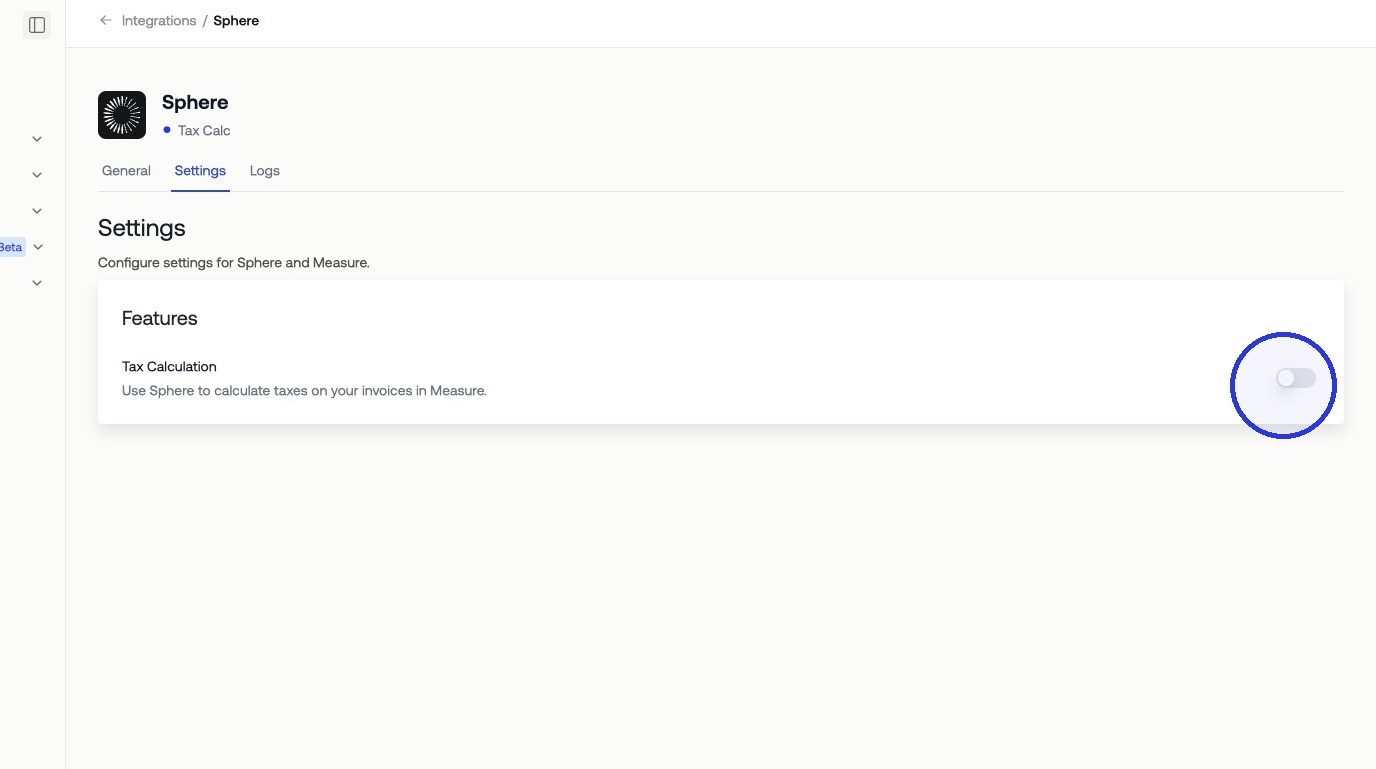
Toggle on Enable Tax Calculation to activate tax calculation on invoices.
8. Map Products in Measure
On the Sphere integration page in Measure, you will see a list of your products. For each product, select the corresponding Sphere product to link them. Sphere uses the product mapping to determine the applicable tax rate based on product type and customer location. When all mappings are set, click Update Mapping.
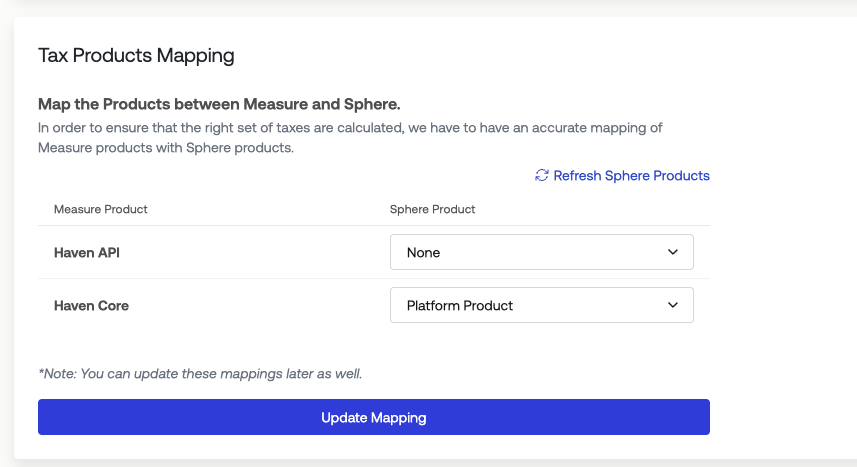
Once the mapping is saved, Measure passes product and jurisdiction data to Sphere on each invoice. Sphere returns the applicable tax amount, which is applied to the invoice line item automatically.