
How to Export Invoices and Payments for NetSuite
Measure exports invoices and payments as CSV files that are ready to import into NetSuite. Use this if you manage your accounting in NetSuite but don't have a live API integration.
You export the invoice line items and the payments separately, then import each file with NetSuite's standard CSV import tool.
1. Go to Invoices.
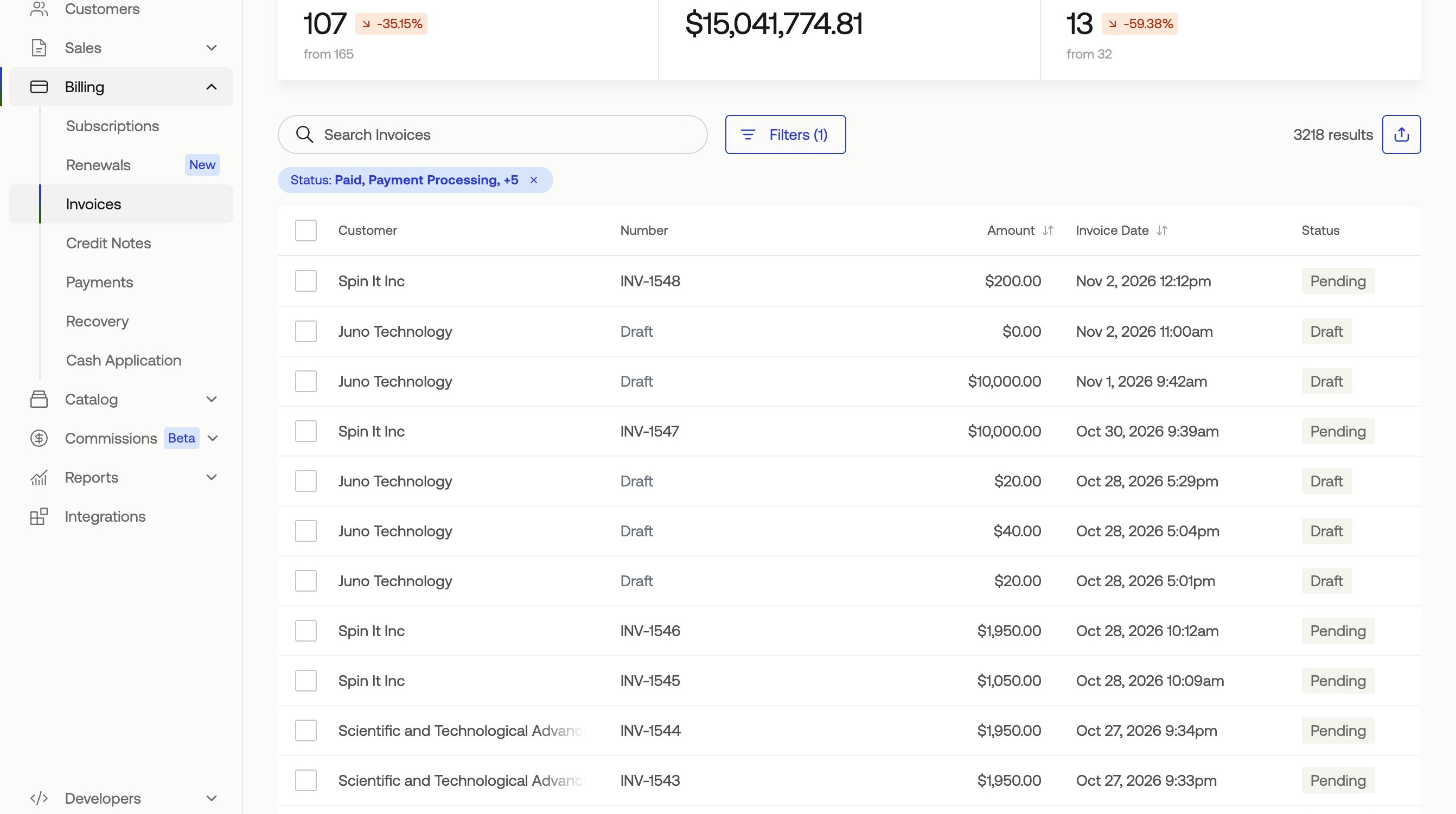
2. Click the Export Icon.
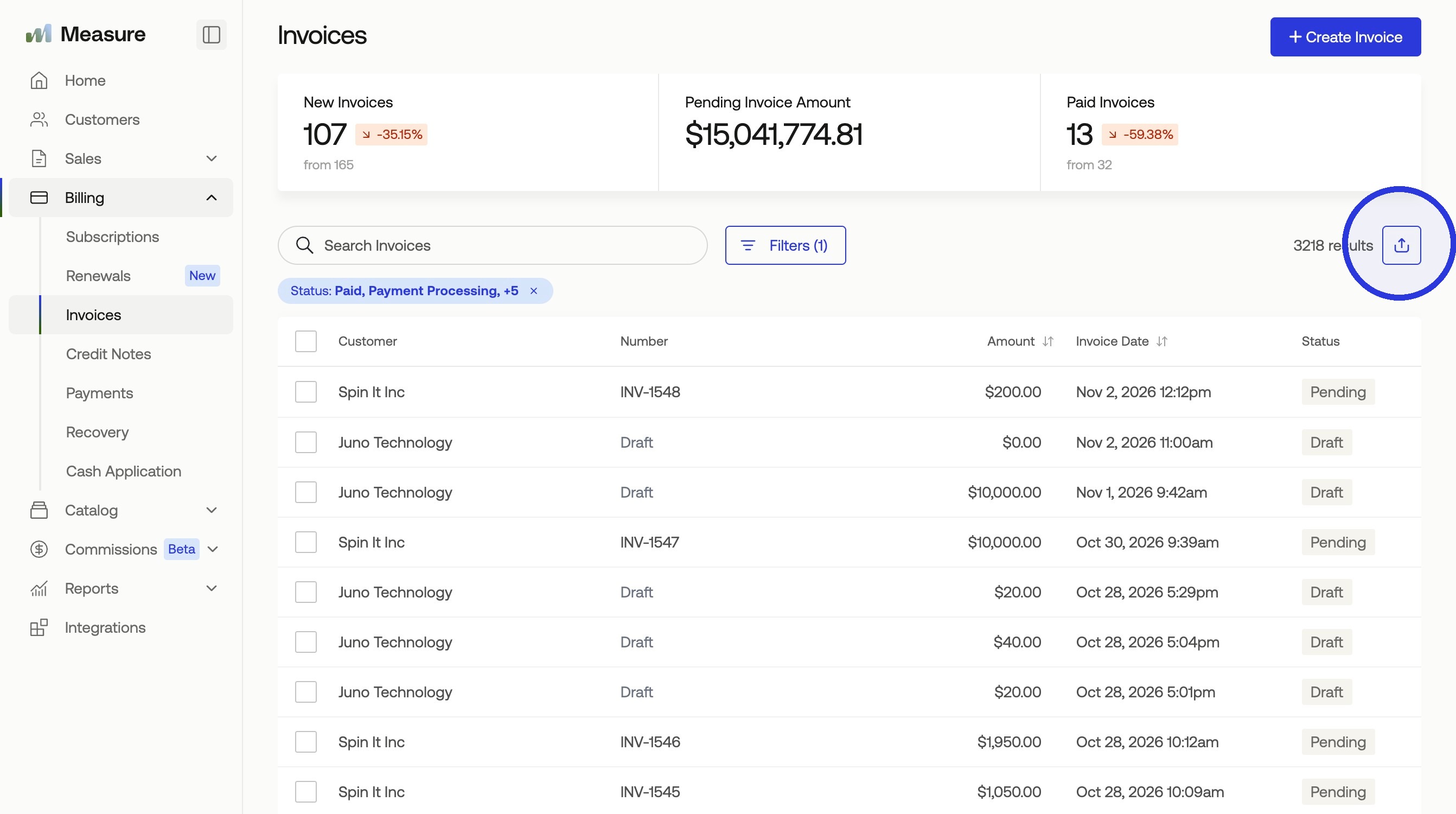
3. Click "Export Invoice Line Items for NetSuite".
Measure generates a CSV with one row per line item. Invoice-level fields repeat on each row.
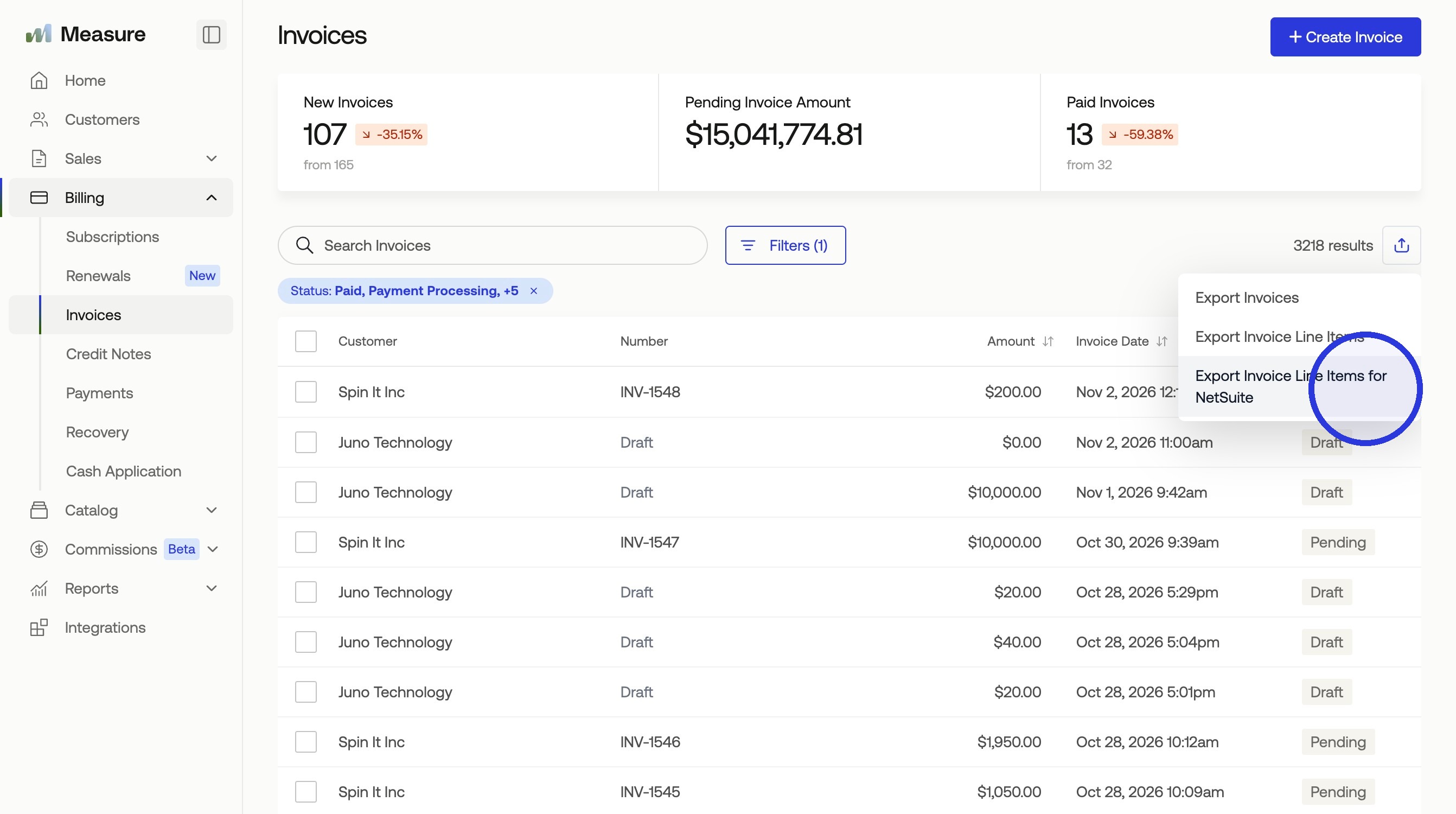
4. Click "Payments".
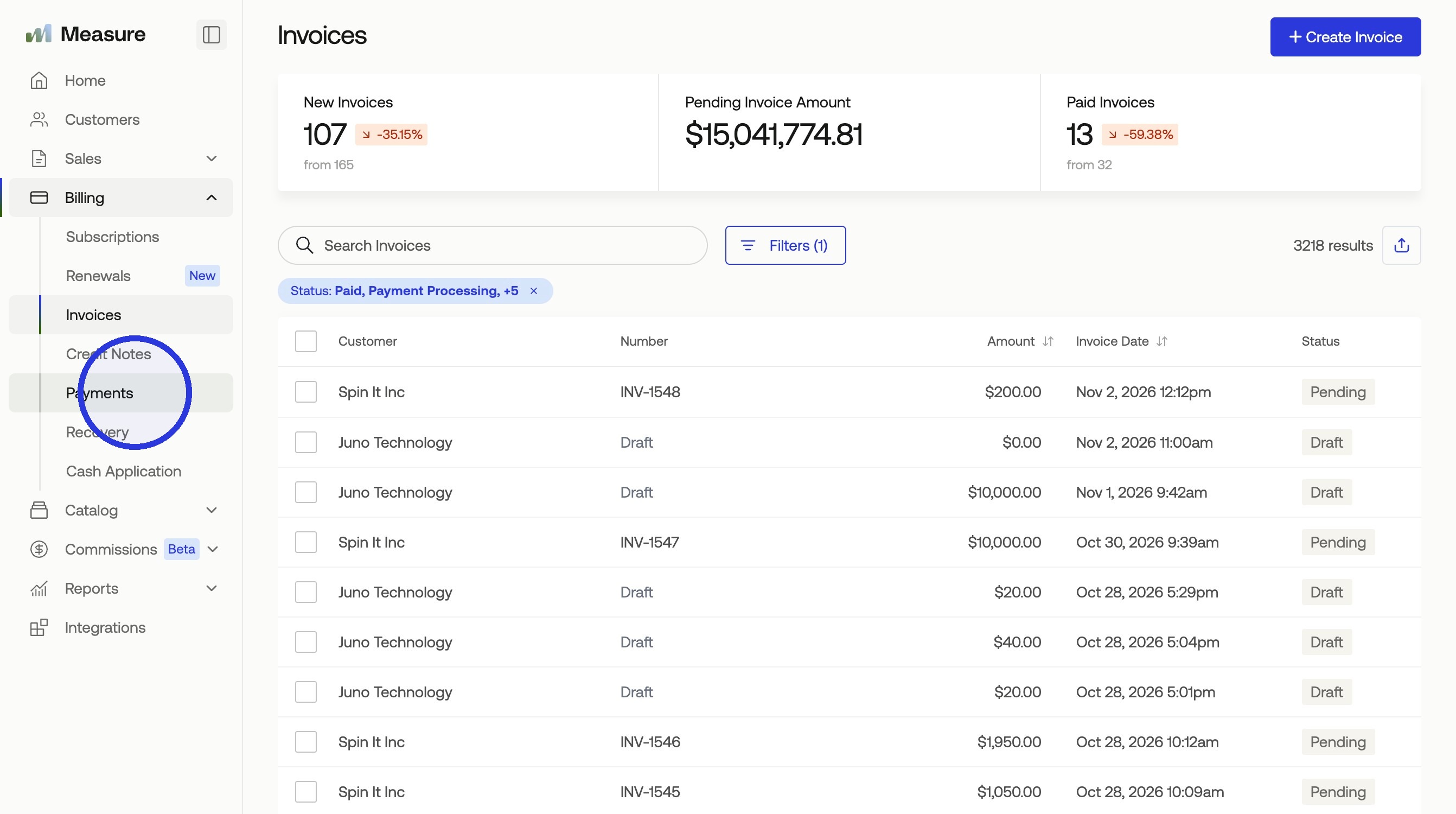
5. Click the Export Icon.
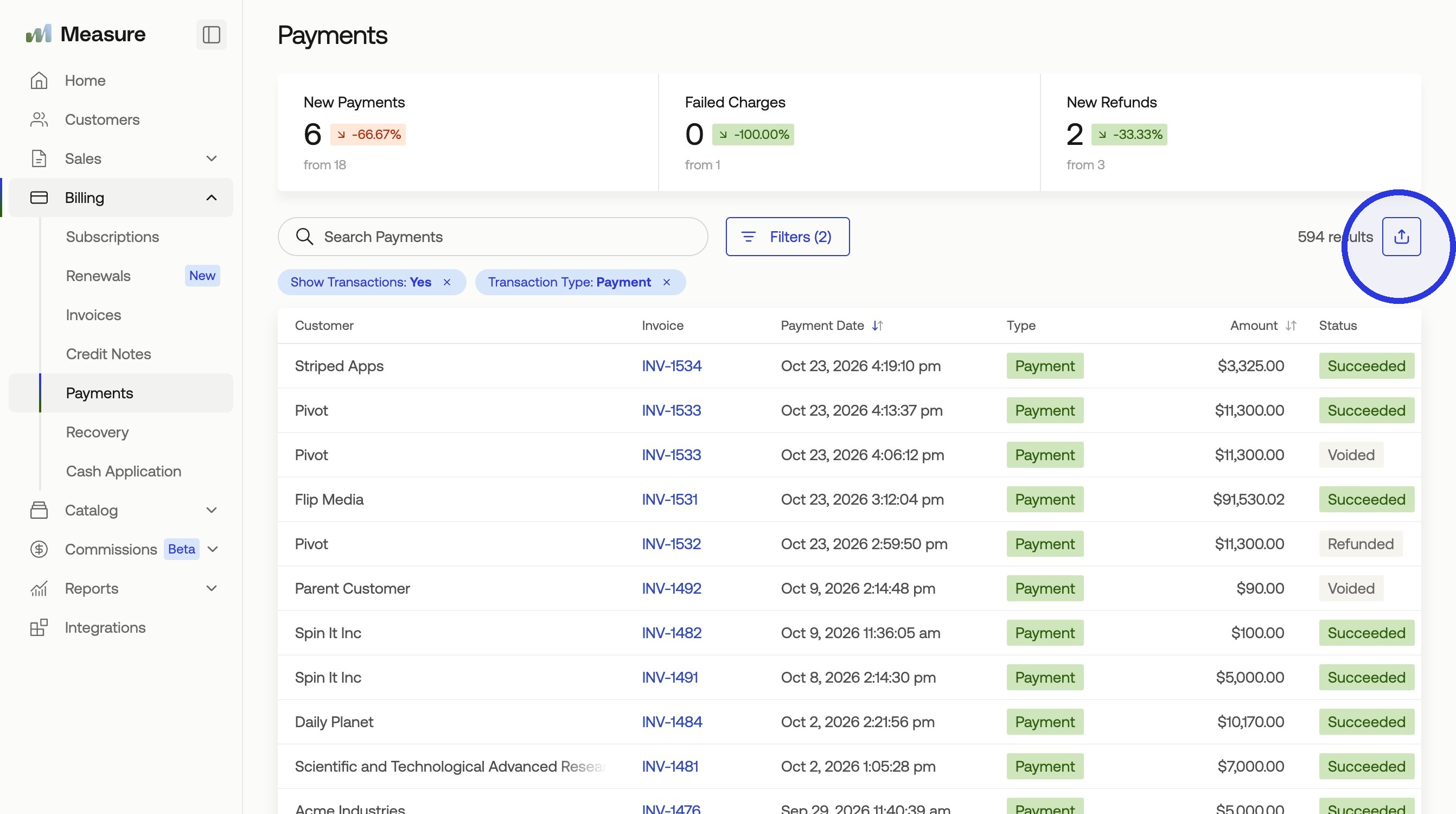
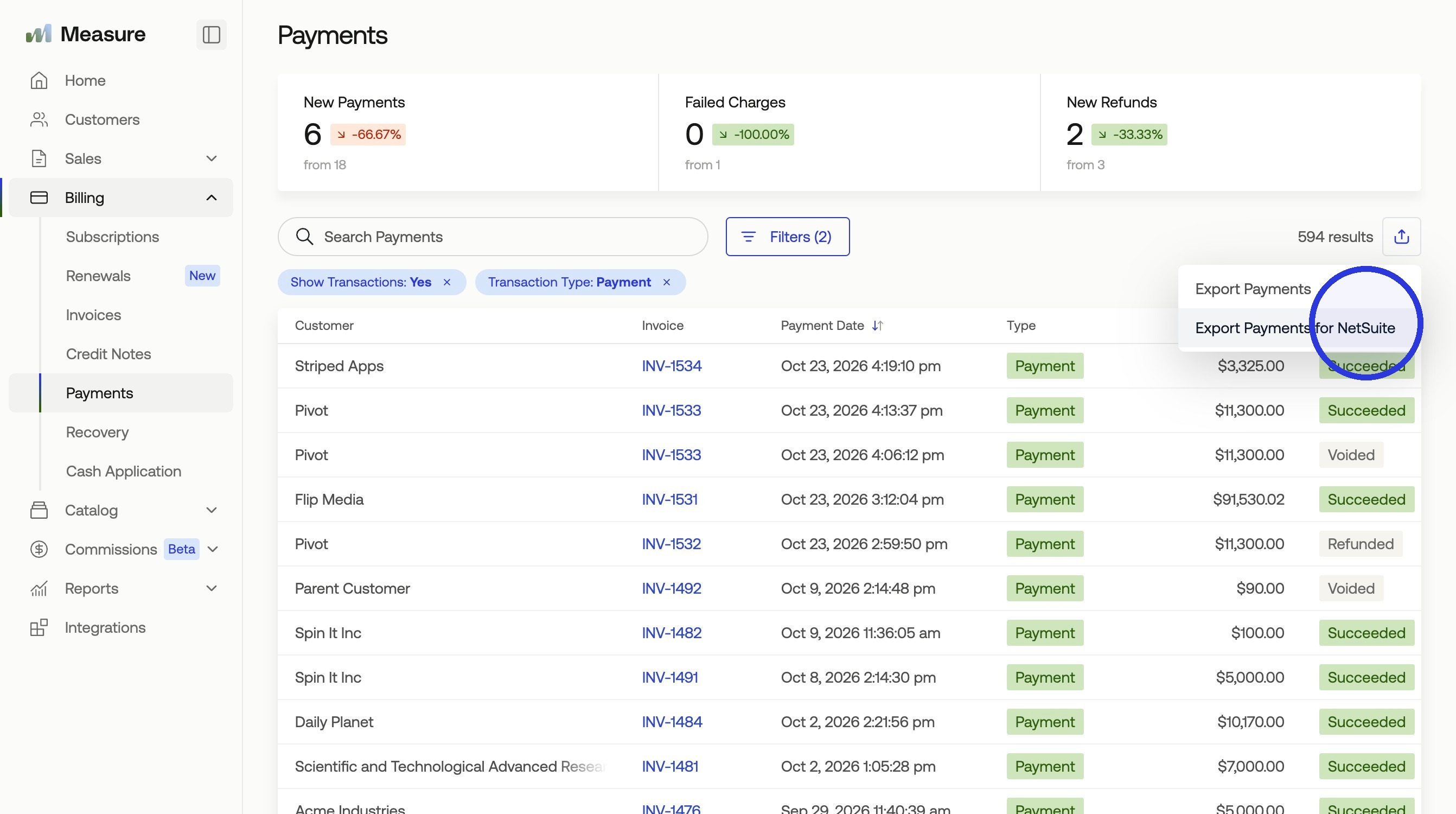
6. Click "Export Payments for NetSuite".
Measure generates a CSV with one row per payment transaction.
7. Import the Files into NetSuite.
In NetSuite, use the standard CSV import tool. Import the invoice file with the Invoice record type and the payments file with the Customer Payment record type.
The External ID column holds the Measure invoice ID, so NetSuite can use it to avoid creating duplicate invoices if you import the same invoice again.
Invoice Line Items Columns
Column | Description |
External ID | The Measure invoice ID. NetSuite uses it as the external ID to prevent duplicates. |
Invoice Number | The invoice number from Measure. |
Invoice Date | The invoice date, formatted as |
Due Date | The payment due date, formatted as |
Status | A NetSuite-compatible status. See the mapping below. |
Currency | The full currency name, for example |
Customer | The customer's display name. |
Customer Email | The primary email address on the customer record. |
Billing Address 1–2 | The street address lines. |
Billing City / State / Zip / Country | The billing address fields. |
Item | The product name. |
Item Description | The line item description. |
Quantity | The line item quantity. |
Unit Price | The price per unit. |
Amount | The total line amount. |
Tax Rate | The applicable tax rate. |
Tax Amount | The total tax charged on the line. |
Memo | The invoice notes. |
Service Start Date | The service period start, formatted as |
Service End Date | The service period end, formatted as |
Invoice Status Mapping
Measure maps each invoice status to the closest equivalent NetSuite status.
Measure Status | NetSuite Status |
| Pending Approval |
| Pending Approval |
| Open |
| Open |
| Open |
| Open |
| Paid In Full |
Payments Columns
Column | Description |
Invoice Number | The invoice number the payment applies to. |
Customer ID | The Measure customer identifier. |
Invoice Payment | The payment amount. |
Payment Date | The date the payment was initiated, formatted as |
Payment Captured Date | The date the payment was captured, formatted as |
Payment Currency | The full currency name, for example |
Payment Amount | The payment amount. This is the same as Invoice Payment. |
Payment Method | The payment provider or method, for example |
Payment ID | The Measure payment transaction ID. |