Avalara Integration Overview and Setup
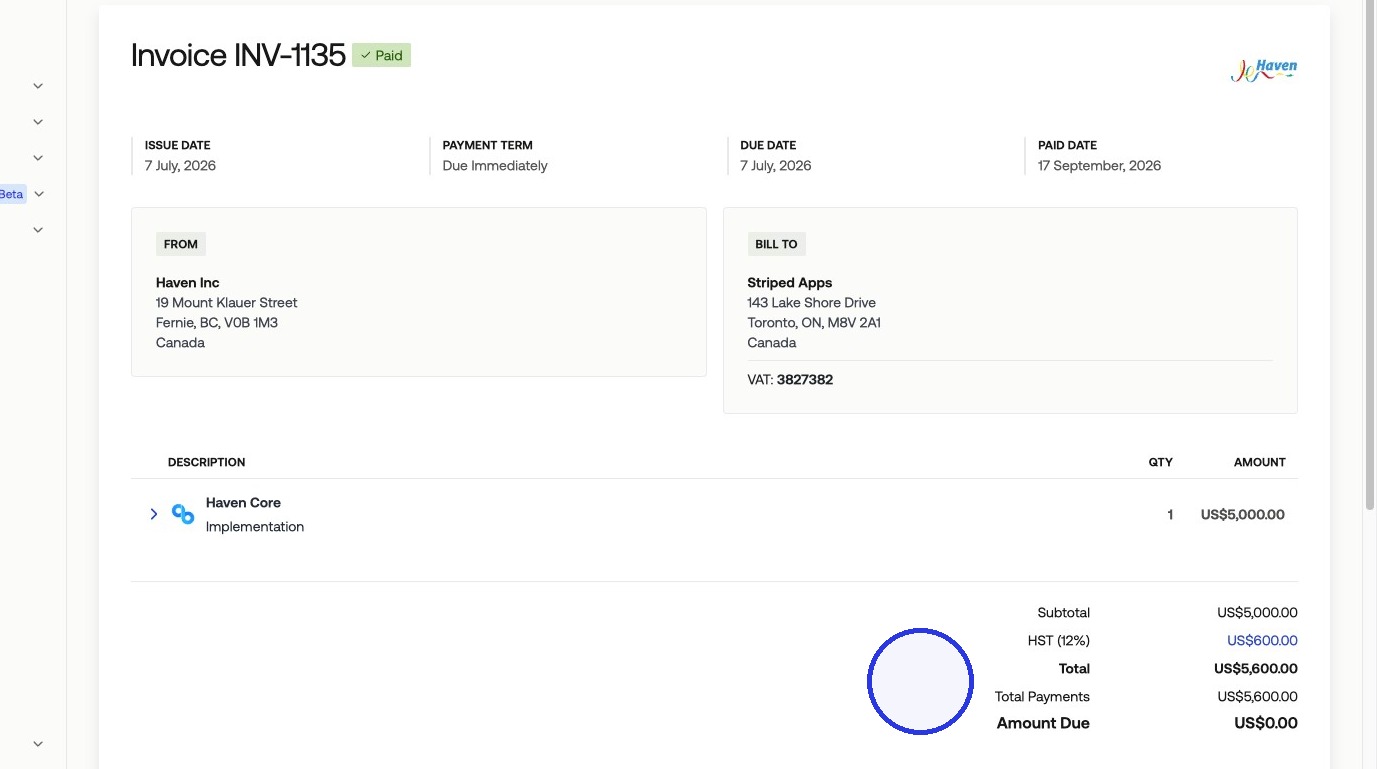
Avalara is a sales tax compliance platform that calculates and applies tax on your invoices automatically. When connected to Measure, Avalara applies the correct tax rate based on each product's tax category and your customer's jurisdiction, and only collects tax in states and provinces where your company is registered.
How Avalara Works
Avalara calculates tax rates automatically based on two inputs: the product's tax category and the customer's billing jurisdiction. You map your Measure products to the corresponding products configured in Avalara, and Avalara handles the rate calculation.
Avalara only collects tax in states and provinces where your company is registered. Once products are mapped between Avalara and Measure, and the customer you are billing has an address on file, every invoice line item using those products will include the correct tax amount.
1. Connect Avalara
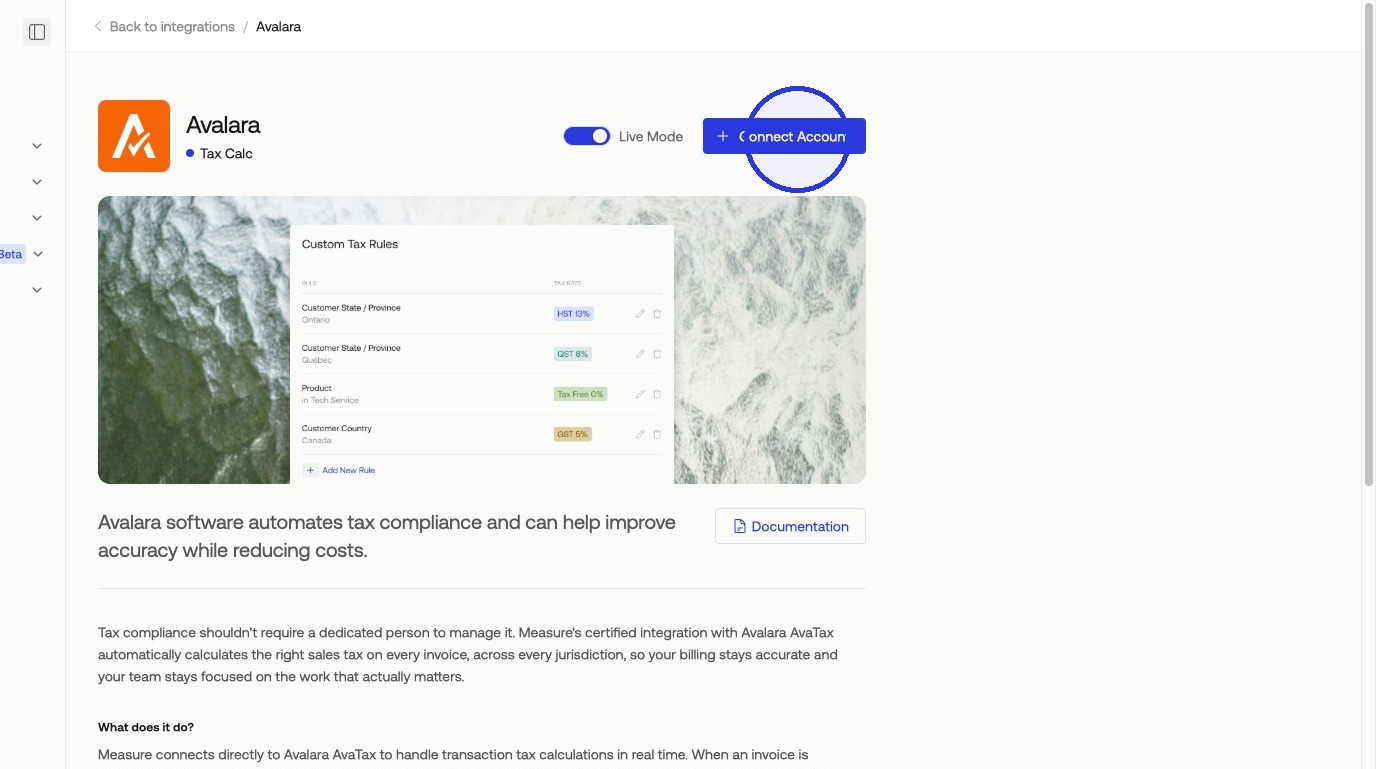
In Measure, navigate to Integrations and select Avalara > Connect Account.
2. Retrieve API Credentials
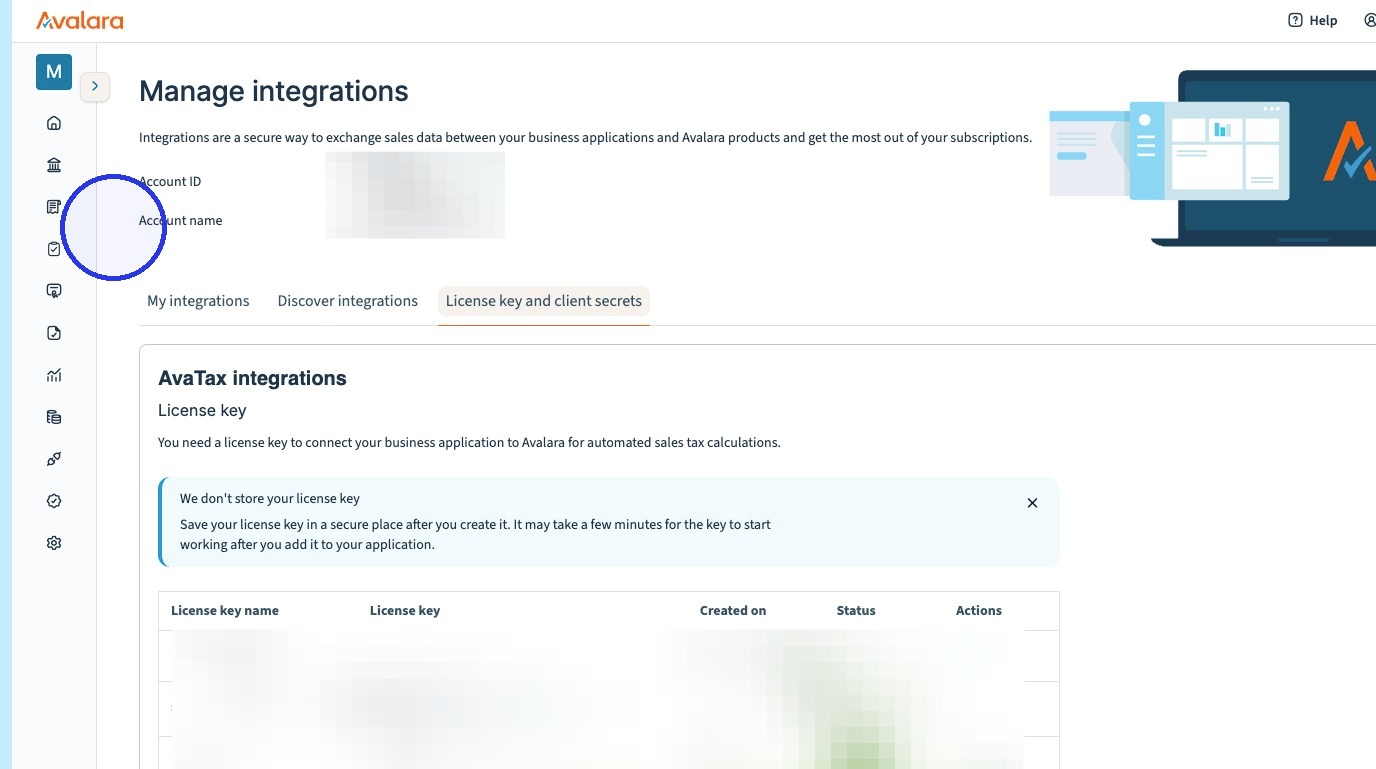
In your Avalara account, go to Integrations > License Key and client secrets to locate your Account ID and create a License Key. For full instructions, see Avalara's guide on obtaining your Account ID and creating a License Key.
3. Enter Credentials in Measure
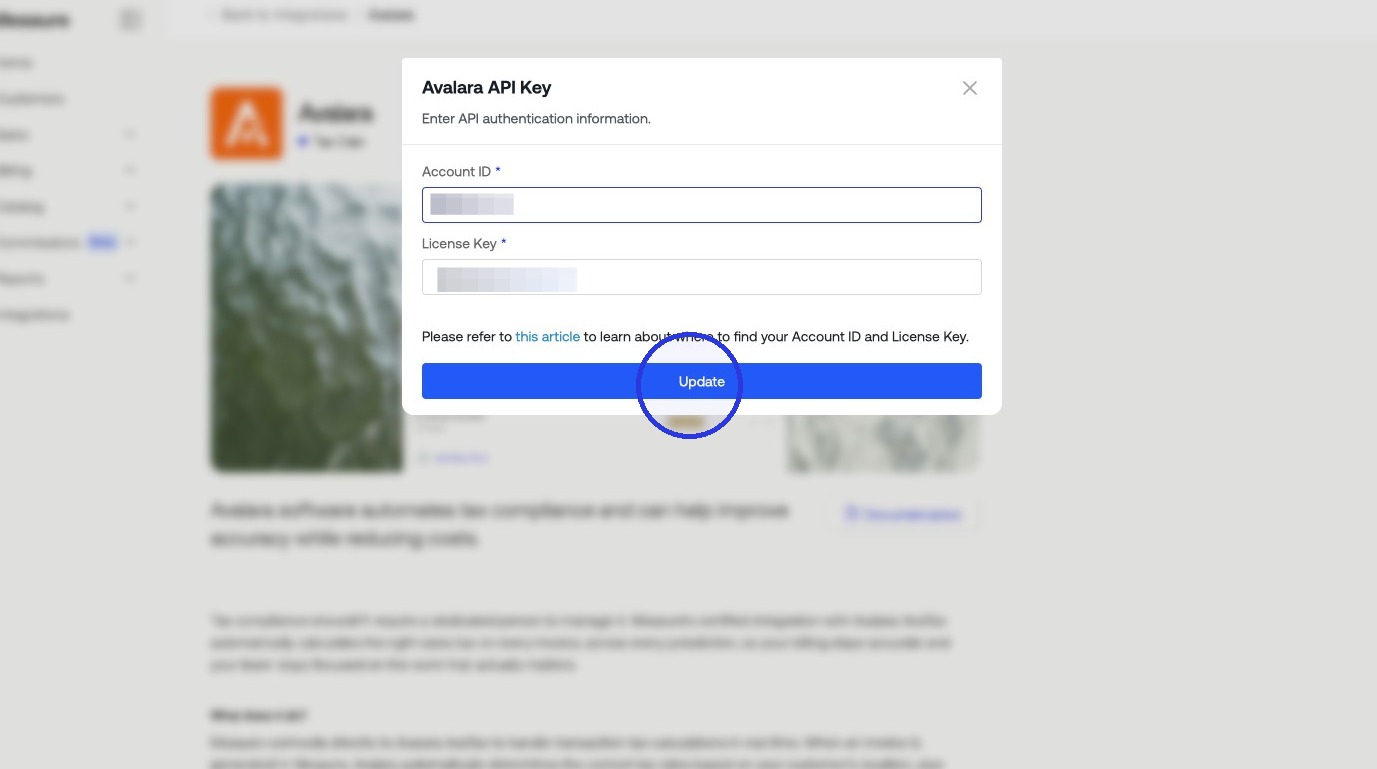
Copy your Account ID and License Key from Avalara and paste them into the corresponding fields on the Avalara integration page in Measure.
4. Map Products in Measure
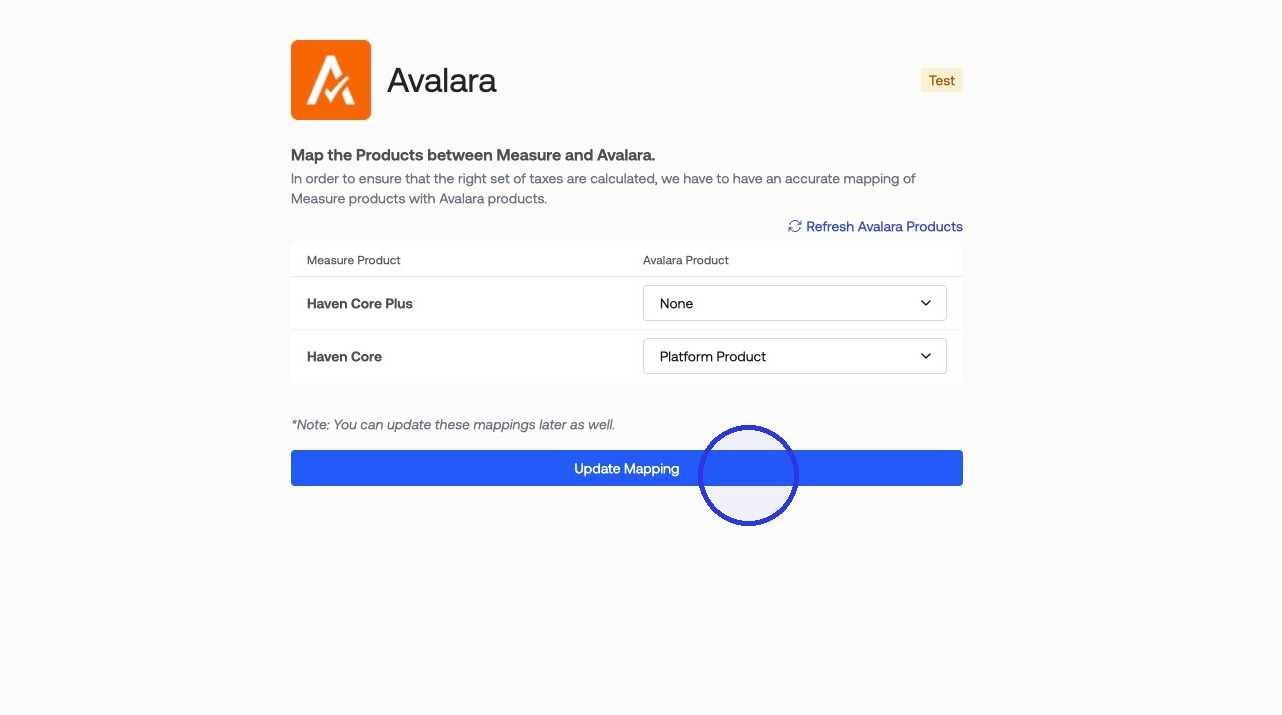
On the Avalara integration page in Measure, you will see a list of your products. For each product, select the corresponding Avalara product to link them. Avalara uses the product mapping to determine the applicable tax rate based on product type and customer location. When all mappings are set, click Update Mapping.
5. Enable Tax Calculation
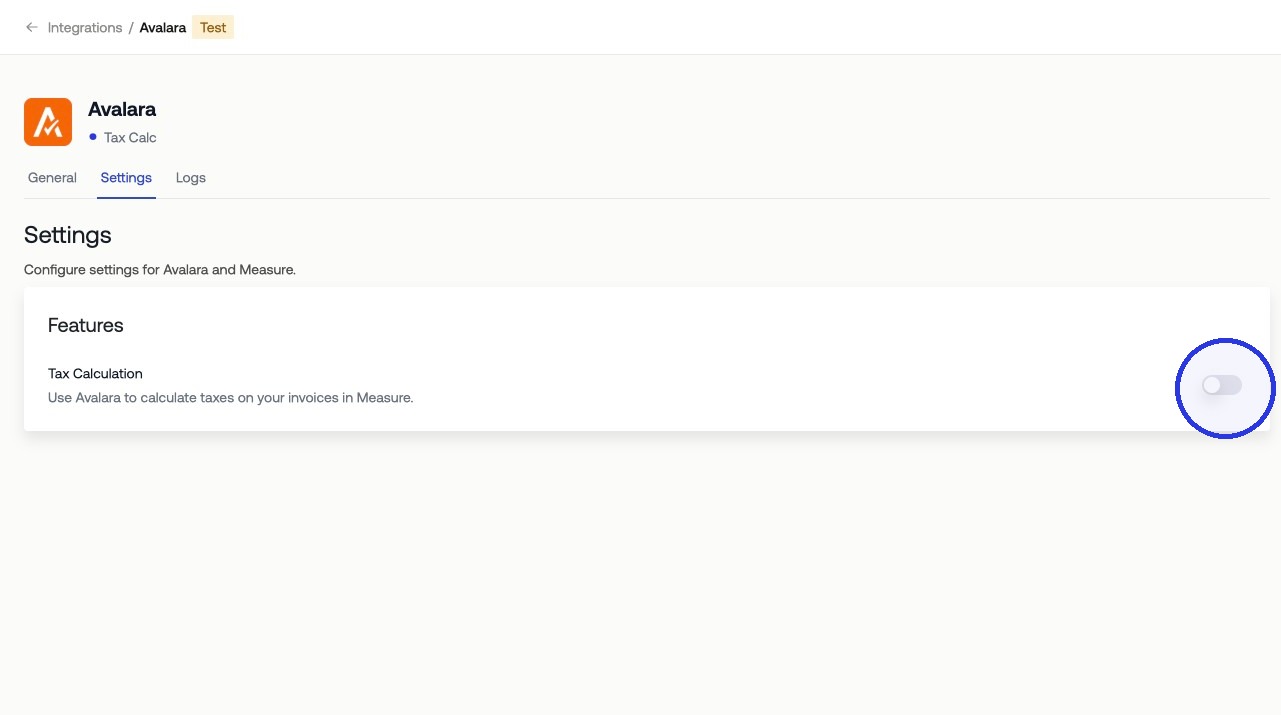
Toggle on Enable Tax Calculation to activate tax calculation on invoices.
Once the mapping is saved, Measure passes product and jurisdiction data to Avalara on each invoice. Avalara returns the applicable tax amount, which is applied to the invoice line item automatically.