Taxwire Integration Overview and Setup
Taxwire is a sales tax compliance platform that calculates and collects tax on your invoices automatically. When connected to Measure, Taxwire applies the correct tax rate based on each product's category and your customer's jurisdiction, and only collects tax in states and provinces where your company is registered.
How Taxwire Works
Taxwire calculates tax rates automatically based on two inputs: the product's tax category and the customer's billing jurisdiction. You assign categories to your products in Taxwire, and Taxwire handles the rate calculation.
Taxwire only collects tax in states and provinces where your company is registered. Once products are mapped between Taxwire and Measure, every invoice line item using those products will include the correct tax amount.
1. Connecting Taxwire to Measure
In Measure, navigate to Integrations and select Taxwire > Connect Account.
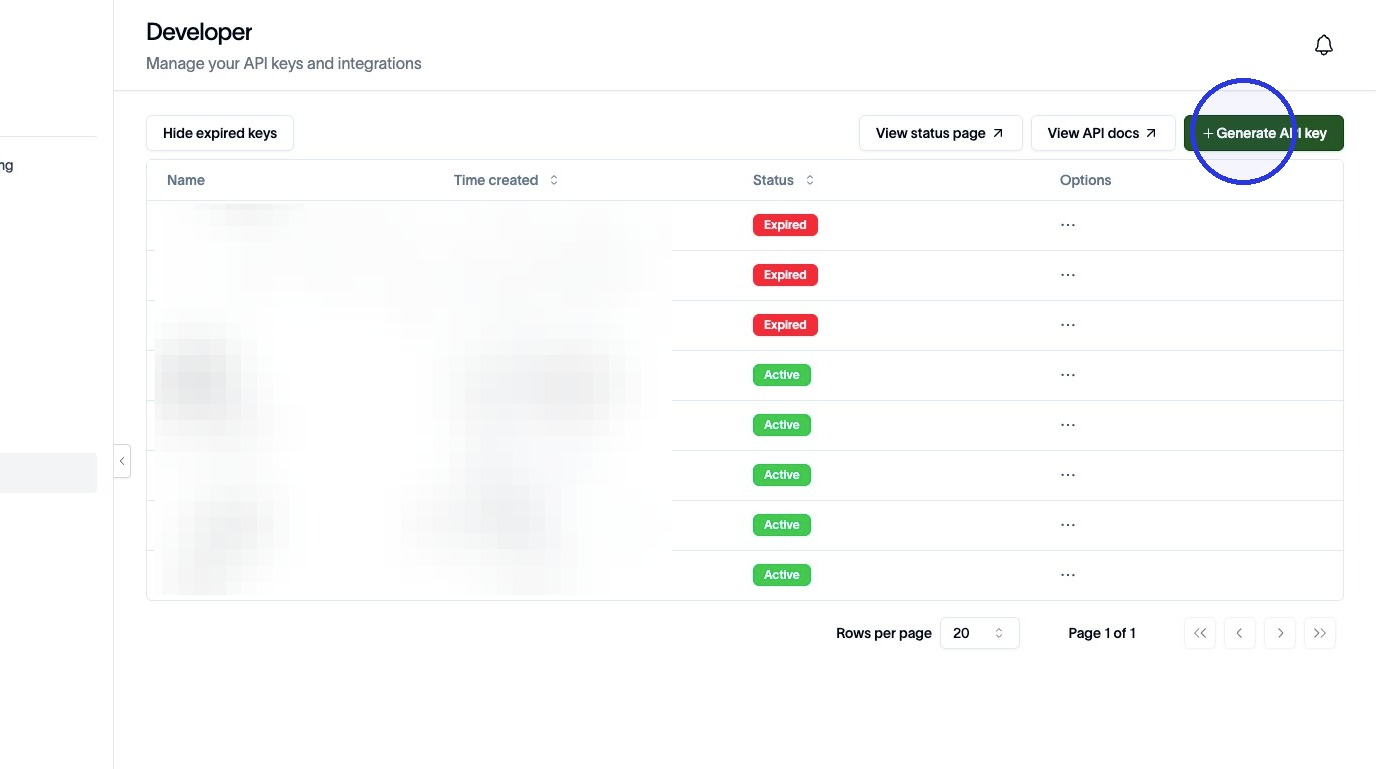
In Taxwire, go to your account Developer > Generate API Key.
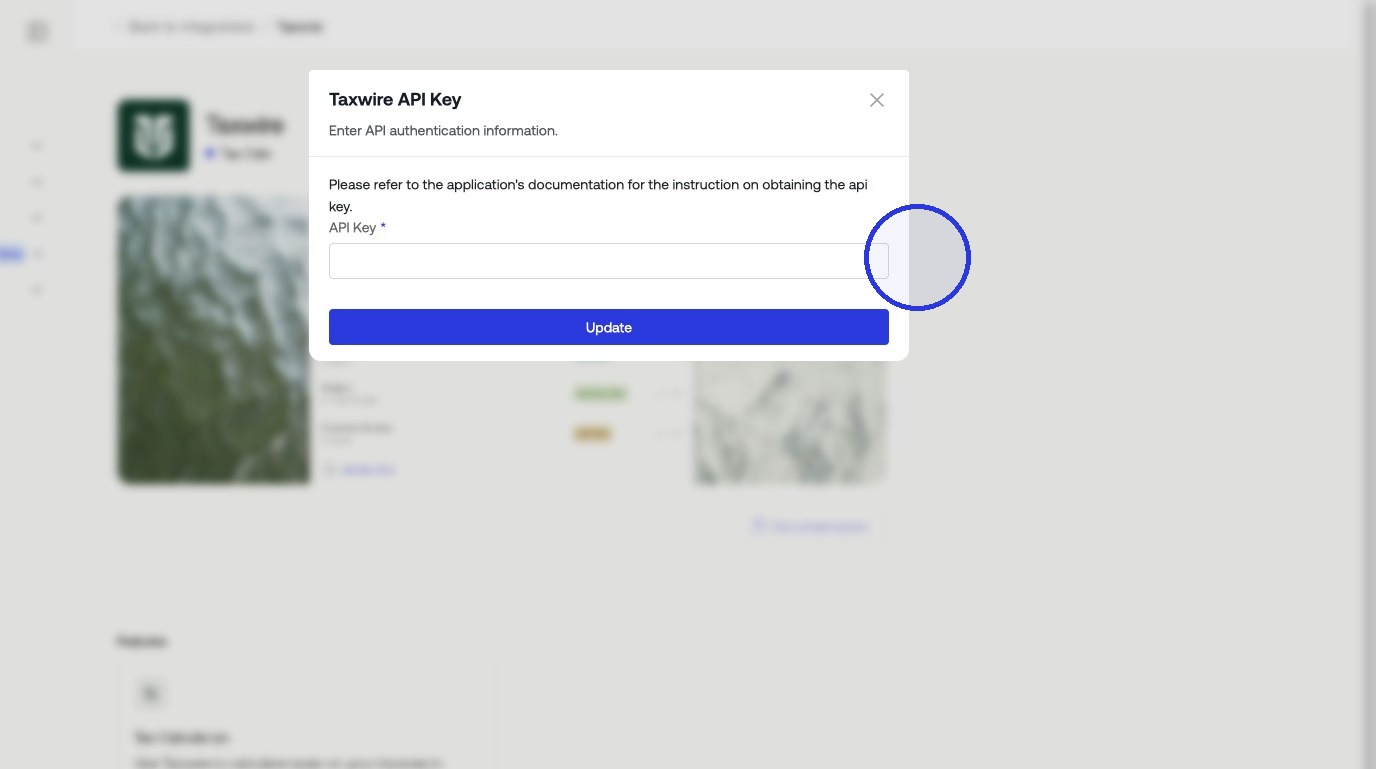
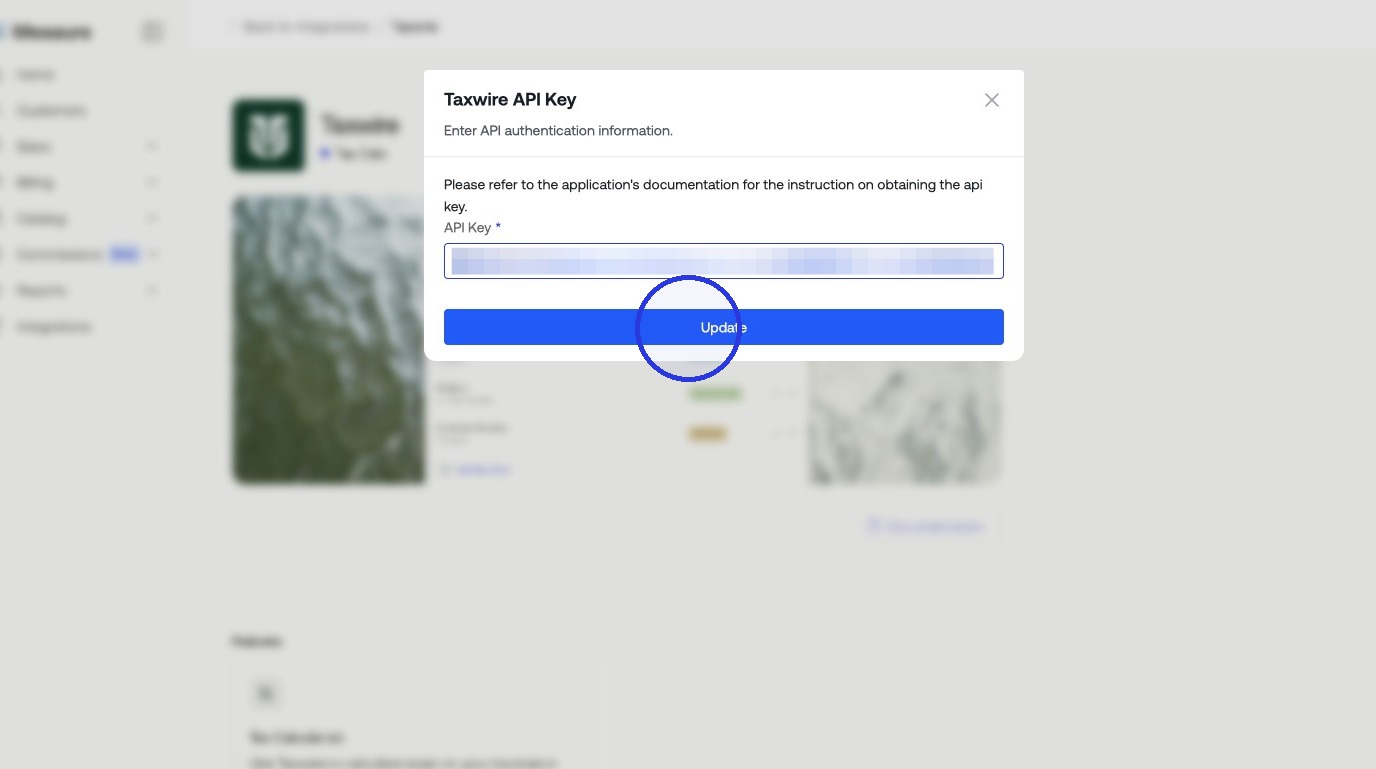
Paste the API key into the Taxwire integration page in Measure, then click Update.
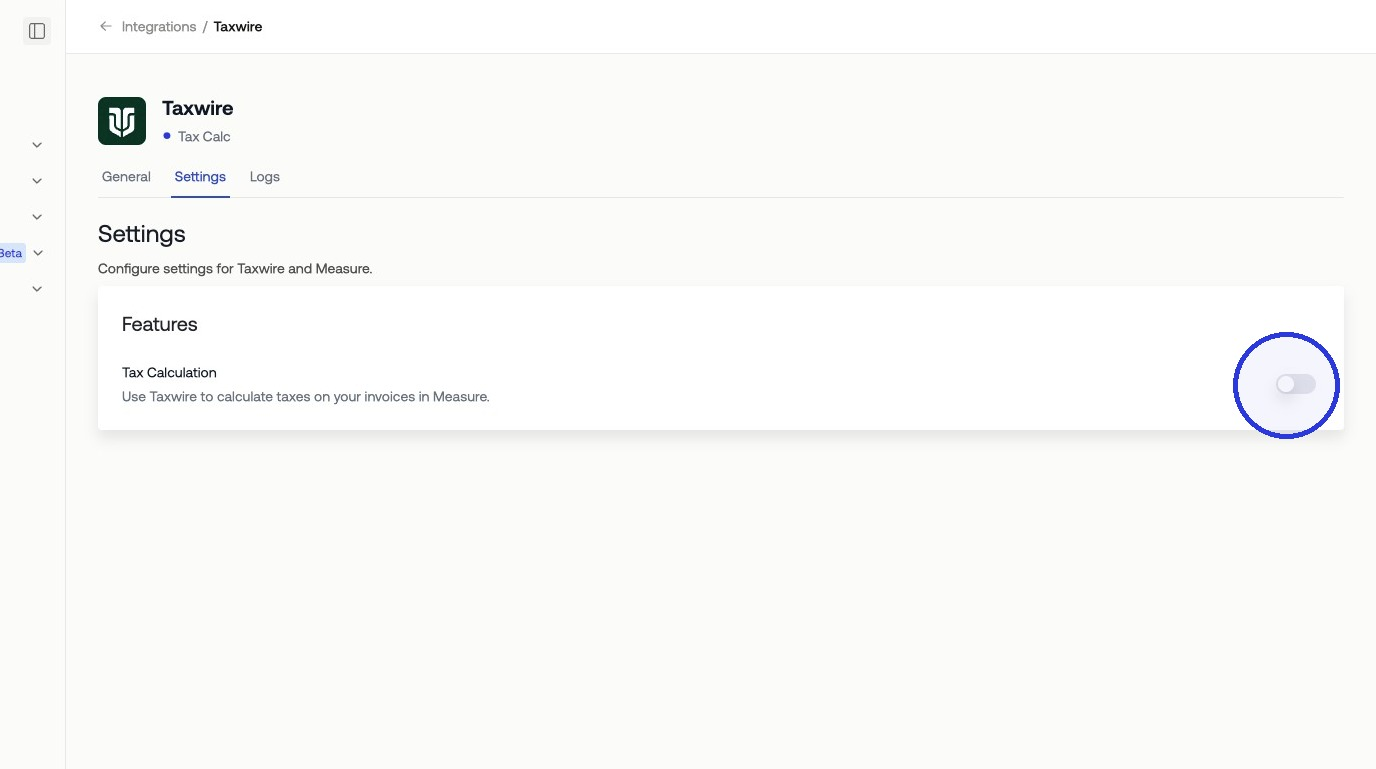
Toggle on Tax Calculation.
2. Configure Products in Taxwire
Before mapping products in Measure, make sure each product exists in Taxwire and has a tax category assigned under the Products tab. You can also apply a default tax category to all products at once, under Products > Default tax settings, then update individual products as needed.
A tax category tells Taxwire how to classify a product for tax purposes, for example, SaaS software, professional services, or digital goods. Taxwire uses this category to determine the applicable tax rate in each jurisdiction.
You can also apply a default tax category to all products at once, then update individual products as needed.
3. Map Products in Measure
On the Taxwire integration page in Measure, toggle on Tax Calculation to activate tax collection.
You will see a list of your Measure products. For each product, select the corresponding Taxwire product category to link them. When all mappings are set, click Update Mapping.
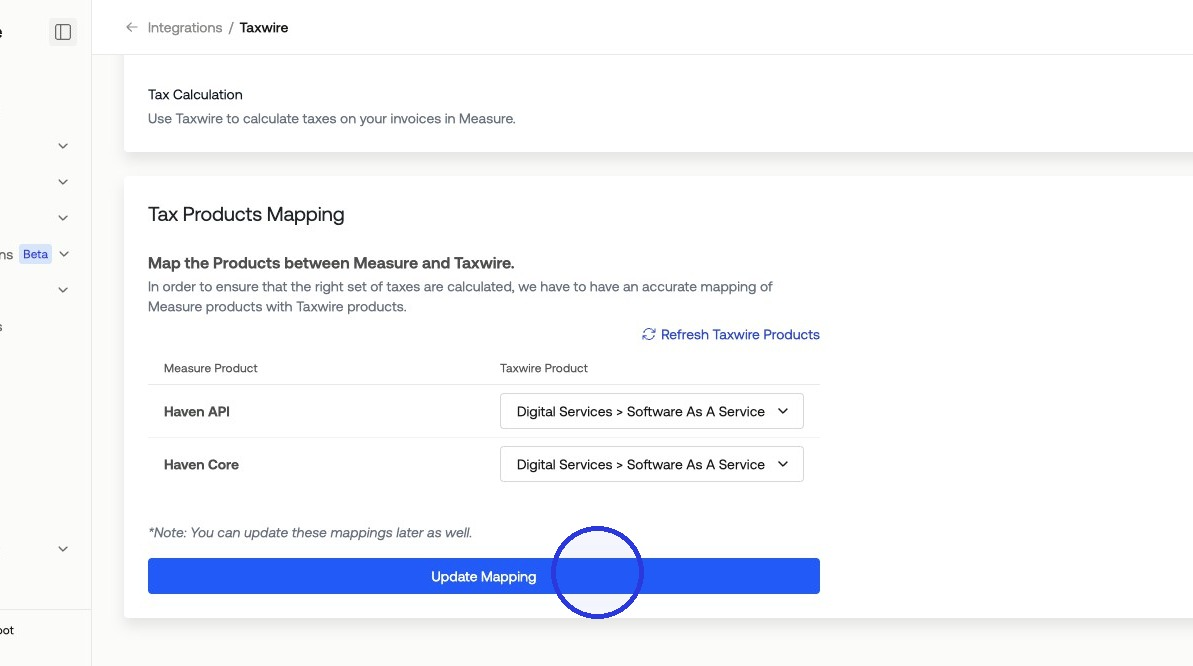
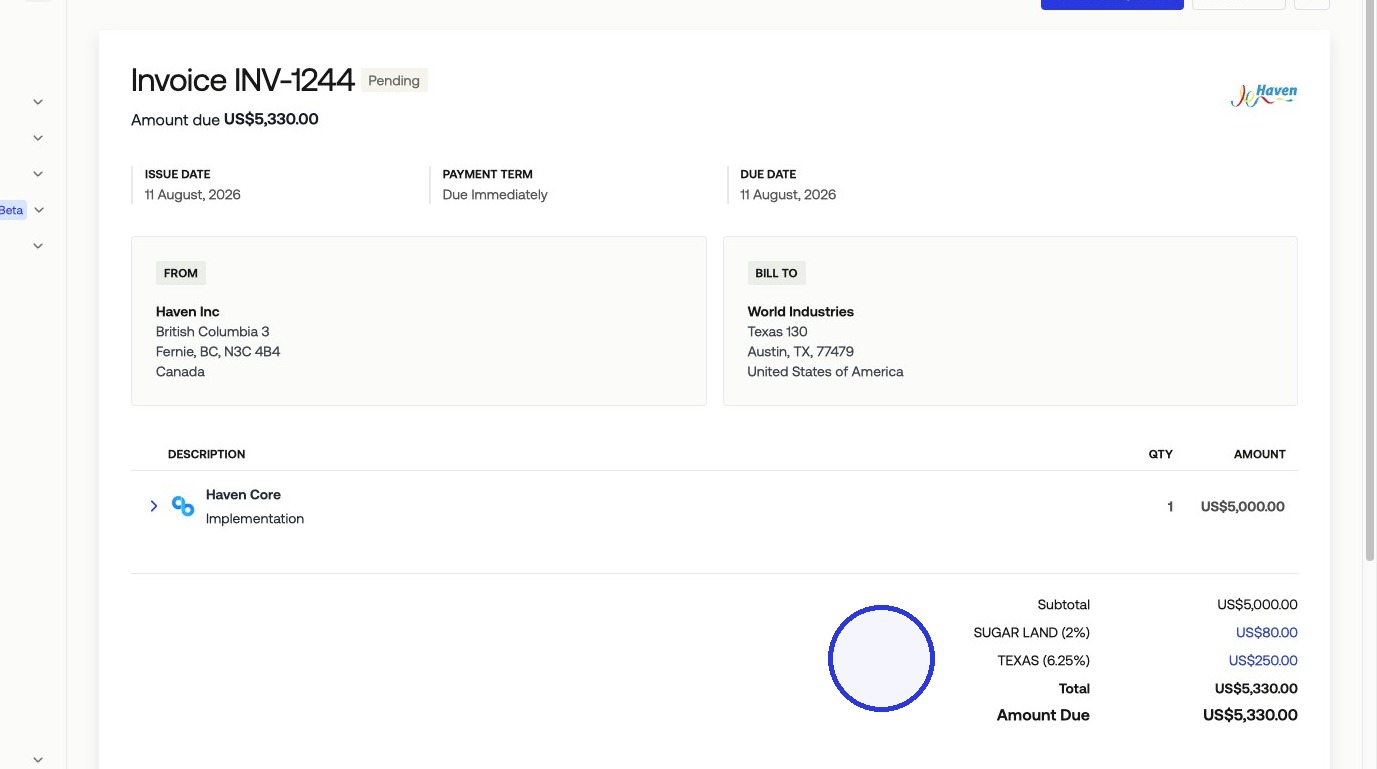
Once mapping is saved, Measure passes product and jurisdiction data to Taxwire on each invoice. Taxwire returns the applicable tax amount, which is applied to the invoice line item automatically.
4. Verify Transactions in Taxwire
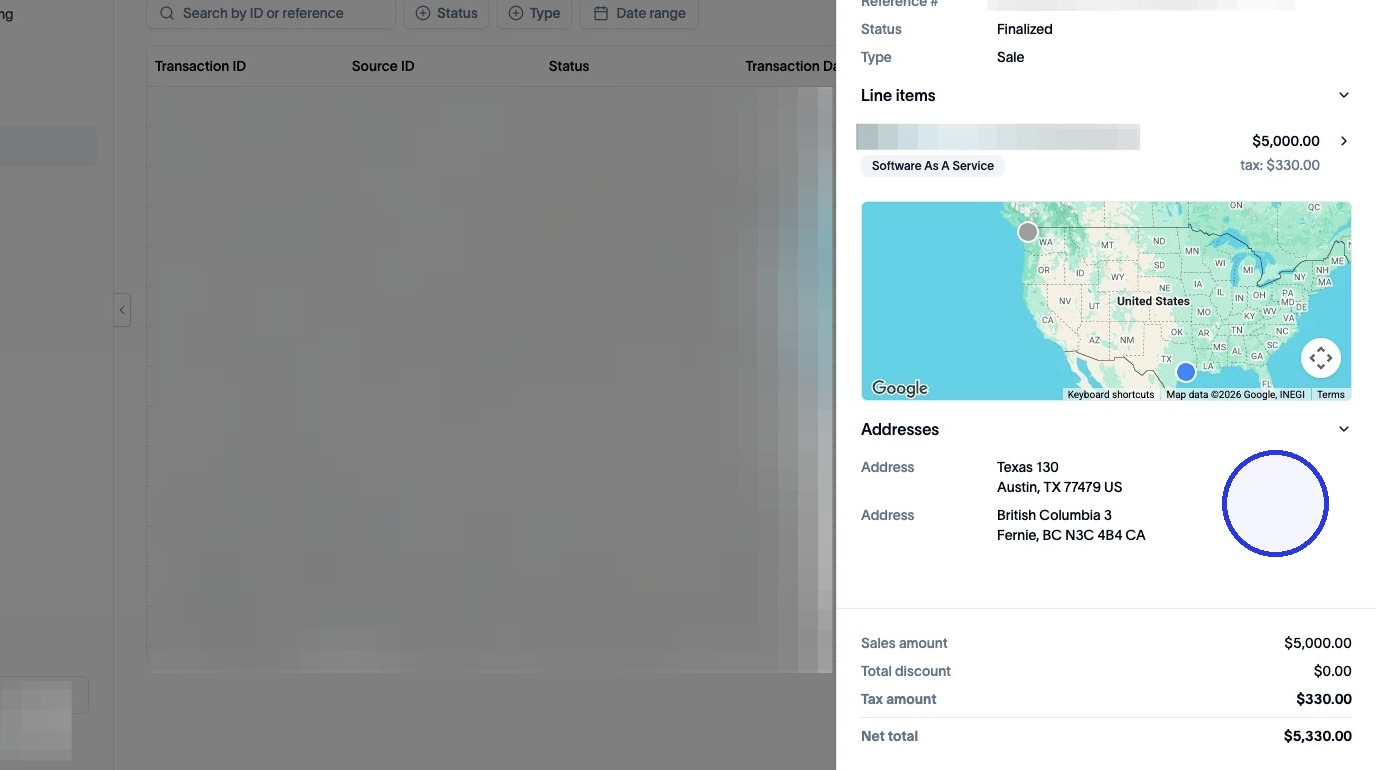
After invoices are issued, you can confirm tax was calculated correctly by reviewing your transaction data in Taxwire. Navigate to the Transactions section in Taxwire and select a transaction to view its details.
Check the sales total and net tax total to confirm they match what was applied in Measure. This is useful for auditing and ensuring your records are consistent across both systems.