
How To: Connect the Rillet Integration
Edited
Measure integrates with Rillet to sync your billing and revenue data with your revenue recognition workflows. The setup takes a few minutes and requires an API key from your Rillet account.
1. Install the Rillet Integration
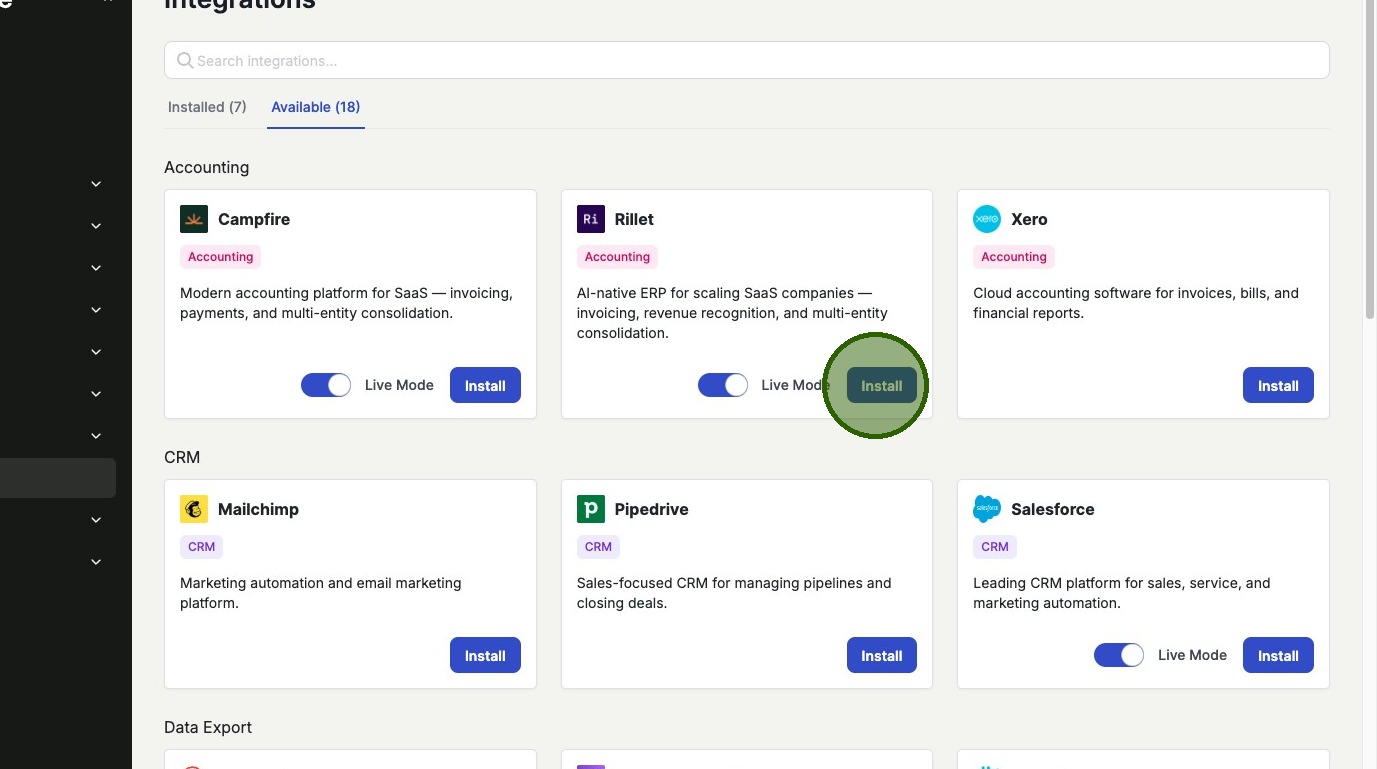
In Measure, navigate to the Integrations tab and find the Rillet integration. Click Install.
2. Connect Your Account
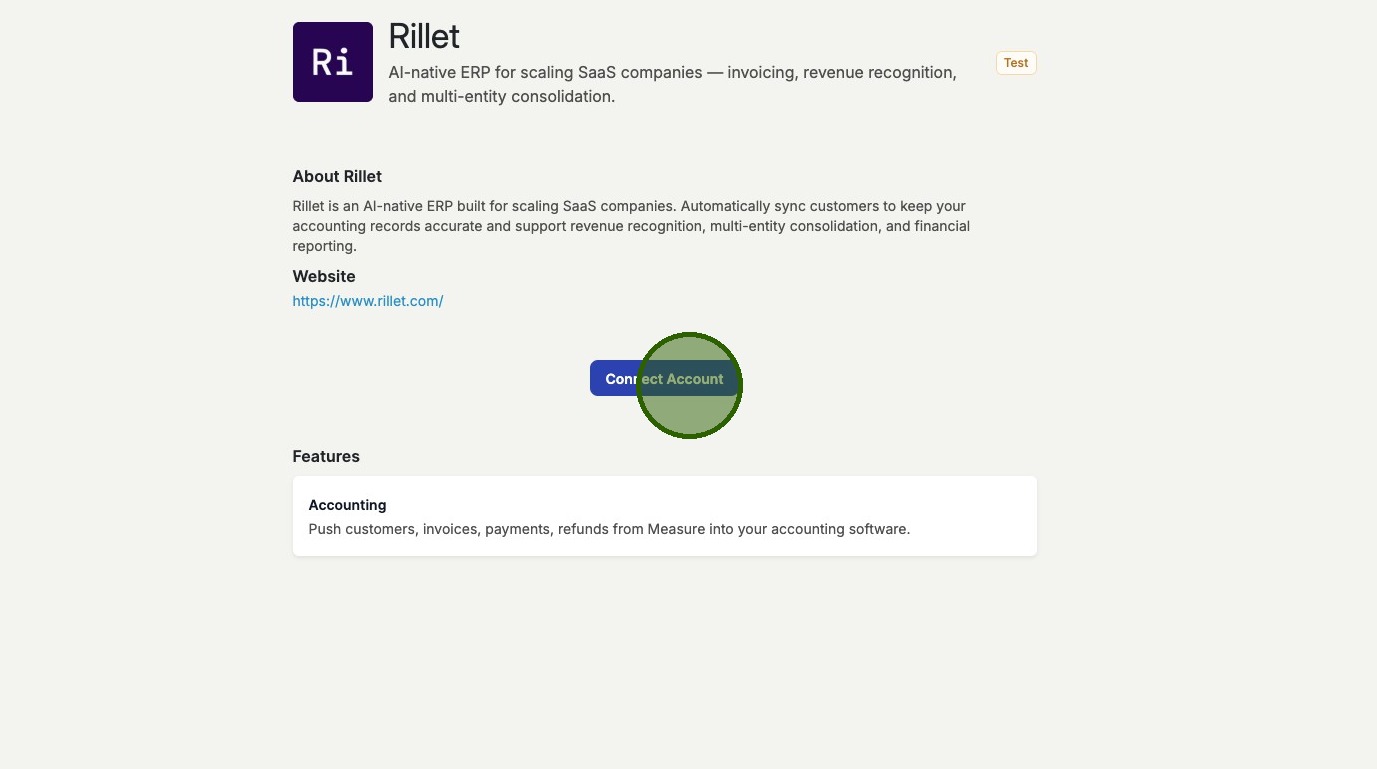
Click Connect Account to open the authentication panel.
3. Enter Your API Key
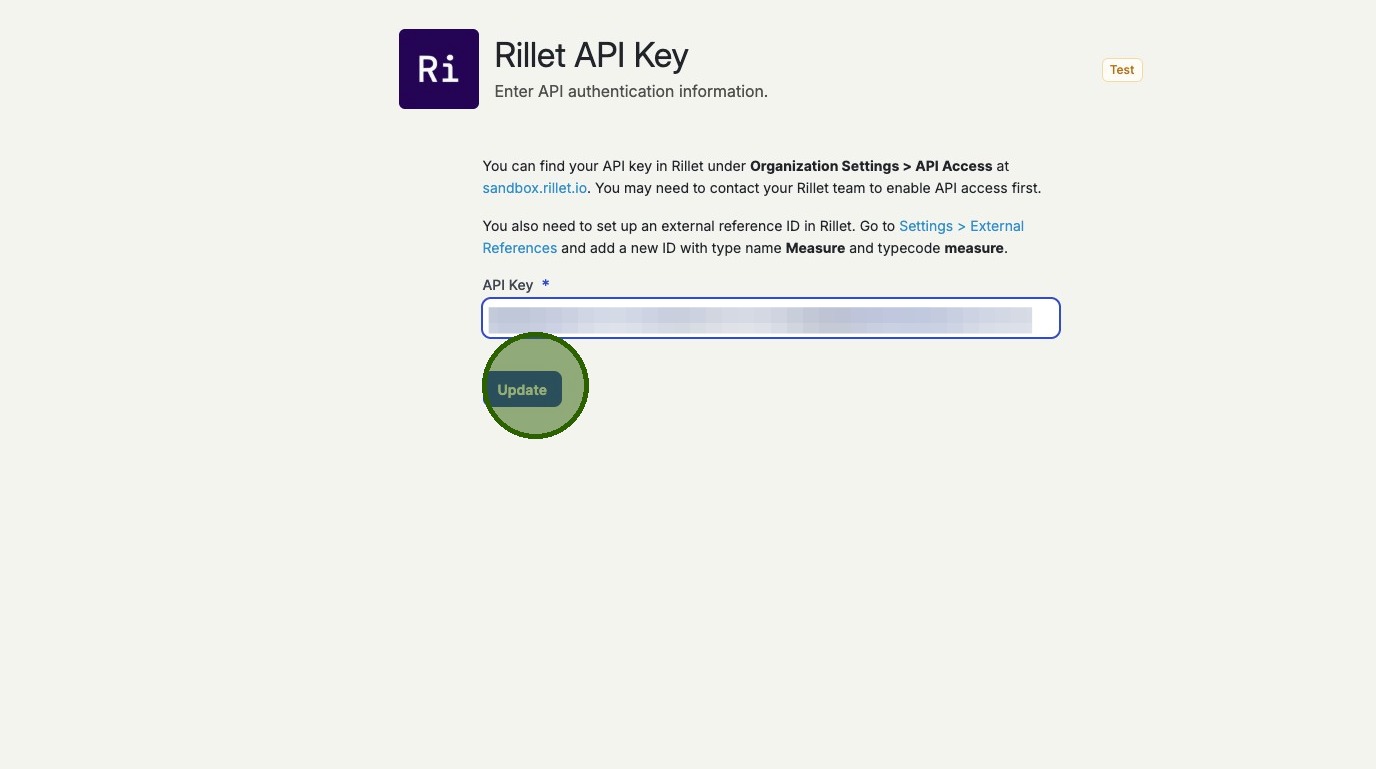
Paste your Rillet API key into the authentication field. Click Update to save.
4. Select Your Organization
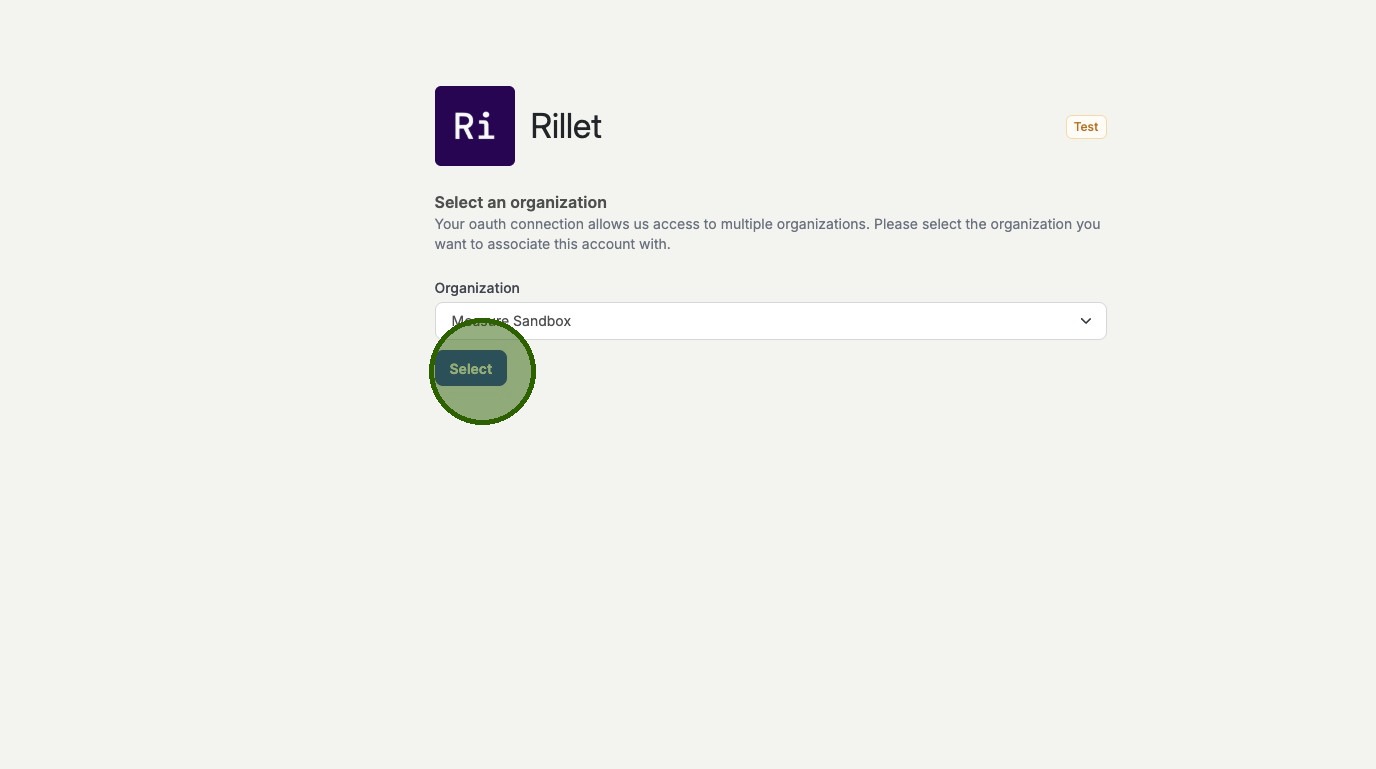
Click Select to associate the correct Rillet organization with your Measure account. The integration is now active.
Was this article helpful?
Sorry about that! Care to tell us more?