
How to Connect the Attio Integration
Edited
1. Install the Integration
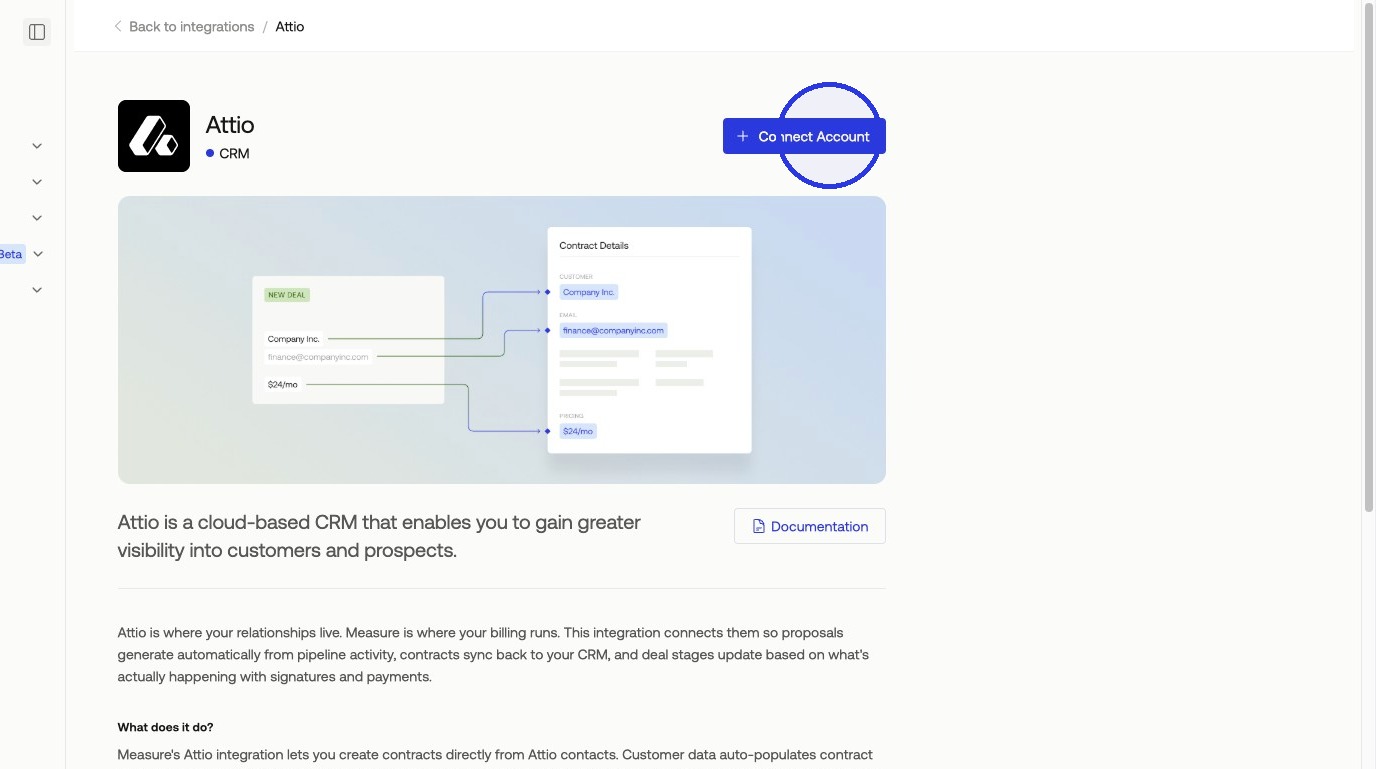
Navigate to Integrations, search for Attio, and click + Connect Account.
2. Connect Your Account
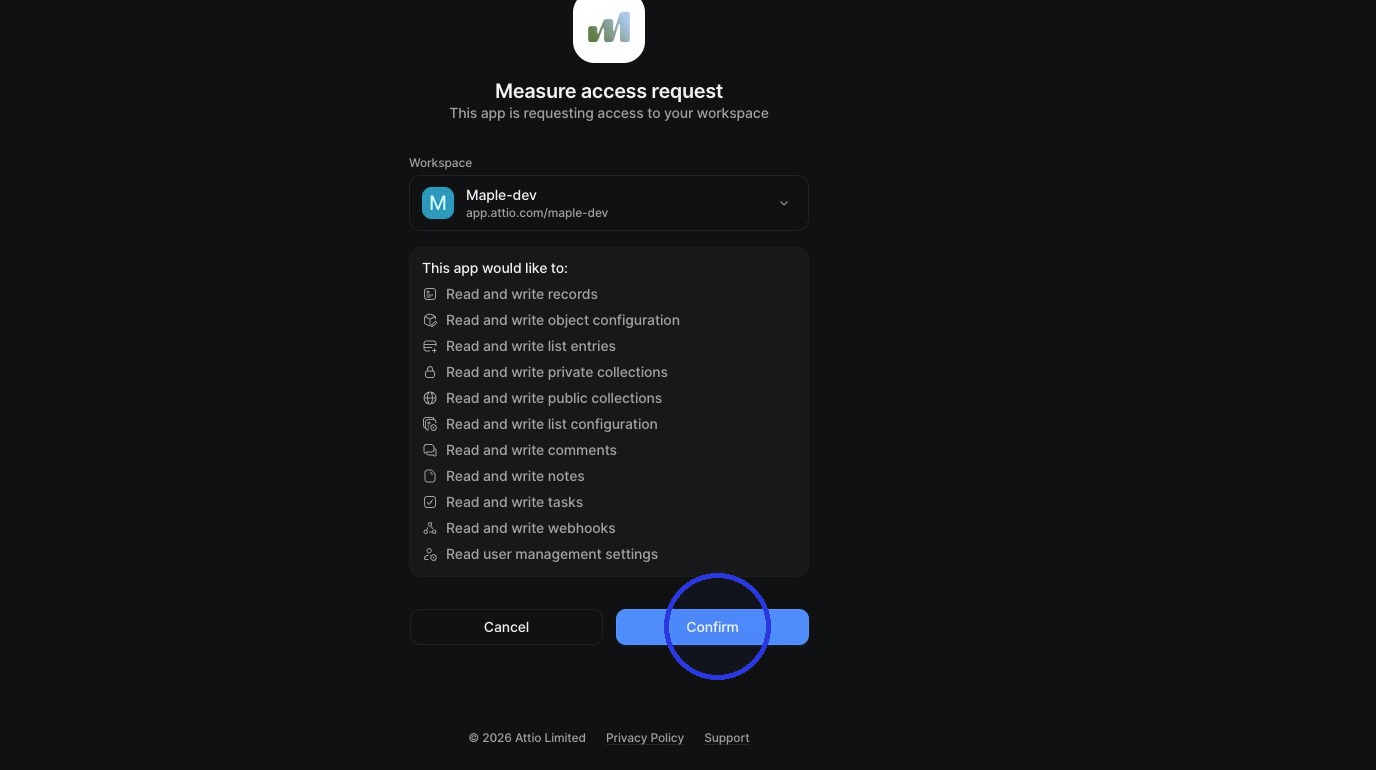
Click Confirm to give Measure access to your Attio instance.
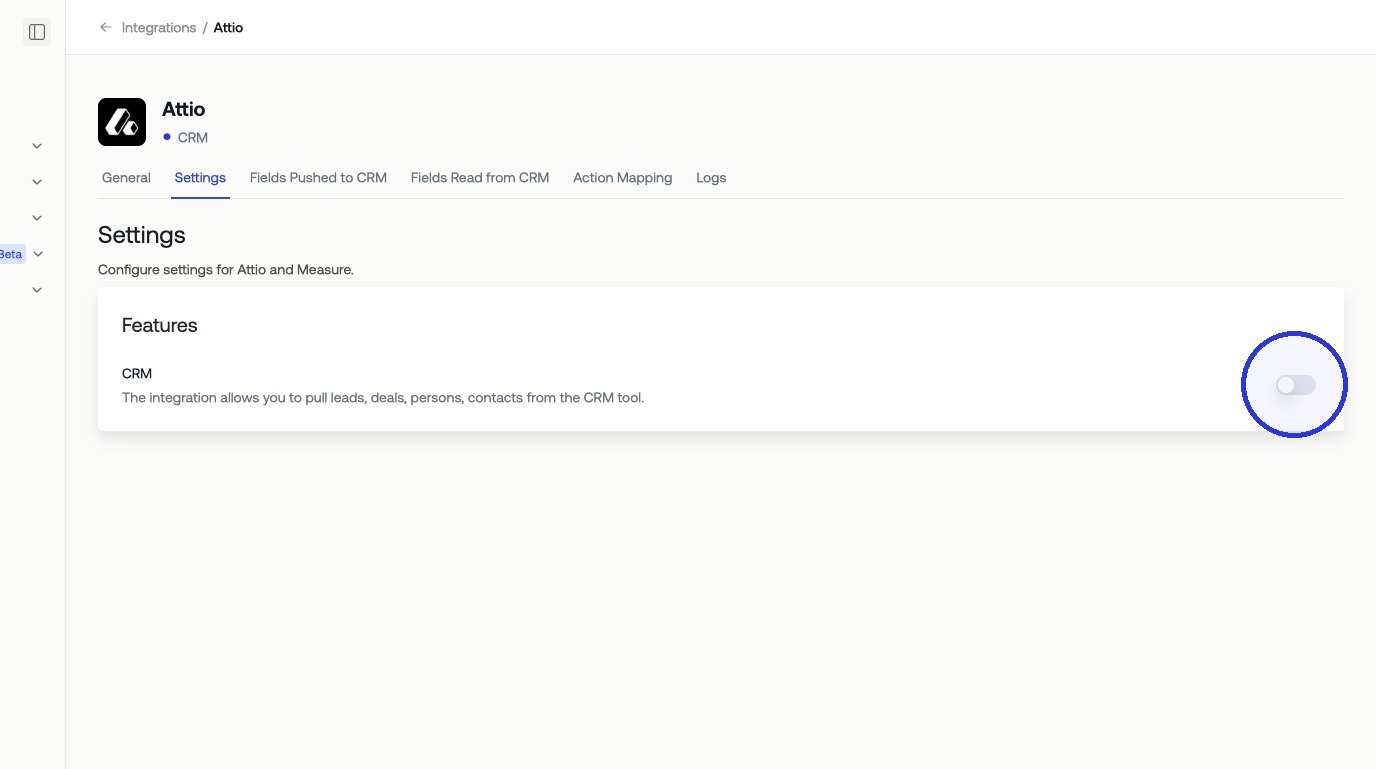
Once connected, configure which objects Measure can sync from Attio, including leads, deals, personas, and contracts.
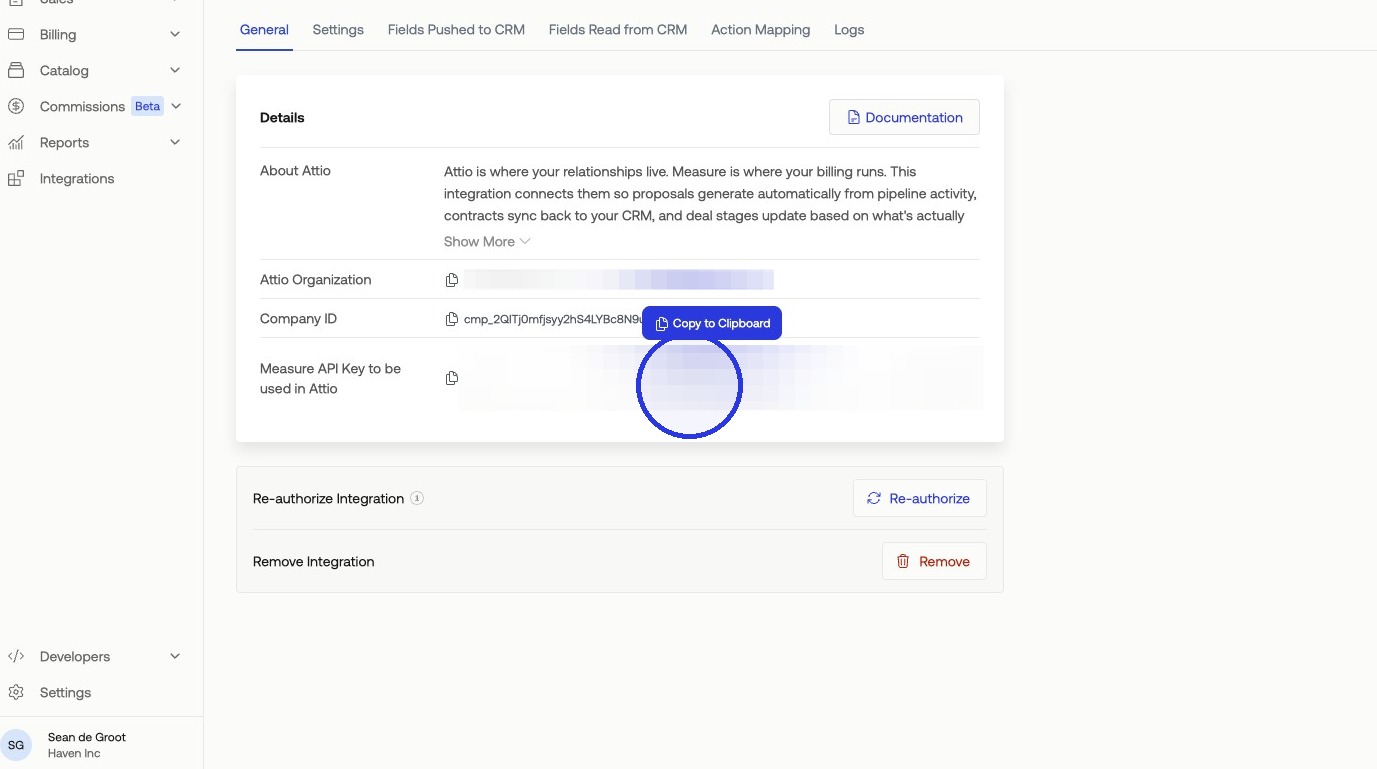
3. Copy Your API Token
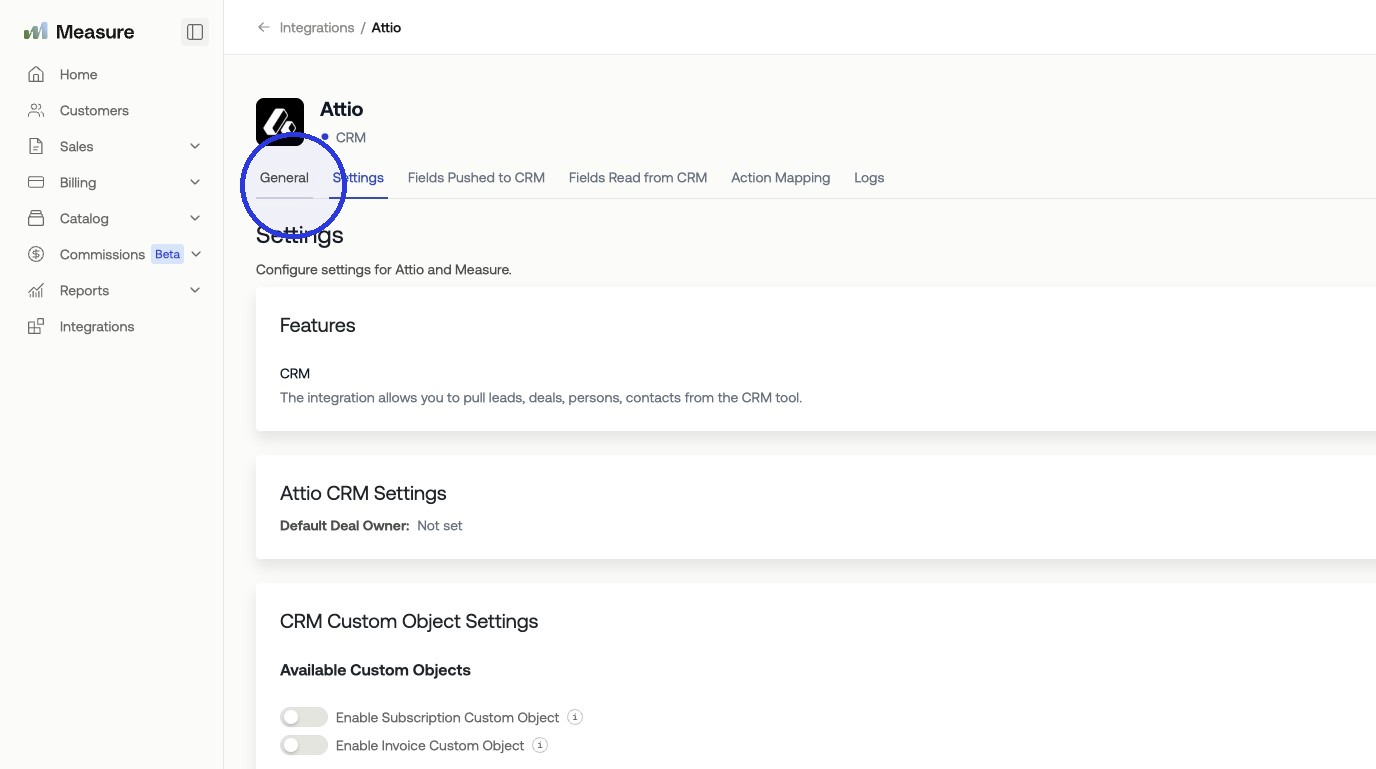
In Measure, navigate to General and copy your API token. You'll need this to complete the connection in Attio.
4. Complete the Connection in Attio
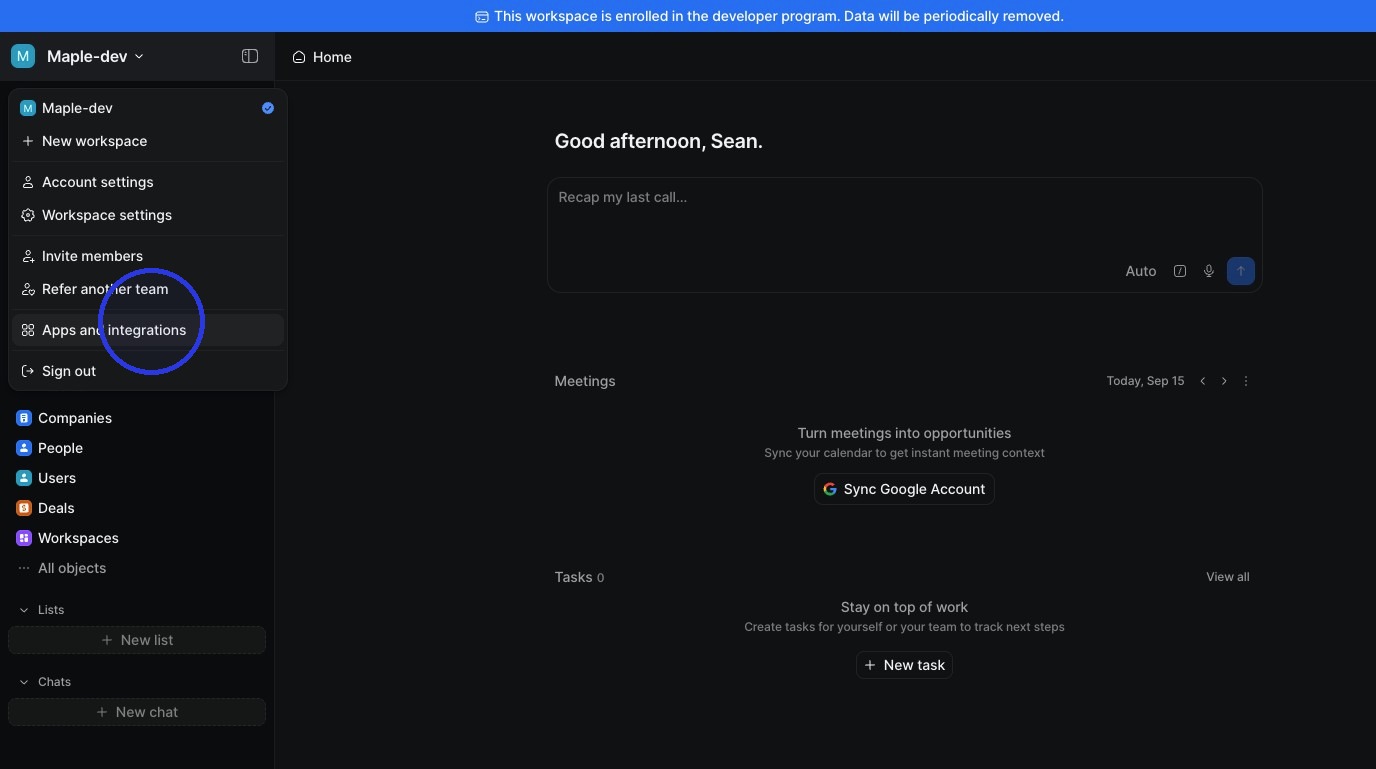
In Attio, open your workspace menu and click Apps and integrations.
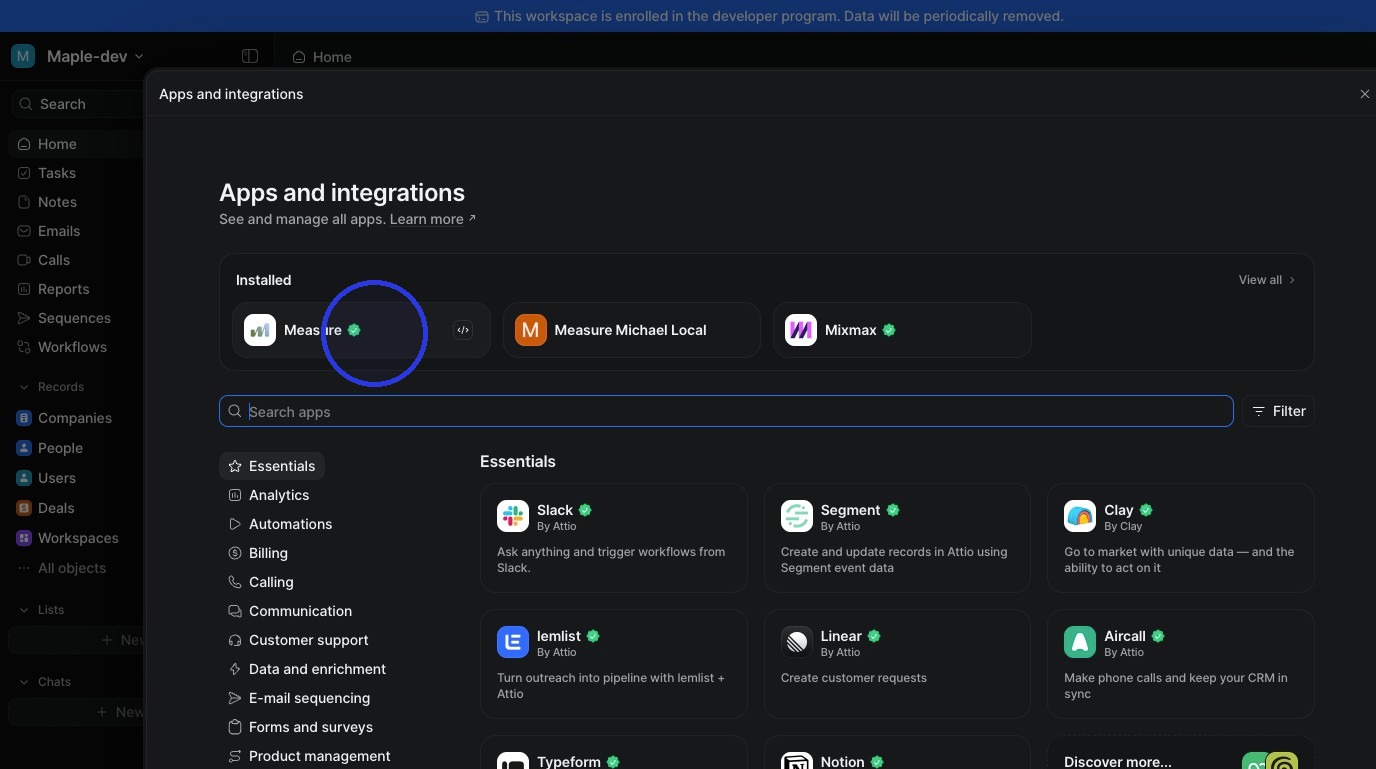
Find and click Measure.
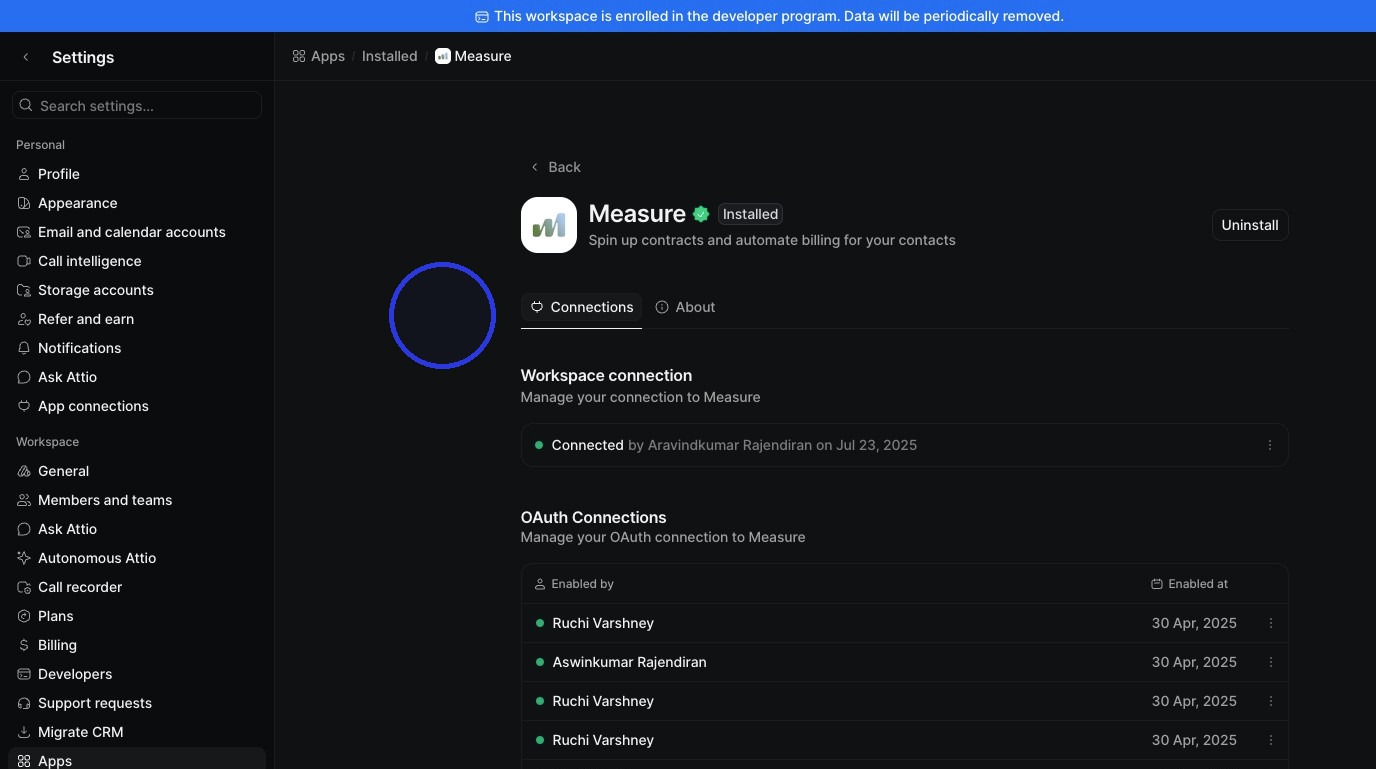
Paste your API token and click Add connection. Attio is now connected to Measure.
Was this article helpful?
Sorry about that! Care to tell us more?