
How to Invite a New Team Member to Measure
Edited
1. Navigate to Team Settings
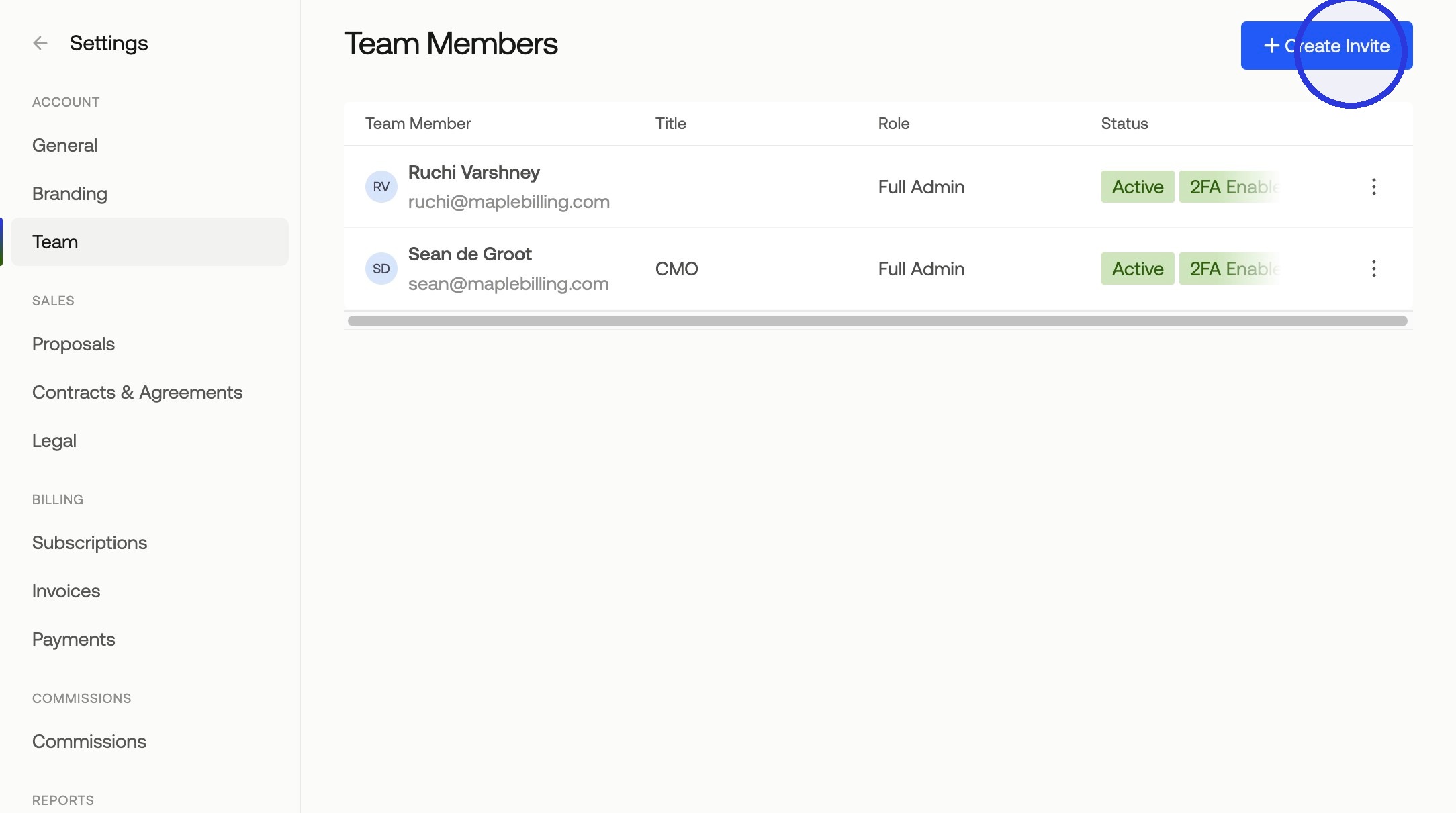
Navigate to Settings > Team and click Create Invite.
2. Fill In the Invite Form
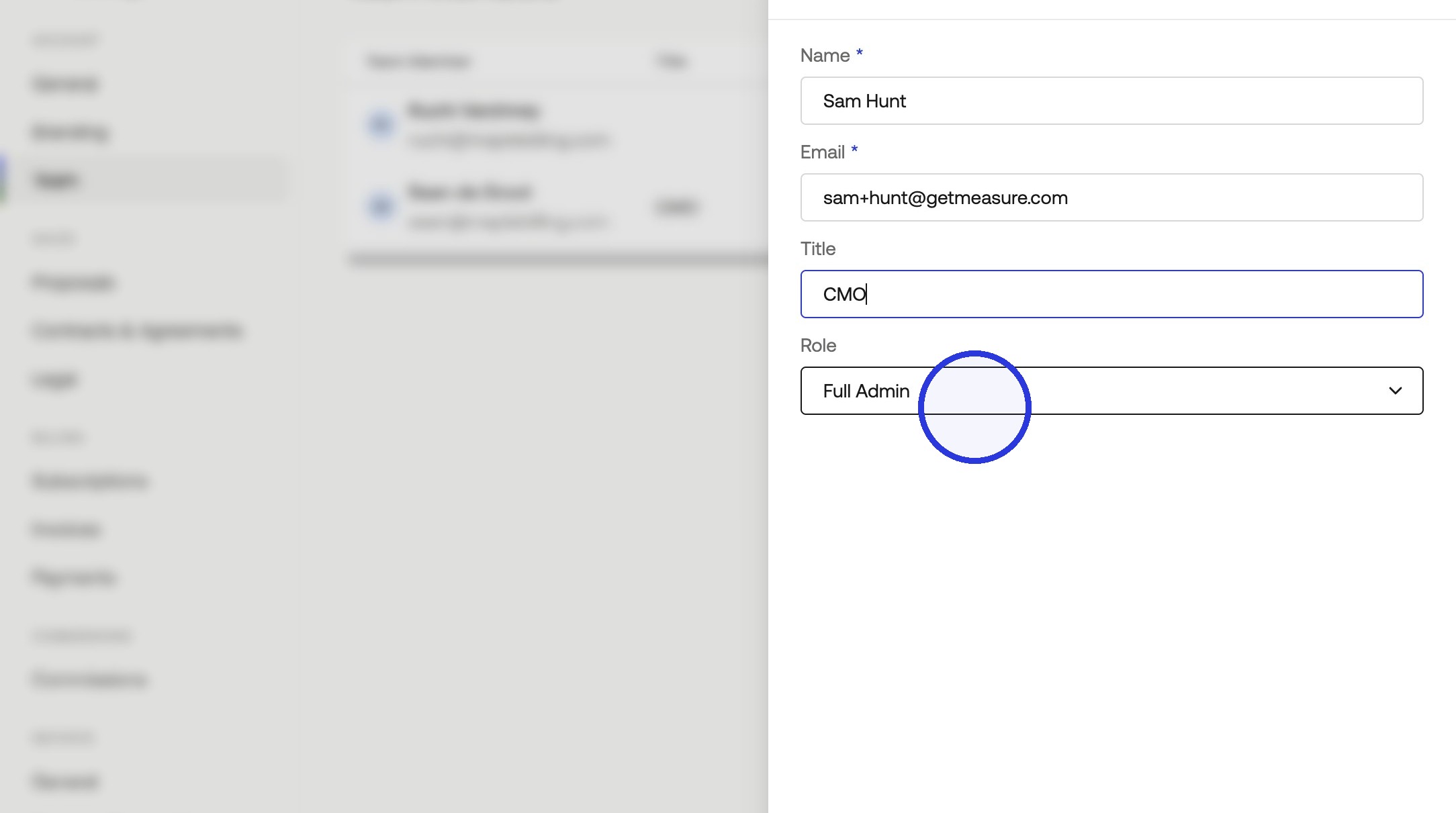
Enter the new team member's name, title, and email address, then select their role. For more details on what each role can do, see our article on Team Member Roles & Permissions.
3. Send the Invitation
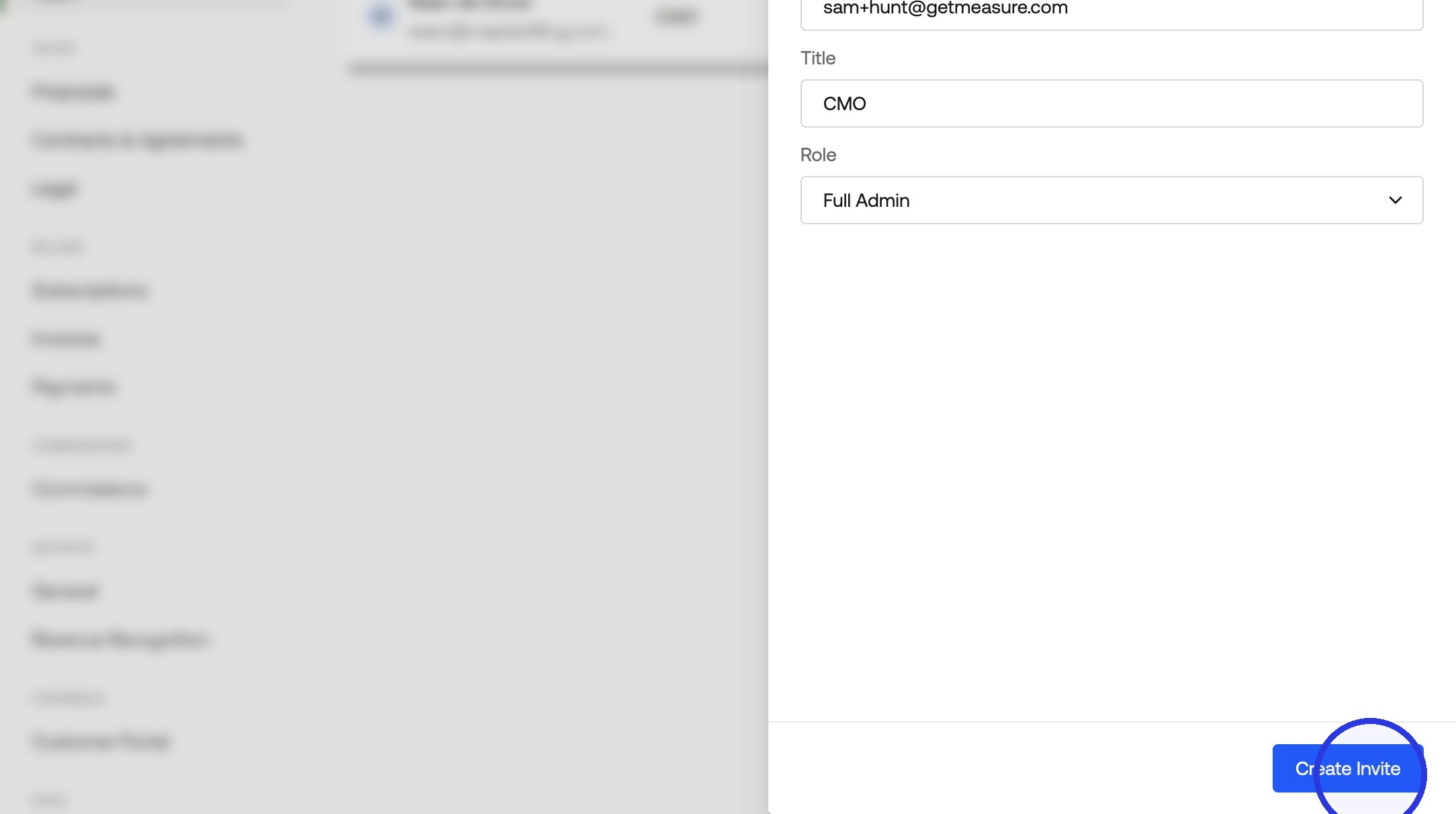
Click Create Invite. The team member will receive an email invitation to join your workspace. You will now see the pending invite in your team member list.
Was this article helpful?
Sorry about that! Care to tell us more?