How to Manage Your Billing in the Customer Portal
The customer portal provides a centralized place to manage your billing information, view invoices, check subscription details, and see your current credit balance.
1. Accessing the Portal
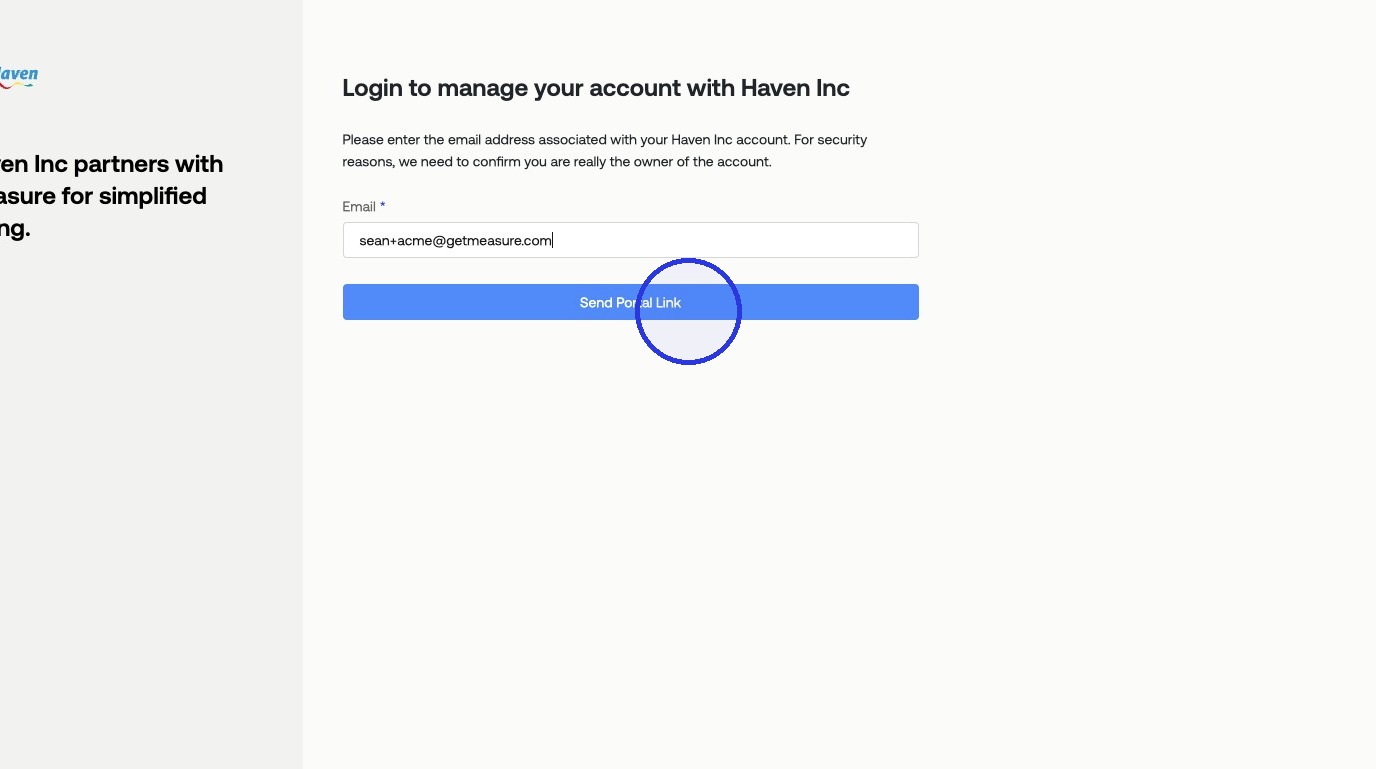
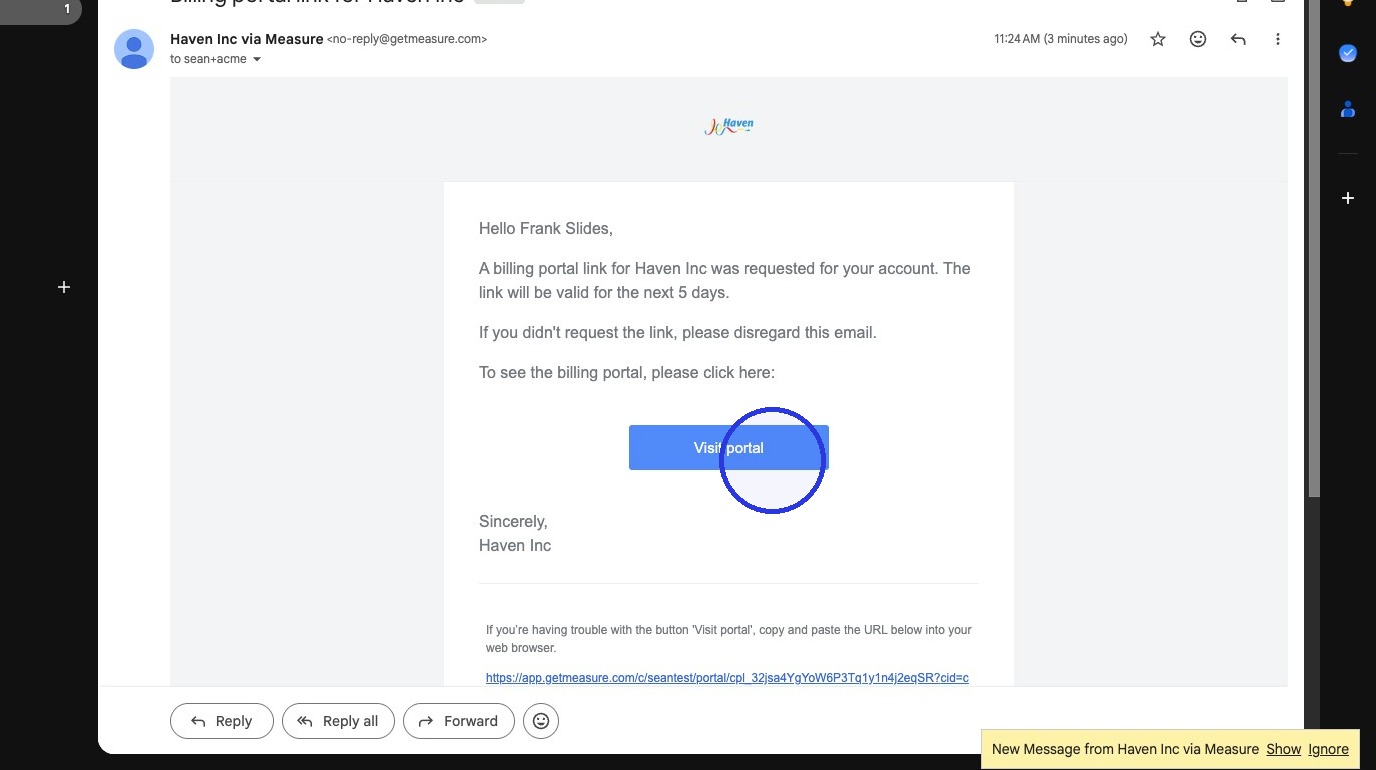
To receive a secure link to your customer portal, enter the email address associated with your account and click Send Portal Link. Then, find the invitation email and click the Visit portal button.
2. Billing and Payment Methods
The main portal page allows you to manage your billing contact details and payment methods.
Edit Billing Information: Click Edit to update your contact name, email, or other details.
Add a Payment Method: Click Add Payment Method to add a new card.
Manage Payment Methods: Click the ... icon next to a card to Set as default or Delete it.
3. Subscriptions
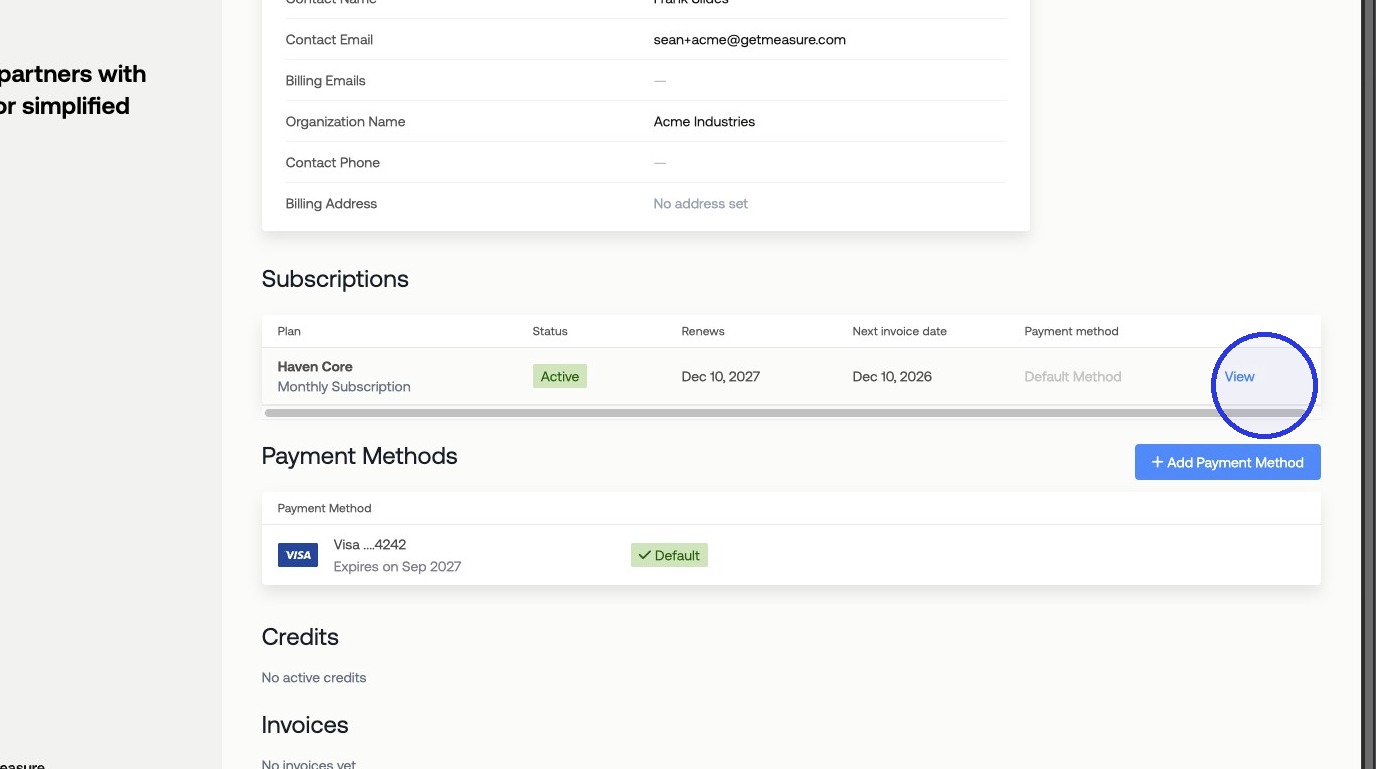
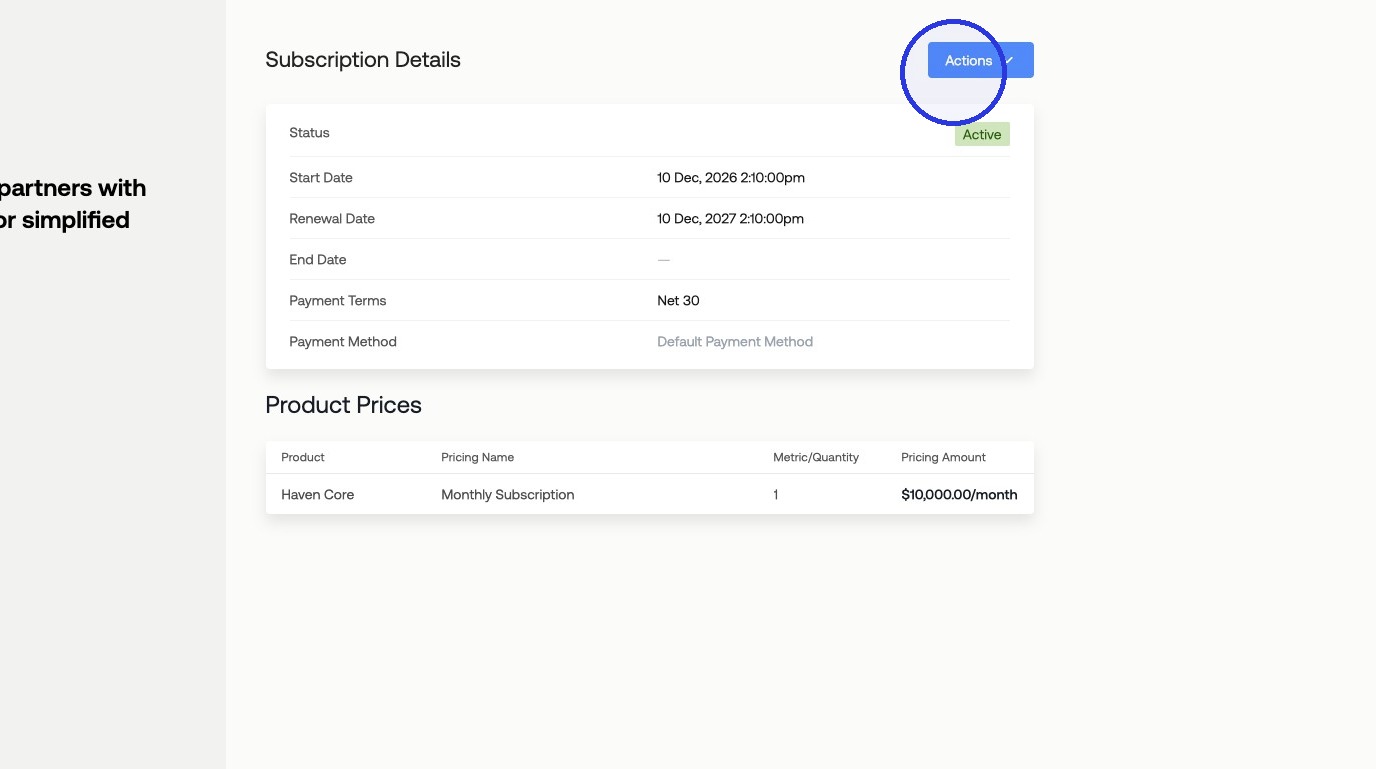
Click View in the "Subscriptions" section to see your active subscriptions. From the subscription details page, you can use the Actions menu to Edit or Cancel your subscription.
4. View Credits and Usage
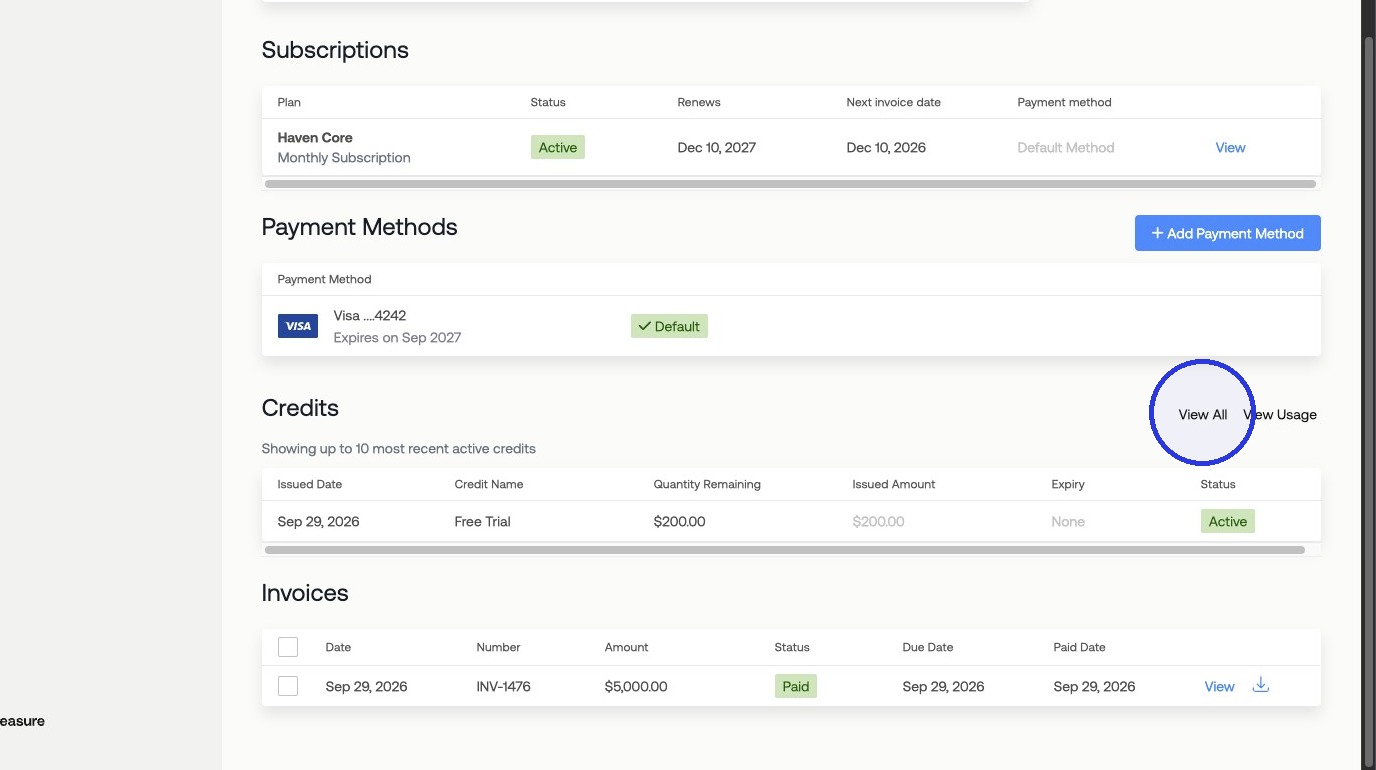
To see your current credit balance and usage history, click View Usage from the main page.
5. View and Download Invoices
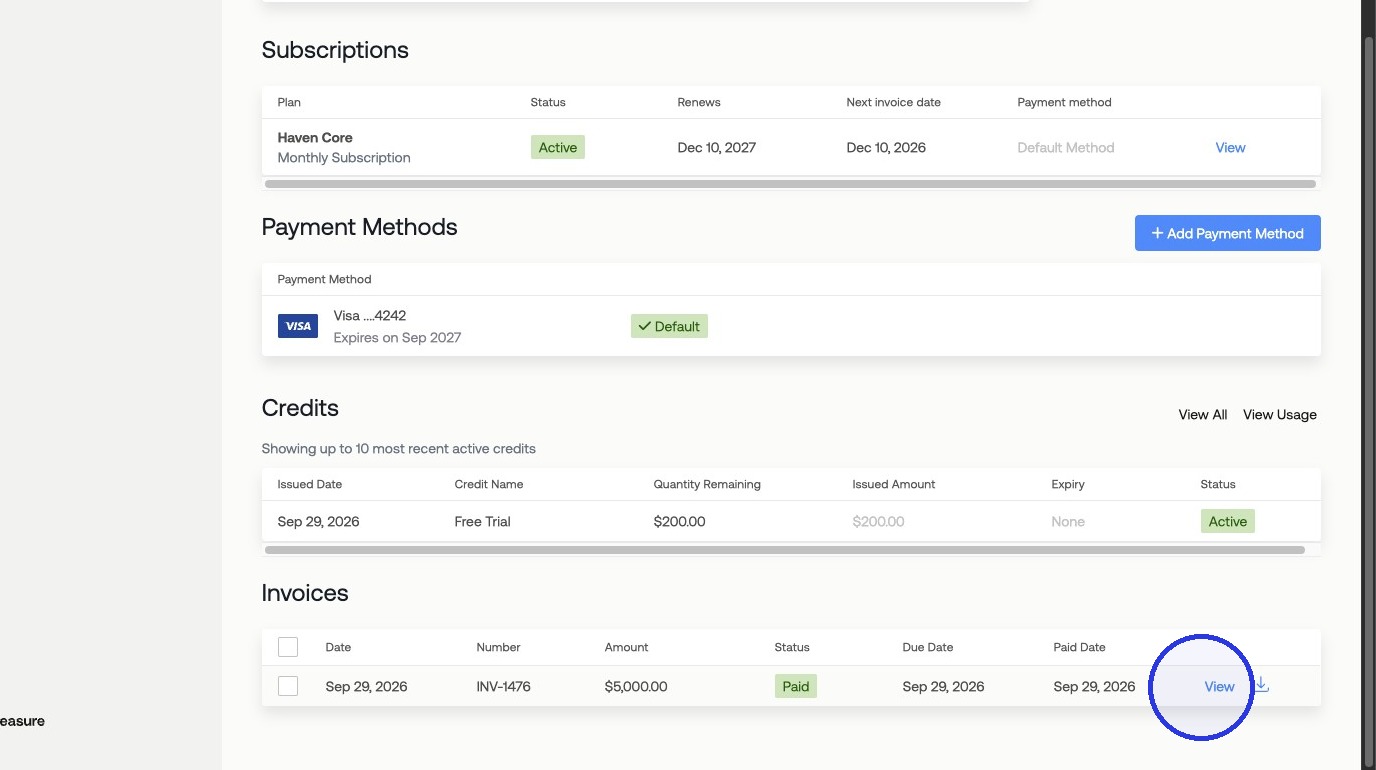
Under Invoices, you can click on an individual invoice to view its details or download it as a PDF.