
How to Create a Credit Note and Apply it to an Invoice
Edited
This article will guide you through creating a credit for a customer and applying it to one of their open invoices.
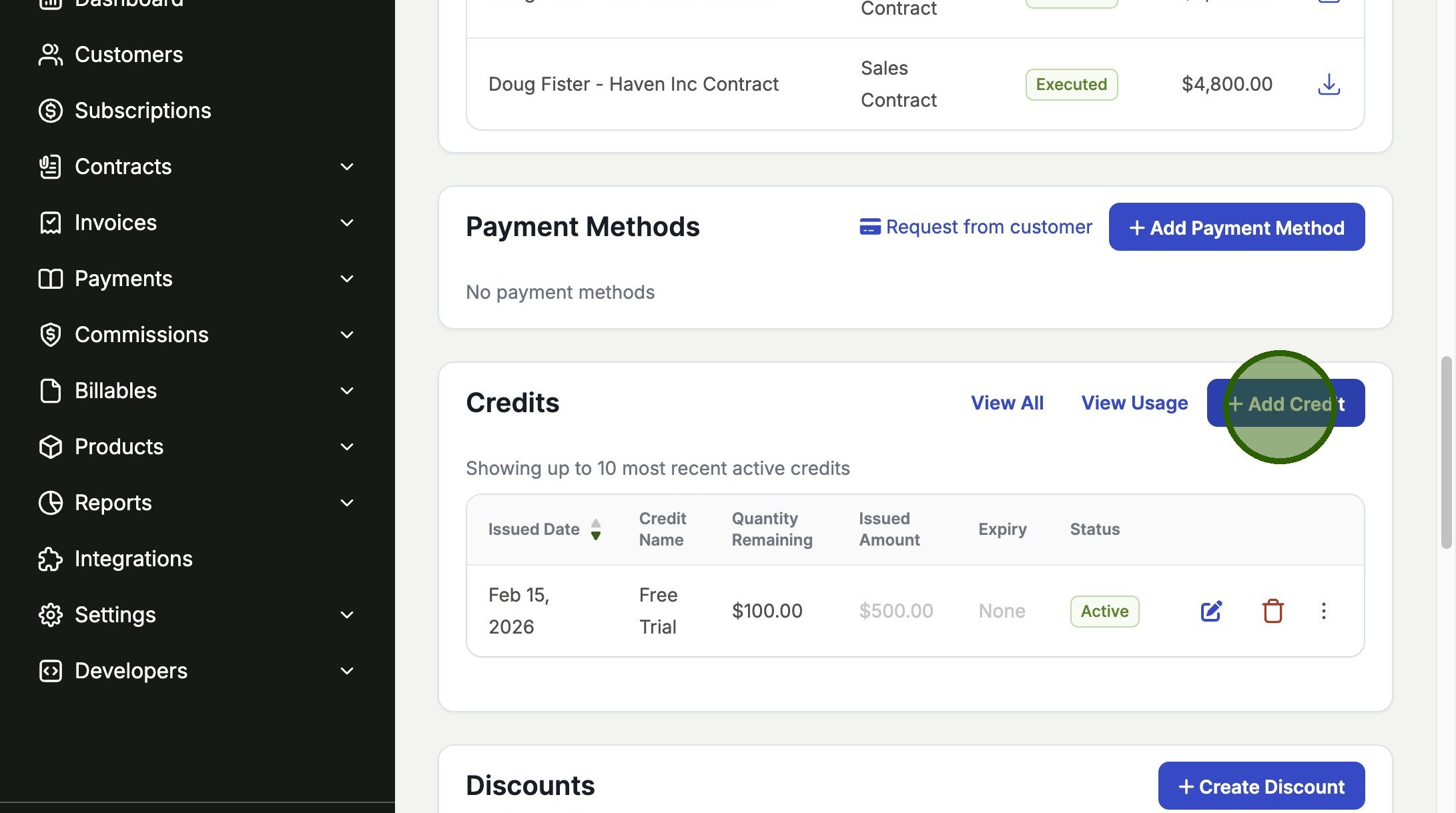
1. Navigate to the customer record and create the credit note
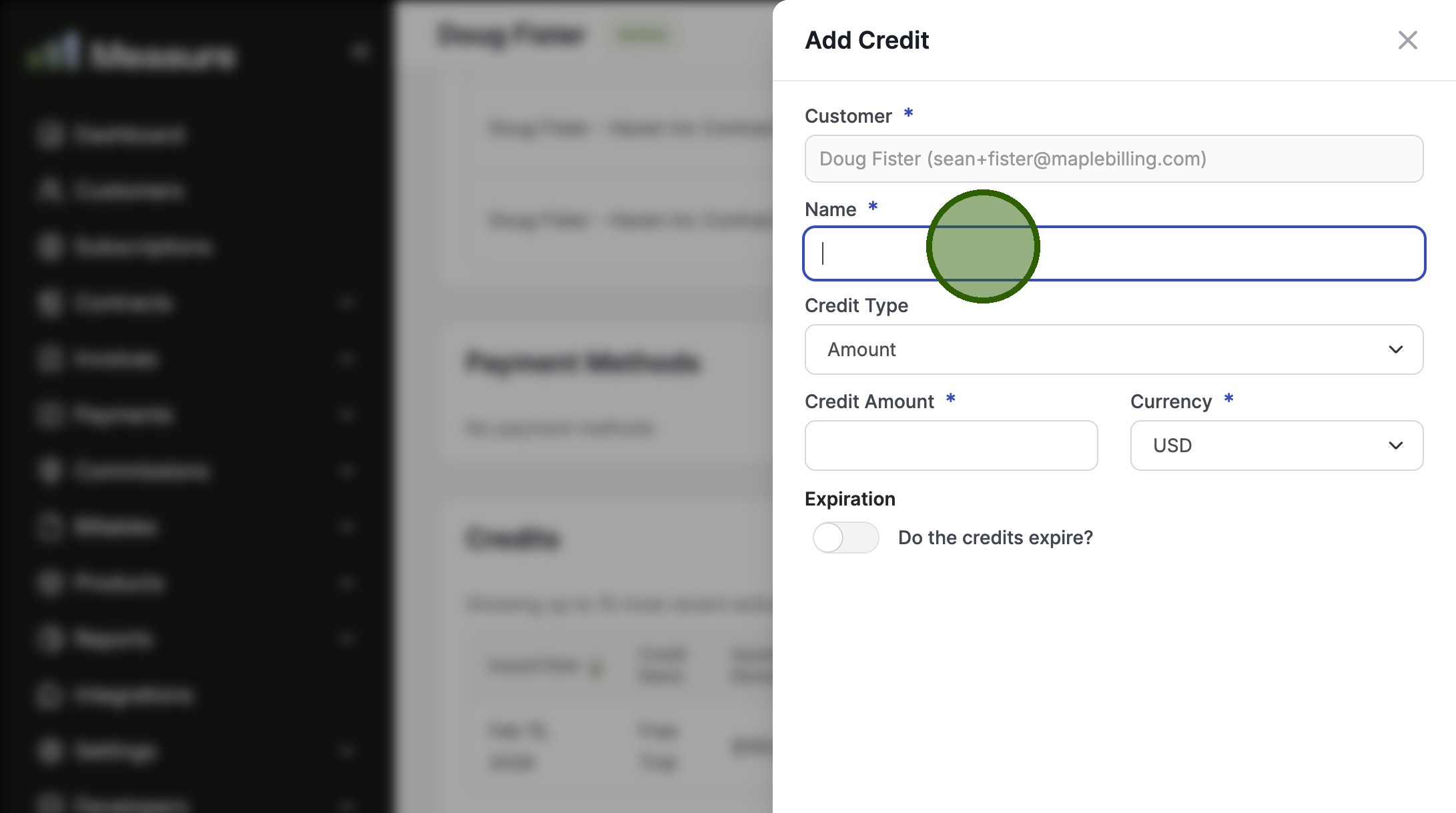
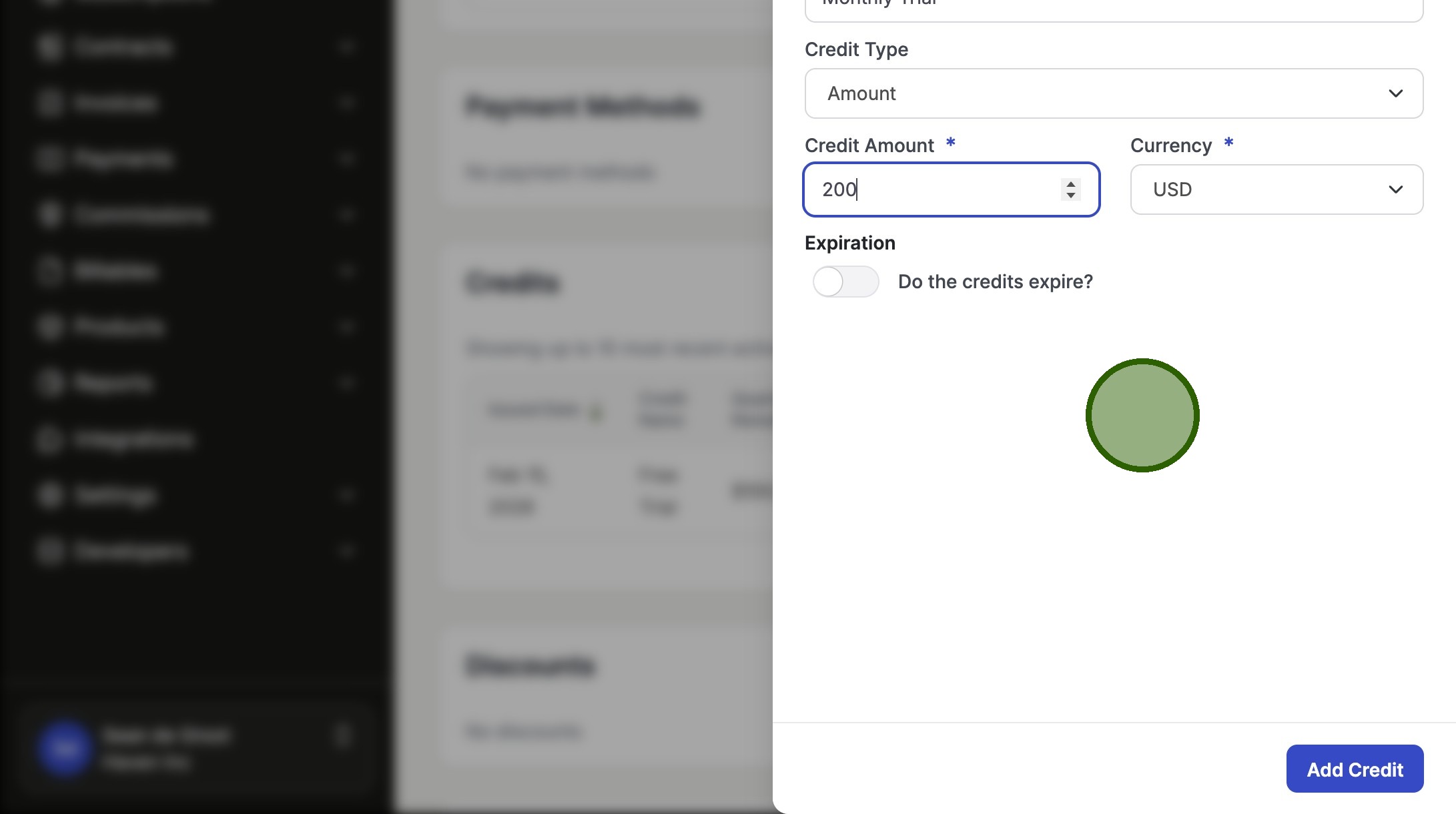
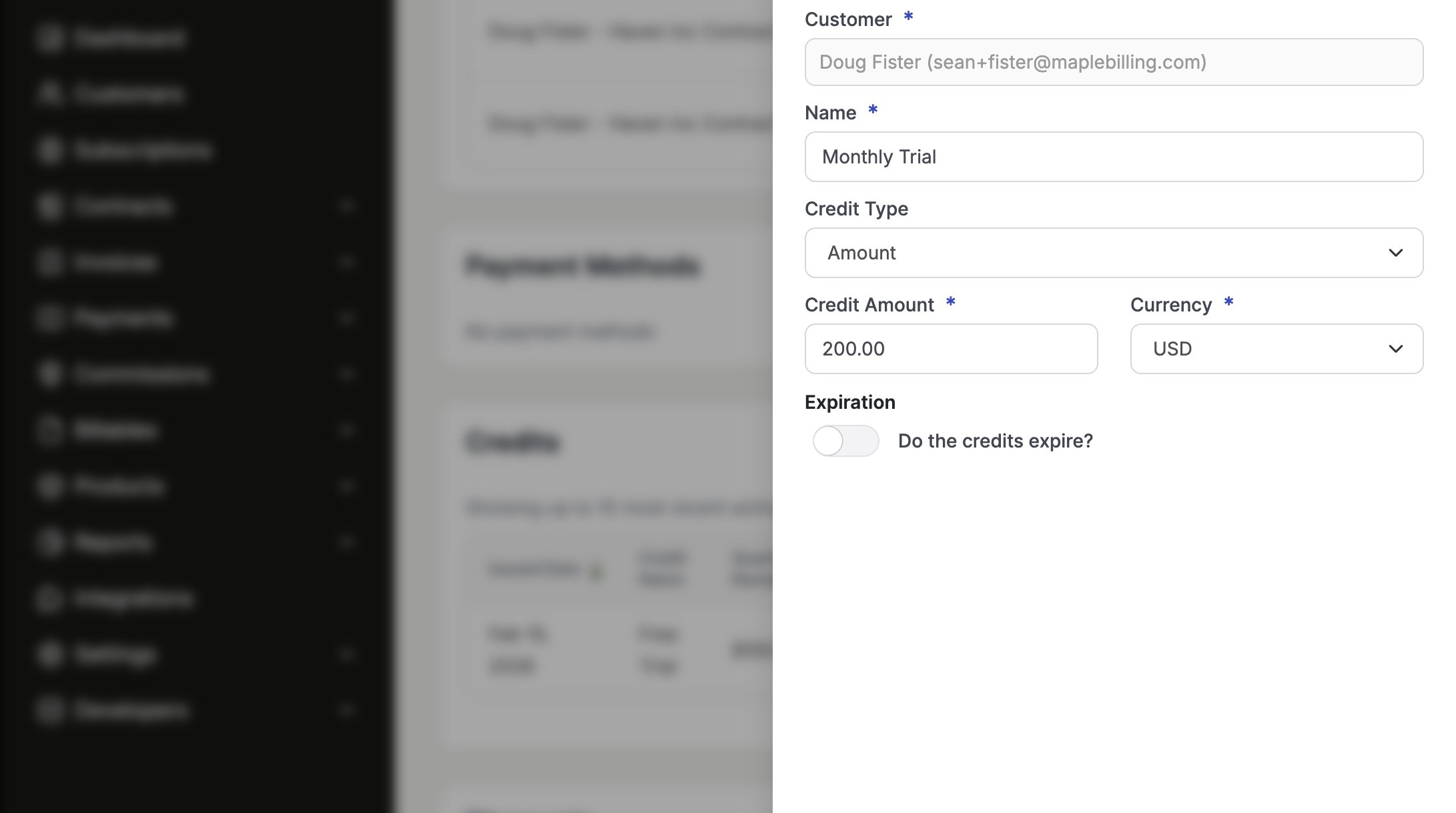
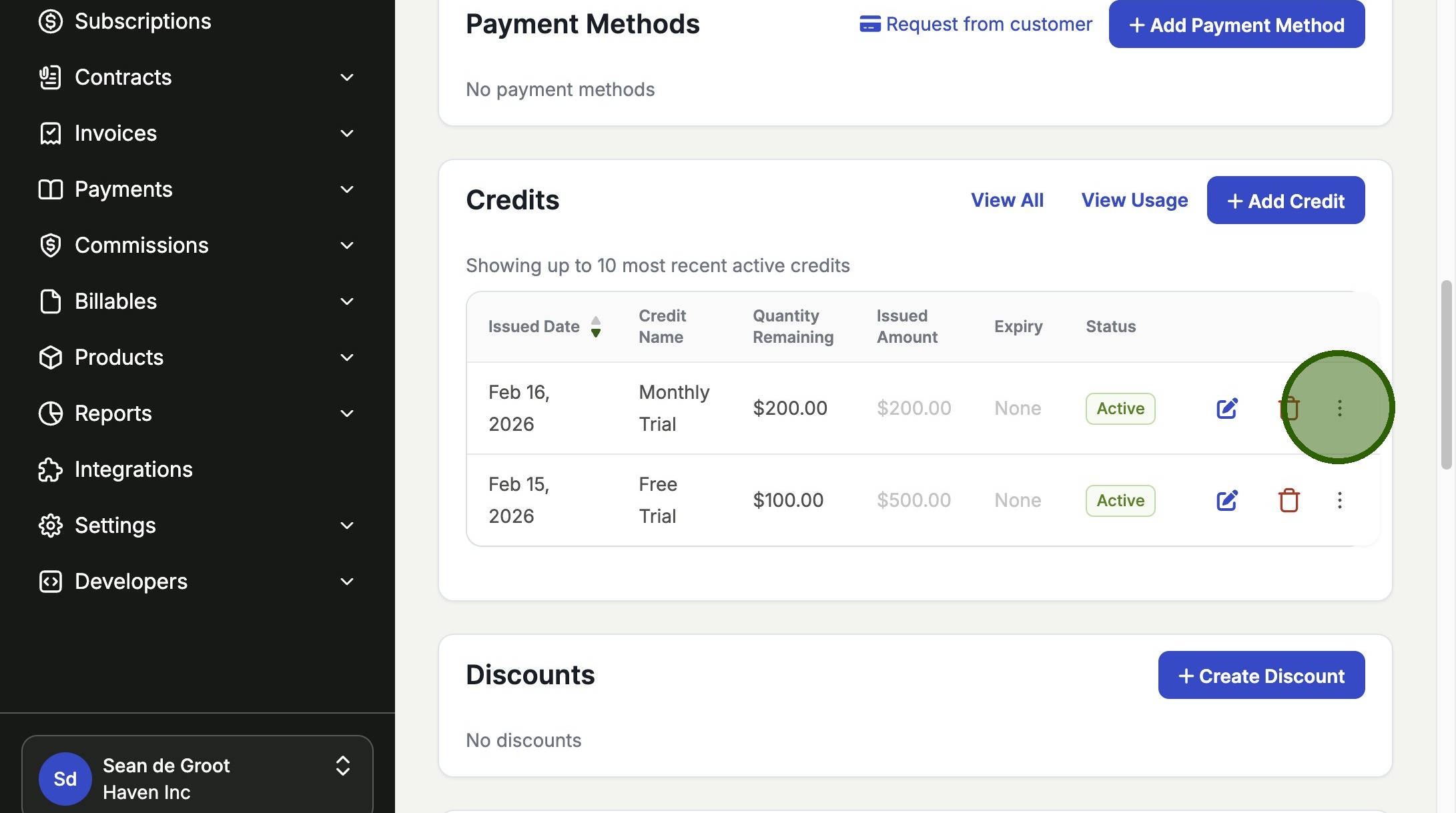
From the customer's record, find the "Credits" section and click "Add Credit". You will then be prompted to fill out the details for the credit, such as the amount and currency, before adding it to the customer's account.
2. Apply the credit to one or more open invoices
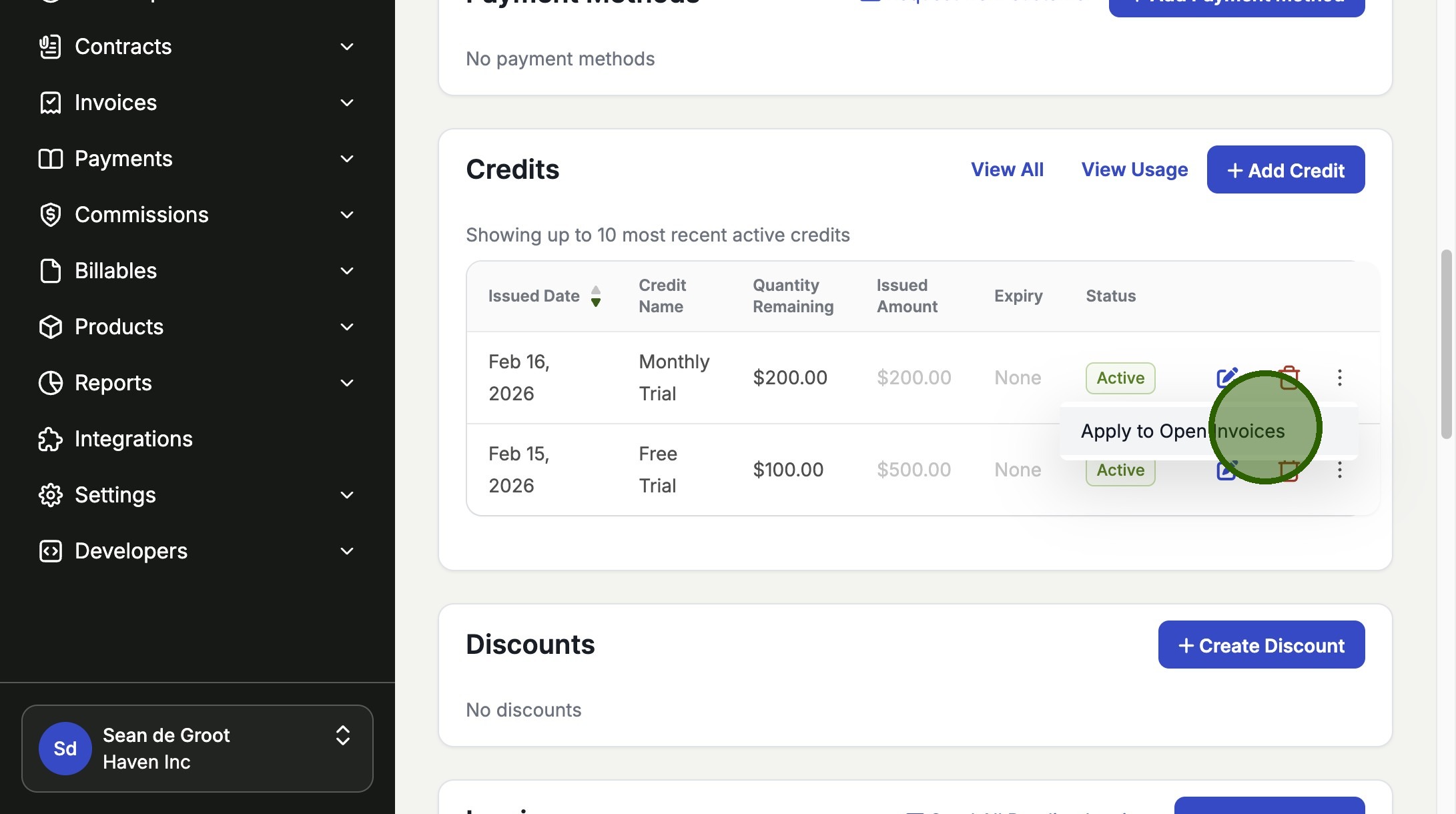
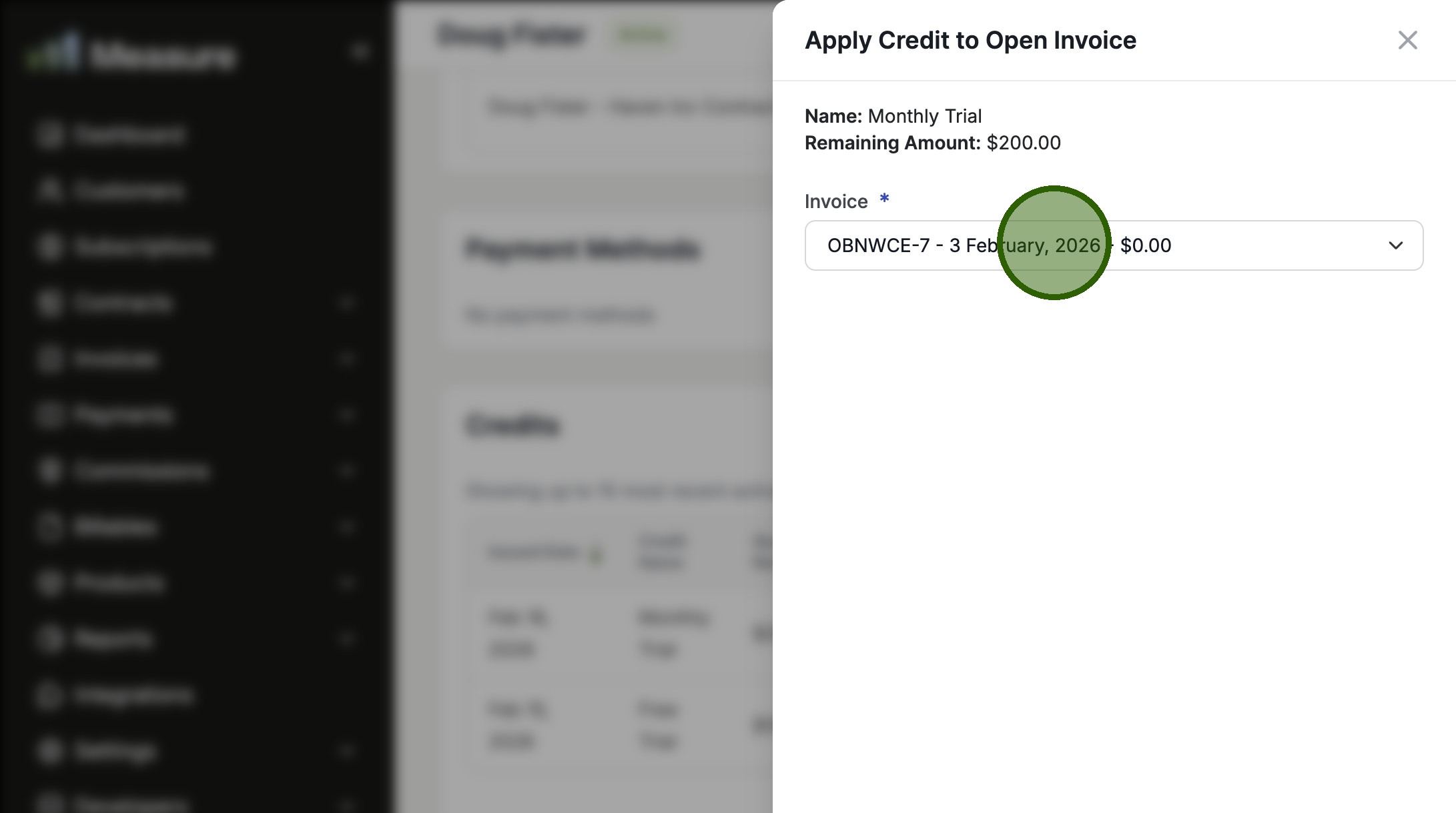
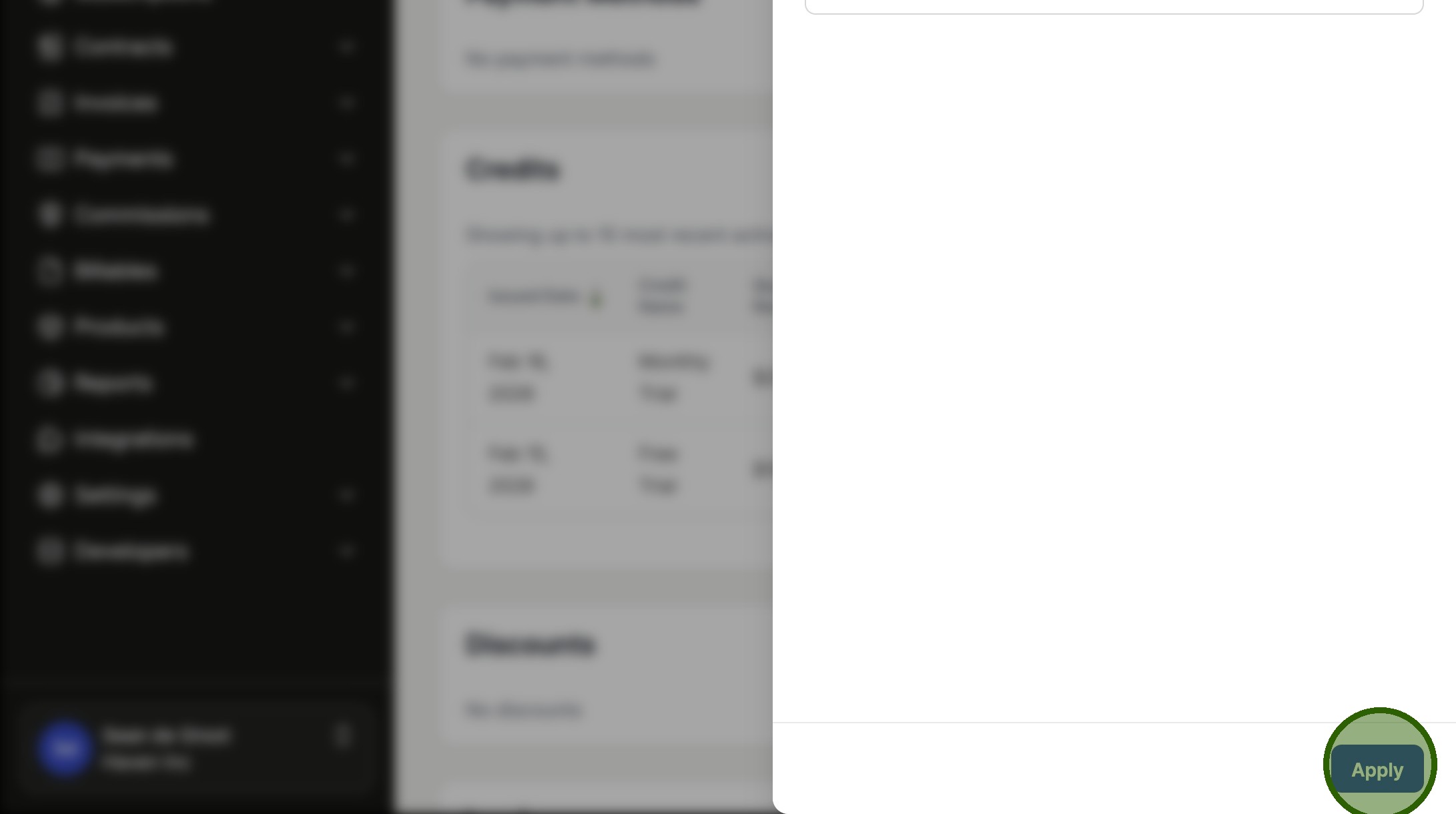
Once the credit is created, click the menu icon next to it and select "Apply to Open Invoices". You can then select which invoice(s) you want to apply the credit to and click "Apply".
3. Confirm the credit has been applied
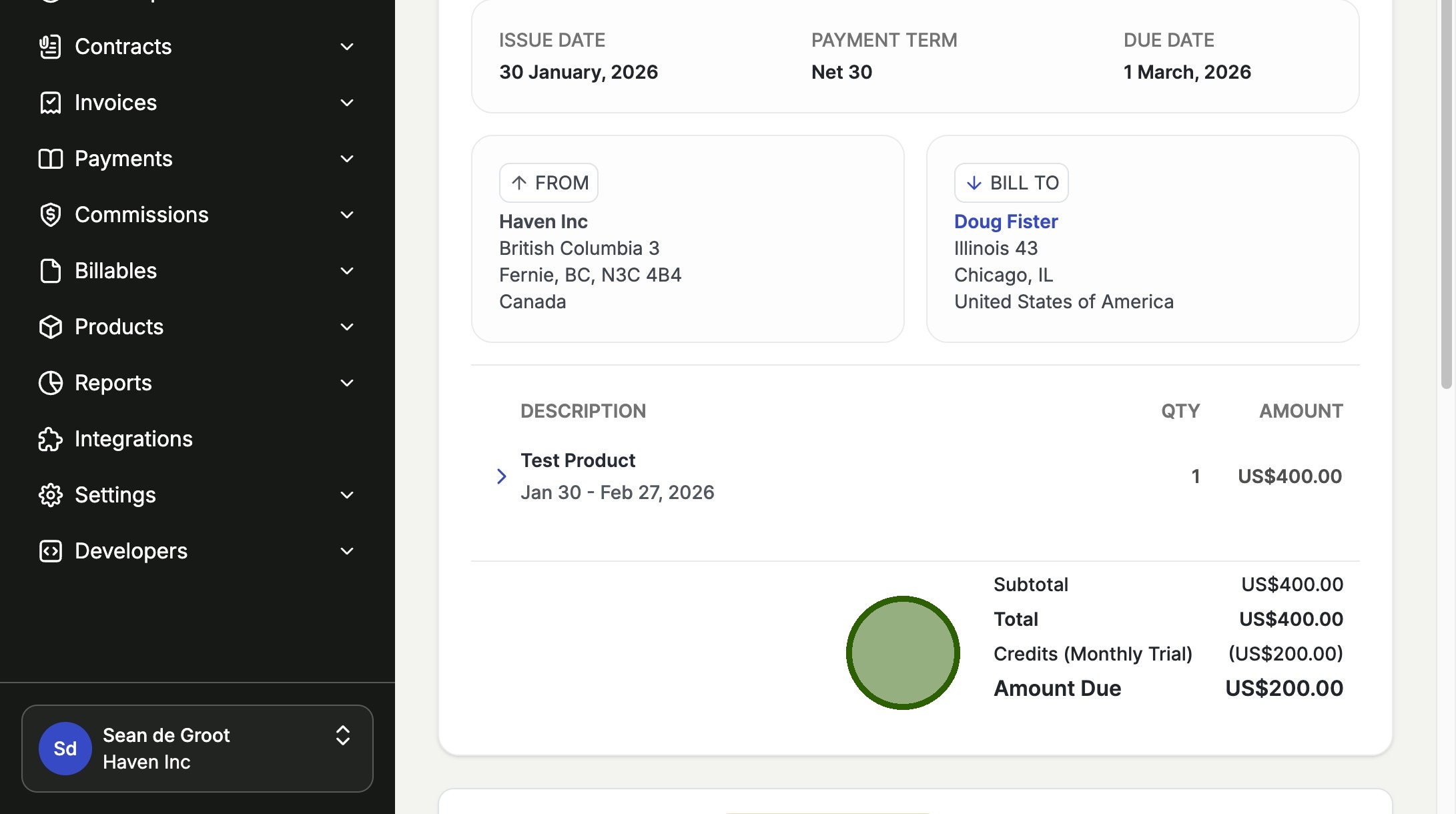
After applying the credit, you will see the invoice's "Amount Due" has been reduced by the credit amount.
Was this article helpful?
Sorry about that! Care to tell us more?