
How to Void an Invoice Payment that was Marked as Paid
Edited
Invoices that are Marked as Paid are payments you receive outside of Measure and not through the standard checkout session. Manually marking an invoice as paid is signifying that the invoice has been paid, but outside of Measure.
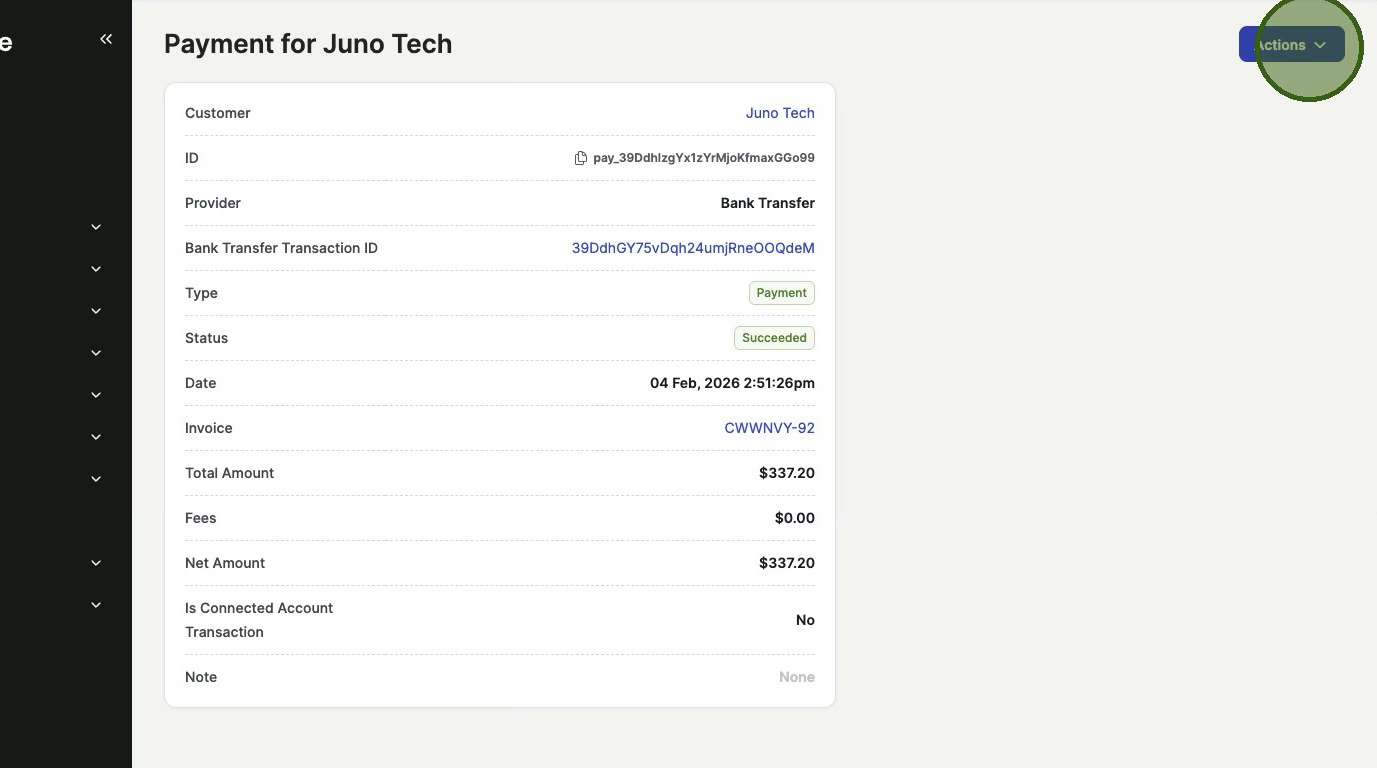
1. Go to the Payment > Click "Actions"
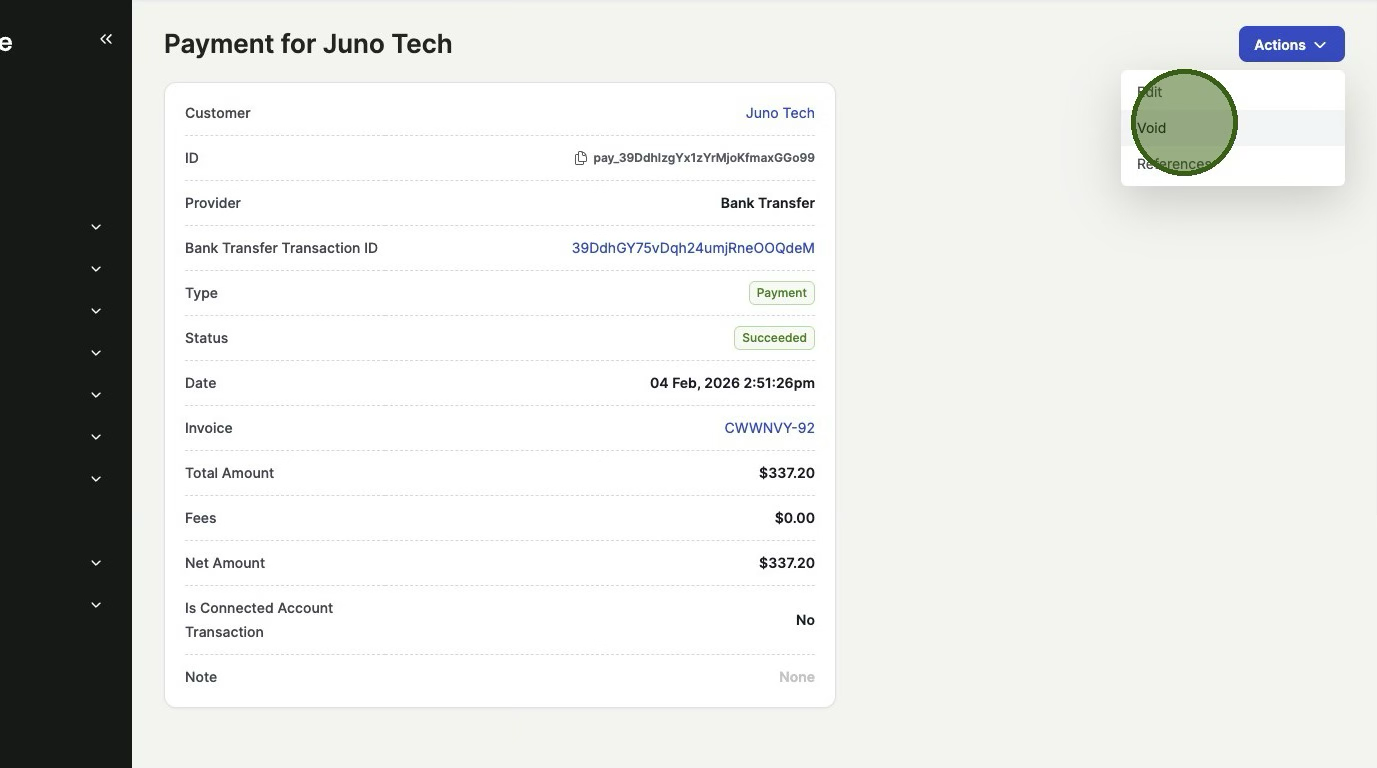
2. Click "Void"
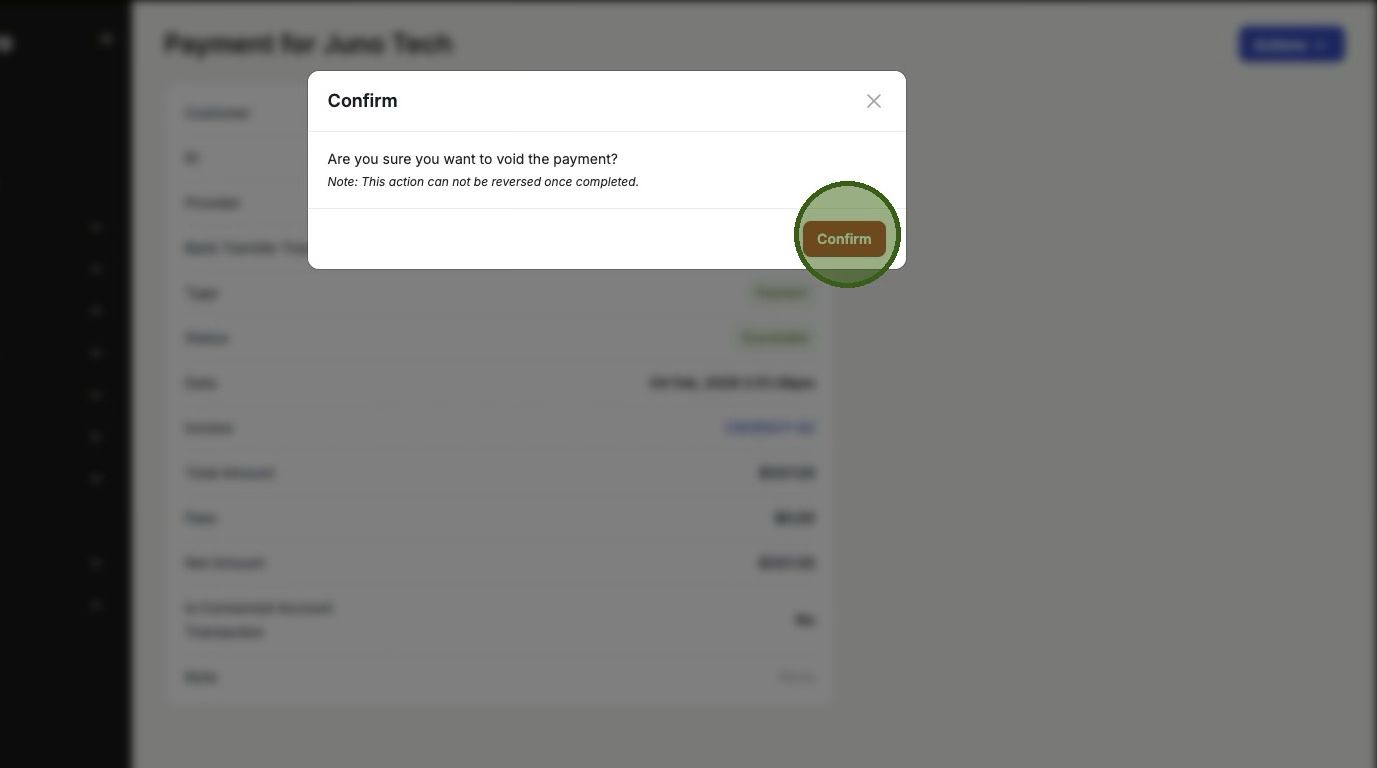
3. Click "Confirm"
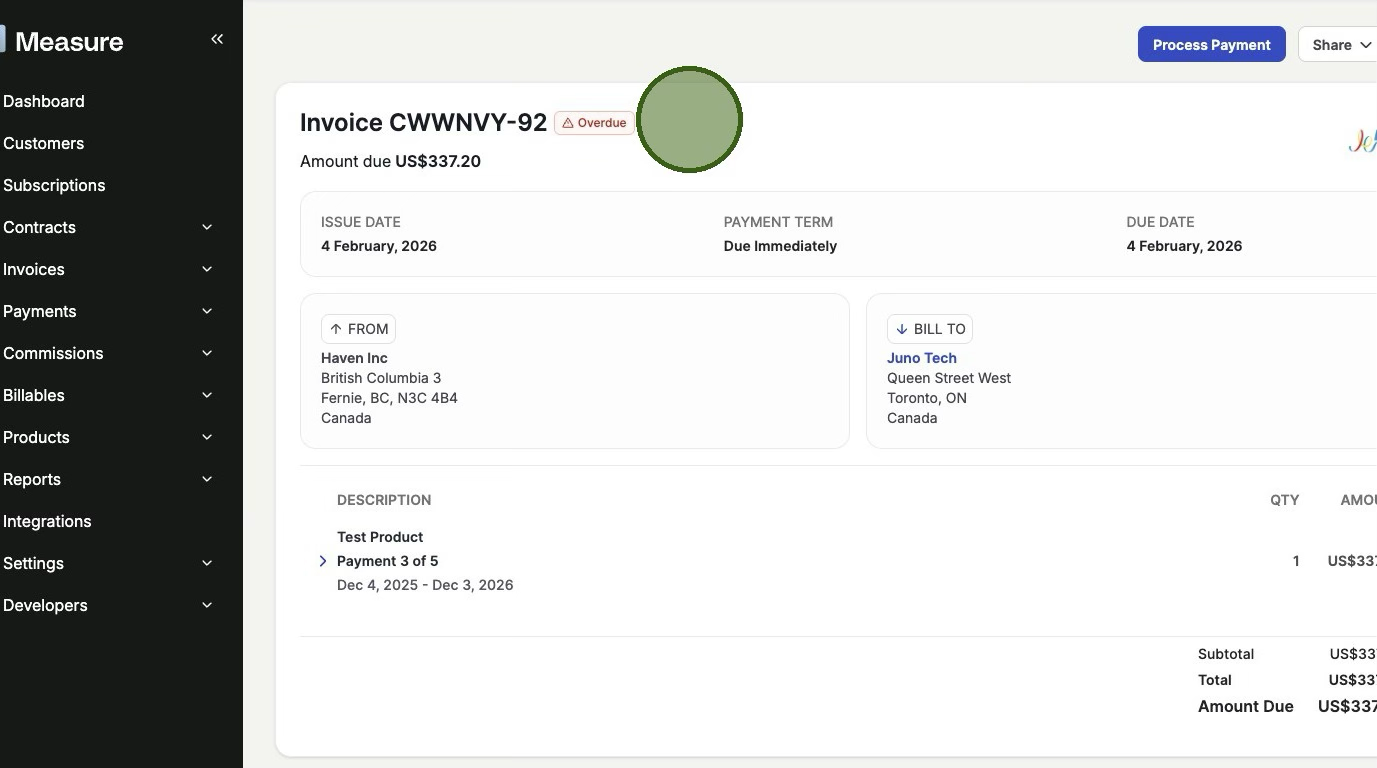
Note the Invoice will now be in either Pending or Overdue status.
Was this article helpful?
Sorry about that! Care to tell us more?