
How to Process an ACH Payment
Edited
Customers can pay invoices via US Bank Account (ACH) or Pre-Authorized Debit (CAD). When processing your first ACH or PAD payment, you must verify your bank account information by providing a code from a microtransaction in your account.
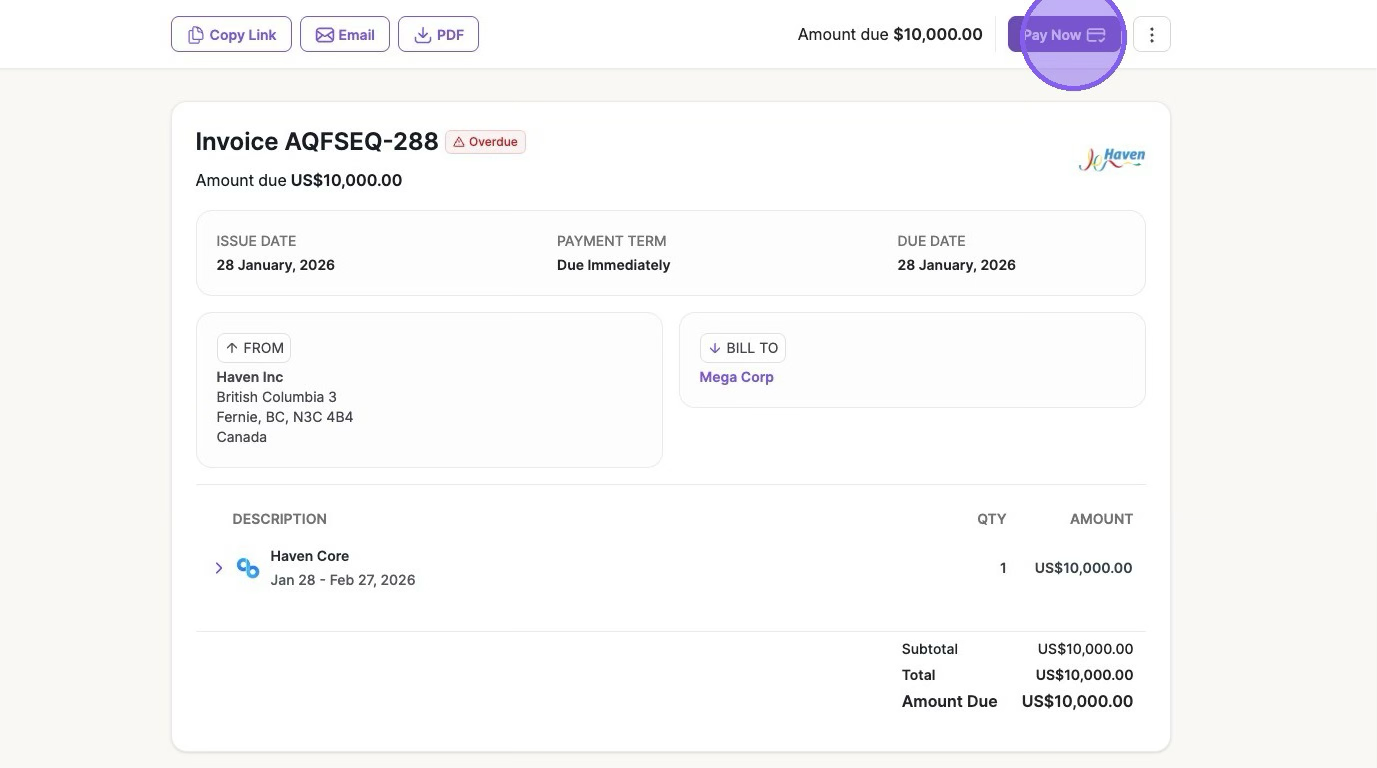
1. Navigate to the Invoice > Click "Pay Now"
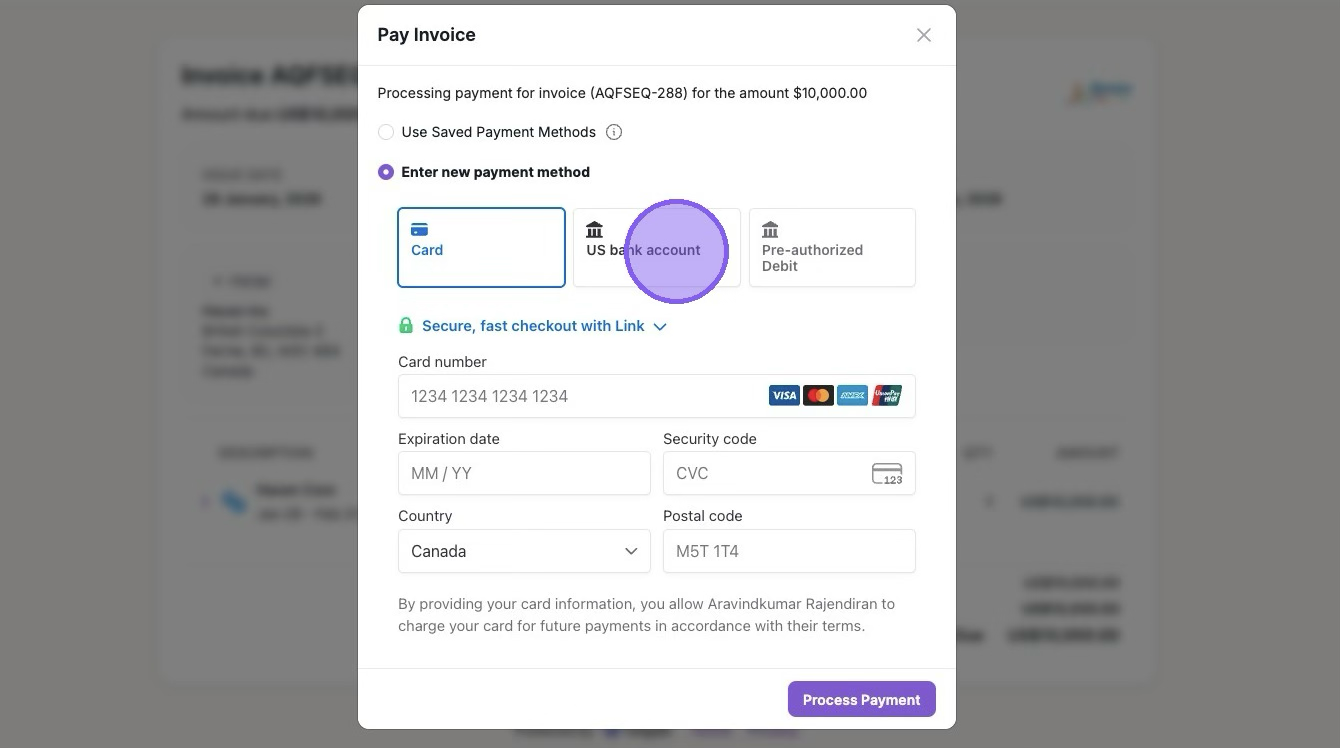
2. Click "US bank account"
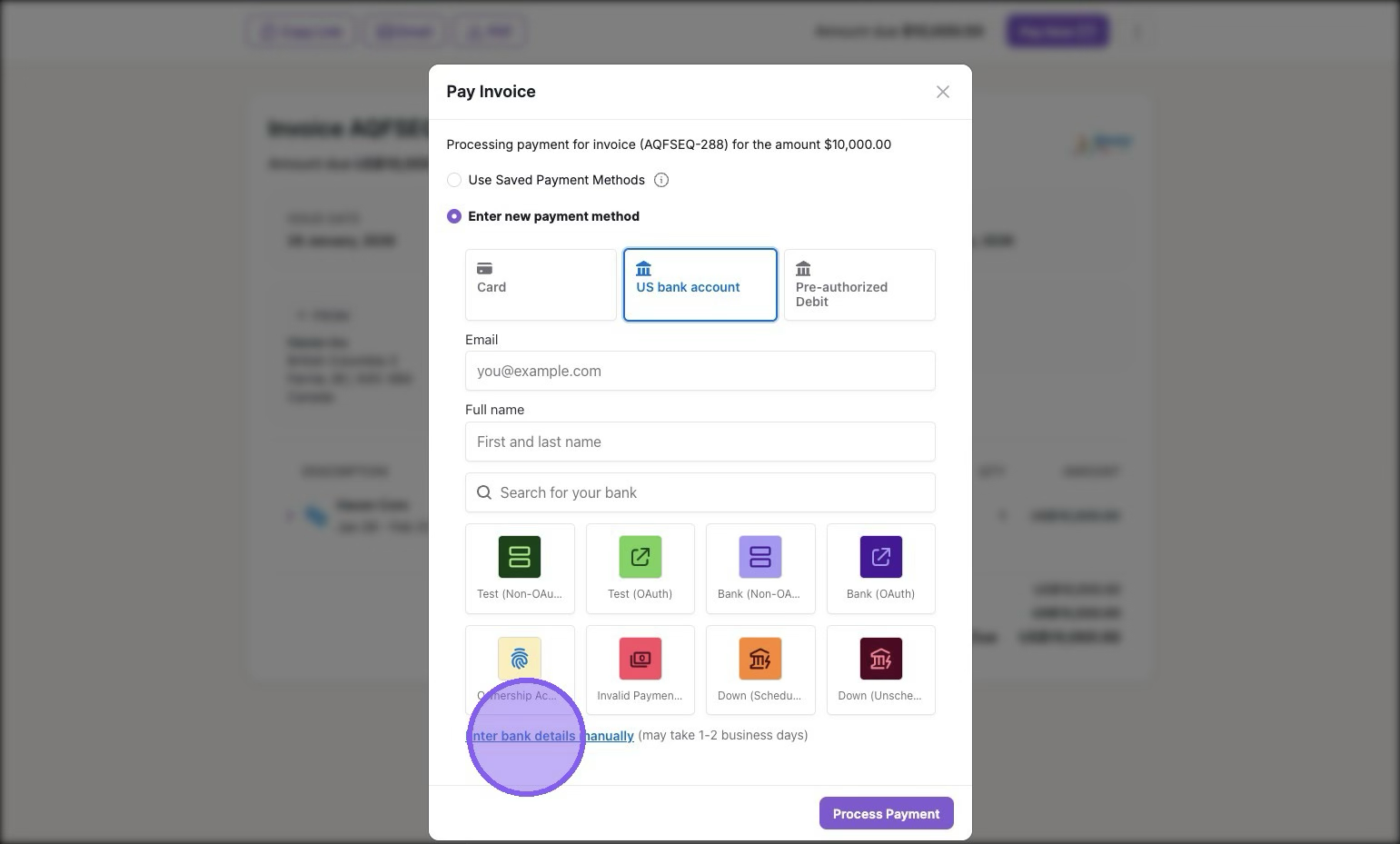
3. Click "Enter bank details manually" or select your desired bank account
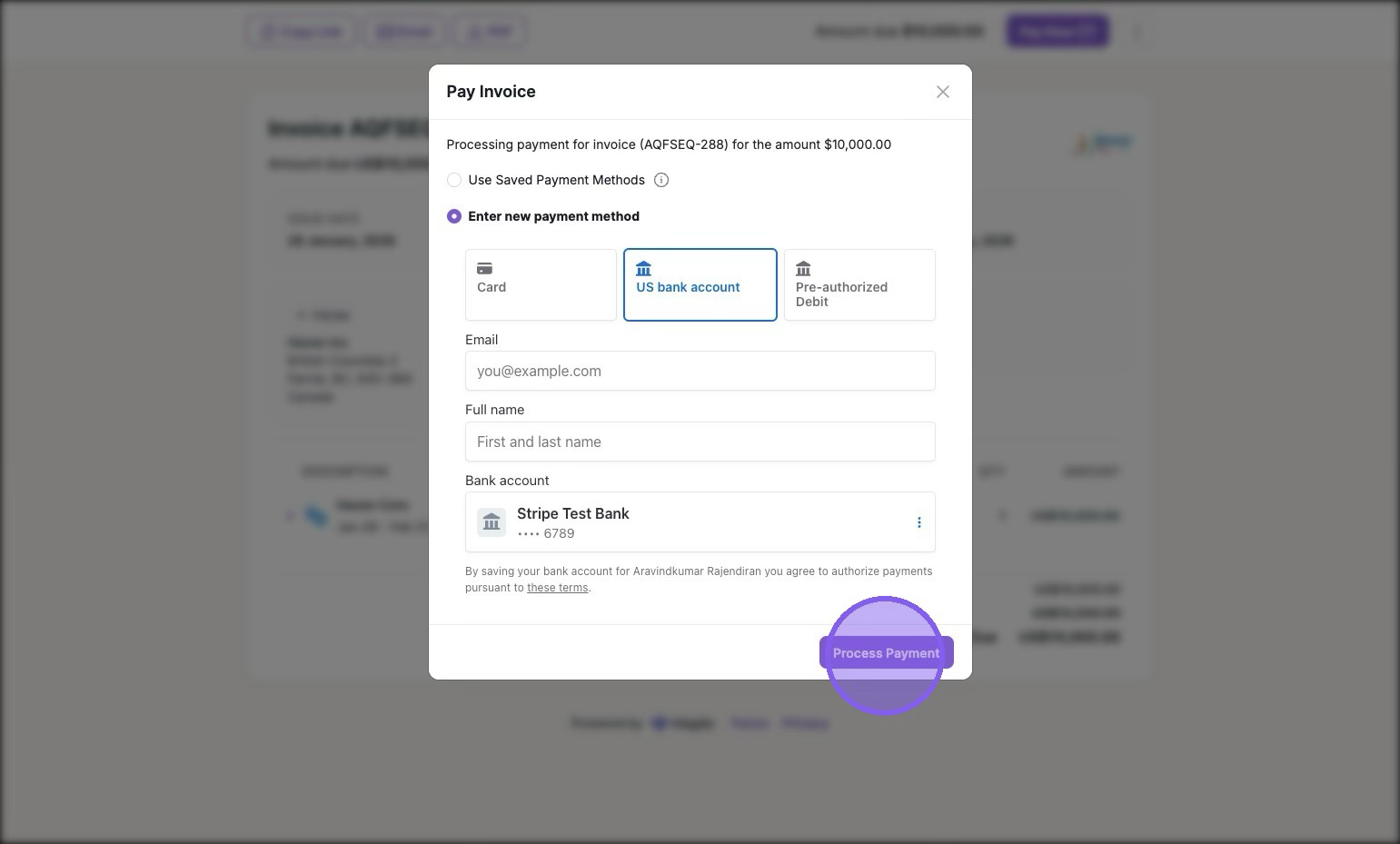
4. After filling out your bank information, you will see it below. Provide your email and full name to verify the bank account > Click "Process Payment"
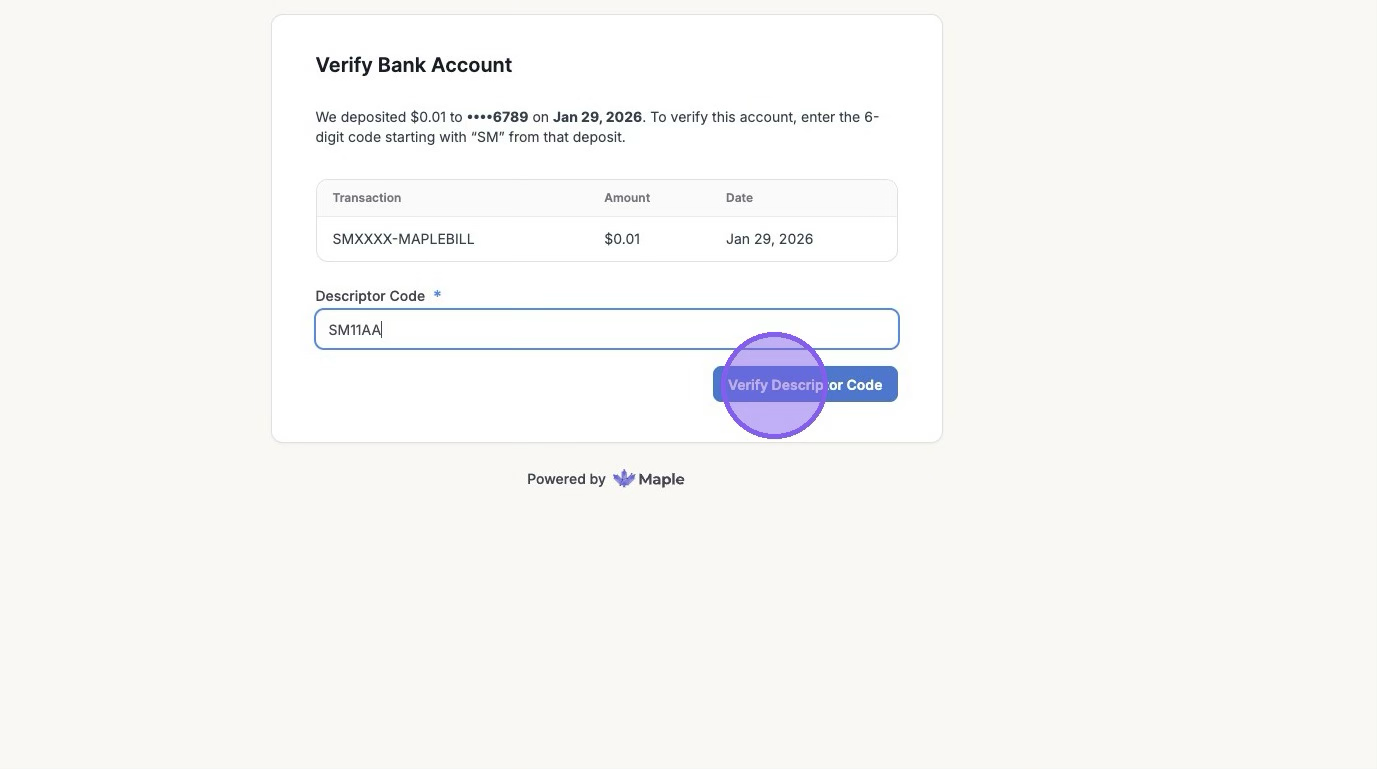
5. You will receive an email with the verification link immediately after processing your payment, as micro deposits will be put in your bank in 1-2 business days > Click the verification link in your email > Enter the Descriptor Code > Click "Verify Descriptor Code"
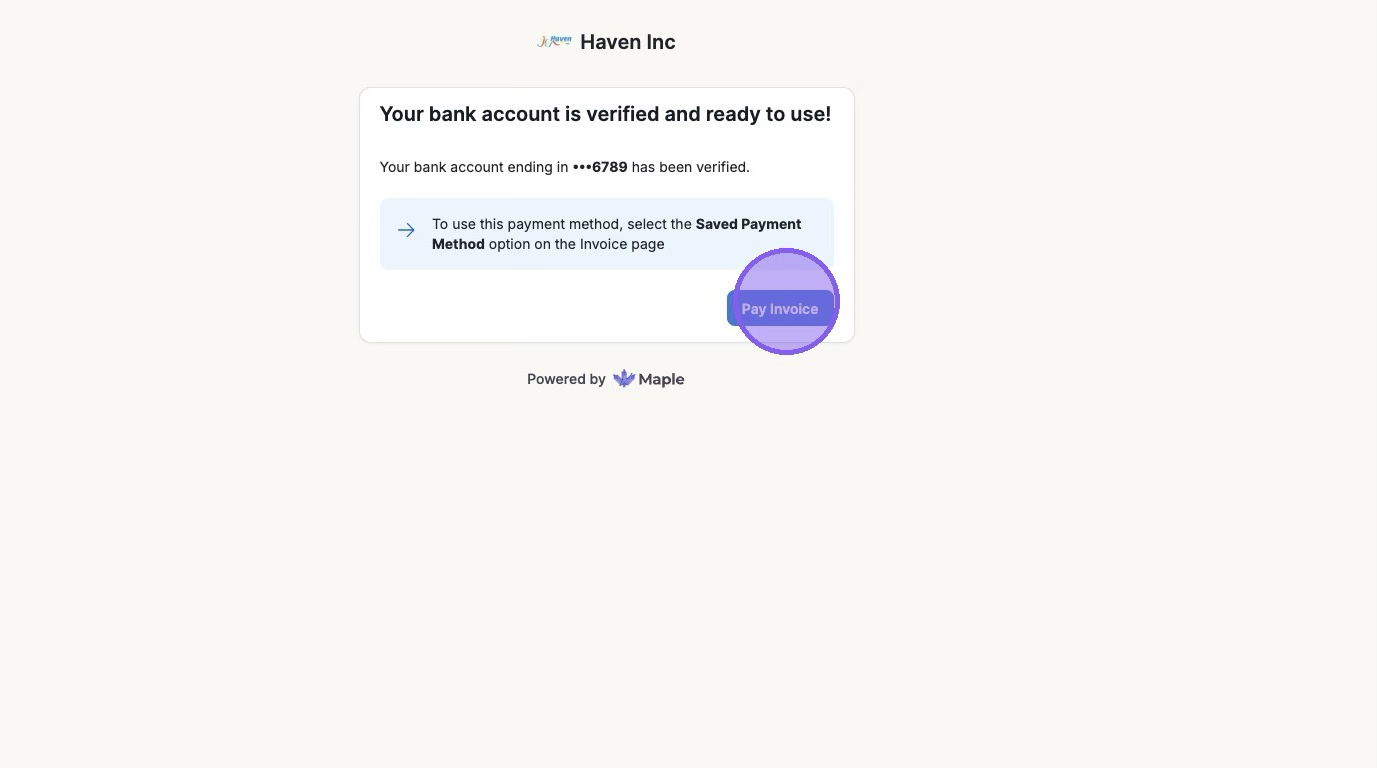
6. Now your Bank account is verified and ready to use! > Click "Pay Invoice"
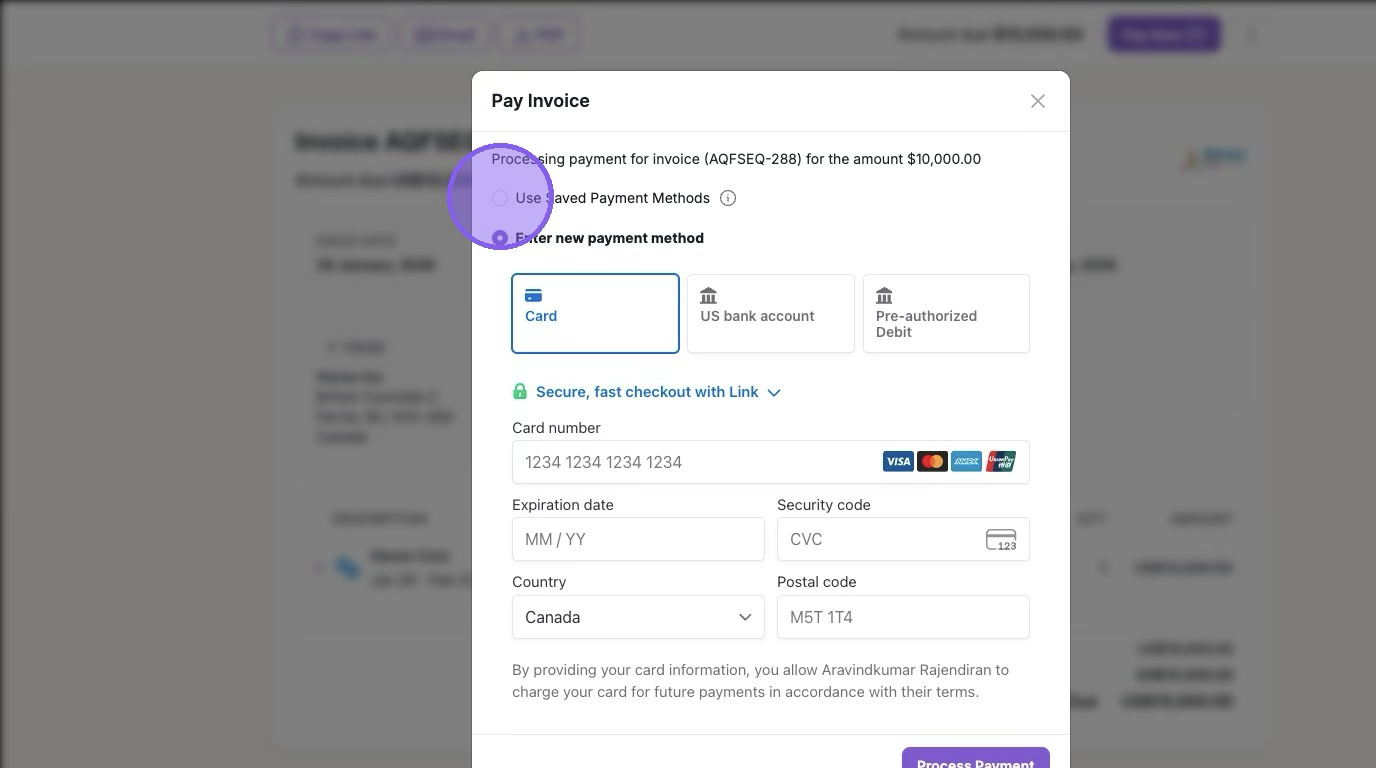
7. Click "Pay Now" > Click the "Use Saved Payment Methods" radio button
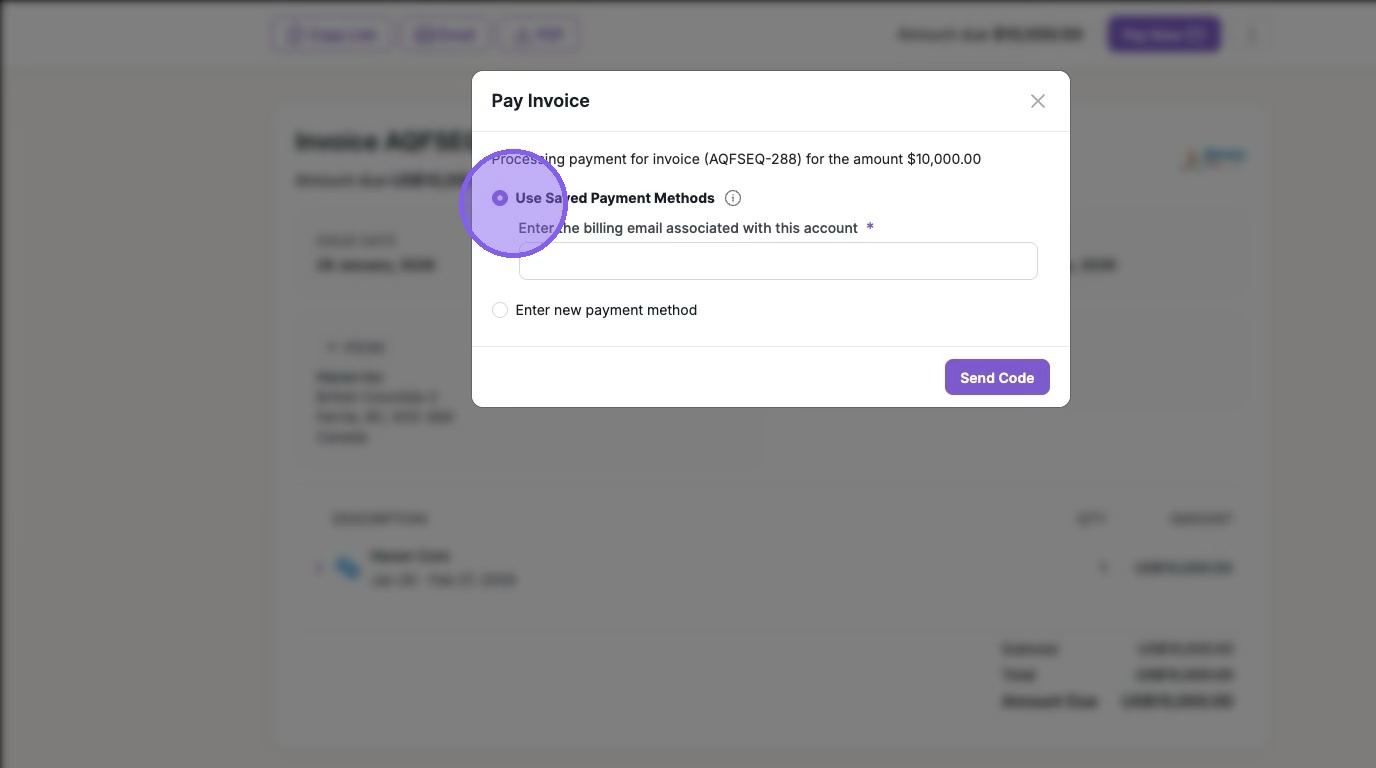
8. Fill in your Email > Send Code
9. Input the code sent to your email > Verify
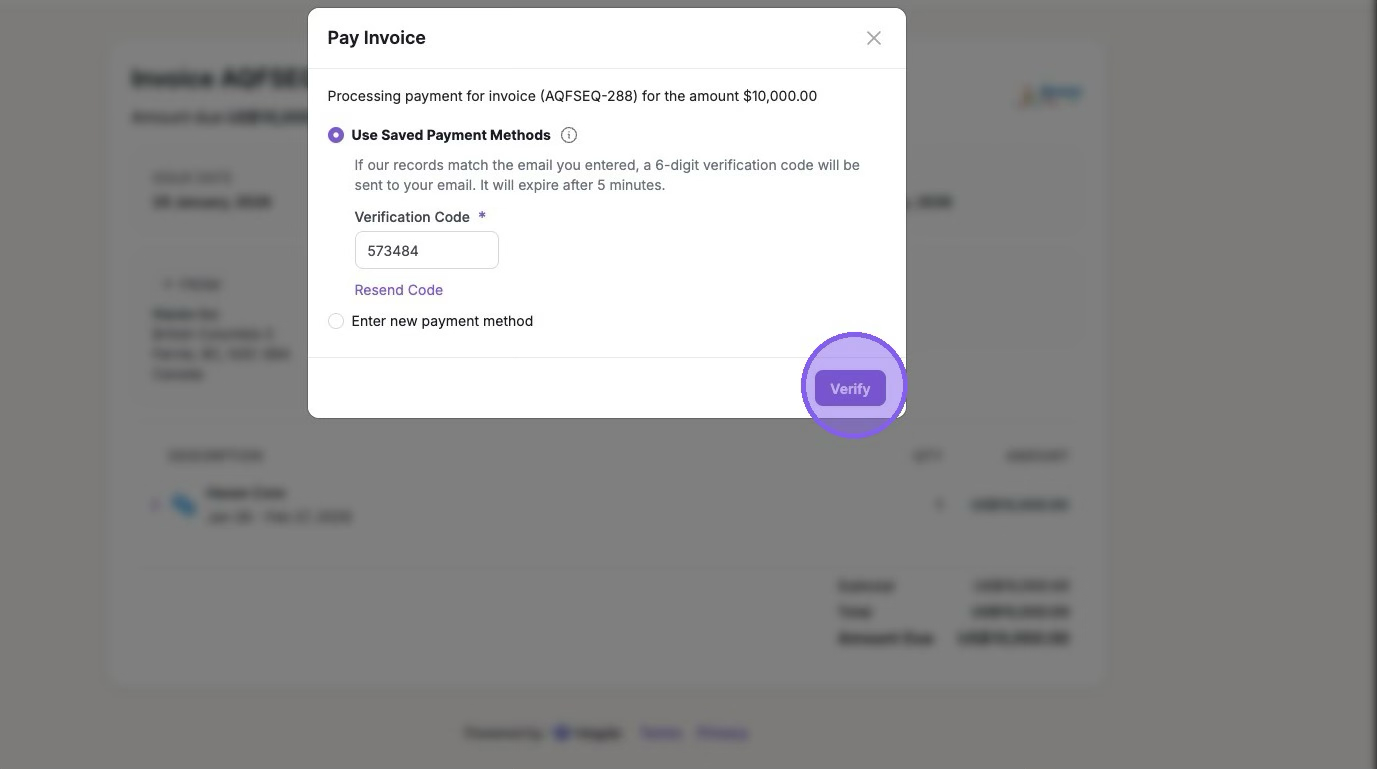
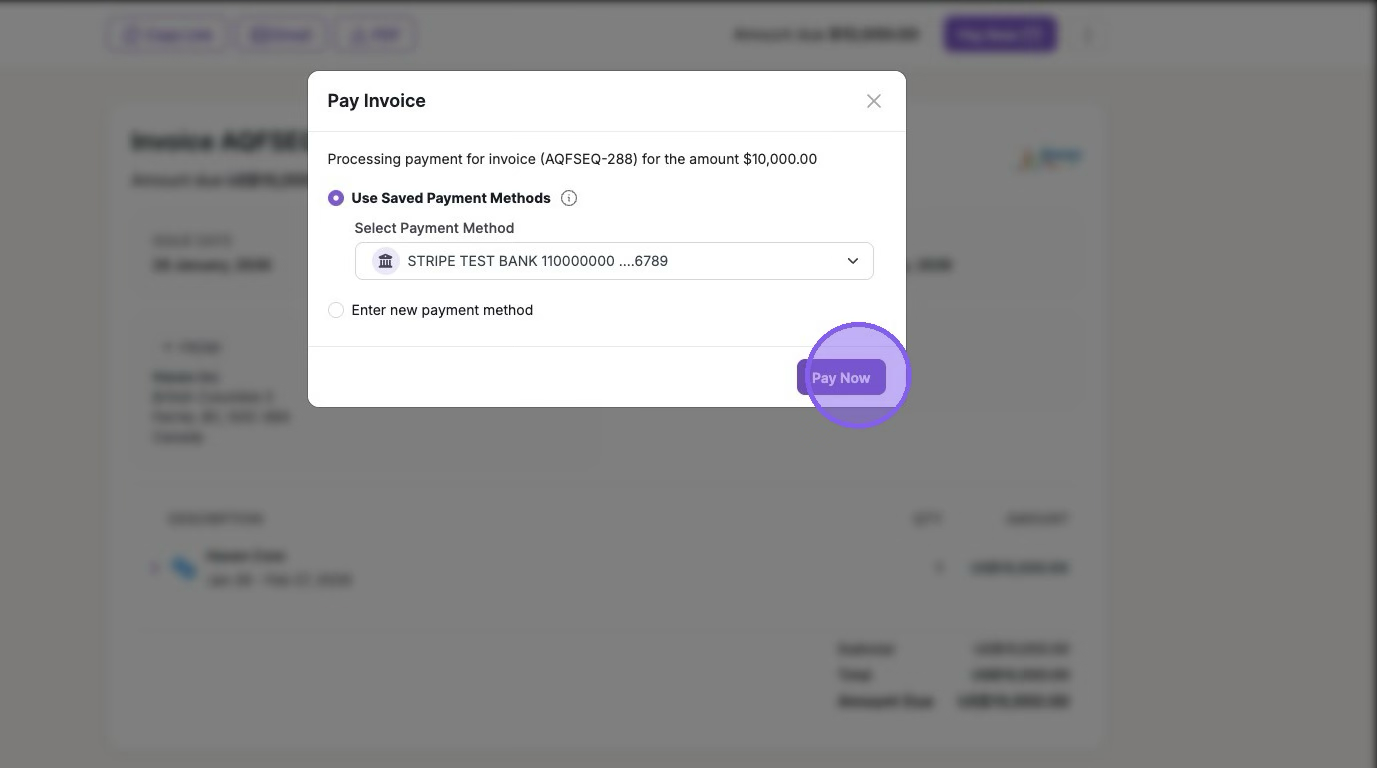
10. Click "Pay Now"
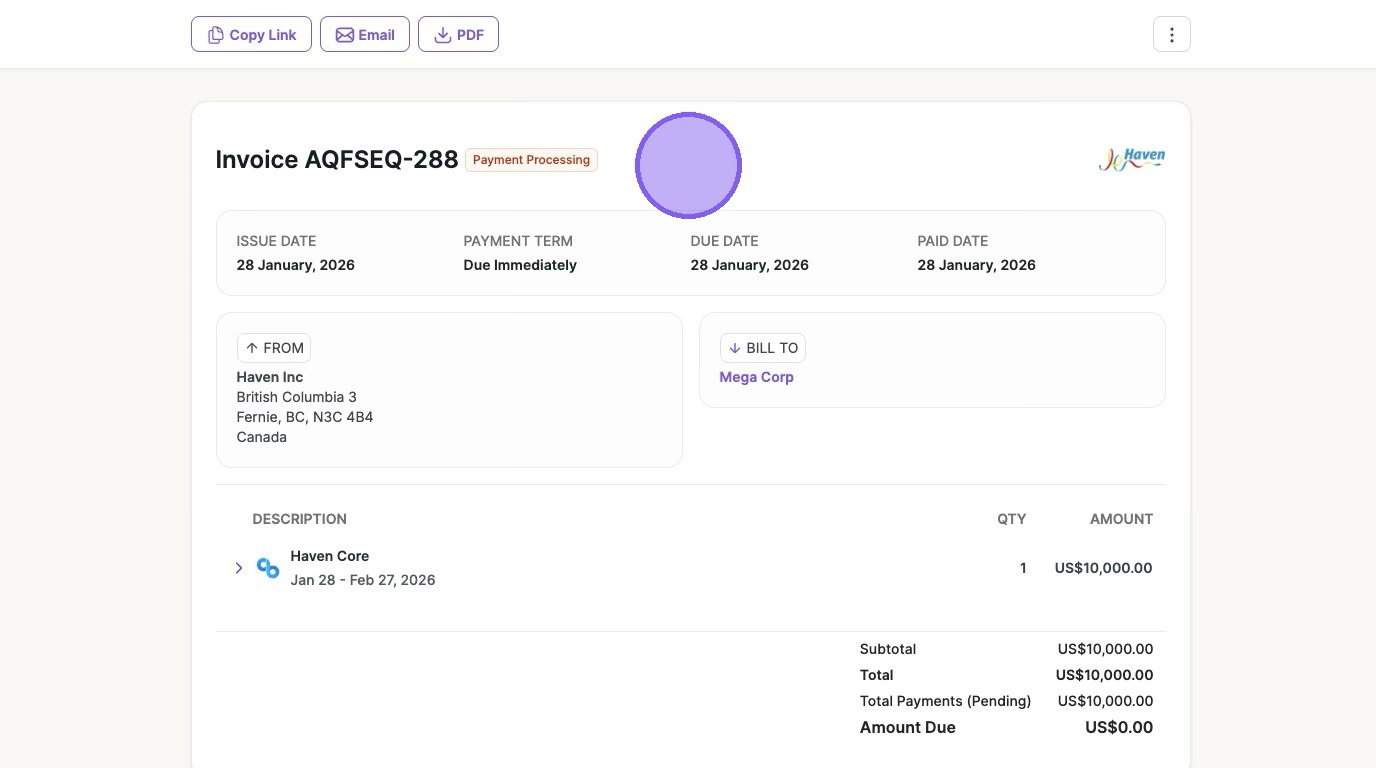
Your Invoice payment is now being processed. It will take 2-5 business days.
Was this article helpful?
Sorry about that! Care to tell us more?